

Vertical Mouse And The Ulnar Nerve: Relief, Limits, And Better Options
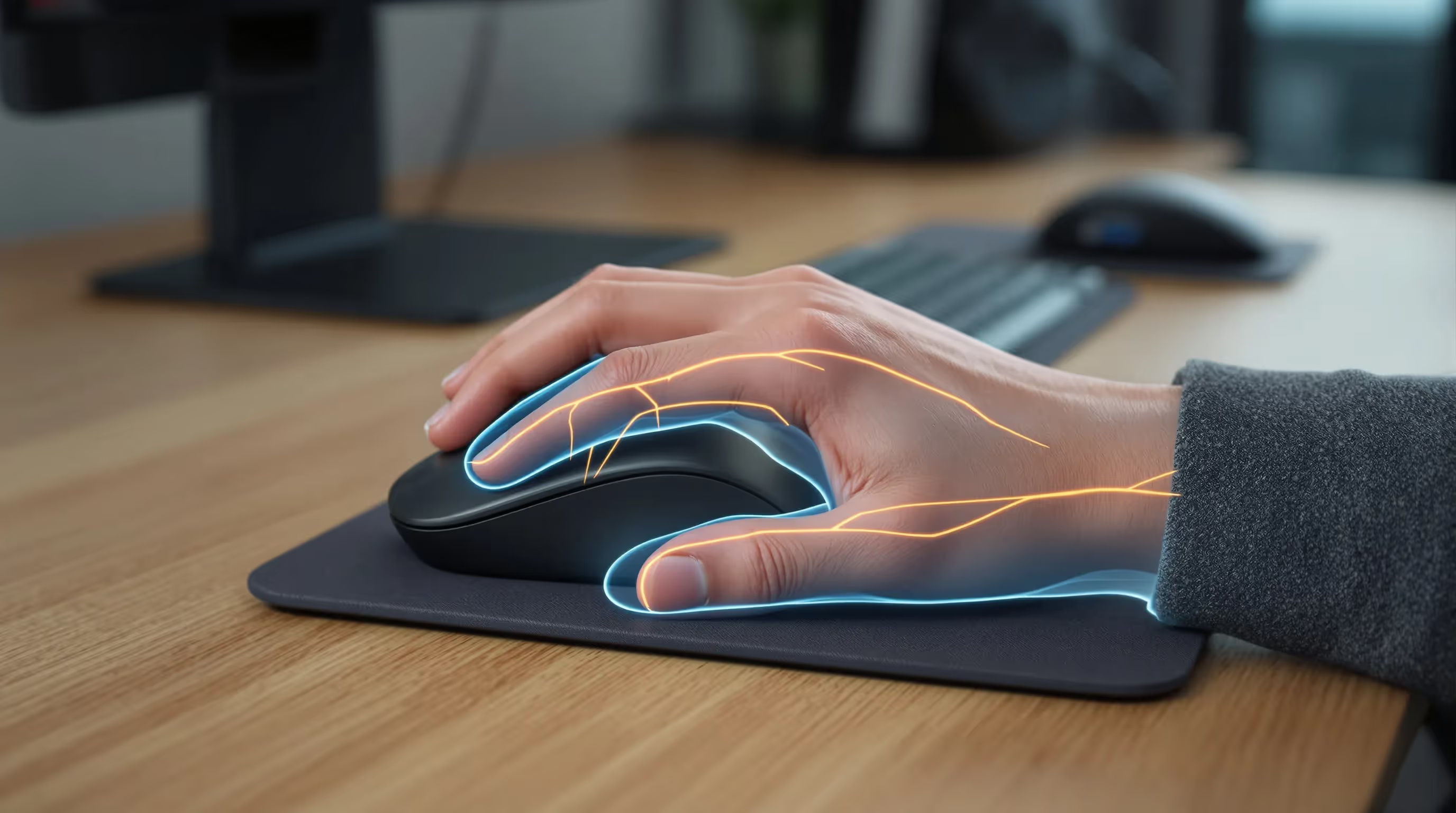
Your cursor skips: your ring and little fingers buzz. You shake your hand, flex your elbow, and wonder if a vertical mouse ulnar nerve fix is the missing piece, or just another accessory. You need relief that lasts, not another box on your desk. Let's make sense of what's happening in your arm and how smarter setup plus the right device can help you work in comfort.
Understanding Ulnar Nerve Irritation From Computer Work

The fastest way to protect comfort and control is to understand the path of irritation, because vertical mouse ulnar nerve strategies only work when you target the right stressors.
Anatomy 101: Ulnar Nerve, Cubital Tunnel, Guyon's Canal
The ulnar nerve runs from your neck, behind the inner elbow (cubital tunnel), down the ulnar forearm, and into the hand through Guyon's canal at the heel of the palm. Compression or stretch anywhere along this route can spark numbness in the ring and little fingers, aching at the inner elbow, or weak pinch and coordination. Computer habits that add elbow bend, ulnar wrist bend, and hard palm pressure raise risk over time. If your symptoms center on the elbow, this breakdown of cubital tunnel syndrome exercises can help clarify what’s safe.

Common Symptoms And Red Flags
Typical signs include tingling or burning in the ring and little fingers, aching along the inner forearm, and clumsiness with fine tasks. Red flags that warrant prompt care: persistent numbness (especially at night), dropping objects, visible muscle wasting in the hand, or symptoms beyond the ulnar pattern. If you're hitting these flags, don't wait, see a clinician before testing devices.
How Standard And Vertical Mice Change Wrist And Forearm Load
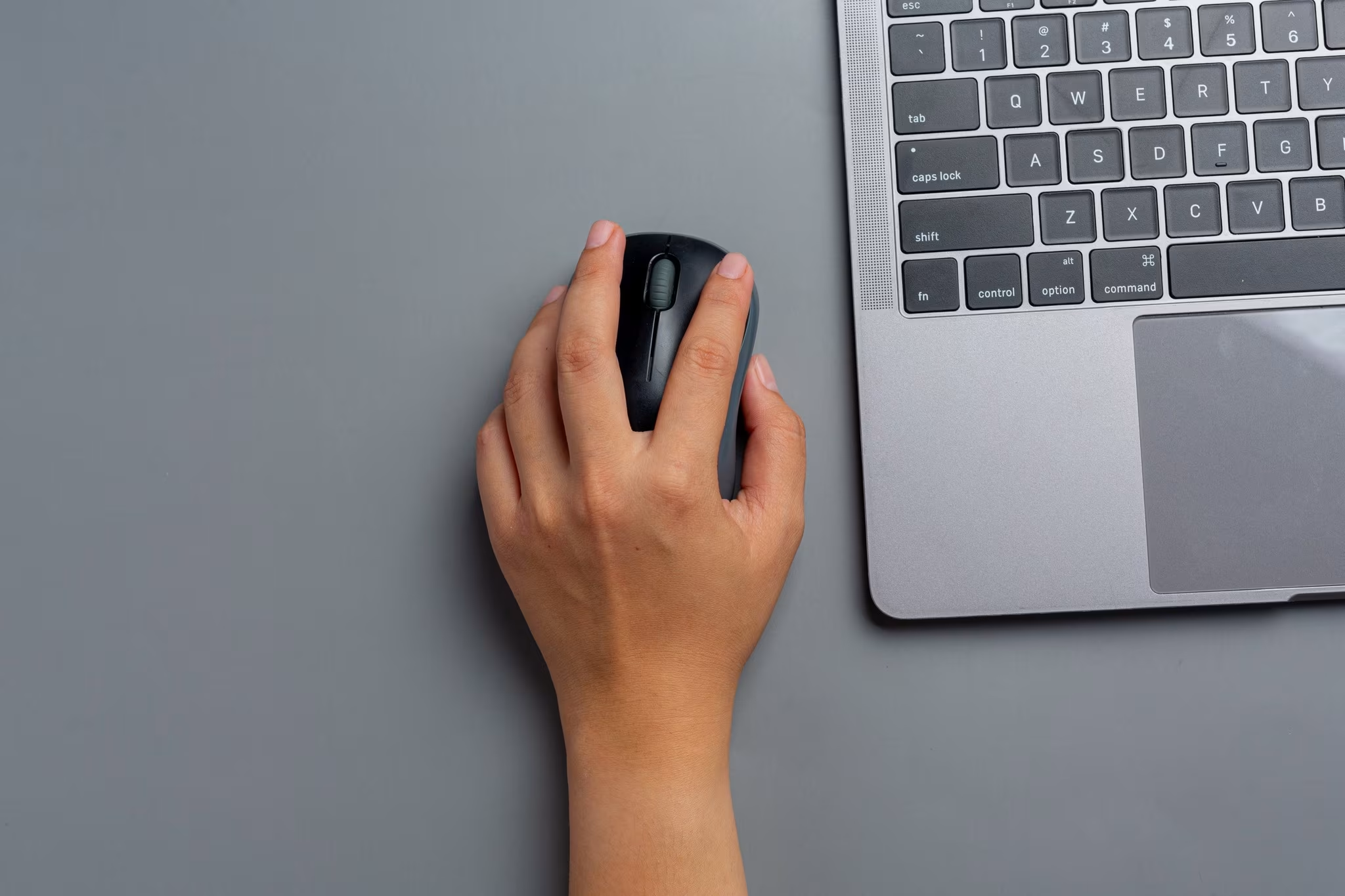
Device shape changes load paths. That's why any vertical mouse ulnar nerve plan has to look at wrist angles, contact pressure, and reach, not just the handshake posture. A deeper dive into how pointing devices affect strain is covered in this article on ergonomic mouse setup.
Pronation, Ulnar Deviation, And Grip Force
A flat mouse often means forearm pronation (palm down), some wrist extension, and ulnar deviation. That combo increases tension on the ulnar side. Vertical designs rotate the hand toward a handshake, lowering pronation and usually reducing ulnar deviation. But they can raise wrist extension if the device is too tall or far away. High grip and click force is the silent amplifier, more squeeze equals more muscle load and stiffer, less forgiving joints. A 2015 review in Applied Ergonomics reported that alternative mice can reduce pronation and some muscle activity, but effects vary by design and setup ("Alternative computer mouse designs and upper-limb posture," Applied Ergonomics, 2015).
Contact Pressure At The Ulnar Palm
The ulnar nerve enters the wrist through Guyon's canal near the heel of your palm. Hard contact here, especially with wrist extension and ulnar deviation, can aggravate symptoms. A vertical mouse can help by shifting pressure toward the broader thenar/central palm. Or it can backfire if it concentrates load along a narrow ulnar edge. Fit, angle, and how you rest your hand determine which outcome you get.
Will A Vertical Mouse Help The Ulnar Nerve?

A vertical mouse can help the ulnar nerve when it reduces deviation and contact pressure while keeping your wrist near neutral. Treat it as a guided experiment, not a cure-all. If you’re deciding between designs, this comparison of the best mouse for ulnar nerve pain may help narrow options.
Where It Can Reduce Strain
You'll likely benefit if your current posture shows obvious ulnar deviation and pronation and your symptoms live at the ulnar wrist or hypothenar area. A moderate-angle device that supports a loose, whole-hand cradle can cut deviation and lower click force. Many users also keep the elbow closer to the body, easing shoulder load. Some lab work shows decreased pronation with vertical mice, which can reduce certain forearm muscle demands ("Influence of computer mouse design on hand and forearm posture," Human Factors, 2008).
Where It Can Backfire
It can worsen things if it's too big, too vertical, or placed too far away, leading to more wrist extension, shoulder reach, or leaning onto the ulnar edge. If you still grip hard and click often, you'll carry the same load into a different shape. That's the most common vertical mouse ulnar nerve mistake.
Who Is A Good Candidate
Good candidates: mild to moderate ulnar-sided wrist or hand discomfort linked to mousing, visible ulnar deviation on the current device, and willingness to adjust grip and settings. Get clinical input first if you have weakness, atrophy, combined nerve symptoms, or neck/shoulder pathology. As the National Institute of Neurological Disorders and Stroke notes, nerve symptoms that persist or progress require evaluation ("Peripheral Neuropathy Fact Sheet," NINDS, 2020).
Setup Tips: Dialing In A Vertical Mouse For Ulnar-Friendly Use

You'll get the most from a vertical mouse ulnar nerve strategy by pairing fit with habits: neutral wrist, light touch, close reach, and smarter clicks.
Size, Angle, And Grip
- Pick the right size so fingers land naturally on the buttons without stretching. If you're reaching, you'll extend the wrist.
- Choose a moderate angle, often 45–70 degrees, if a fully vertical shell makes you extend or feel unstable.
- Use a relaxed cradle grip. Let the mouse rest in your hand: avoid pinch or claw postures. Keep the forearm straight when viewed from the side.
Consider a configurable design like the Contour UniMouse, which lets you dial the tilt and thumb support to match your hand and keep pressure off the ulnar edge.
Cursor Settings And Shortcuts
- Raise pointer speed so small movements cover big distances: fine-tune acceleration to your workflow.
- Increase double-click speed if comfortable: enable single-click or tap-to-select where possible.
- Move frequent actions to keyboard shortcuts or macros to cut total clicks. The compact Balance Keyboard keeps shortcuts close, reducing reach.
Desk, Armrest, And Keyboard Position
- Keep the mouse at the same height as the keyboard and close to the body. Elbow at roughly 90–110 degrees: shoulder relaxed.
- Pad sharp desk edges: avoid resting on the inner elbow or the ulnar heel of the palm.
- Keep the keyboard close and low with minimal wrist extension. If side bend is a problem, a compact board helps align the mouse centrally.
Ulnar-Sparing Alternatives To Test

If a vertical mouse ulnar nerve trial doesn't feel right, you have strong alternatives that often reduce strain more, because they address reach and click force head-on.
Centered Pointing Devices (No Reach, Neutral Shoulders)
Bringing control to the keyboard's front keeps both shoulders neutral, no side reach, no ulnar lean. The RollerMouse collection sits in front of your keyboard so you drive the cursor with your thumbs and fingertips, left or right. Less movement, less strain, more all-day comfort. Many users with ulnar symptoms find that eliminating side reach is the biggest win.
Low-Force Touchpads And Rollerbar Inputs
Light taps and minimal travel reduce grip and click force, which in turn lowers forearm muscle load. Contour's RollerMouse Red and Contour Touch use a touch-sensitive bar with gentle activation, helping you avoid hard palm pressure over Guyon's canal. Place the unit against the keyboard for seamless transitions between typing and pointing.
Trackballs And Light Mice With Palm Support
Trackballs localize motion to fingers or thumb, cutting big shoulder and elbow moves. A very light mouse with a broad palm shelf can also work if it cushions the ulnar edge and keeps the wrist near neutral. Test for at least a week: adjust speed and grip until movements feel fluid, not forced.
Daily Habits That Protect The Ulnar Nerve
Devices matter, but habits decide outcomes. The most effective vertical mouse ulnar nerve plans pair smart hardware with tiny, repeatable behaviors. Pairing setup changes with simple routines like these ulnar nerve entrapment stretches can reinforce relief.
Micro-Breaks, Nerve Glides, And Stretching
Take 20–60 second micro-breaks every 20–30 minutes. Open and close your hand, rotate the forearm gently, and rest the arm by your side. Ask a clinician about gentle ulnar and median nerve glides, done slowly, within comfort. Light forearm and shoulder stretches help, but skip aggressive end-range elbow flexion or forced wrist extension.
Sleep And Phone Habits That Matter
Nighttime matters. Avoid sleeping with elbows tightly bent or hands tucked. A small pillow can keep the elbow more open. During the day, don't rest the inner elbow on hard armrests or car windows: hold your phone with a neutral wrist, swapping hands to limit long sessions in ulnar deviation.
When To Seek Medical Care
Get evaluated if symptoms persist beyond a couple of weeks even though changes, or if numbness, weakness, or dropping objects occur. A clinician can localize the problem, neck, cubital tunnel, or Guyon's canal, and guide targeted steps like splints or therapy. For an accessible overview, see "Ulnar Neuropathy at the Elbow," British Society for Surgery of the Hand, 2022.
Conclusion
Here's the bottom line: a vertical mouse can help the ulnar nerve when it trims ulnar deviation, lowers forearm pronation, and takes pressure off the ulnar heel, without adding wrist extension or reach. If it doesn't, pivot.
Contour Devices® builds tools that make that pivot easy. Use UniMouse to fine-tune angle and grip. Bring pointing to center with RollerMouse or SliderMouse Pro to erase side reach and share input between hands. Pair any device with the Balance Keyboard to keep shortcuts close and wrists neutral. Say goodbye to feeling sick, strained, and sore. Choose devices shaped for comfort, with clean lines and long lifespans, better for you, better for the planet.
Make one change today: reduce reach, lighten your click, and check your wrist angle. Then build from there. Contour Devices. Work miracles.
Key Takeaways
- Ulnar nerve irritation in computer users often stems from prolonged elbow flexion, ulnar wrist bend, and hard pressure on the ulnar palm, causing numbness in the ring and little fingers.
- A vertical mouse ulnar nerve approach can help when it reduces ulnar deviation, forearm pronation, and ulnar-side contact pressure while keeping the wrist near neutral.
- Choose a moderate-angle vertical mouse (about 45–70°), size it so fingers land naturally, use a relaxed cradle grip, keep the mouse close, and raise pointer speed to cut force and reach.
- If a vertical mouse ulnar nerve trial fails, test centered pointing devices (e.g., RollerMouse or SliderMouse Pro), low-force inputs, trackballs, or very light mice with palm support to minimize reach and click load.
- Protect the ulnar nerve daily with 20–60 second micro-breaks, gentle nerve glides as advised by a clinician, and by avoiding hard elbow/palm pressure, tight elbow flexion at night, and long phone use in ulnar deviation.
- Seek medical care promptly for persistent numbness, weakness, dropping objects, or visible hand muscle wasting to localize the issue and guide treatment.
Frequently Asked Questions
What is ulnar nerve irritation from computer use, and can a vertical mouse help?
Ulnar nerve irritation often shows as tingling in the ring and little fingers, aching at the inner elbow, and clumsiness. A vertical mouse ulnar nerve strategy can help by reducing forearm pronation, ulnar deviation, and pressure on the ulnar palm—if it keeps the wrist neutral and minimizes hard contact.
How to set up a vertical mouse for ulnar nerve relief?
For a vertical mouse ulnar nerve setup, choose a moderate tilt (about 45–70 degrees), size it so fingers reach buttons without stretching, and maintain a relaxed cradle grip. Keep the mouse close, elbow near 90–110 degrees, raise pointer speed, reduce total clicks, and avoid resting on the ulnar heel.
Can a vertical mouse backfire for the ulnar nerve?
Yes. A device that’s too tall, too vertical, or placed far away can increase wrist extension, shoulder reach, and pressure along the ulnar edge. If you still grip hard and click frequently, strain persists. Reassess placement, tilt, and technique to prevent a vertical mouse ulnar nerve plan from backfiring.
What are good alternatives if a vertical mouse ulnar nerve trial doesn’t help?
Try centered pointing devices that sit in front of the keyboard to eliminate side reach, low-force touchpads or rollerbars to cut grip and click force, or trackballs and very light mice with broad palm support. Test for at least a week while tuning pointer speed, grip, and hand posture.
How do I tell ulnar nerve issues from carpal tunnel syndrome?
Ulnar nerve symptoms typically affect the ring and little fingers and may include inner elbow aching. Carpal tunnel usually involves the thumb, index, and middle fingers, often with nighttime numbness in those digits. Location of tingling and weakness patterns help differentiate; a clinician can confirm with exam and testing.
When should I see a clinician for ulnar nerve symptoms?
Seek care if numbness persists beyond a couple of weeks despite setup changes, if you’re dropping objects, notice hand weakness or muscle wasting, or symptoms spread beyond the ulnar pattern. Immediate evaluation helps localize issues at the neck, cubital tunnel, or wrist and guides splints, therapy, or further treatment.
