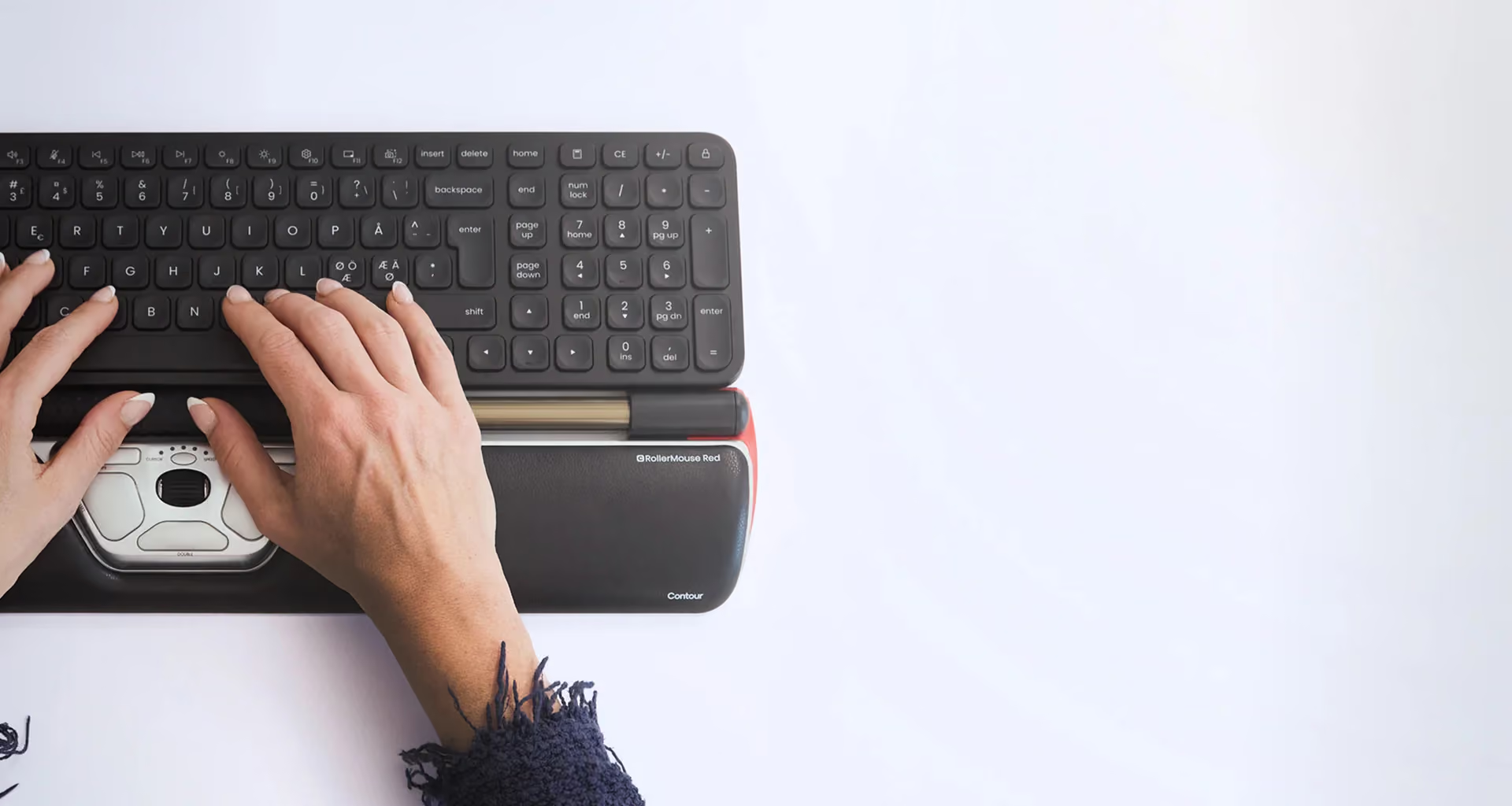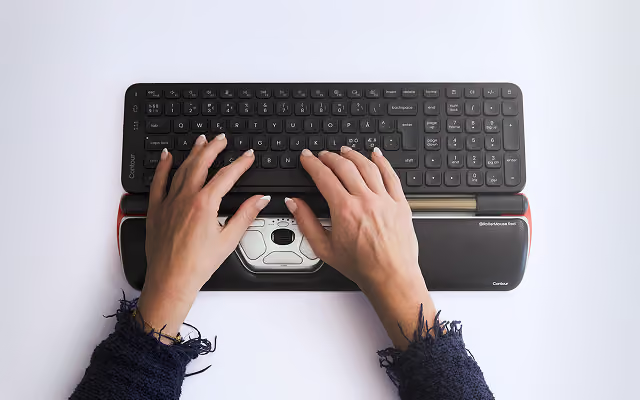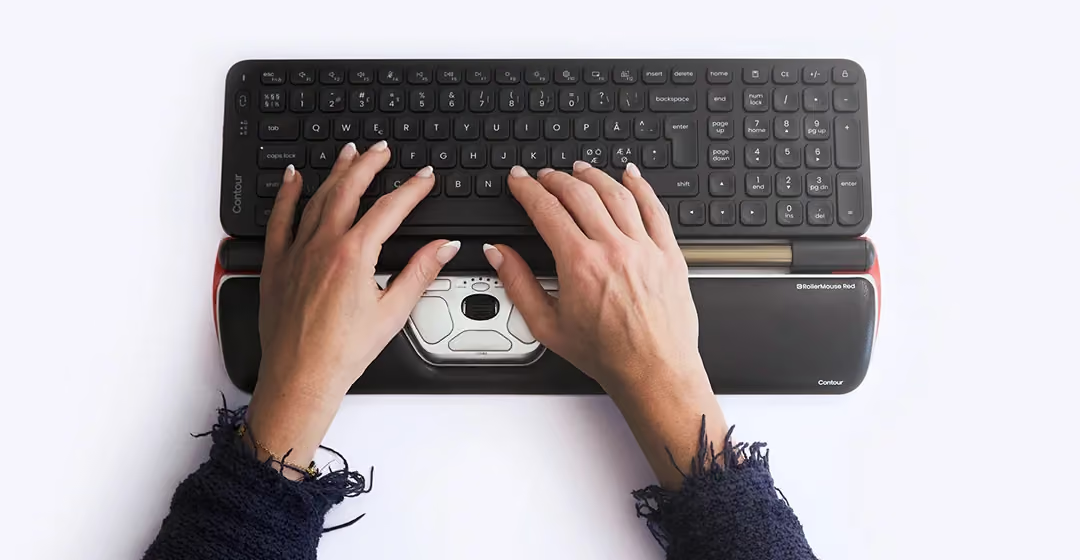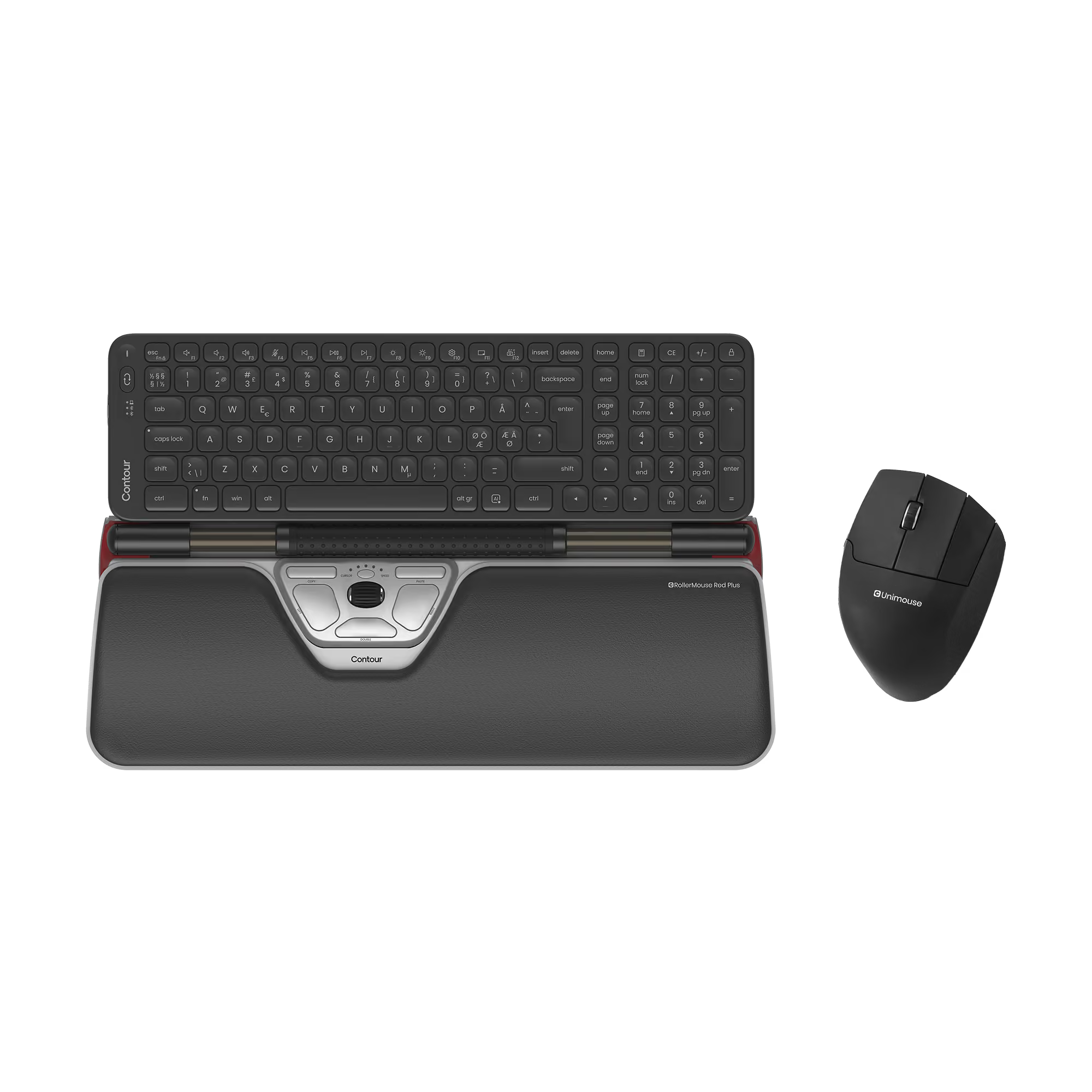
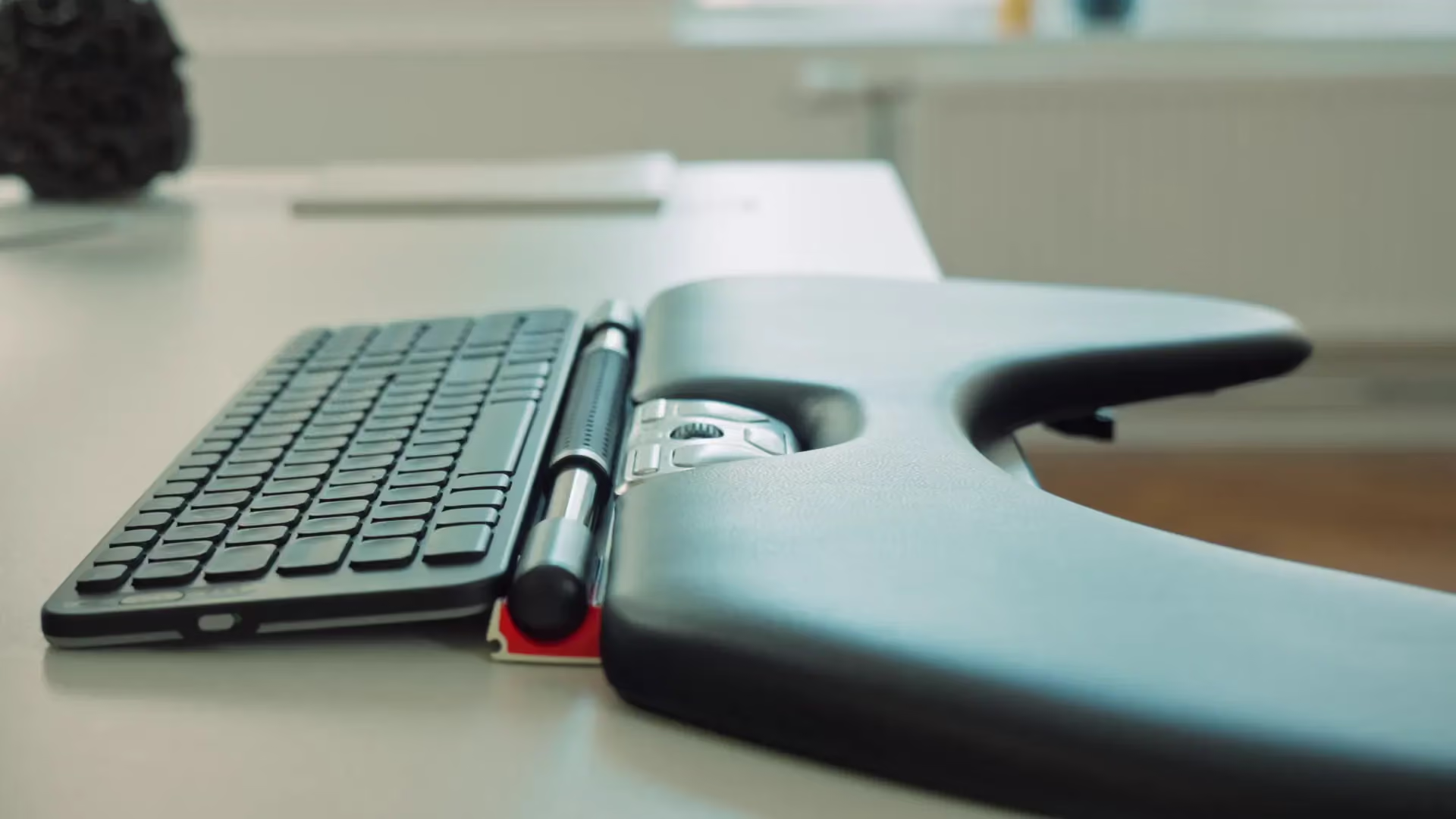
















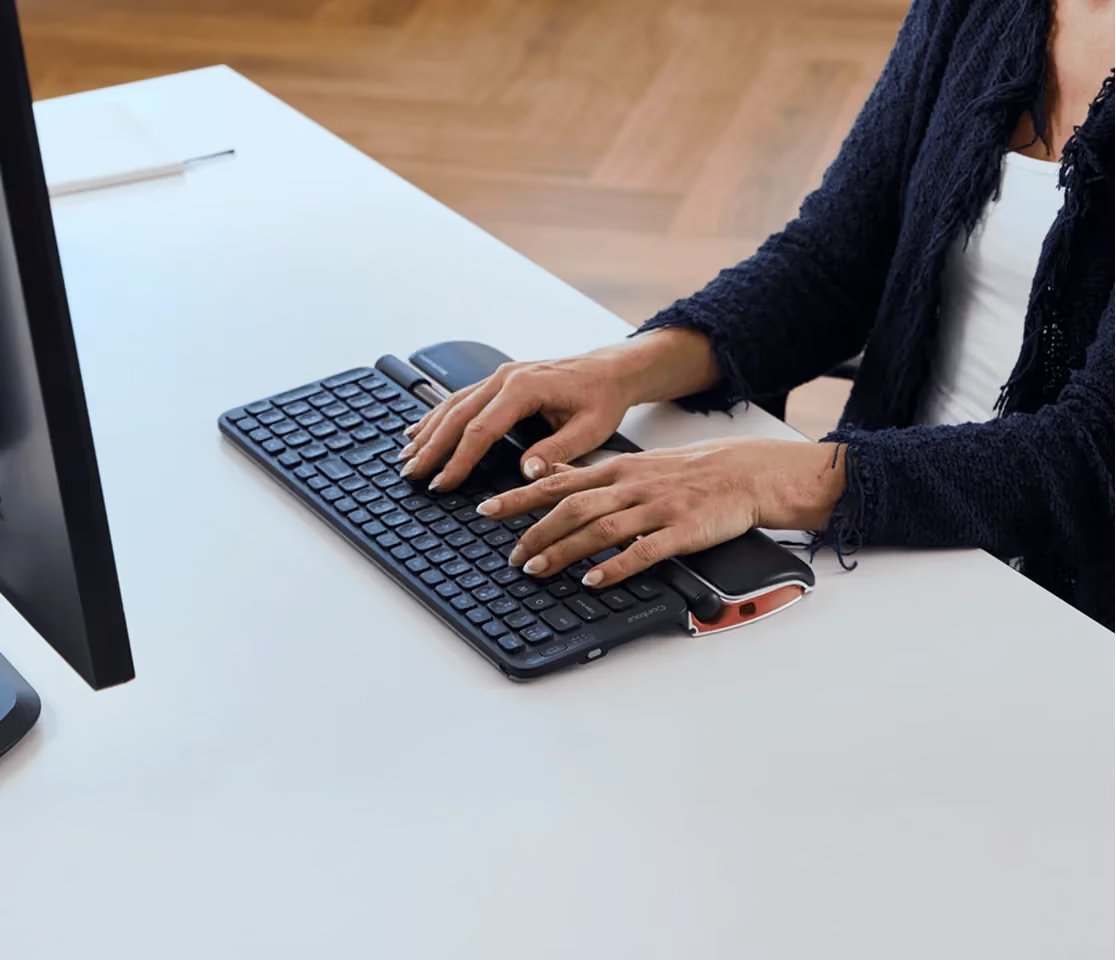
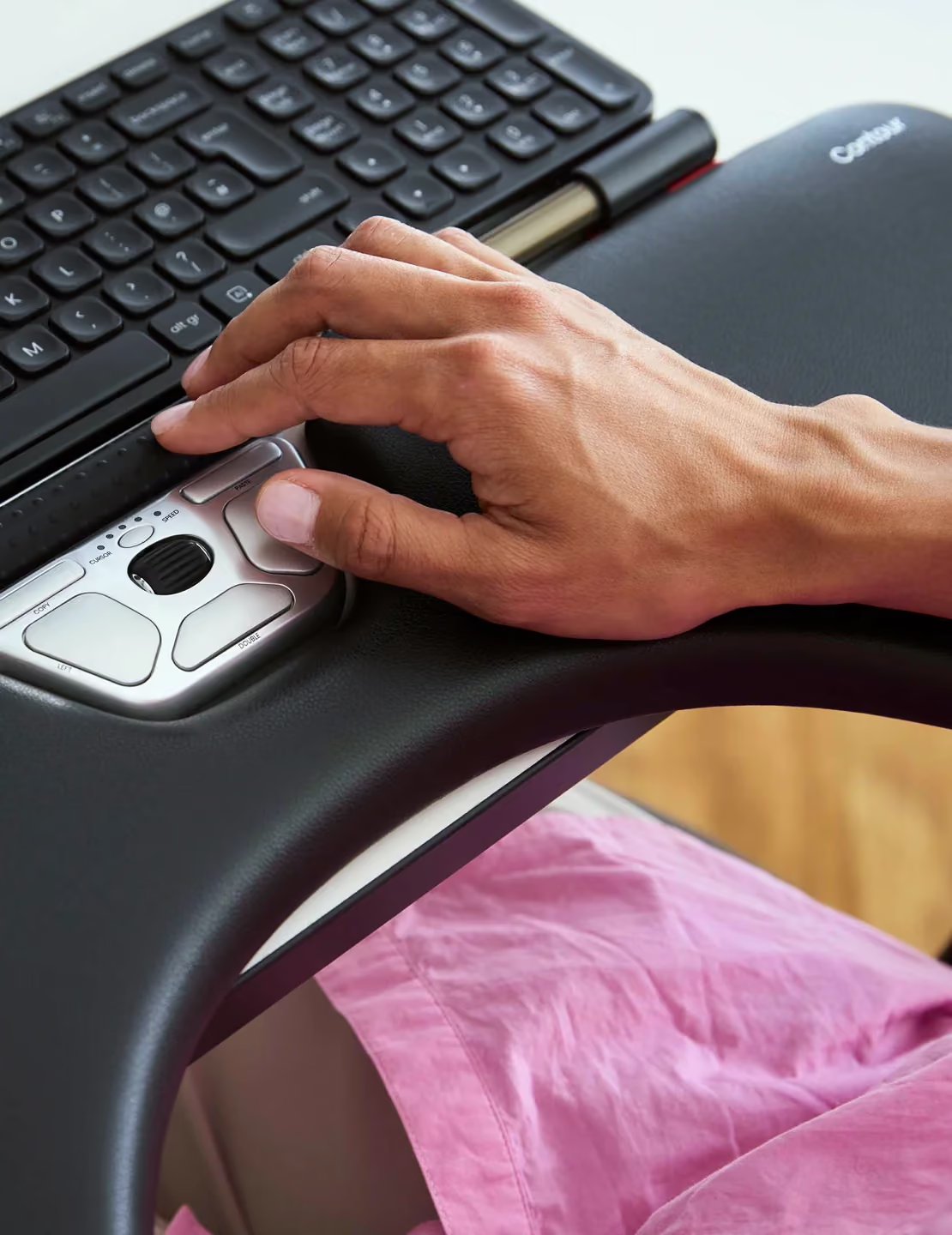
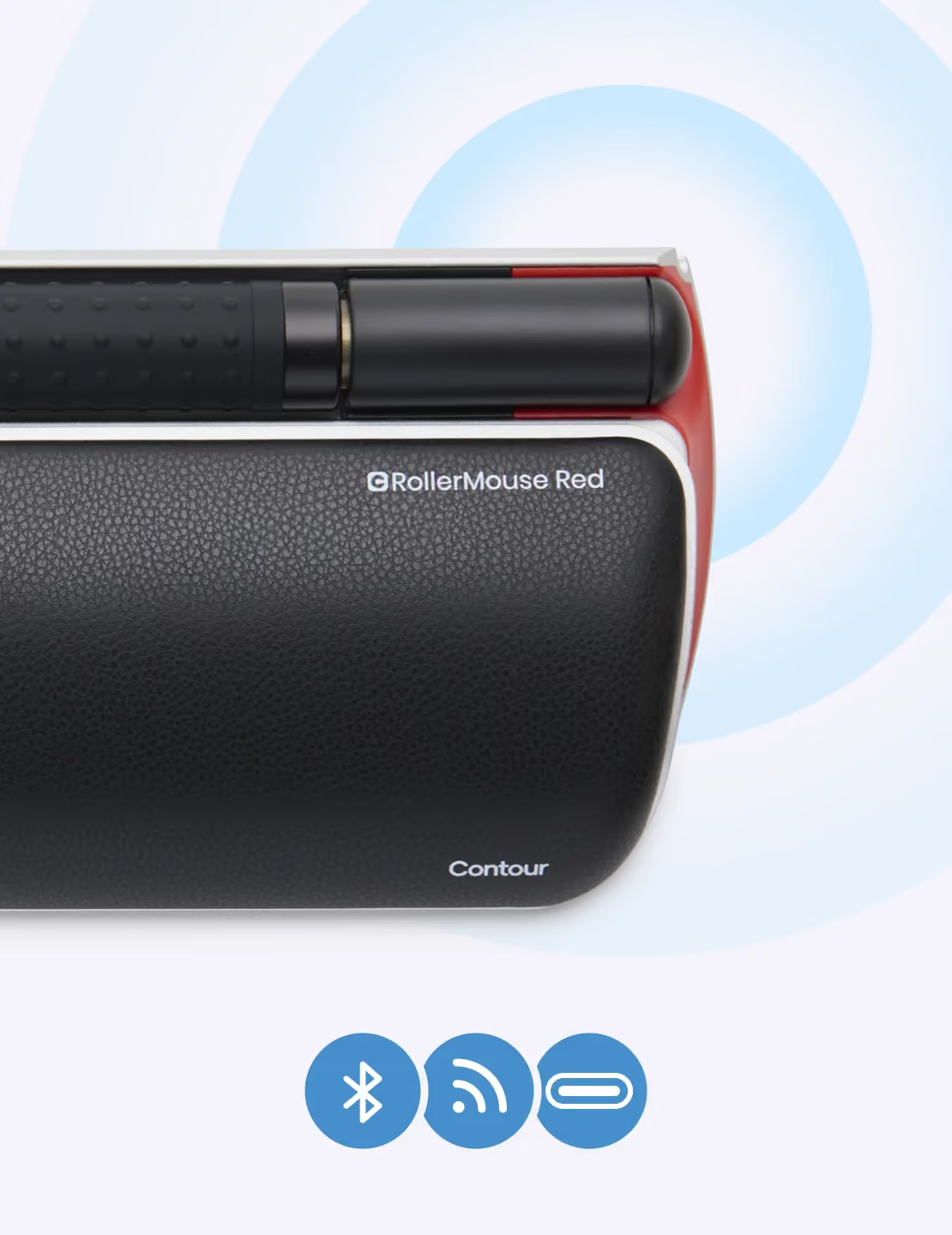
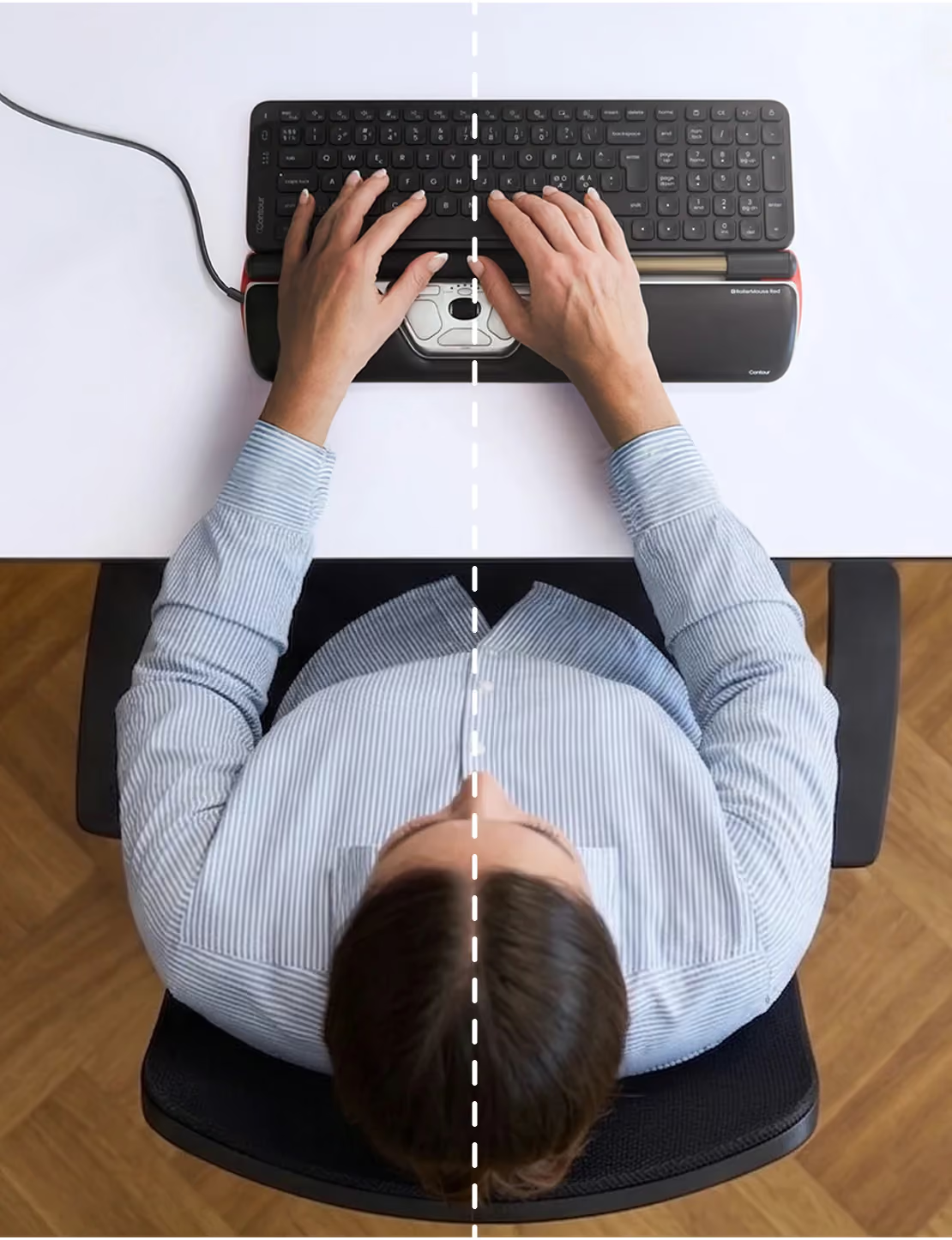

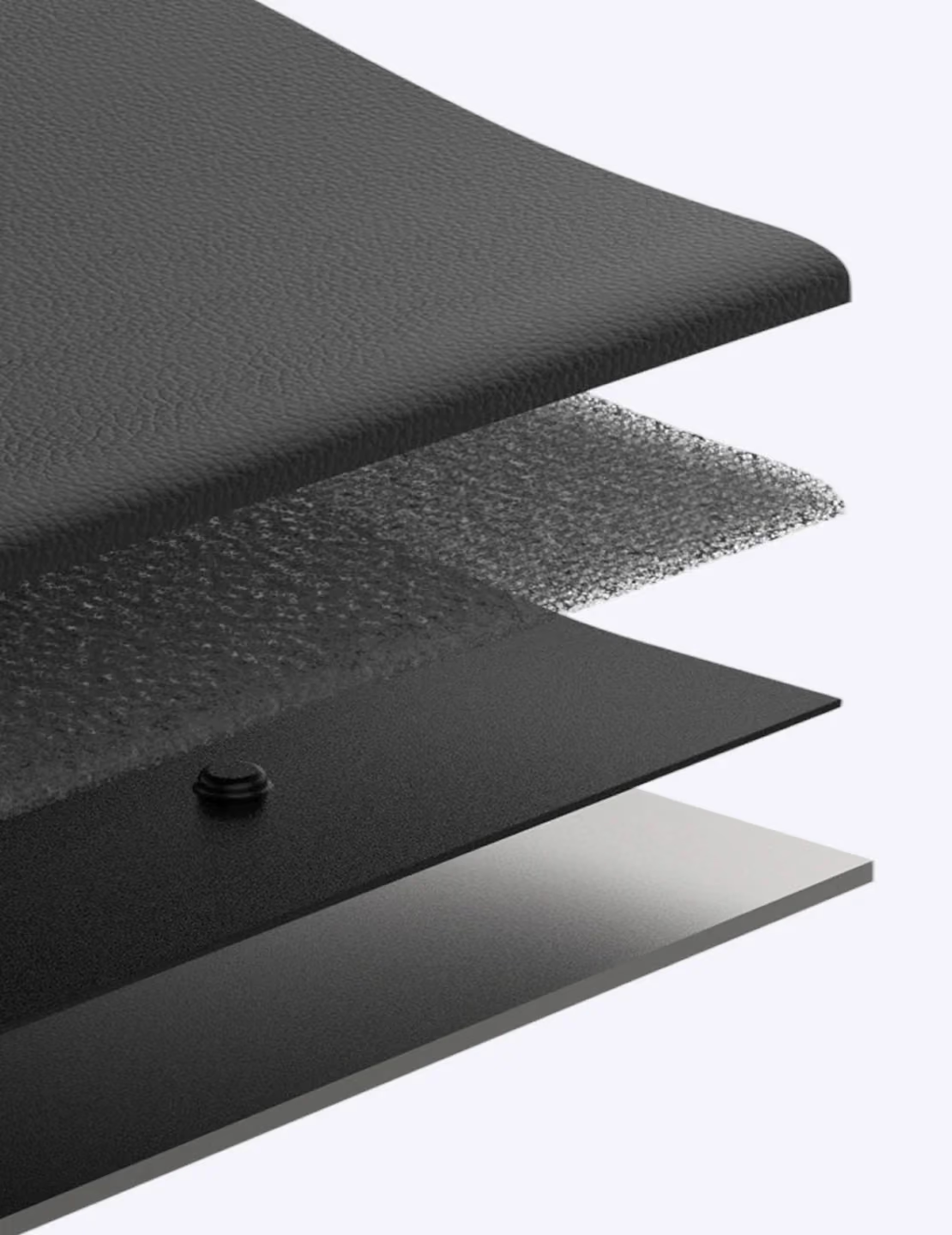



We liked that the wrist rest comes off
A little jerky sometimes and the supposed controls don't seem to do much. But overall it is OK. Really good for some on-line games.
I love it.
As an administrative assistant, I had to order this for two people who have ergonomic issues. From what I heard from them, they really like it.
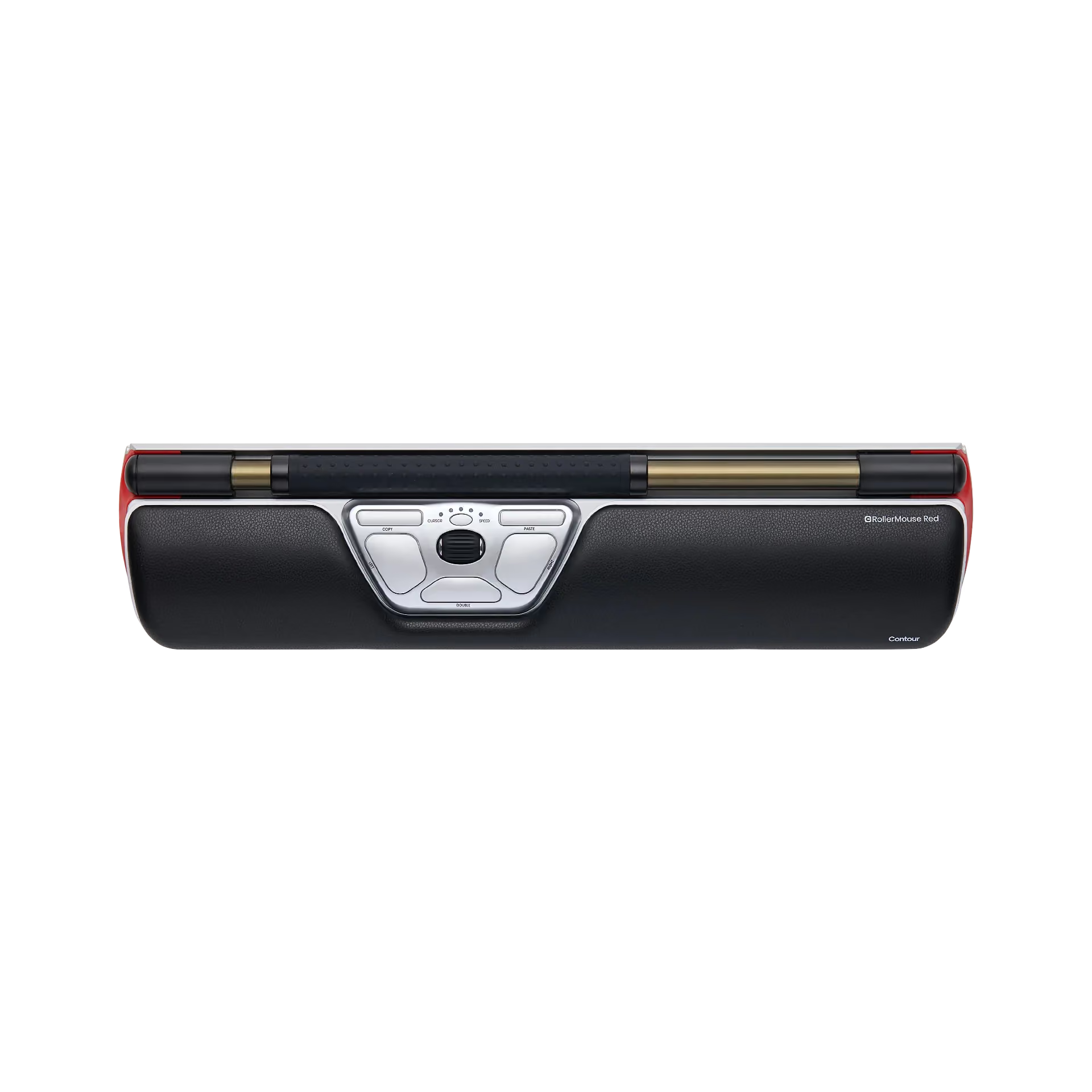
I wish I had known about this a few years ago. If you are looking for wrist relief this is the way to go. The bar tracks really well and has raised rubber nodules to help maintain the grip with your finger tips. Really easy to navigate over a large screen space such as dual monitors - better than with a regular mouse. the middle roller trak scrolls just like a mouse scroll wheel and tracking speed is adjustable.
The only thing keeping this from being a 5 rating is that it does take some adjustment and getting used to. The difficulty arises attempting to move the cursor from the bottom of the screen to the top of the screen. What will often happen is when you inadvertently click (tapping the roll bar too heavily) while moving the cursor up or down. This can result in inadvertently clicking links; moving windows and other undesired actions.
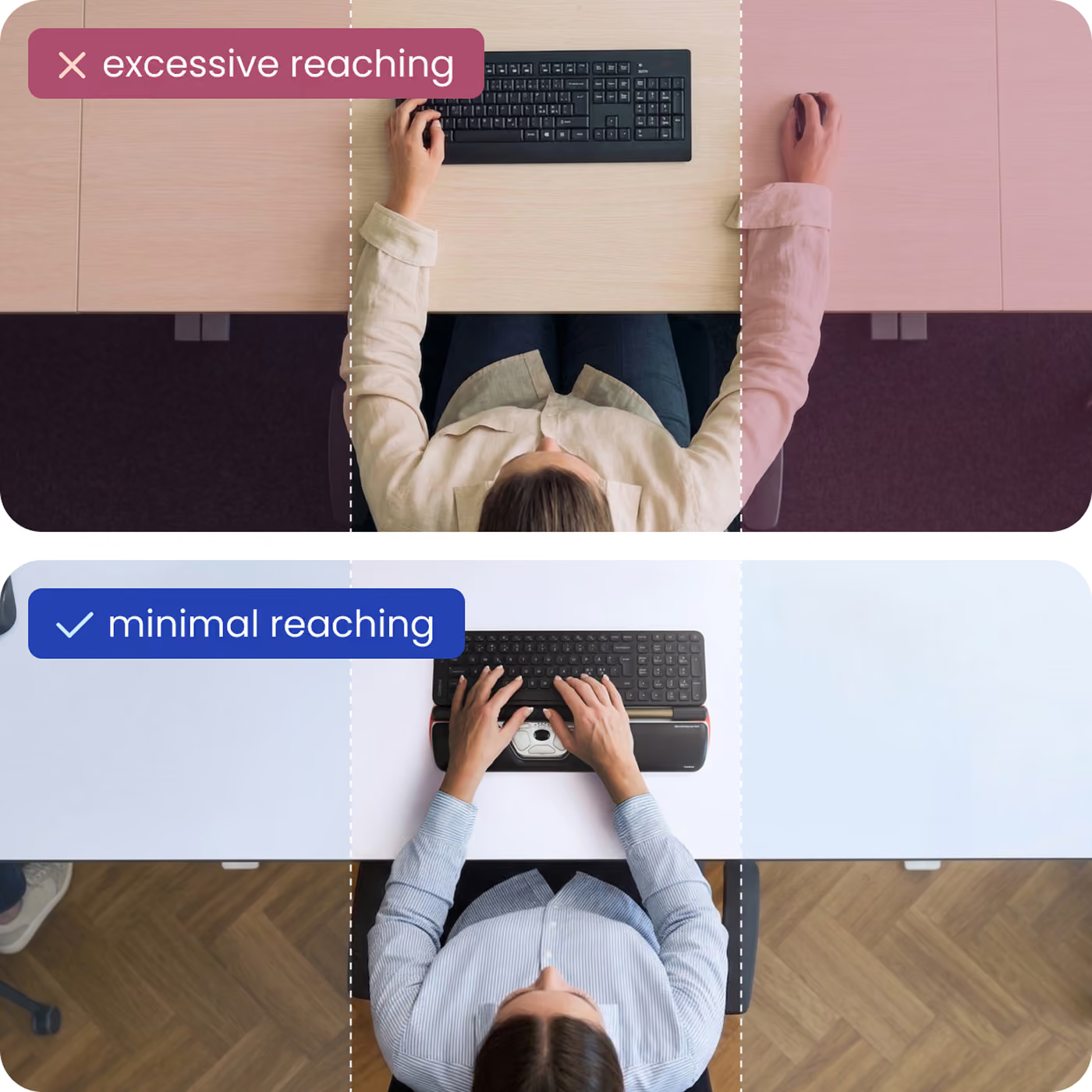
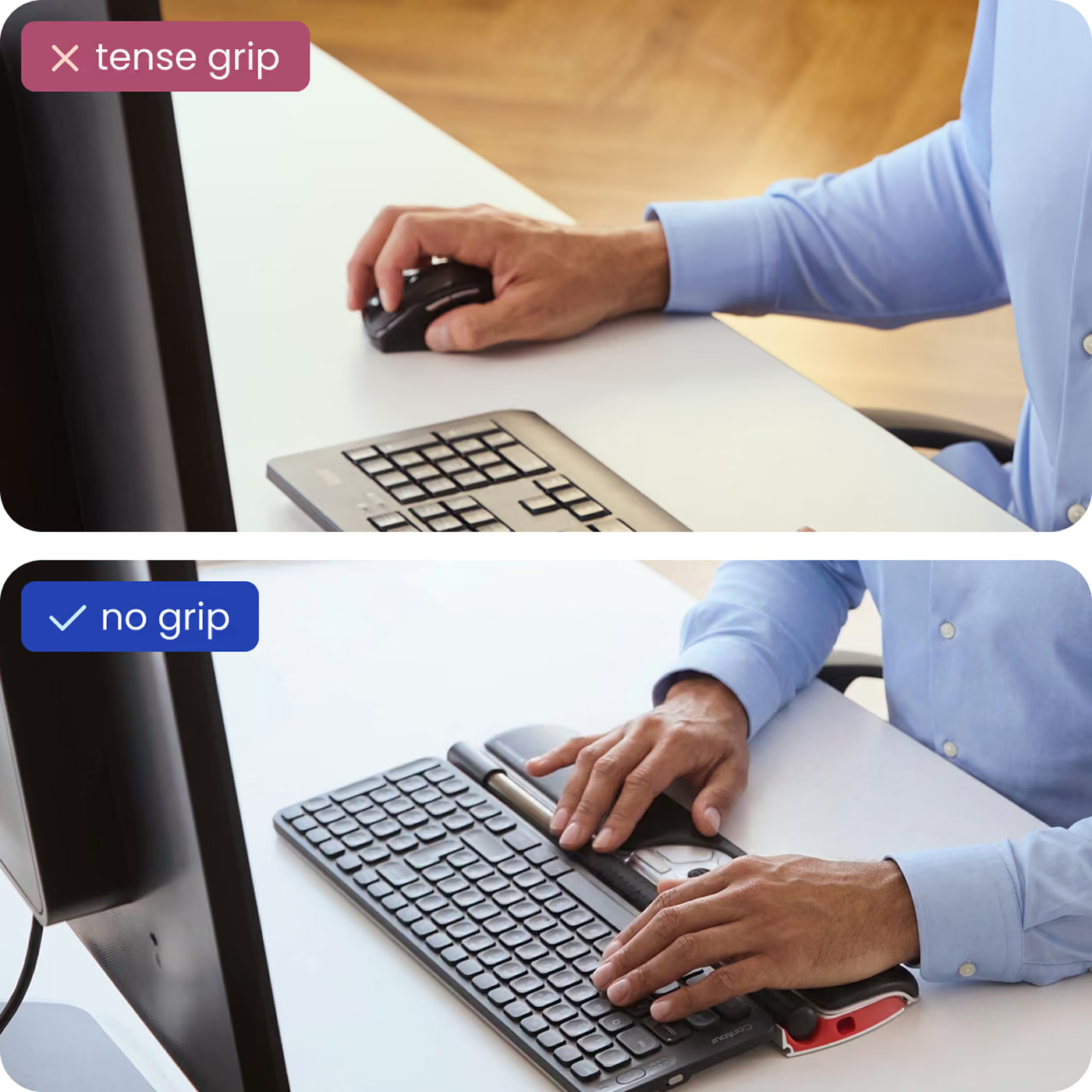
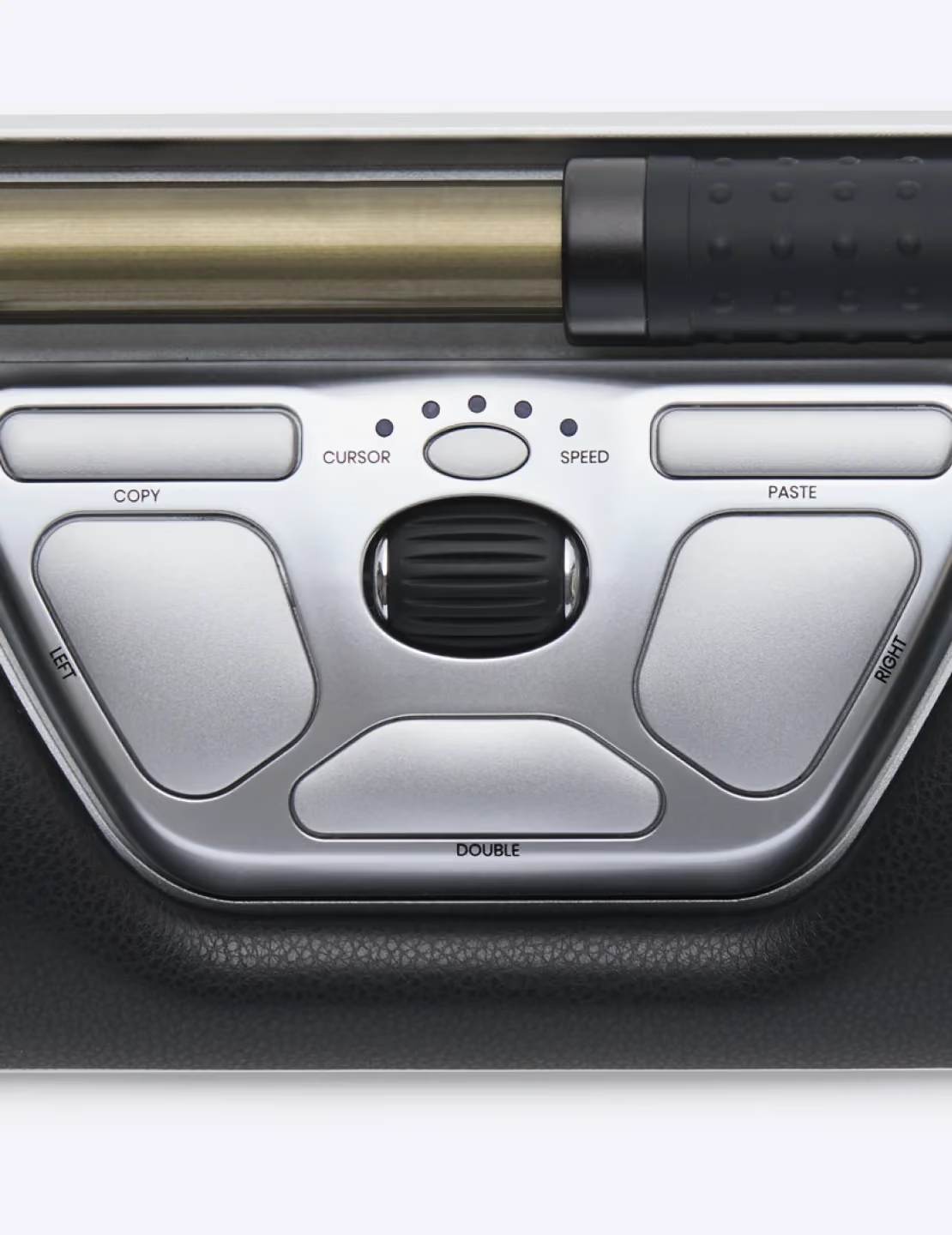
I have had chronic hand pain since 2012 (when I was 21 years old) that doctors have been unable to diagnose. Using a conventional mouse at my job as a software developer became so difficult and painful, I was desperate for a solution. I tried a sideways mouse, but that type of mouse still required the device to be shuffled around on a mousepad, which is hard on the wrist.I found Rollermouse Red and decided to purchase it despite the steep price tag. After 2 years of use, I can say the price is definitely worth it. This mouse has made it possible for me to continue working with less hand pain than if I continued using a normal mouse.Pros:-The roller allows cursor movement with just your finger tips, rather than requiring gripping and excessive wrist movement.-Because the mouse sits in the center, it allows switching between both hands, which can prevent strain on your dominant hand.-Again, since the mouse sits in the center, I no longer have to reach for a mouse on one side or the other. This has reduced strain on my right shoulder that I was experiencing along with my hand pain. This also greatly increases efficiency with my work, considering my keyboard is right there up against the mouse.-I love the physical buttons and the scroll wheel. I use all of them regularly. The copy/paste/double-click buttons are extremely helpful in my work. The buttons have great tactile feedback, and their placement works well.-The mouse is decently heavy, so it won't slide around.-The wrist rest is comfortable.Cons:-Moving the cusor accurately with this mouse does take some getting used to, which can be frustrating at first.-When the roller reaches the end of its bar, the cursor will slingshot to the side of the screen. This can get annoying if you're not watching where the roller is. Don't know if there's any real way to fix this in future designs.-I sometimes wonder if a roller with less width would be better. My hands are fairly small, so it can feel like a chore to move around such a large roller if my hand pain is flaring up.-The roller itself doesn't have very tactile feedback for clicking. This isn't a big deal since there's a left click button as an alternative.-Transporting it can be kind of annoying because the mouse is rather large. Its box protects it well, but it's too big to fit in an average purse.-It's difficult to keep the little crevices of the mouse clean.Overall, this is an extremely well-designed mouse that helps prevent repetitive stress pain in ways a typical mouse cannot.I would also like to mention the excellent customer service I received from Contour. 2 years and 2 months after purchase, my Rollermouse Red started having irregular cursor movement at times. It forced me to put a conventional mouse back on my desk as back-up, which was bringing me more pain in my hands and shoulder. I tried cleaning the mouse with compressed air and installing the official software, with no success. I found on Contour's website that the product has a 2-year warranty, which meant mine was barely outside of it. I decided to try contacting Contour anyway through their online form, asking for any possible solution to the behavior.I received a response in a few days. The representative suggested removing the roller and cleaning underneath it. They gave me detailed instructions on how to do this, along with pictures of each step. As far as I could find, these instructions were not on their website; it might help other customers if they did post it, now that I think about it. Anyway, my point is that their response was incredibly detailed, even though my mouse was outside of the warranty period. Cleaning under the roller seems to have solved the cursor movement problem, allowing me to continue working with less pain. I am very grateful for Contour's professional customer service.
Ich habe das Gerät getestet und es ist fast super. Die Schmerzen in der Schulter verschwinden sehr schnell. Ich wußte gar nicht das diese schlimmen Schmerzen durch den Mausgebrauch ausgelöst wurden. Mit dem Rollstab gibt es ein Problem - dieser ist mit Noppen versehen damit dieser besseren Grip hat. Die Fingerspitzen sind jedoch so empfindlich das der ständige Reiz durch die Noppen zu einer Überreizung führt. Dann gäbe es noch zu sagen das der Preis hoch ist für das Gerät.
great product. needs slim keyboard to take full advantage of
This alternative to a mouse or graphic tablet is flawed if you intend to use it on high-resolution screens, or multi-monitor setups. The reason being the relative x-axis positioning used by the device. The ingenious roller can only travel 10cm, which, on my 27" iMac just covers roughly half the width of the screen. To "access" the other parts of the screen (either left or right), the RollerMouse uses a technique whereby you bump into its left or right limit, and then the mouse carries on, as if gliding on ice. This may be OK on small horizontal resolutions, like 1024 pixels, or 1280 pixels.. but when you hit 2560 pixels (my iMac), or even worse, when you have a dual-screen setup where total horizontal pixels is 4000+, then this solution becomes a pain. What the manufacturer should allow, is for absolute horizontal positioning, like some other mouse alternatives (e.g. WACOM's tablets). The manual of the RollerMouse is very light on details, and doesn't mention absolute/relatieve positioning anywhere in its few pages. I would have given this product 4/5 stars if it could give me absolute positioning, and dispense with the "mouse on ice" hack.
Not amazing as I was expecting.I have been using thinkpad's trackpoint for many years. The most important aspect of a pointing device for me is: I wouldn't need to move my hand/arm from the keyboard to somewhere else in order to operate the pointing device. After my switching from thinkpad's keyboard with trackpoint to Filco Manila Air 67, I have always been looking for a pointing device which can satisfy my need as described above.It's good that Contour Design has built this cool rollermouse stuff which might work well for me. I received mine today, having been using it for 2 hours.Most of the time when I need to move the cursor, I can use my thumb to operate the roller without moving my hand. Except when I need to scroll the page, or I need a right click, I have to move my right hand slightly (for about 1 centimetre) to reach the scroll wheel or the right key. This annoying, but far better than using a mouse or trackpad.The biggest problem is, It's not as valuable for me as the price is trying to claim. It's too expensive.And for those who are attracted and thinking of this stuff being able to release your arms and shoulders, I would suggest that "DONT BUY THIS, A LESS-THAN-30-DOLLARS Logitech M570 WOULD DO THE SAME WORK FOR YOU TOO"
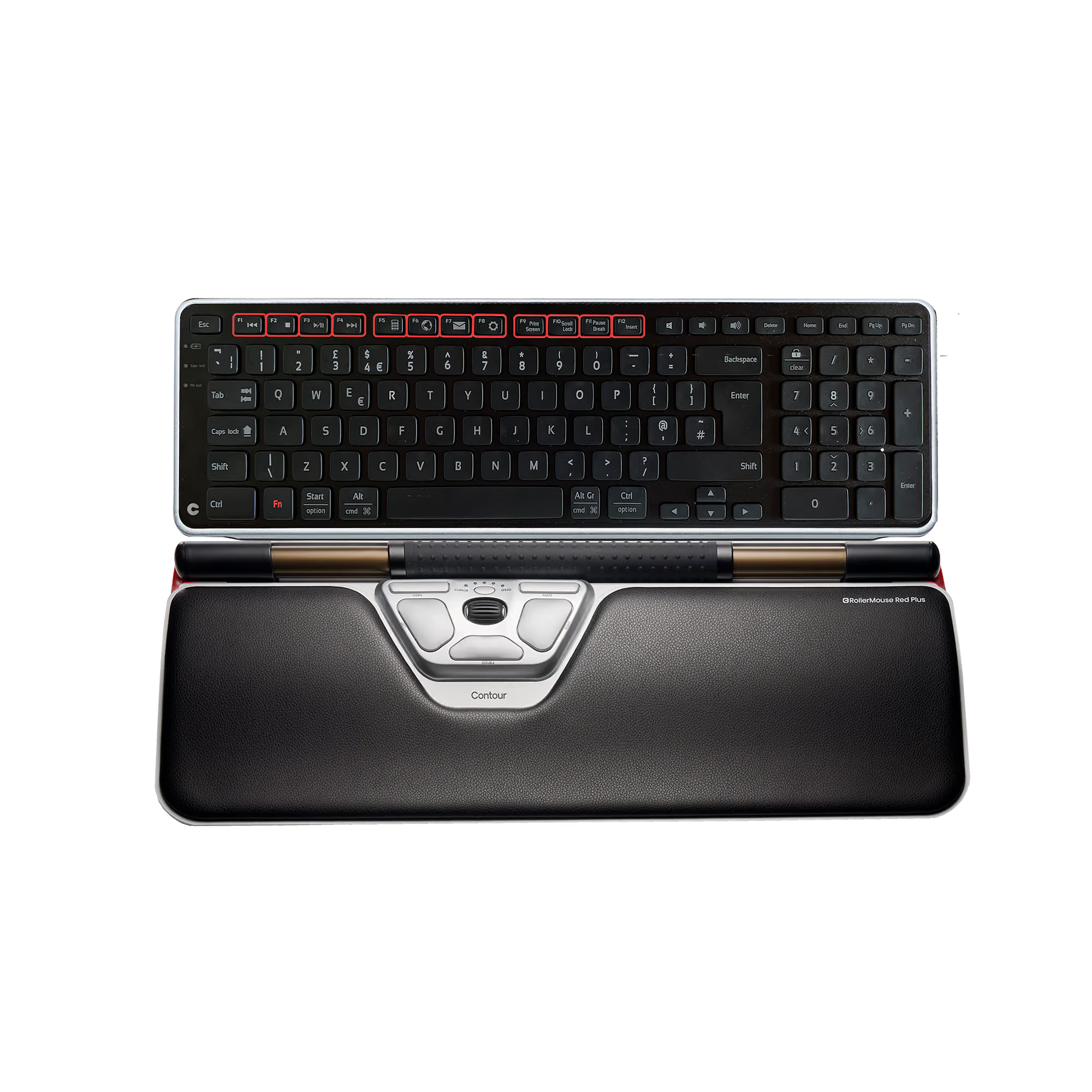
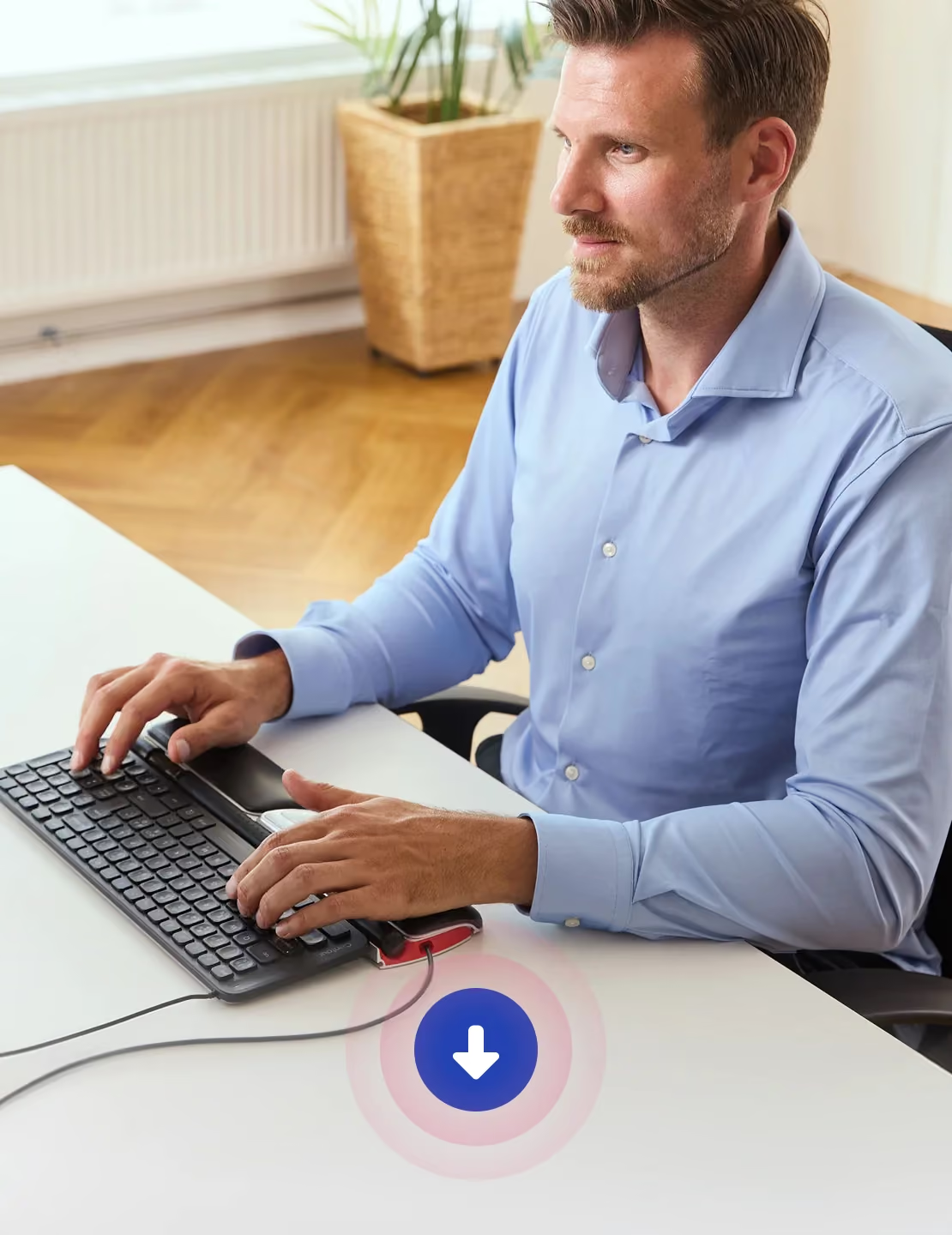
Wow! Honestly, I said that out loud the first time I used the RollerMouse Red. This mouse is beyond imaginable expectations. It is butter-smooth, precise, customizable, and solidly built with unrivaled professional quality. I purchased the RollerMouse Red via Amazon from Contour Design, and it was promptly mailed and arrived on the fifth day. I chose the Red over the Red Plus because I didn’t like the idea of reaching that extra two inches or so to my keyboard, especially given that my Kinesis keyboard already increases the reach to the keys by about three inches beyond that of a regular keyboard. I have large hands, and despite recommendations that people with larger hands should get the Red Plus, the RollerMouse Red is a perfect fit for me. Some people have asked if the RollerMouse Red works with the Kinesis Advantage Keyboard, and I read that at least one person could not use it with the Kinesis. I bought the Kinesis Advantage MPC/USB keyboard at the same time I bought the RollerMouse Red. I use both devices with a Windows 7, 64 bit system. I find the two devices to be a perfect match, but I acknowledge I don’t position the RollerMouse Red as specified in the user manual. I assume that the advice to position the RollerMouse so the rollerbar is slightly below the keyboard spacebar may be intended to satisfy some ergonomic rule, but I use the RollerMouse Red without keyboard risers so it sits flat on the desktop, pushed right up against the front of the Kinesis keyboard. The rollerbar is so sensitive and responsive that I can use it to block text or move the cursor from one side of my two 27-inch monitors to the other side with minimal finger movement and without caring if the front edge of the keyboard abuts the RollerMouse aluminum housing. (The aluminum housing touches the Kinesis keyboard body, but the rollerbar itself is about 1/8 of an inch away from it at the edges and 3/16 of an inch away from it at the center because the keyboard has a concave front edge.) By having the roller bar sitting below the top edge of the Kinesis keyboard, I also don’t have the problem of accidentally clicking the roller bar. In this position, I also have no interference when using the middle, rubber-ridged scroll wheel for scrolling through documents or web pages. The scroll wheel is, itself, a pleasure to use—precise, fast, and perfectly sized–much more comfortable to use than that on a regular mouse. It’s actually my favorite feature because I spend a lot of time scrolling within documents. I use both right and left hands with the scroll wheel, but the rollerbar and all the buttons easily can accommodate ambidextrous use for those who may have injured a dominant upper extremity. I use the RollerMouse Red with mostly factory default settings. I adjusted the cursor acceleration to the first stop to accommodate my caffeine-induced hand shaking! I also customized the middle, rubber-ridged scroll wheel “click” so that instead of being a “scroll lock,” it mutes my system sound. You may need to download and install the drivers to make these customizations. I was puzzled that the drivers don’t appear to be advertised, but they are at the ergo.contour-design website: http://ergo.contour-design.com/support-and-downloads/driversYou can also find video reviews and other links at their website. Many months ago, I had to switch from the DasKeyboard to a Filco TenKeyless keyboard to be able to use my mouse without pain. At that time, I also bought a 2014 Razer Naga mouse. Using both of these devices cured my right arm/hand pain, but recently, my left wrist became painful, so I began searching for a new keyboard and stumbled across the Kinesis Advantage. The learning curve for that is another story, but between it and the RollerMouse Red, I am now pain free for my 8- to 12-hour typing days. I know from learning to type on the Kinesis keyboard and learning to use the RollerMouse Red during the same time span that learning curves vary between devices. I anticipate a full month before I master the Kinesis keyboard, but the RollerMouse Red took just a few minutes before I could use it efficiently, and by the end of the first day, I was proficient. Most of the “learning” is learning not to reach for the regular mouse! Quite a few reviewers have remarked that the RollerMouse Red is expensive. It isn’t. Pain and lack of productivity are expensive. Doctor visits are expensive. Physical therapy and surgery are expensive. If you’re at the point of considering those, try this first. I was not asked to write this review, and I have no financial interest in the company. It’s just that I rarely have found such a high quality product. The company that builds something like this, infusing it with the quality found here, must be encouraged to continue doing so.
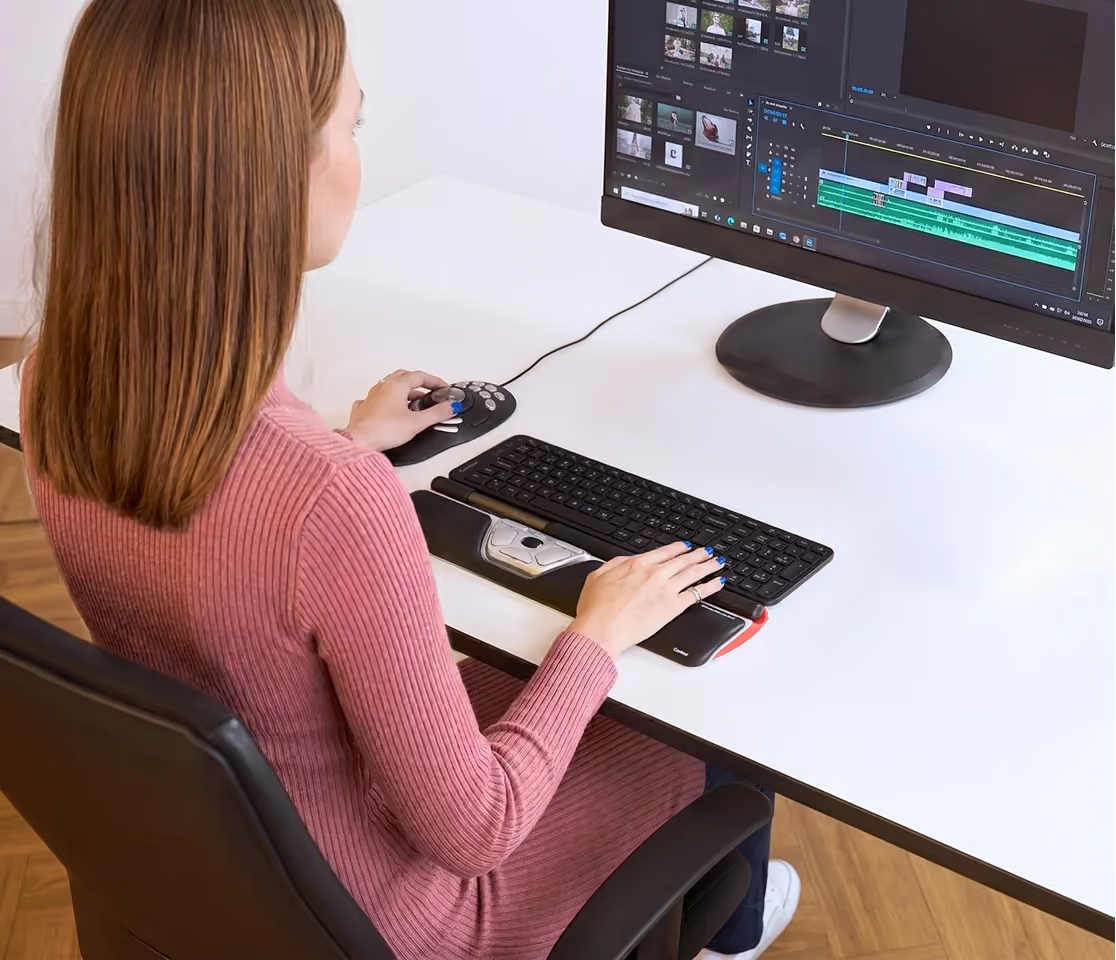
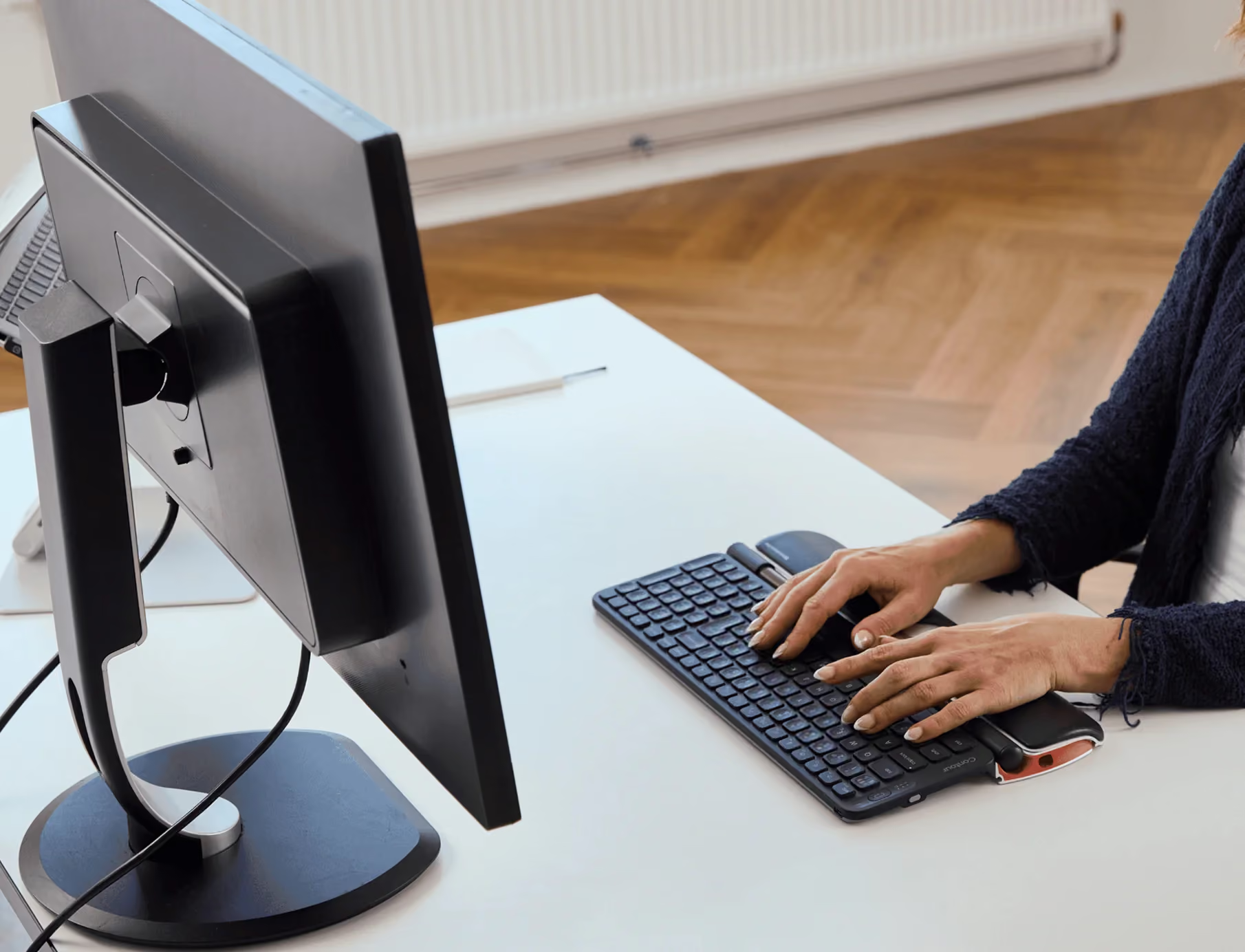
My employer's ergonomic adviser recommend this as a replacement when the wheel mouse I had stopped working after 5 years. (http://amzn.com/B00005NIMJ) So far I've logged 3 days with this mouse, I'm very happy my employer forked out the coin for this baby! It's top-quality, and the roller is amazing. One bonus is I can use two-handed or left-handed operations. I have the HP elite 2 keyboard (http://amzn.com/B005HNHRA6) which might be a bit too thin but I love the key response. I work with all types of documents, spreadsheets, and graphics. I have yet to work on a major graphic project, I will update if I run into some challenges.Update: it's been about 3 weeks now and I have no more hand pain, even with my last mouse I had a little discomfort after a long busy day but not with this one. As for controlling the curser for graphics or photo editing I have had some difficulty. I'm sure more practice would help, I've used a wheel mouse for over 10 years, so I'll give myself some more time with this one.Overall I'm thankful for my generous employer, this was a great purchase. Would love to have one at home.Update June 2022: I still have the same unit. In the last 6 months, the wrist pad has started to ware but for almost seven years it is amazing that it still going strong. I keep it clean with canned air. There are instructions for a thorough cleaning. If you are on the fence about this purchase, I know it's expensive but I have not experienced wrist pain since I started using it. Recommend 100%.
Ich habe die Maus seit 1 Jahr im täglichen Büro-Einsatz (Office und CAD) und hatte Sie mir wegen Maus-Arm Problemen gekauft.Den Maus-Arm habe ich mitlerweile im Griff, aber nicht (nur) wegen der Rollermouse, sondern hauptsächlich durch DEHNEN (das Einzige was wirklich hilft).Die Rollermouse ist zwar teuer, aber von sehr guter Profi-Qualität, und sauschnell, wenn man es will.Qualität hat halt seinen Preis, der Profi-Handwerker arbeitet auch nicht mit einer 40 EUR Kreissäge !Geniale Tasten (Copy-Paste und Double Klick), das Mausrad funktioniert super.Ein (fast) perfektes Eingabegerät für professionelle Nutzer.Den einen Stern Abzug gibt es für die ganz ganz leichte Schwergängigkeit der "linken Maustaste".Hier muß man m.E. etwas zu fest drücken (die Empfindlichkeit der Tasten ist leider nicht einstellbar),dadurch entstehen beim CAD-Zeichnen ab und zu Fehler.Man sollte dann die Klick Funktion der Rolle benutzen, diese macht das Manko dann (fast) wieder weg.Wenn man einen halben Stern abziehen könnte, wäre das die faire Bewertung.
This is great but it does some taking use to. My husband does not like it. I have issues using my upper extremities and my MD. recommended this for me. I loved it from the start. The "copy" and "paste" right there is such a nice feature and helps keep my hands right where they should be instead of having to go sideways to a regular mouse. It's easier to use than "Ctrl and C' and Ctrl and V". I just have to use one finger and it's done. I use a computer all day at work so it's worth it to me. This mouse is a bit pricey though. I wish I could find it on sale so I could get one from home.
I do not ever write product reviews but I can't not give Contour props for producing a great device. Needs a bit of time to get used to it, but now I feel like a caveman when I have to go back to reaching out to the right for a regular mouse. Along with PT, this eliminated the searing pain down my right arm.After the initial few days of learning curve, I've found it to be much faster than a traditional mouse. It's plug-and-play, but I installed the driver so I could remap the copy/paste buttons into forward/back for browsing and other applications that take those inputs.In short, totally worth the price.
I got this for my wife she loves it, not me so much, paid too much for it and that's why it gets three stars. However, my wife loves it, she had wrist surgery earlier this year and it's helped her pain when using the computer. However it's too dang expensive. However my wife loves it, OK I'll give it four stars.
You have to try it to like it.
expensive but worth every cent if you spend your life programming like me ... Need to pair with ergonomic keyboard which is hard (given the straight edge). Price is an extortion but backed by quality, that's why 4 stars ...
I love not having to reach out to the right for the mouse. I've been using these Roller Mouse products for 10 years.
This is a great improvement on the older RollerMouse Pro model. Highly recommend this mouse for those with neck, arm, and shoulder problems from repetitive mousing.
This has made a world of difference for me. My carpal tunnel issues were from having to move the arm outside of the body to reach the mouse. This mouse being in front eliminated the pain in my shoulder, arm and elbow.Make sure you have a keyboard with an angled front bevel that dips pretty low. I use the Razer BlackWidow 2014 which you can look at to see what I mean. The low bevel let's you have access to more of the rollerbar. I didn't use the height adjusters that came with the mouse. I just put an extra mouse pad under the keyboard. That worked better for me.Also make sure you buy a new one of these as they had some manufacturing issues with the original mouse buttons. They gave too much play and could stick.
Um es vorwegzunehmen! Ein innovatives Produkt, nicht von der „Stange“ und entsprechend Kostenintensiv! (Nett ausgedrückt oder?)Ein schmerzfreier Nutzer wird sich bei dem Preis beherrschen können ;-)Allen Anderen, dehnen, wie mir, mittlerweile fast die rechte Hand/Arm bei der Maus-Nutzung abfällt, werden es zumindest probieren wollen. Sprich: Ab einem gewissen Schmerzlevel ist der Preis (fast) egal!!! Auch wenn sich alles in mir wehrt, und ich es nicht schaffe den Preis ganz außer Acht zu lassen. Bei einem niedrigeren Preis hätte ich die Rollermouse als ZWEIT-Maus behalten!Hab die Roller-Maus vier Tage getestet.Positiv++ Die Lernkurve / Eingewöhnungszeit liegt fast bei NULL!++ Als sehr wohltuend und hilfreich empfand ich die zusätzlichen Maustasten / Scrollrad!Der Hauptgrund, warum ich die Maus gerne festgehalten hätte! Würde ich gerne einzeln kaufen! Die Maus-Bewegungen mit Rechts und alles Klicks etc. mit links auszuführen habe ich als Lösungsweg für mich entdeckt! Danke dafür!!!Nicht so toll-- Unabhängig von diversen DPI Einstellungen empfand ich „seitwärts“ Wege auf der Stange der Rollermouse als deutlich zu lang!Neutral00 Extrem „pingelig“ betrachtet begann nach 3 tagen die Maus auf der Stange etwas zu schleifen. Was aber wohl in der Natur der Sache liegt und nicht lauter ist, als wenn eine normale Maus über ein Mousepad geschoben wird.Abwicklung:Kauf / Versand und Rückabwicklung über ergoworxx war einwandfrei. Danke dafür!Persönliches Fazit:Ein sehr guter neue Ansatz für eine Maus und für jeden Schmerzgeplagten einen Versuch wert!! Das ich es wieder zurück gesendet habe, liegt an dem oben genannten negativen Punkt! Wie eingangs erwähnt, wenn der Preis niedriger gewesen wäre hatte ich es als Zeit-Maus behalten. Was mir allerdings dann doch etwas zu dekadent wäre, hier konnte ich nicht über meinen Schatten springen ;-)Meine Wunsch Rollermouse wäre eine Aufteilung in 2 Bedienungseinheiten.Die Klickbedienung genau so wie vorhanden. Wirklich sehr angenehm und eine zweite Einheit, ähnlich einem Trackball als Rollermouse Ausführung. Was eine sehr flache Handhaltung ermöglicht.Angeregt durch die Rollermouse arbeite ich gerade mit zwei Einheiten.Ein „PENCLIC NiceTouch Touchpad T2 USB“ und „Kensington SlimBlade Multifunktionaler Trackball“.Empfinde ich zur Zeit als beste Lösung, leider mir der Trackball zu hoch und das NiceTouch kommt nicht an die Klickeinheit der Rollermouse heran! Aber um bei meiner wirtschaftlichen Begründung zu bleiben! Den Trackball kann ich gut als Zweit-Mouse verantworten, die sich übrigens auch gut links postieren bzw. für mich als Rechtshänder ein zuverlässiges Arbeiten zulässt. Aber ich drifte ab...Vier Sterne obwohl die Maus zurück geht! Den 5ten Stern hätte ich bei einem niedrigerem Preis vergeben, so bleibt ein Stern auf der Strecke, weil für den Preis ein Produkt für mich persönlich perfekt passen muss ;-)
Good product with excellent after sales service!However with it's almost 10cm depth, it is so difficult to put it together with a keyboard on a keyboard tray.