

















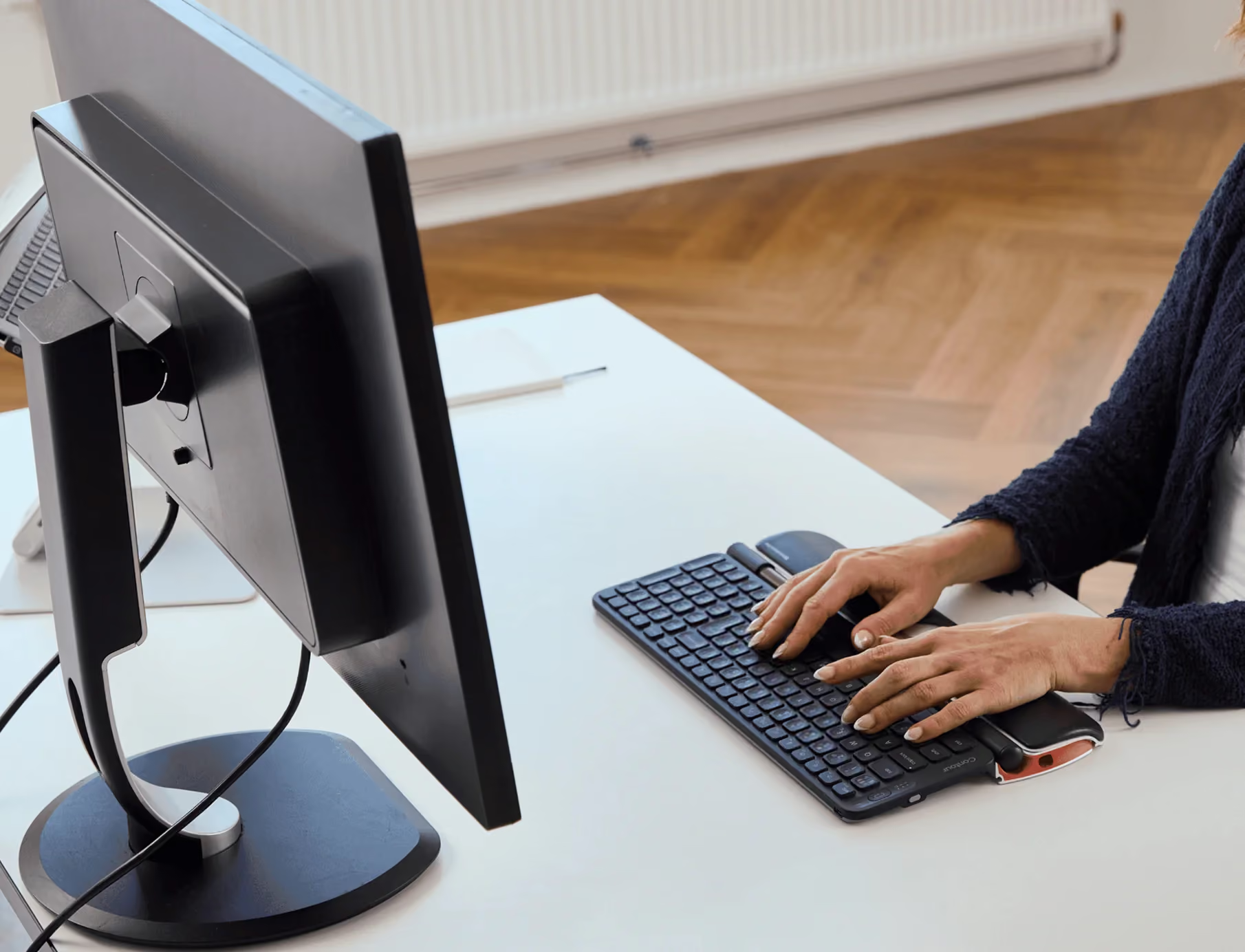

Incredible product! I purchased my first RollerMouse Red a year ago after hearing about it from my chiropractor. I had been suffering from neck and nerve pain for a few years and it was really frustrating. I had tried a standing work station, different keyboards and mousing on my right side, and other positional changes and still was having major pain and I'm only 35 and very healthy and active. Just 2 days with using the roller mouse and m neck pain and nerve pain was completely gone. I was stunned. I tried using my old set up at home and the pain came back instantly. I finally purchased a second rollermouse red for my home and will never go back to a normal mousing set up again. I paired mine with the Logitech Wireless Solar Keyboard K750 and it works great. I like the wireless keyboard as I move the rollermouse from my sitting to standing workstation. I would love Contour Designs to come out with a wireless model. I can't recommend this product enough. It has changed my life and removed my pain making my life so much better. Their customer service is also great. I tried my first roller mouse by ordering it directly from Contour Designs for the free trial and never went back. Yes, it is expensive, but so much cheaper then the care I was seeking to try to reduce my pain.
Want to give it 5 stars because when it works, it works great. However, I've had it for only 4 weeks and the primary click button has become extremely unreliable--it slides around, sticks, etc.
Ich habe seit Jahren einen "Mausarm" und habe schon viele ergonomische Mäuse und andere Kombinationen (Trackpad etc.) getestet. Mit der Rollermouse Red Plus habe ich endlich ein Produkt gefunden, dass zu mir passt. Meine Schmerzen sind weg.Die Maus ist sehr schön präzise und ich kann damit sogar einfachere Retuschen in Photoshop erledigen, ohne zum Stifttablet greifen zu müssen.Nach sechs Wochen Dauereinsatz ist mein Fazit ausgesprochen positiv und ich freue mich sehr, dass ich eine gute Lösung gefunden habe.
Expensive but far better than being in pain. Recommended
Often I have to click too many times before it works, so I'm not very happy with that, although It dose help with the Carpal Tunnel.
Habe voriges Jahr schon eine Rollermouse bestellt für das eine Büro und jetzt für das zweite.Geniale Technik - sehr ergonomisch - !
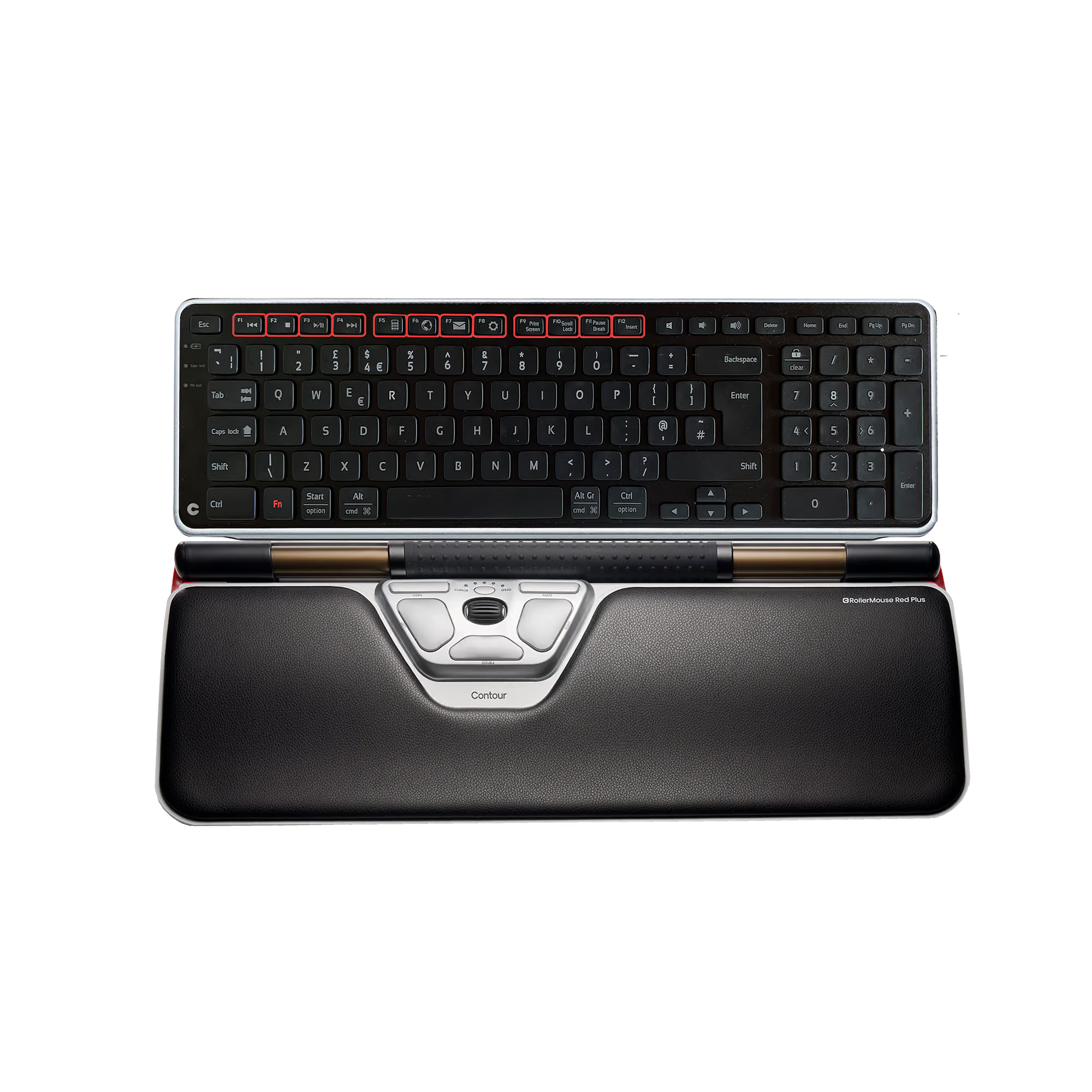
Bought this from Contour for my wife. She has had pain from using a roller ball Logitech mouse. This keyboard was the answer and the pain is gone! They offer a free trail for 30-days. At least try it! Yes-It is probably the most expensive mouse on earth @ $265.00. The question you must answer for yourself: Is constant pain with a future of eventual medical treatments worth $265 to cancel?
Die Rollermaus ist vom Prinzip her als sehr gut zu bewerten. Die o. g. Bewertung für die Rollermaus habe ich vergeben, weil nach dem Abschalten der Klickfunktion des Rollerstabes sich diese nicht wiedereinschalten ließ. Mit anderen Worten: die Rollermaus war nach 2 Tagen defekt und wurde wieder zurückgesandt. Der Kauf wurde von Amazon problemlos zurückabgewickelt. Ich habe daraufhin gleich nochmal eine neue bestellt, Ich werde die Neue jetzt testen und nach gegebener Zeit diesen Kommentar ergänzen.Anmerkung:Die Klickfunktion des Rollerstabes habe ich deshalb abgeschaltet, weil ich gleich zu Beginn des Gebrauchs noch nicht so richtig damit zurechtkam; ich habe mehrfach versehentlich den Klick während der Eingewöhnungsphase ausgelöst. Als ich den Klick nach 2 Tagen Gebrauch lt. Bedienungsanleitung wieder einschalten wollte, ließ sich dieser nicht mehr aktivieren. Ich hatte dem Hersteller einen Kurzbericht zugesandt und um eine Anleitung gebeten. Danach wurde ich kurzzeitig prompt von der Serviceniederlassung für Deutschand angerufen. Das Problem konnte wegen des vermutlichen Defekts der Elektronik aber am Telefon nicht gelöst werden. Daraufhin erfolgte die Rücksendung der Ware.Bemerkenswert war jedenfalls die sofortige Reaktion des Herstellers - am gleichen Tag - auf die E-Mail, um das Problem möglichst sofort zu lösen.Dafür kann ich nur die absolute Höchstbewertung "Überragend" für den Service des Herstellers geben.
I have had roller mouse products ever since they had their first mouse 'trap' 14-15 years ago. I had neck and shoulder pain and tried lots of ergonomic products (pen &pad, ergonomic mouse, pads under wrists, a curved keyboard).This product really helped me. Still does.It improved the design over the years.I have one at work and one at home. I would never go back to any other mouse.The price of it is far below any physiotherapist treatment.It's a pity that the product is not more popular and available in stores in US.
Couldn't live without it. Best investment I ever made for high volume clicking.
This has made such a difference in my wrist and shoulder pain, virtually gone. Takes some time getting used to it, but now it's so natural. Recommended to me by my wife, an Occupational Medicine doctor.
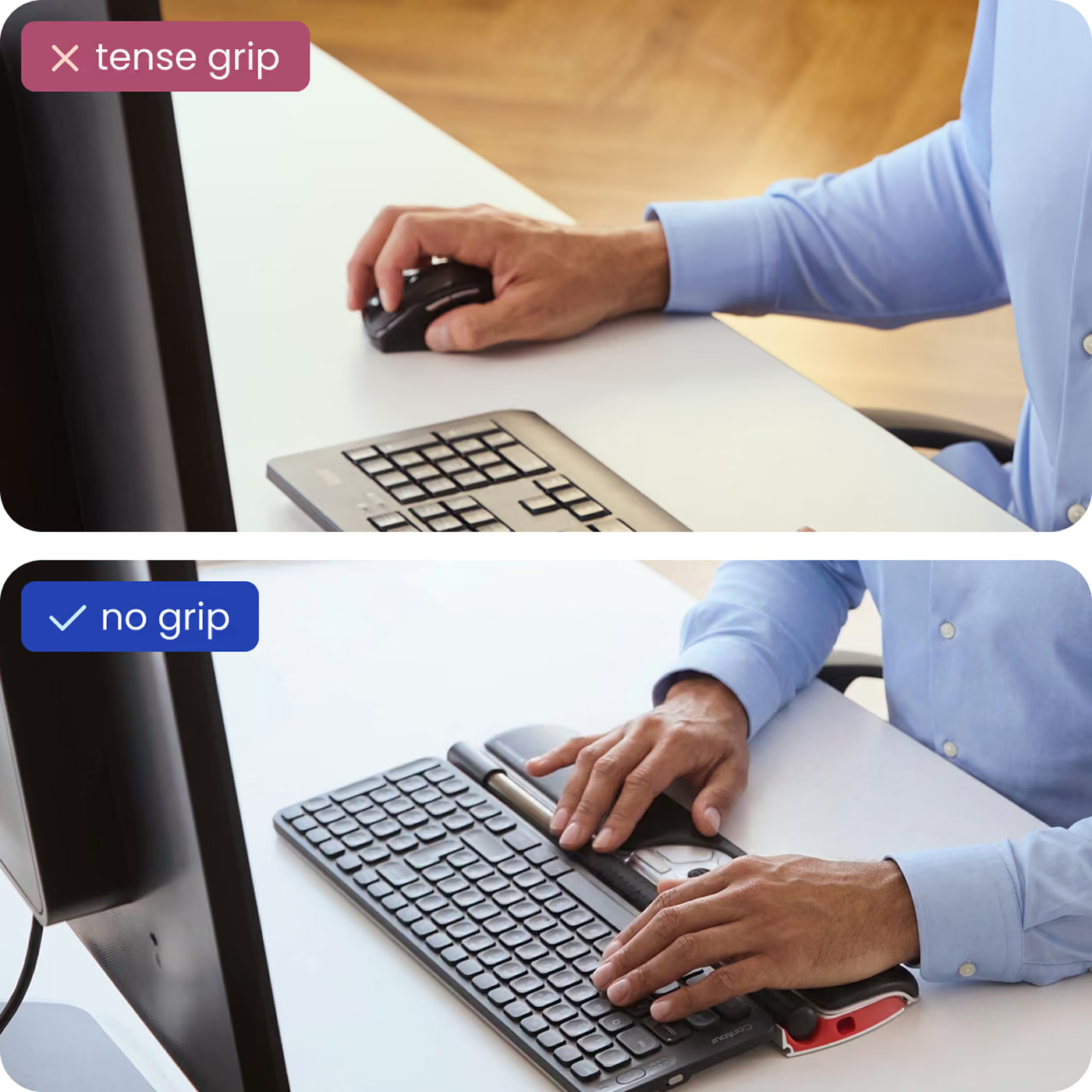
I have suffered from Carpel Tunnels pain for years. Due to my work, not being on the computer is not an option. Recently I had surgery on my wrist and elbow for Ulnar Nerve Entrapment (pinched nerve in elbow that creates pain in hand). I had to find a better mouse. This this is great. It noticeably reduced my hand pain the first day. It allows you to use both hands to do the work. This alone helps tremendously. In my case, not having to grip and pinch a mouse is great. It may not be for everyone, and is pricey, but IMO it is worth every penny. I just ordered one for my laptop too.
this mouse works even better than the previous version. it glides very easily unlike the previous version and it's easy to use even when working with 2 screens. I highly recommend this product if you can't use a regular click type mouse
Quick and very easy to use, provides flexibility and short cuts.
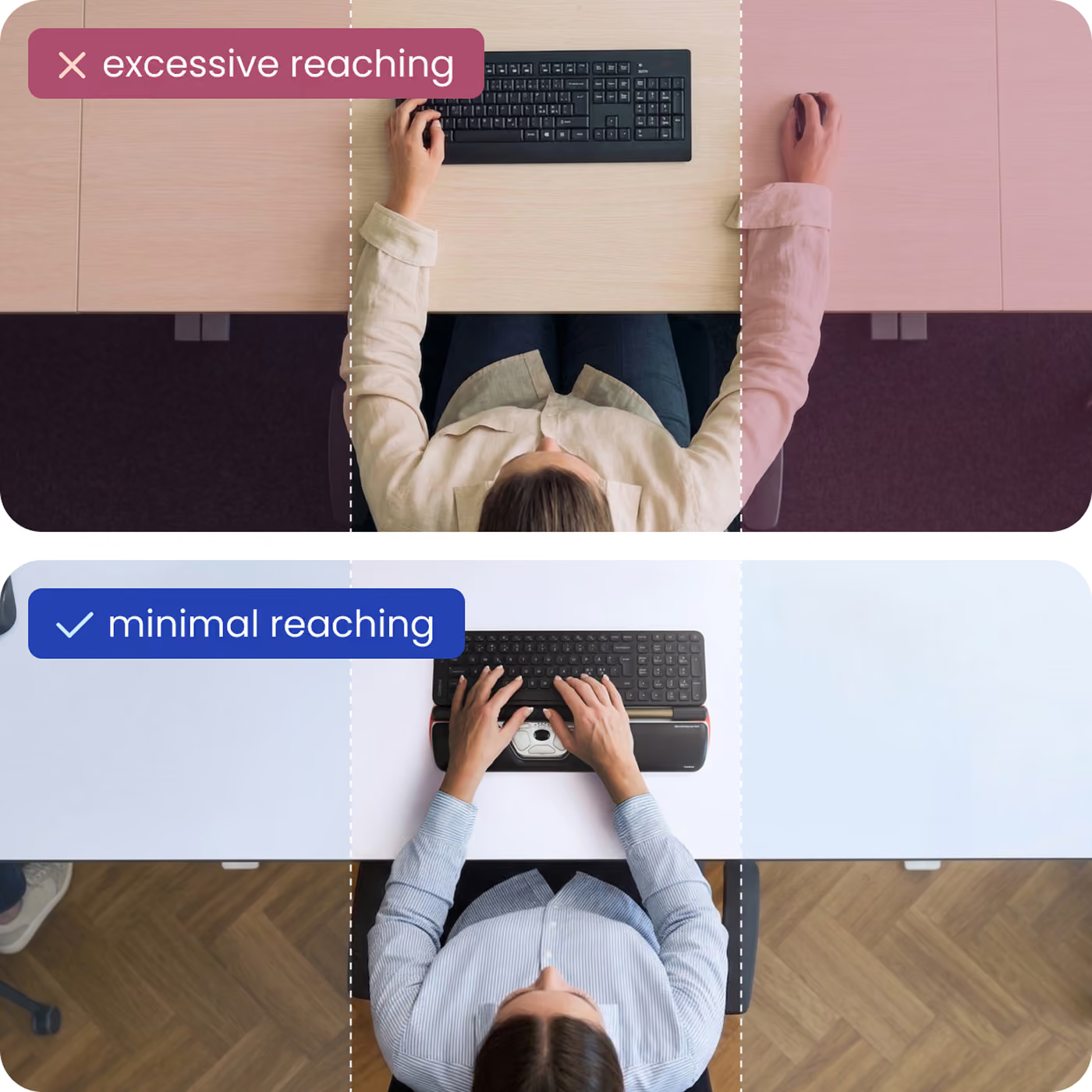
the employee is very happy with her contour roller mouse.Less pressure, less arm extension
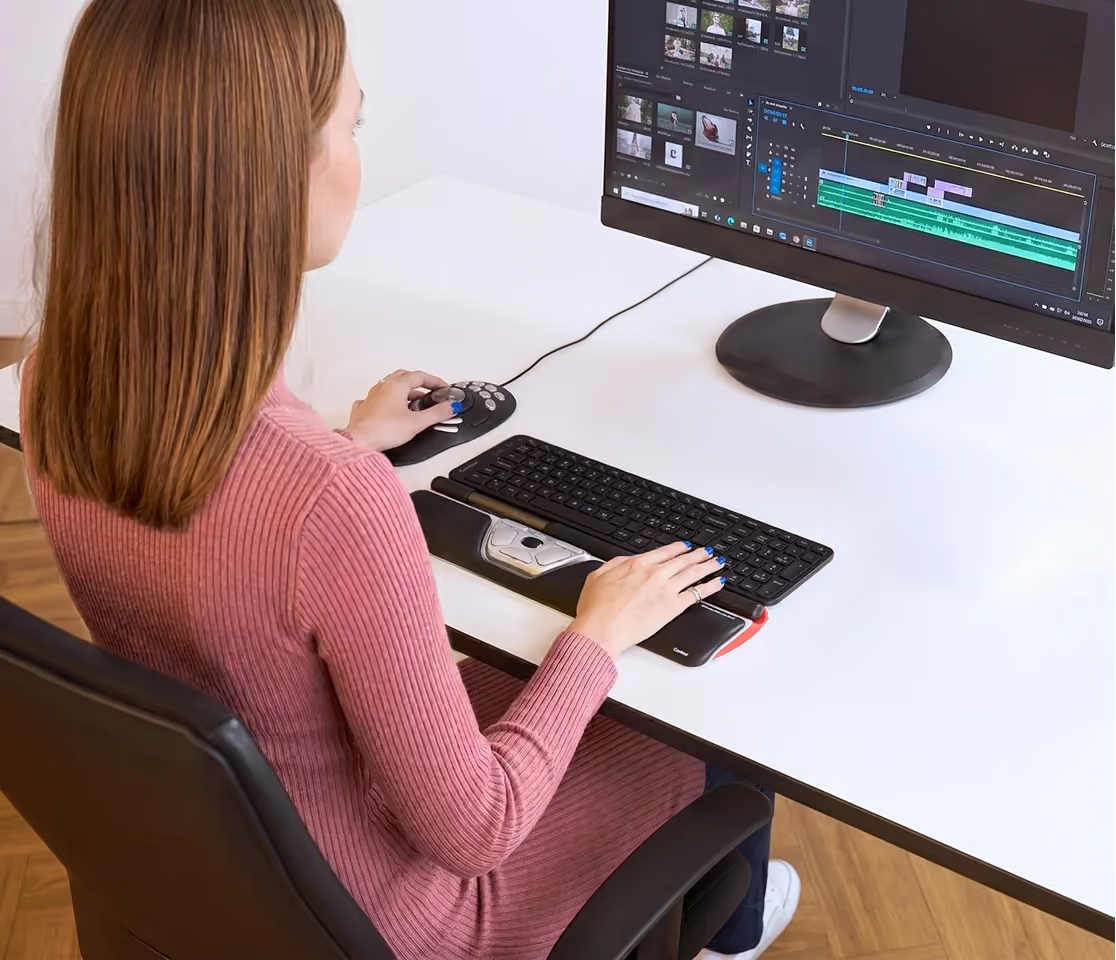
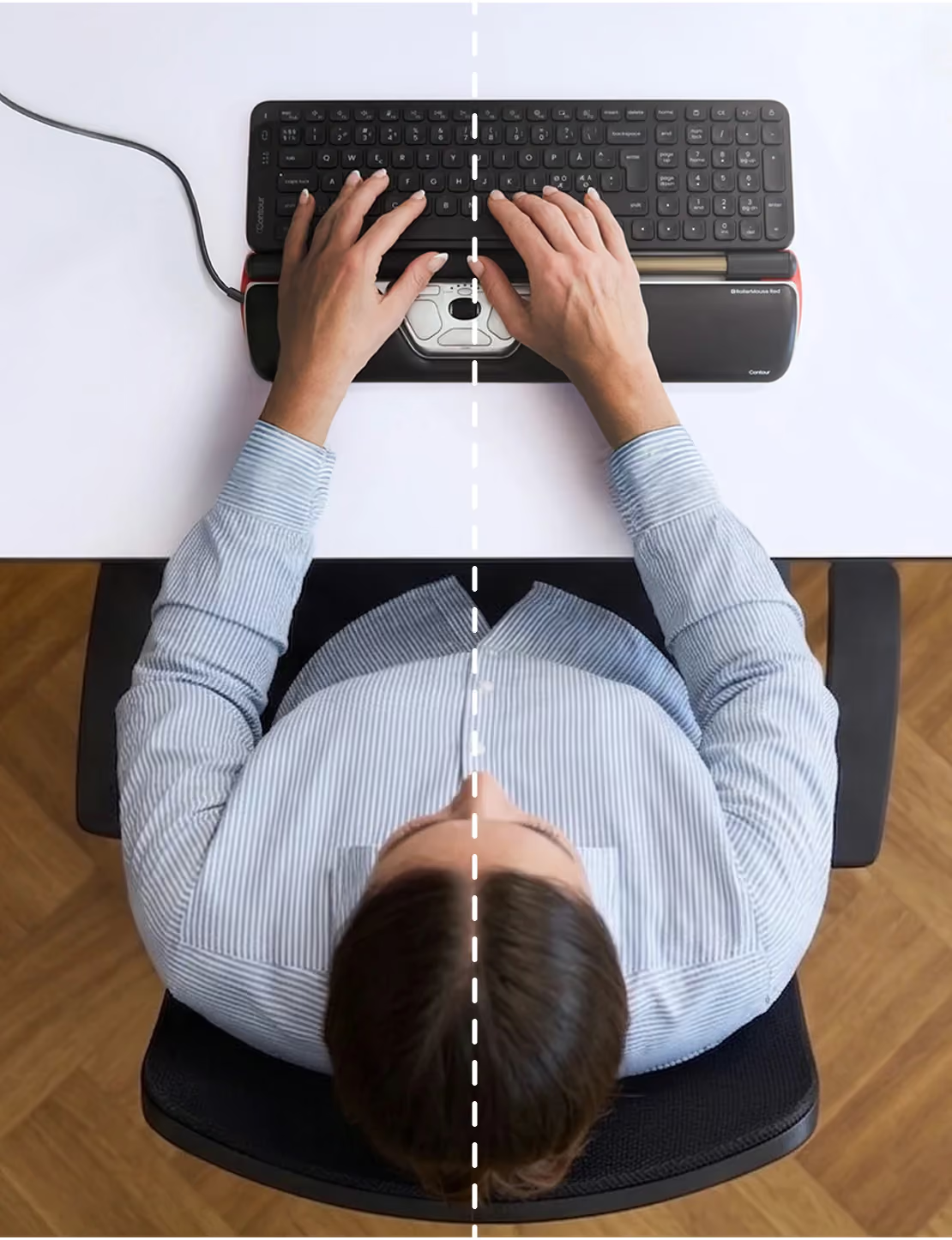
I have been a daily heavy computer user for work for almost 20 years. As a result I suffer from pain and damage to my right (mousing) shoulder and back, mainly the trapezius and rhomboid muscles. This pain persisted no matter what I tried: physical therapists and ergo specialists were consulted; I used a tray that kept the mouse and keyboard below desk height, so my arm was at 90* angle; I bought various "ergo" mice; I've used gel wrist rests; I did regular stretches and strengthening exercises to target the area.The RollerMouse has solved my problem. By keeping the mouse controls directly below the keyboard, I no longer have to reach for the mouse, or hike my shoulder up, and my back and shoulder pain has subsided. My wrists and arms are always at a comfortable angle and position. I hesitated to buy this because of the price; my only regret now is not getting one sooner.Of course it takes getting used to but once you do, it's great. The spring action of the roller upon click takes particular practice. I use Microsoft Garage's Mouse Without Borders on to use one RollerMouse and keyboard across two computers (one Windows 7 and one Windows 8.1 laptop). It's fabulous. Wireless would be a nice improvement. But otherwise I absolutely love the RollerMouse. I highly recommend this as a solution for mousing-arm pain.
This really helped my elderly mother navigate the web and her computer, moving and clicking the bar instead of having to move the mouse around the table was MUCH easier for her.
Ich habe mir die Rollermouse gekauft, weil ich mit einer "normalen" Maus Schmerzen in der Schulter habe. Die Bedienung der Rollermouse ist etwas gewöhnungsbedürftig, aber kein Problem - ich kam nach wenigen Tagen sehr gut klar. Meiner Schulter geht es bei der Arbeit mit der Rollermouse wesentlich besser.
Works well
It's popular with a few of our employees. It helped with the strain from using the mouse. The rollerbar does take some time to get familiar with it. Definitely helpful to avoid, or relieve carpel tunnel syndrome.
Amazing product if you spend time performing data entry. I will never go back to a old fashioned type mouse.
Way too expensive but I love it!
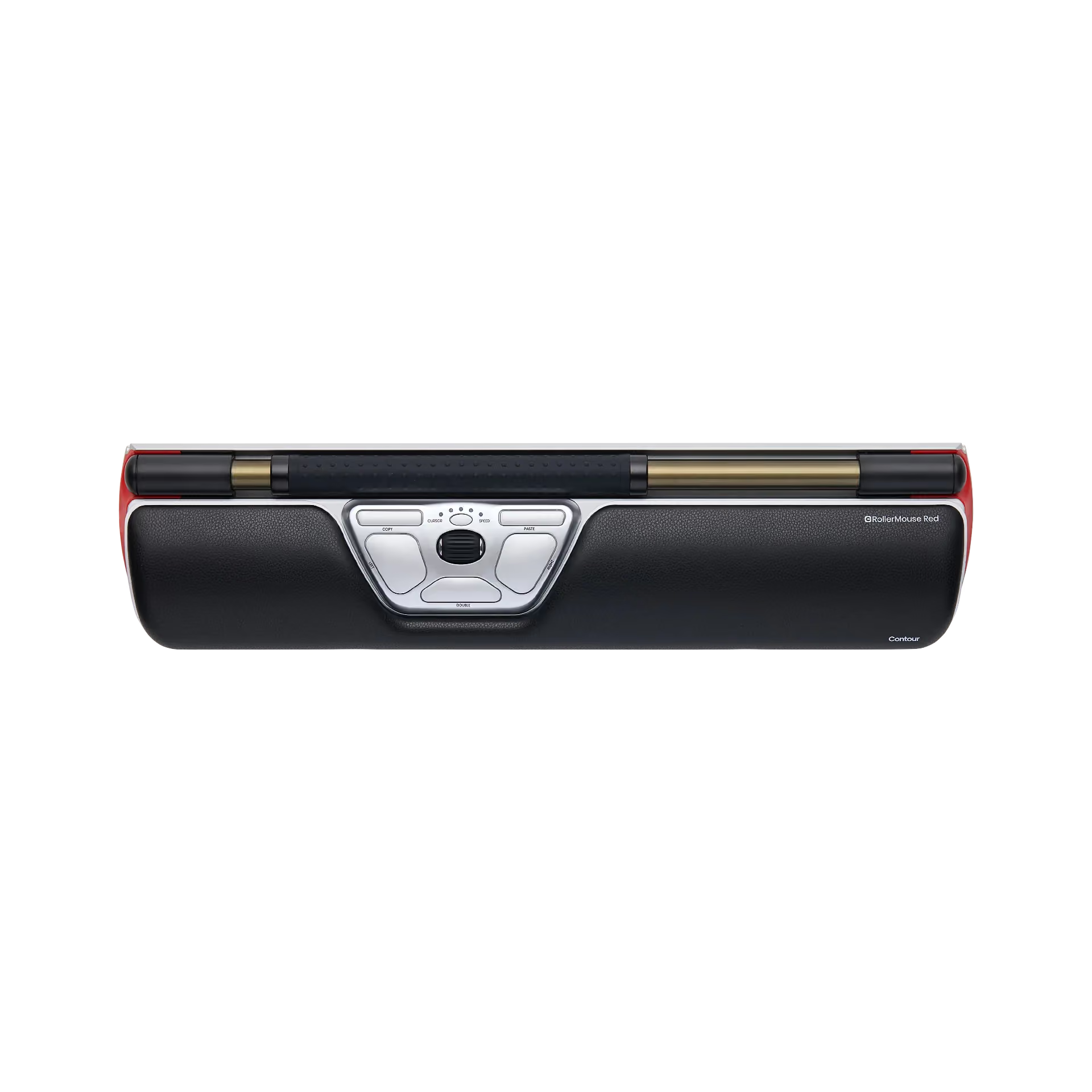
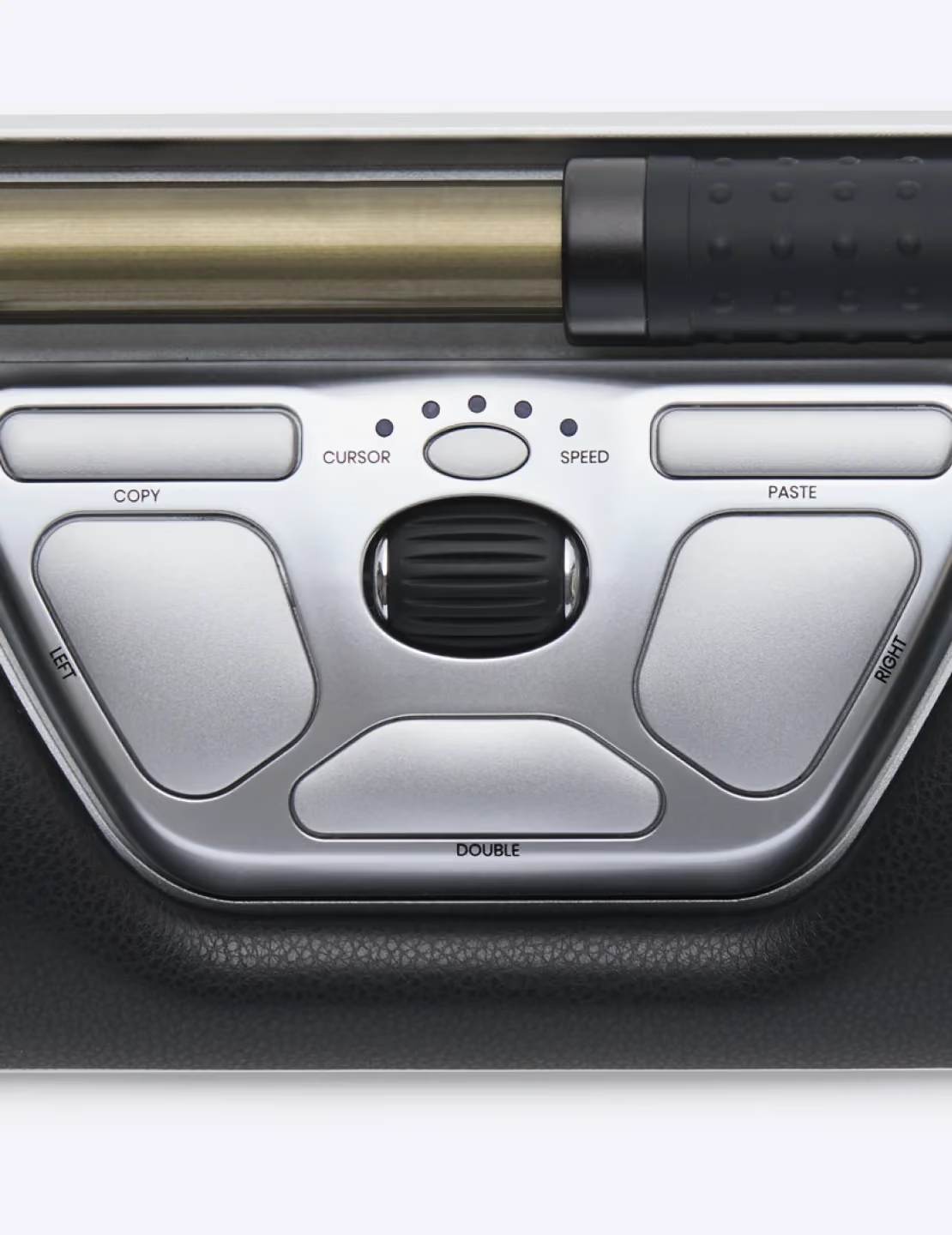
I have only used the RollerMouse a few weeks now and do like the product, which feels heavy duty and well made. It's easy to learn to use, and I would say the adaptation is pretty close to instant, compared to trying a rollerball mouse, which I felt took more time to get used to. The best feature for me is that it allows significant transfer of usage to my left hand to give my right hand a break. The roller is smooth and pressure adjustable. I like the buttons for double click and copy 7 paste, and you can also click using the roller bar. When I first got it, I thought it might have been nice to have a back and forward button for internet surfing, but I haven't found myself missing this much.On the downside, it's not well suited to pair with an ergonomic keyboard, which for me is counter intuitive. If you have hand/wrist/shoulder pain from mousing, it might be the case that a flat keyboard would contribute to that as well. Maybe that's just my opinion. Anyway, it doesn't get along so well with my keyboard, so I am tinkering with positions that might work better. Also, it's not wireless, though the cord is long, and the unit is not really intended to be moved around anyway, so this is not a big deal.I would have to say the biggest downside is the price, which is pretty astronomical, compared to other mice. I can see the quality materials and manufacturing, but I think I would settle for a lower grade for a more reasonable cost. Unfortunately, with limited options out there in this style, there aren't many choices unless you want to go with the more traditional mice. Since I spend a lot of time typing and have carpal tunnel pain, I bit the bullet to try it out. If not for that, I probably wouldn't bother.
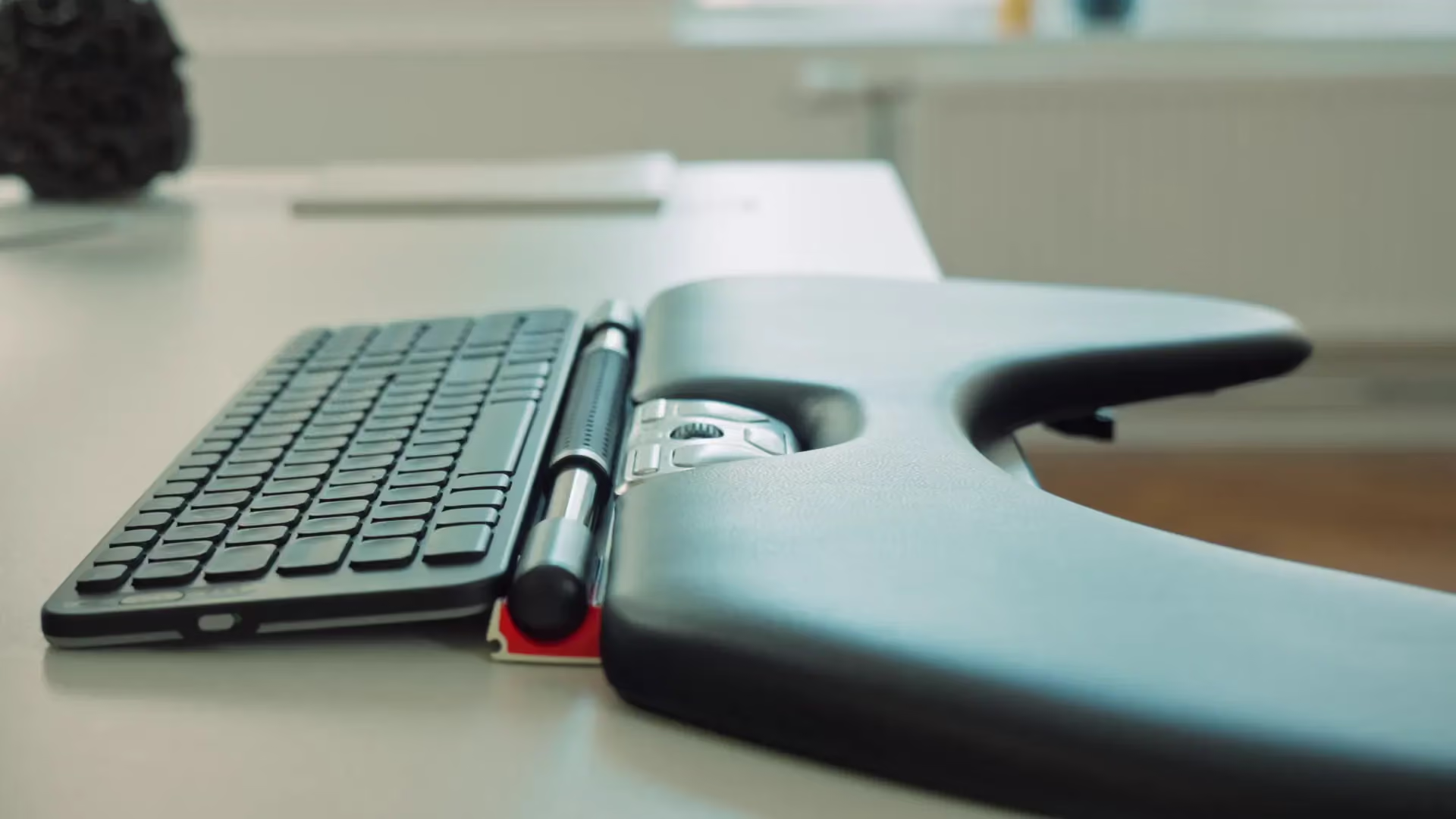
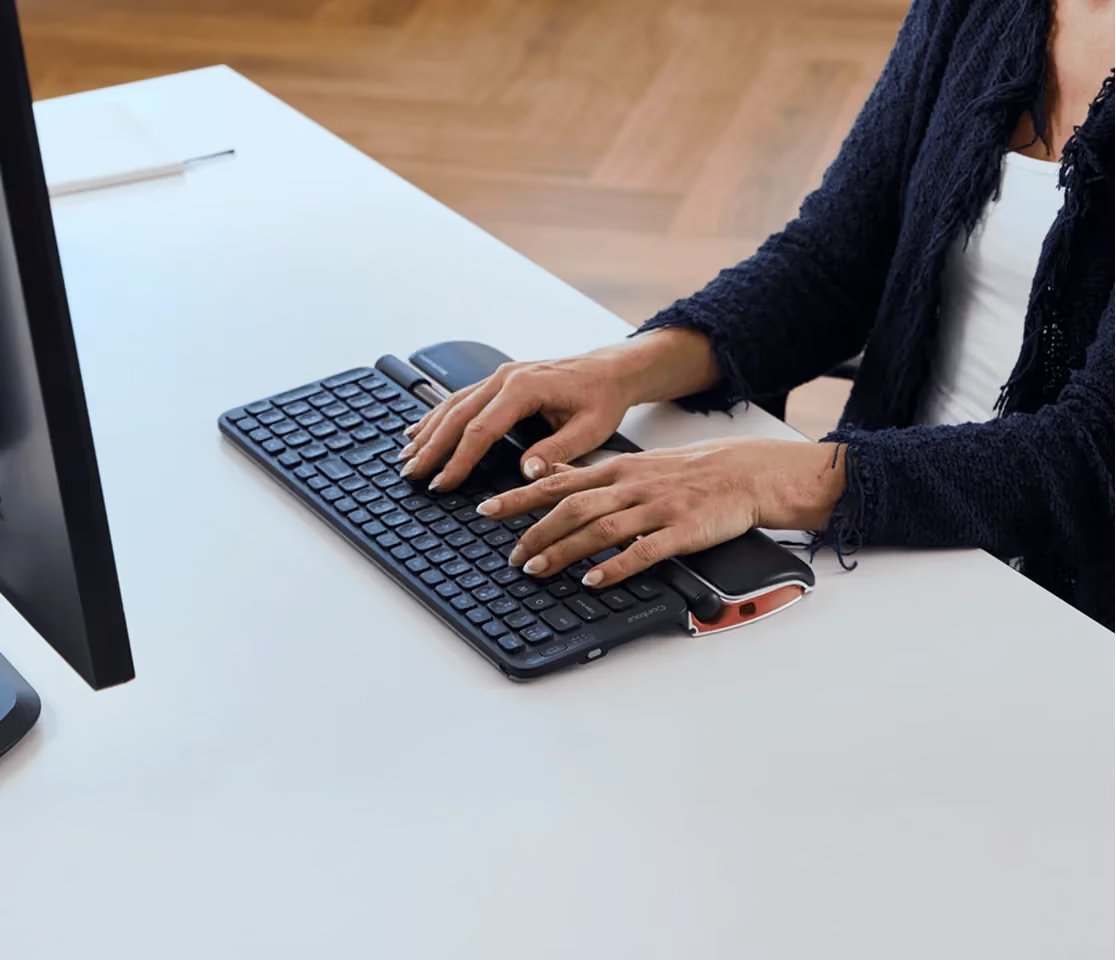
This device is pretty good -- it is definitely less traumatic than a mouse in that using this avoids a type of repetitive motion I've been inflicting upon myself for decades (so at least, not traumatic in the same way -- only time will tell.) But it has some short comings, that are inherent to its design.Most keyboard drawers have difficulty accommodating this device, it adds almost 5" to the depth of your keyboard device set. This of course means you must extend 5 extra inches to type, which can be hard when your shoulder is affected by RSI. It also makes ergonomic keyboards impractical, so you lose that advantage, if you were using one. (The added strain of retyping missed keys should not be underestimated.)Also, if you leave it enabled, a wide range of drag and drop accidents are made possible by the roller bar click feature. And if the bottom edge of the keyboard is touching the bar, weird clicks can occur.Lastly, to move the mouse pointer your elbow is pushed out away from your body while your forearm stays close in, it gets uncomfortable after awhile, which makes it tempting to slide your chair back -- but then, until you remember to slide up again, you're over-extended while typing.Bottom line, I kept it and am using it -- no one is better about returns than Amazon, that wasn't lost on me at all... I guess I was hoping for more?Addendum: I've been using this now going on 4 months, and the difference in the way my shoulder and back feel, even after working long hours, is literally amazing! But everything is a trade-off, and the downside is that drag and drop accidents have cost me some time. I have the click force at its maximum setting, yet still get unwanted clicks as I'm moving the pointer. Turning bar click off makes it nearly useless, it slows me down by a factor of 3 or 4.As a work-around I set the drag height and width from 4 to 60, so now I have to drag things 60 pixels before the drag is started -- it doesn't make accidental clicks any more or less possible, but it does make accidental drag/drop less likely and more visible. (You have to know where it dropped in order to move it back.) The registry settings are under HKEY_CURRENT_USER\Control Panel\Desktop, DragWidth and DragHeight. If you don't know how to edit the registry trying to explain it here would be too dangerous, but if there's any interest I'll write a free program to do it.