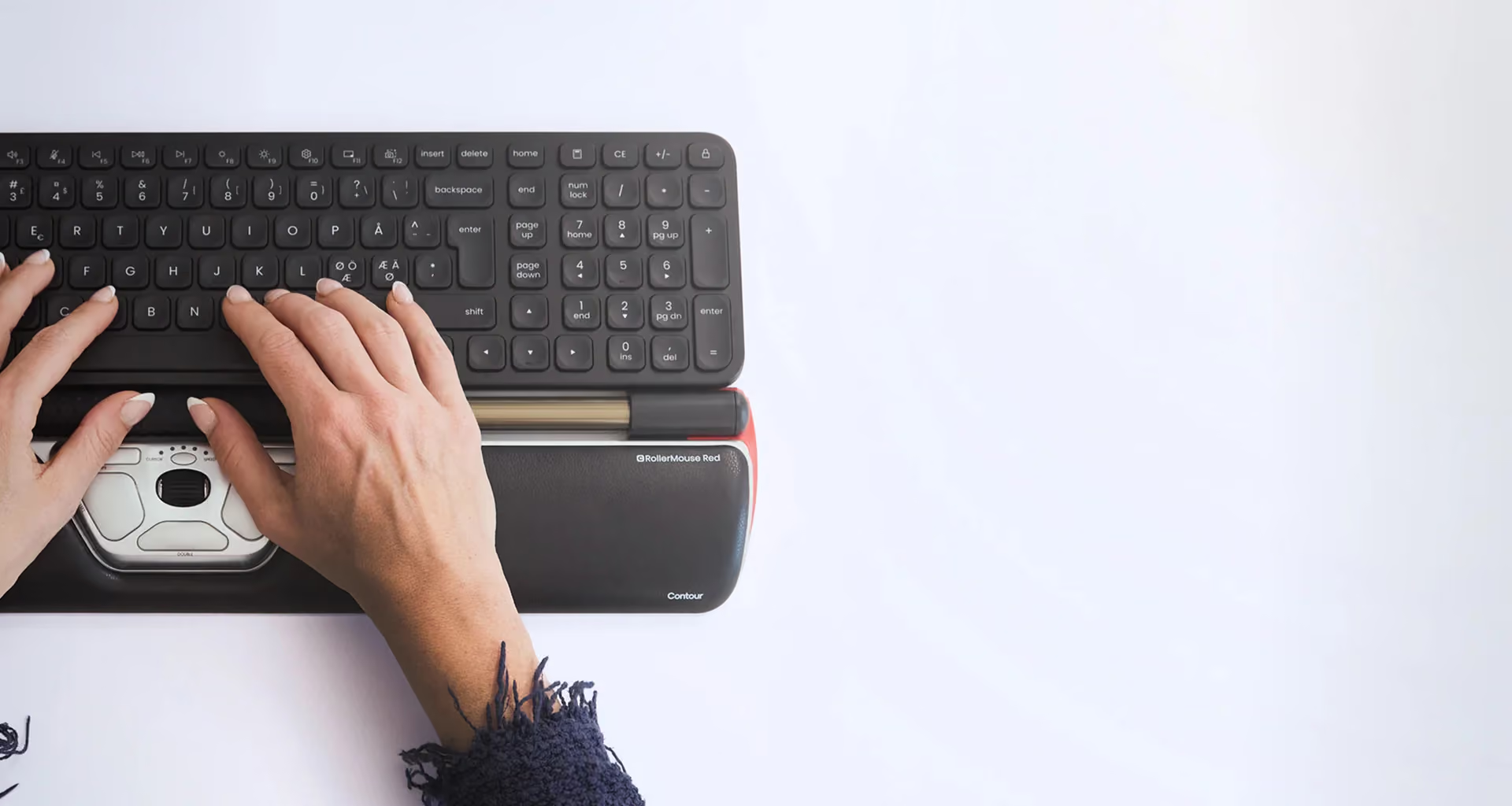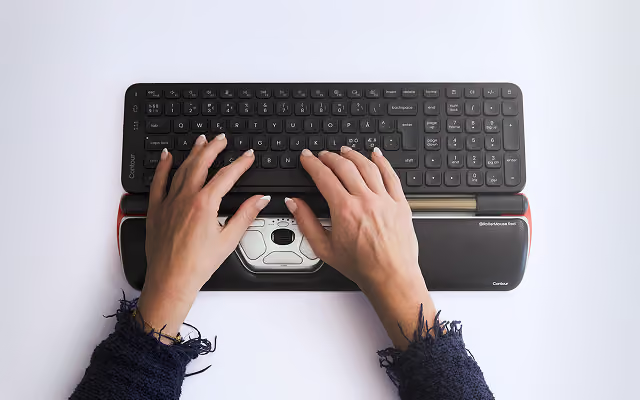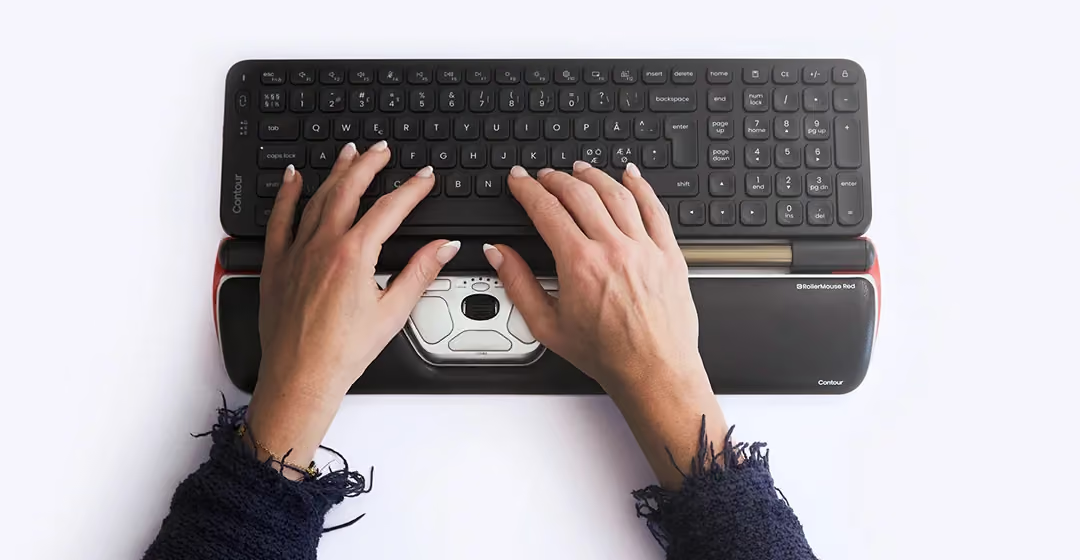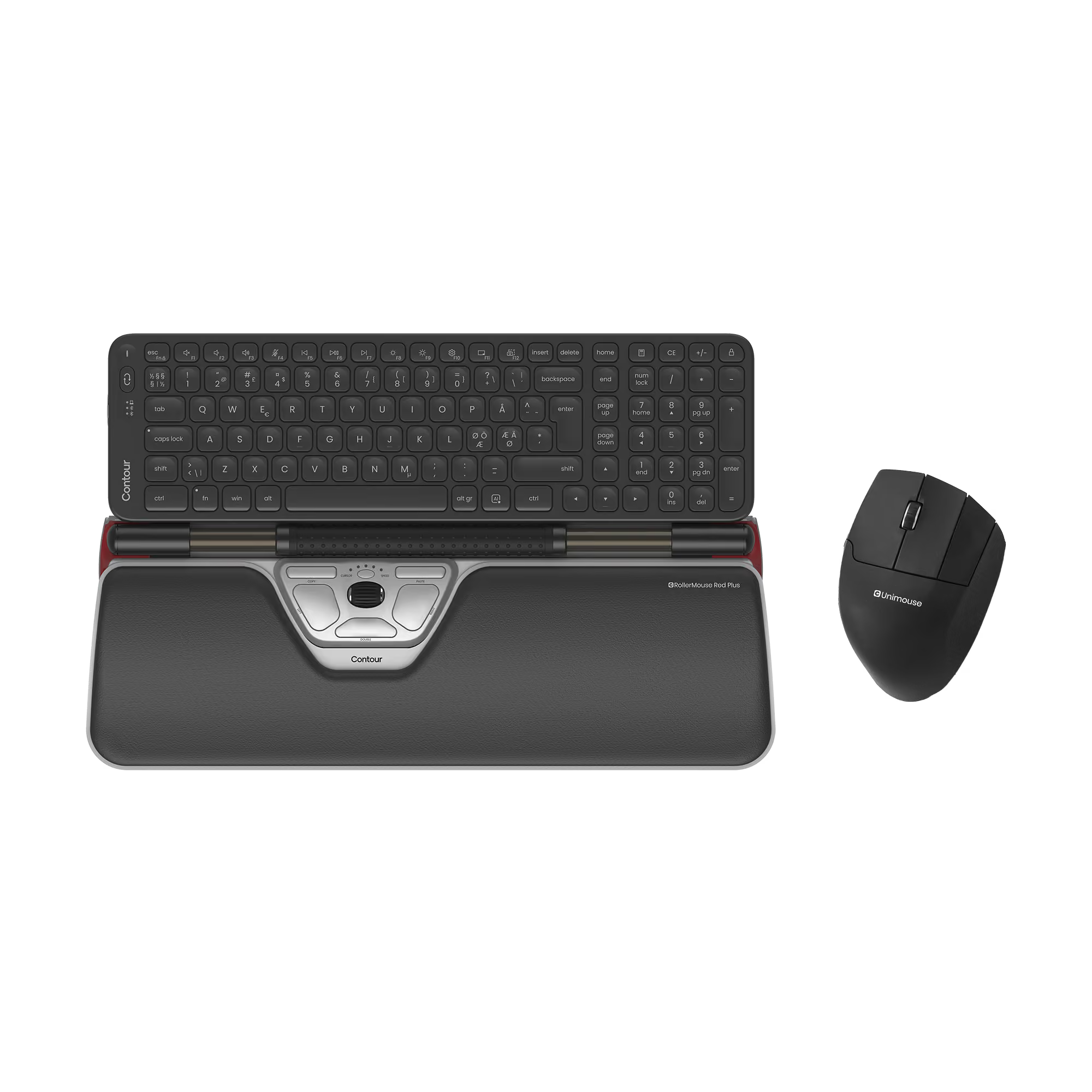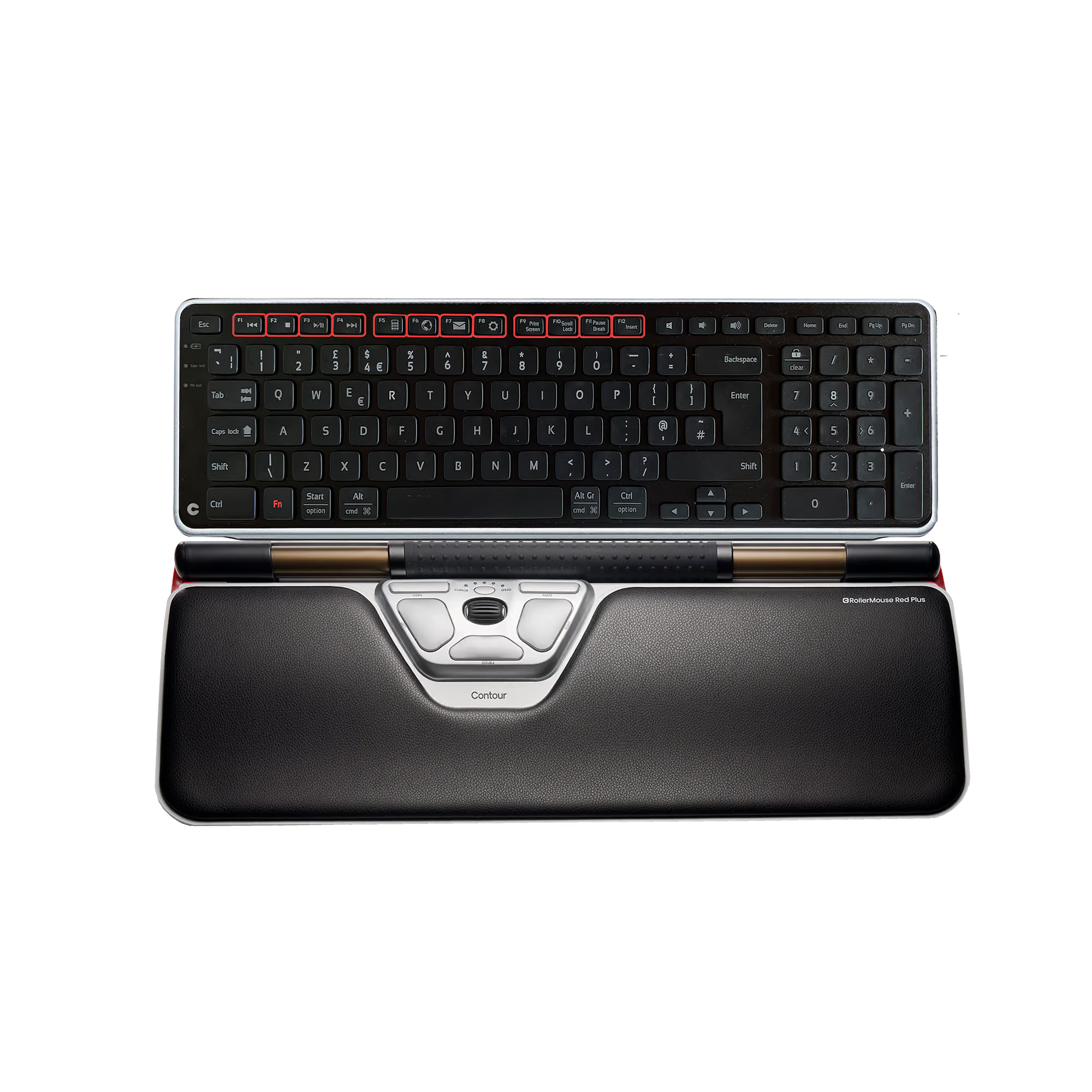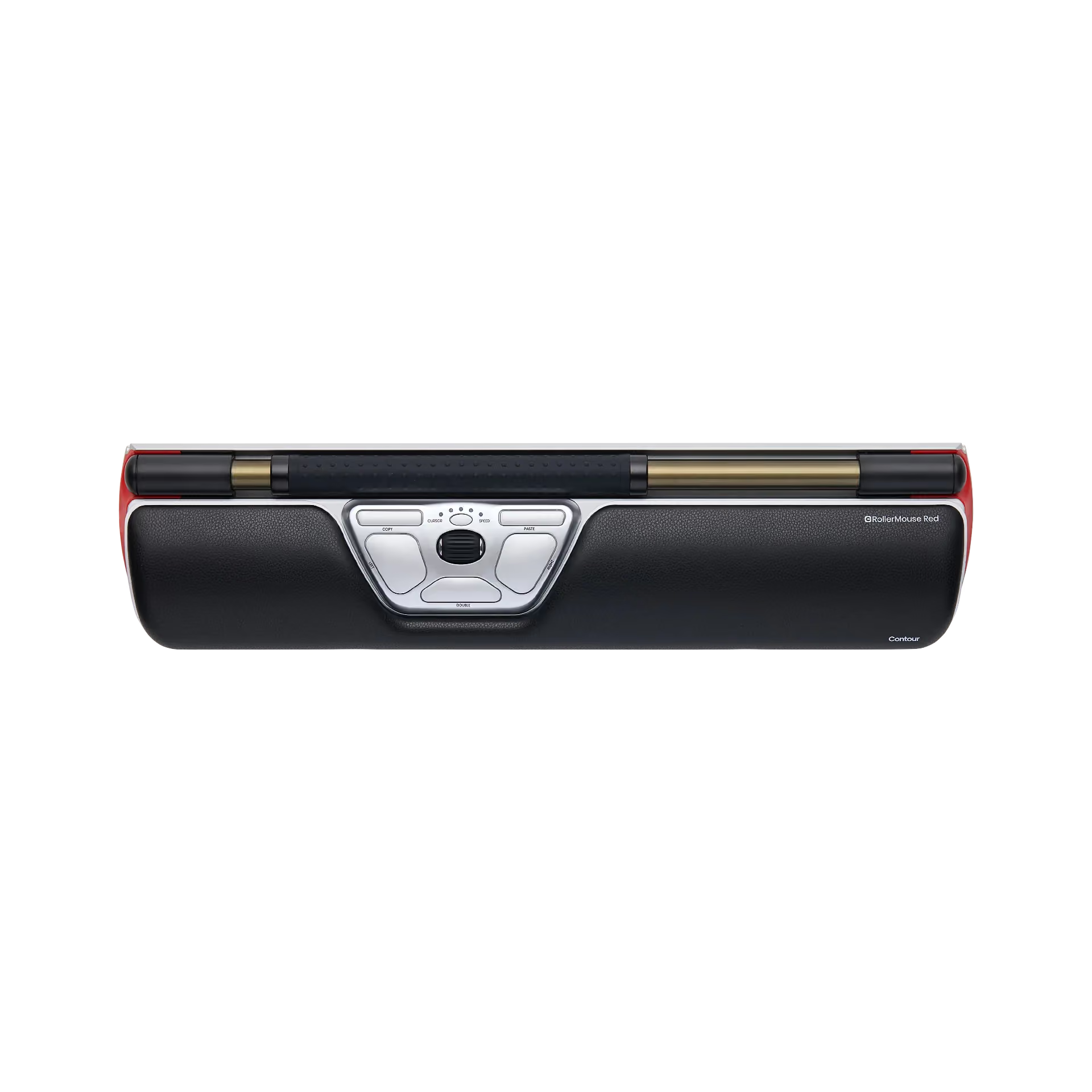
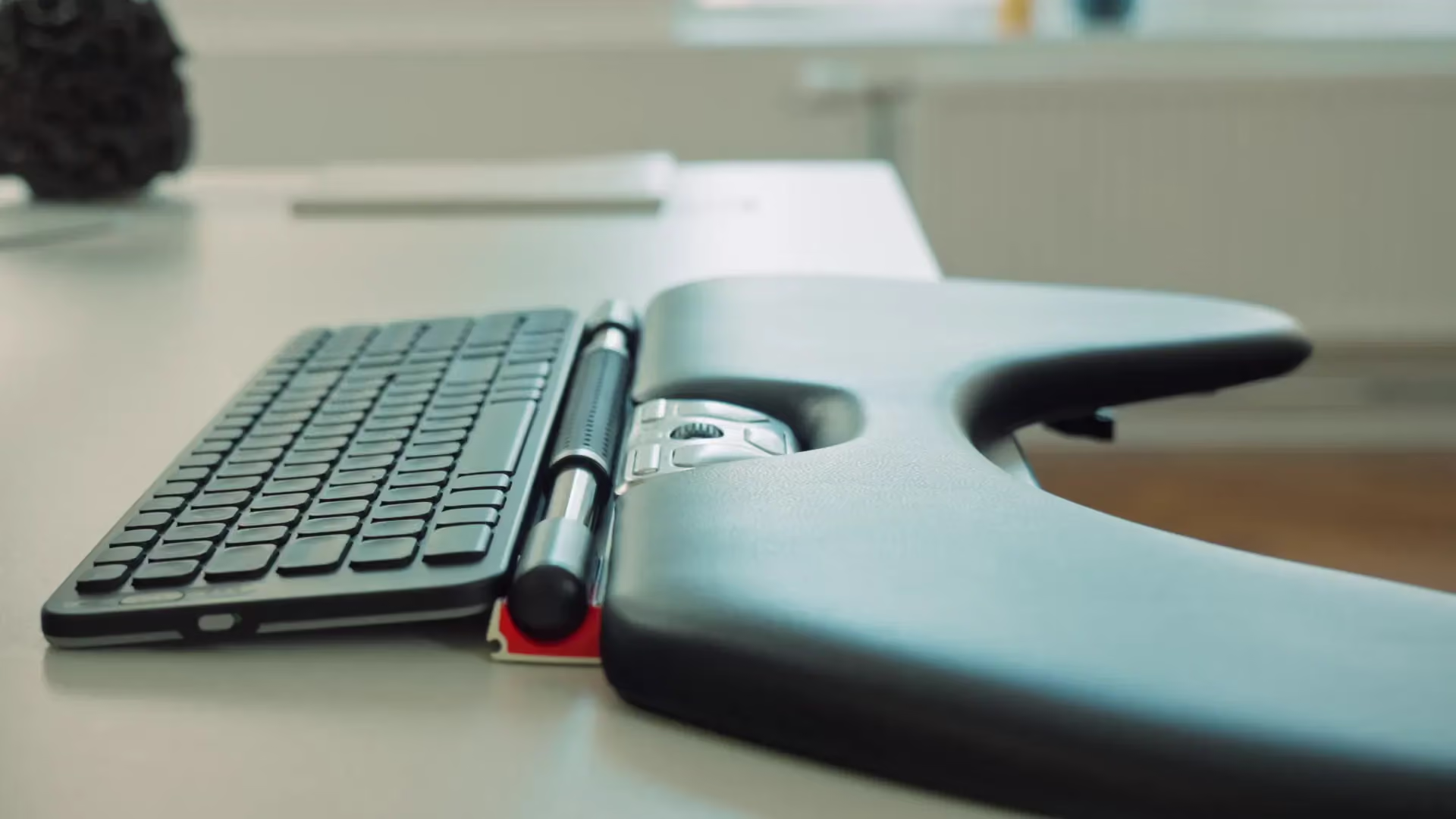









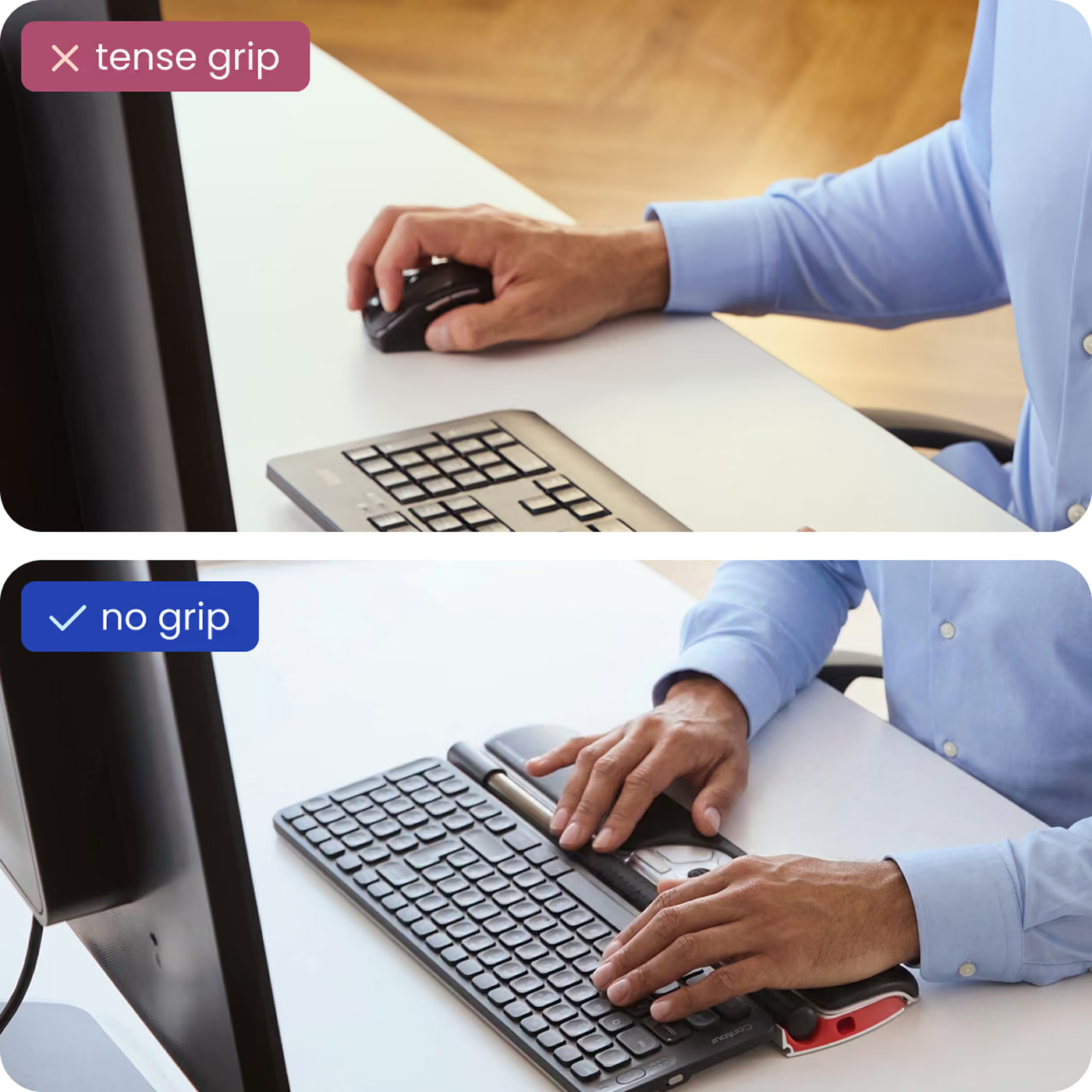






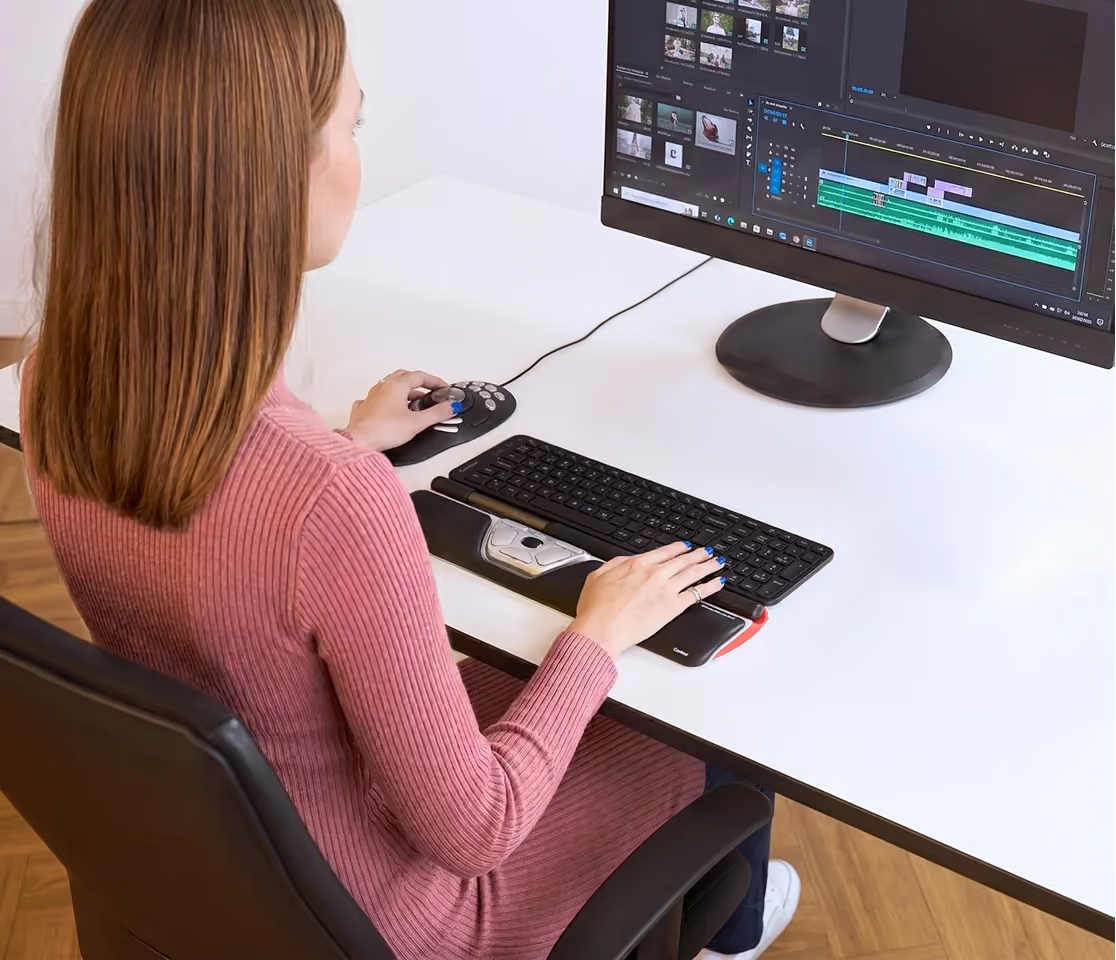

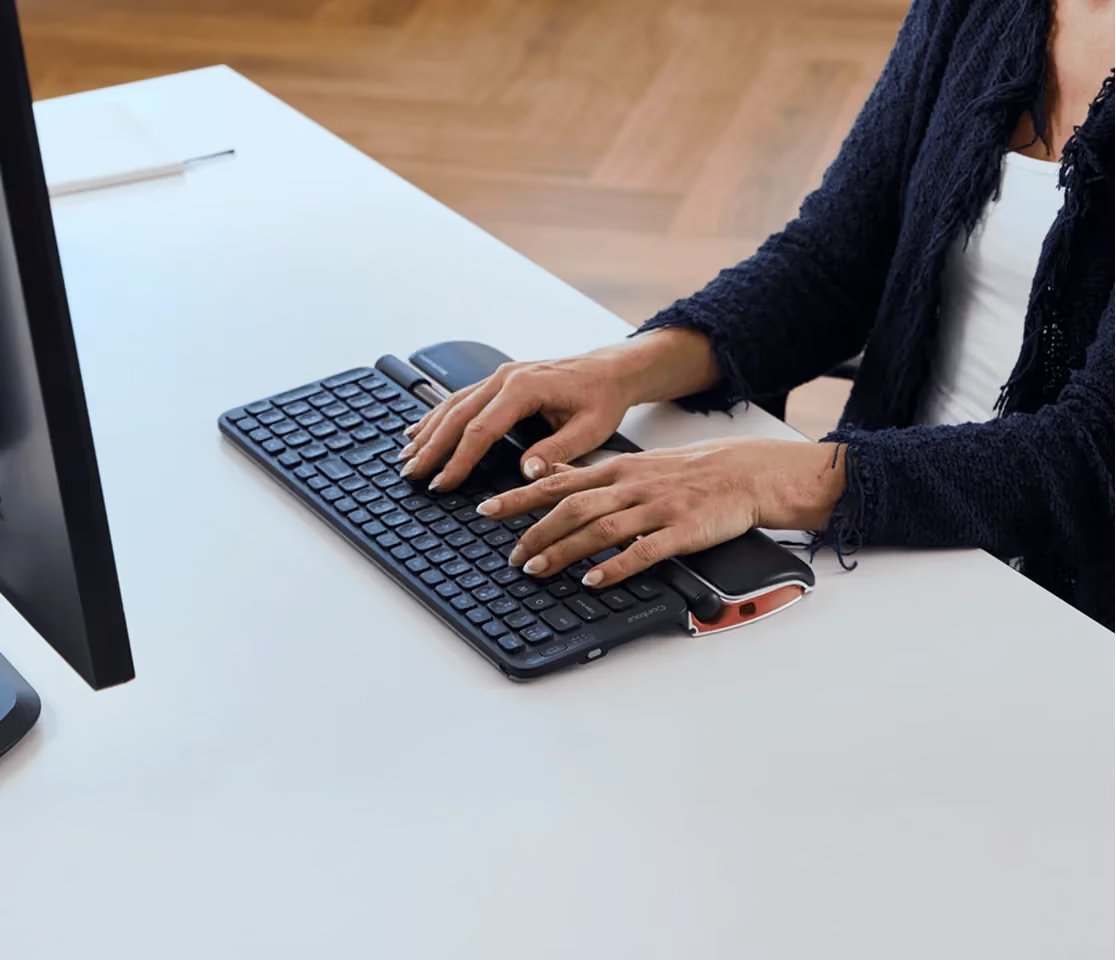
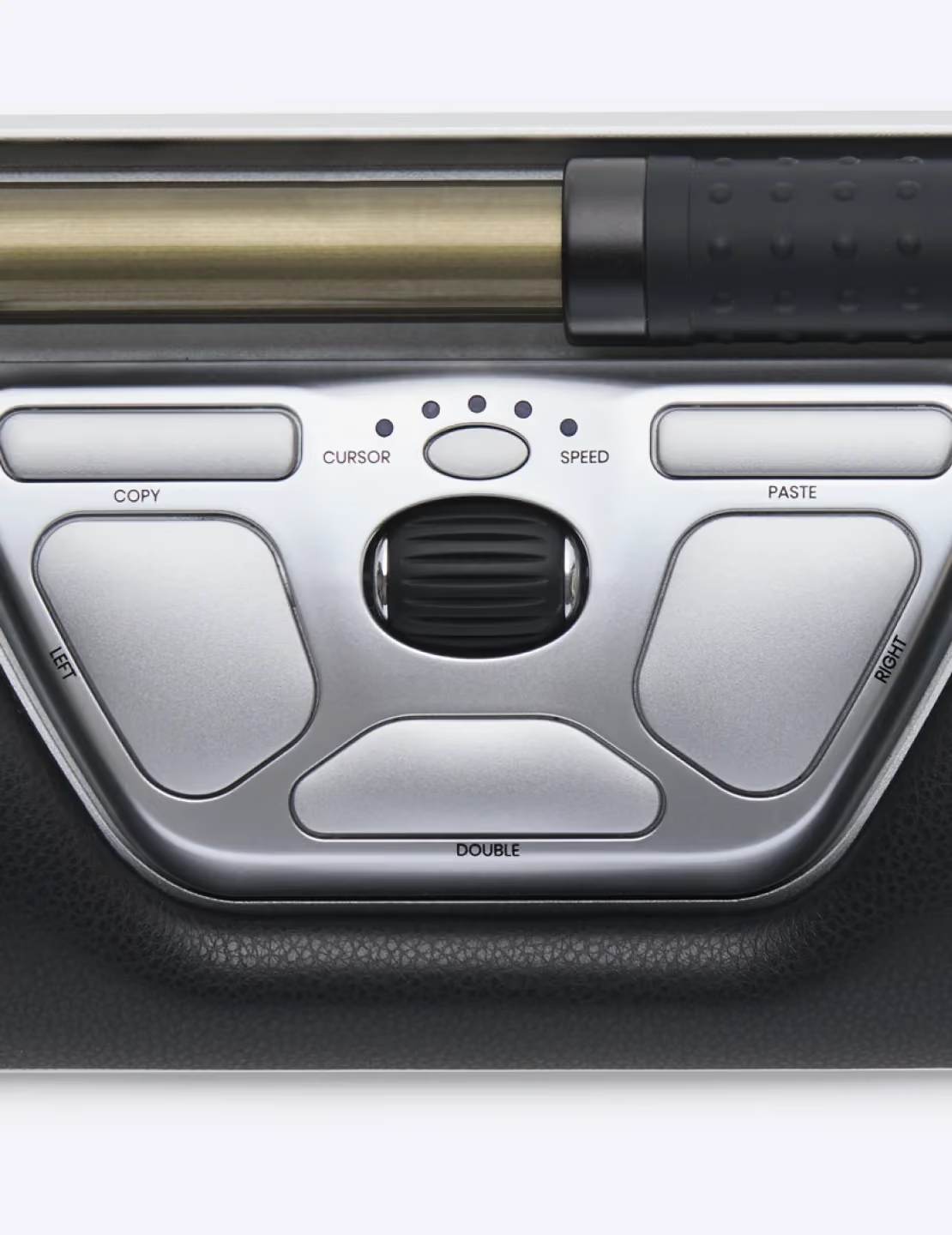




More than worth the investment!Sales person was extremely helpful and efficient.I use the RollerMouse with a Microsoft wireless Sculpt ergonomic keyboard (less than $15), so I can keep my ergonomic positioning. Four months of use (about 14 hours a day) and still zero pain.The wrist/arm rest is supportive but not mushy. I got the regular version and bought the larger rest "just in case." I'm glad I did, I like the larger surface area.The roller bar is mysteriously easy to use. I found the sensitivity of the roller bar both fun and a little frustrating at first. It took a while to get used to not leaning my hand on it. You can adjust the sensitivity of it with the scroll wheel, so it's more forgiving.I love the large left-, double- and right-click buttons. They're easy to find without looking, as is the scroll wheel. Although it has copy and paste buttons, I don't use those.The backspace bar is great, though it surprised me a bit at first - then I read the instructions.It's very durable - it even withstands my dog pulling it to the floor when she trips over the cable.After decades of being a technical writer (and, of course, gamer) and three hand surgeries, I finally found a pain-free mouse.I've tried virtually every type of mouse out there except those that have obvious design flaws (like the one-finger-wonder and the gaming glove).Things I'd change:Make the copy and paste buttons programmable to something else (what, I don't know)I'd love to clean under the roller bar but can't get there. I'd like to be able to dismantle it for cleaningI'd prefer it to be wirelessAll-in-all... love it!
I tried everything to soothe my aching forearms and hands and balked at the price of this mouse but the dramatic difference it made in my life means I would spend every penny over. I love the adjustable speed for precision and the copy/paste button. I would recommend one of these for every computer user injured or not. Just try it and you'll never go back
The physical therapist that I go to for my hand and wrist pain suggested this mouse pad. I was skeptical because of both the cost and the completely different design than your tradition mouse. BOY, am I GLAD I purchased it. After just two days of using this mouse, I don't think twice about how to use it, and my hand and wrist pain are non existent.I totally recommend to anyone. Don't wait until you get the wrist and hand pain from the over use of a traditional mouse. Buy a RollerMouse pad now. I also purchased the one with the extended area to rest my wrist, and I am very glad I did.Thank you Contour Design. You have created a very intuitive design.
Truly best mouse for work ever made, I truly enjoy this newest member of RollerMouse family best from the earlier models.
Just received this a few days ago and love it so much I'm ordering another one to use with another computer. I was surprised by how quickly I got used to using this - it is is very intuitive and simple to use. I will update this review after I have used it for a bit longer, but the RollerMouse Red has made a great first impression!Update 7/26/2014:I have used the RollerMouse for a few months now and will never go back to a regular mouse. It is so easy to use and feels like an extension of the keyboard. Takes a lot of stress off wrist and shoulder. Very satisfied with this product!
Ich habe die Rollermouse jetzt 2 Wochen im Einsatz und bin begeistert. Das Teil ist angenehmer zu bedienen als der Mousetrapper - die Bedienelemente sind weitaus besser angeordnet.Für mich eine klare Kaufempfehlung!
Look, ideally someone will come up with a pointer device that completely sidesteps the use of hands (and unfortunately, LeapMotion is no replacement for the mouse just yet). Til then, we'll have to make do with something, ANYTHING, that minimises the strain on our poor, mangled wrist muscles and fingers.The RollerMouse Red does exactly that. I have been using mine since buying it from the trade show floor at SxSW 2014, and I can honestly say that I love it. My RSI almost never resurfaces anymore, and if it does, it's usually because I've been using the touchpad on my laptop while on the move. Which brings me to the only downside to the device: it is not very practical to travel with.This product has noticeably reduced a great source of discomfort in my life (a red hot repetitive stress injury in my wrist), and for that, I can't recommend it enough.
*****************************************************************************UPDATE: March 2021:*****************************************************************************My original Roller Mouse was finally almost dead.The wrist pad was in a very bad condition. Most buttons did not work properly anymore, but I saw another review on Amazon about cleaning the roller. I had no idea this was even possible which means I never actually took the roller apart for years. I did that and cleaned everything. Buttons started to work again !!! Like the DPI one which was not responding anymore, it now works again. Unless you have the proper tools don't take it apart, you will have a hard time putting the buttons back without damaging something.But the middle button was still double-clicking as well the paste and copy ones which I did not use for the last 2 years anymore for that reason. Buttons seem to give up first but roller click and movement still work.My old device after a proper clean up and taking everything apart will keep going on, but I decided just to buy a newer one...I tried switching to a Kensington trackball, but I just want back my roller mouse back...I purchased this same product and received it a week ago. Installed it today.This is my impression about the RollerMouse Red in 2021.This new device is revision 3. The first model was 1.The only thing that changed hardware wise is the new model now has more DPI options. It has a green LED light that allows to switch between blue slower DPI and green faster DPI. It now can go up to 2800 DPI over the original which only had the blue options. The Amazon description is still for the old one and is listed as 2400 DPI which is wrong.The corners are now black matte instead of the previous black glossy, but now they are also plastic instead of metal. It does not look as premium, but it's probably better to avoid light shining on the back. The new device in general does look like materials are a bit cheaper of the original one.The old device came in a very premium box I still have. The new one came in a cheap trow away box, very ugly for a device priced this much. The old device came with screws to mount it to a desk, 2 short keyboard risers, 2 long keyboard risers and a rubber to hold the roller when boxed plus a rest key removal and other goodies.The new device only came with 2 long keyboard risers, short ones missing, even when the paper in What's in the Box said they are included. I have no idea if this was a mistake but looking at the cheap box its very tight, there is actually no space to hold anything else. No replacement screws or anything else included either. Just the roller mouse, the long keyboard risers and the removal key and the manual and guarantee registration card. This might be a problem if you have a keyboard that needs a different mount. Not a problem in my case as I have the older keyboard risers that came with the first device I purchased. The printed documentation is also now very cheap with no colors as the previous one.Price has not changed over the years. Plastic buttons feel the same and the roller feels the same which so far is a good thing. I cannot remember if this was possible with the old model as I never changed it, but the new documentation has instructions to change the click pressure of the roller. The default seems fine to me but maybe this is s new setting like the new DPI options...Do not install the official drivers or software from Contour's website. They are bad. They have not changed over the years and still bad in 2021 with the same issues. I installed again to test them, and they are still very buggy. This means if you click copy and then paste it lags and takes time to respond. You actually need to wait until it copies or pastes things. And the roller itself just moves VERY awkward and slow. DO NOT install their drivers and software if you are on Windows.Just let Windows detect the device on its own, and it will work perfectly with Windows.OLD REVIEW *****************************************************************************I wanted to wait at least 3 months or more of daily constant use before rating this. It works. It just works better than I expected. If you are researching this product you may not understand how it works, it surely looks awkward but its amazingly comfortable to use. Its fast, it has several speeds, and the fast setting is really fast, you can go from one point to the other by just rolling the bar slowly, even on multiple monitors which was my biggest concern, but the bar is able to roll fine from one corner to the other without speed issues.Your productivity will triple with this device, since now you are very close to your keyboard and pointer, it allows you to switch from type to move and click and back as fast as just moving one finger down.This is worth every single dollar spend, the quality is great, the features work perfectly and I will surely never go back to any mouse, trackball, touc...
I just upgraded to this newer version of the roller mouse after my old one started going bad. I had my old one for about 7 years, and I am a heavy user. I play games and do remote computer support everyday and it works great. I like the bigger mouse roller and the arm rest is very supportive. It is very responsive when gaming, and I have had no problem with online games with it as long as you are used to it. Because of my old roller mouse I had no trouble getting used to the new one.Great product
Love these devices. Had one for 5 years and it was time for a new one. Hope this one will last longer.
This is my third Contour Rollermouse and the best one yet. It feels tight and responsive. The only thing missing is the driver to customize it. I called Contour and the nice woman there said that they are working on the drivers. As of this date, the drivers for the PC are now on the site, but they don't have the Mac drivers up yet. The woman said they should have them soon.Update May 22, 2015: It's been over a year since my purchase and the Rollermouse is still going strong. Contour finally got a driver for Mac (I had stopped looking about six months ago), and I just installed it today. It works great. I like it because I can now use my upper left key to go back on the internet and the upper right key to go forward; I can also customize some of the other keys -- not sure what I'll do with them yet.Update May 4, 2021: This is such a great mouse and it has now lasted me 6 years. I highly recommend this mouse for anyone dealing with repetitive strain issues! I'm giving one to my daughter.
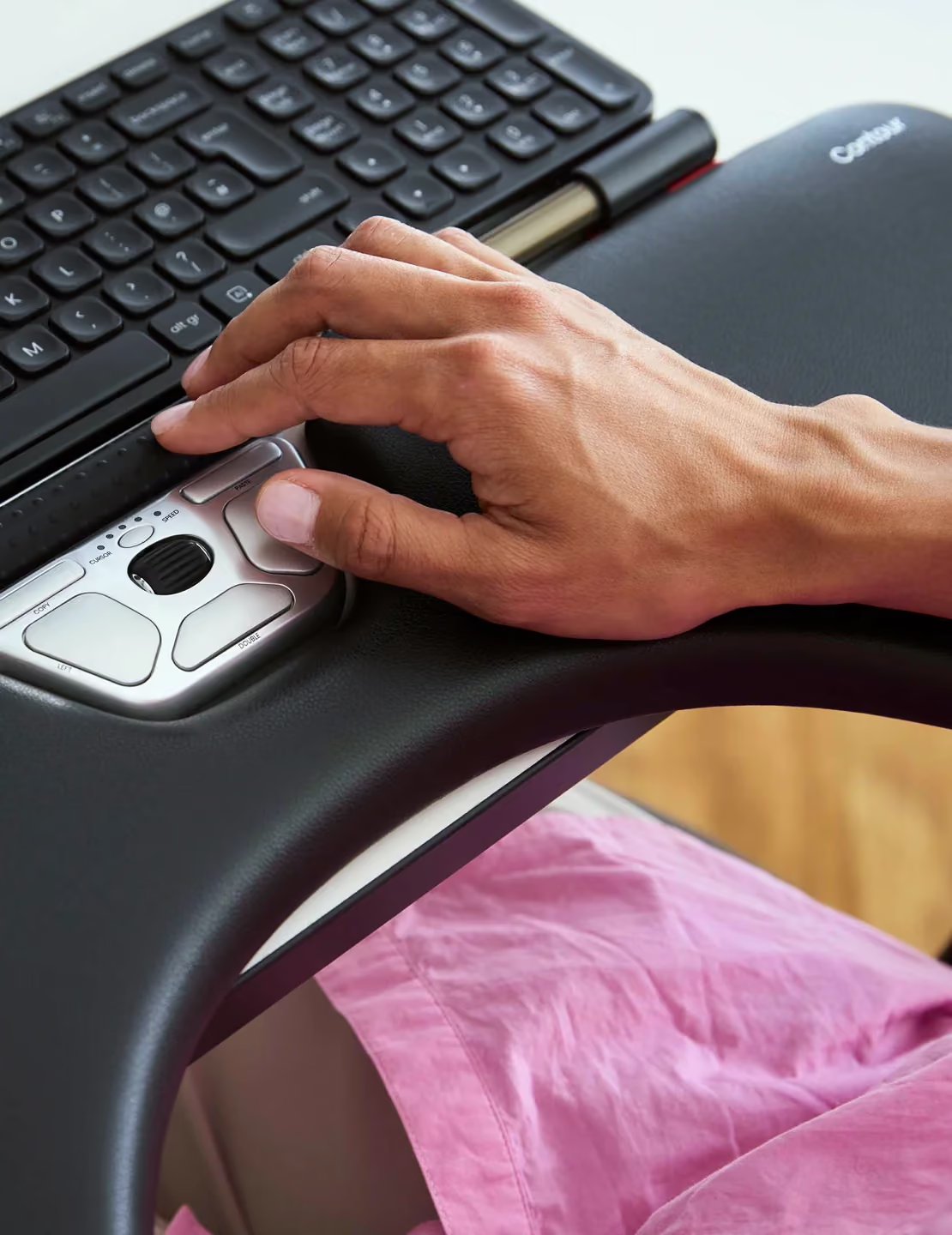
I decided to purchase the Contour Rollermouse Re:d due to "tennis elbow" or forearm pain developed with heavy computer and mouse use. I am using Windows 7 and this product has helped reduce the stress and pain in my forearm. I like the use of buttons accessible by my thumbs/fingers to "left click", "double click" and "right click." I like having the mini-roller, black in the middle of the silver keys to scroll up or down on web pages. The Contour RollerMouse has met my expectations and I am thankful for the product.
I have purchased all three versions of this product. The first version was a very good in that it was very precise and clicking with the bar was very smooth. The next version of this product was a disaster. They tried to allow the user to increase or decrease the tension on the bar which ended up making the bar move away from what you were pointing at when you clicked. Needless to say I returned the second version shortly after purchasing it. I had two of the first version and they began to break down after about 18 months of use. It should be noted I was using them at work with very intense use.I purchased this version a little over 6 months ago and have it installed on my work computer. This version has so far worked so well that I almost forget that I have it. Which to me is the measure of a pointing device,Update. I continue to use this device and it has help up very well. The design is much more solid than previous versions. I used it at work for considerable period and now I'm using it at home and it work just as well as when I first bought it.It remains to be seen how well it holds up. It's construction is a completely different concept from the previous versions and I've not seen any signs of it breaking down as I did at this point on the previous versions.
Okay, so it's expensive, annoying to use (still learning), the click bar is noisy and too sensitive (even on least sensitive setting) but none of that matters.I have used various mice for the last 18 years both left and right handed. Then I switched to trackballs about 6 years ago which gave a small rest bite before the pain in both hands and arms was intolerable (despite switching hands on alternating days). Even so, I've suffered finger, elbow, wrist and shoulder pain for the last 10 years at least. The shoulder pain has got to be especially painful. Endless ibuprofen only took the edge off.One week of using the Re:d and all the pain is GONE. That's why it's worth the 5 star rating. Everything else is meaningless against that fact.
Their is a small learning curve with using the device, but it does help with reducing your wrist pain and increasing your efficiency with using the mouse.
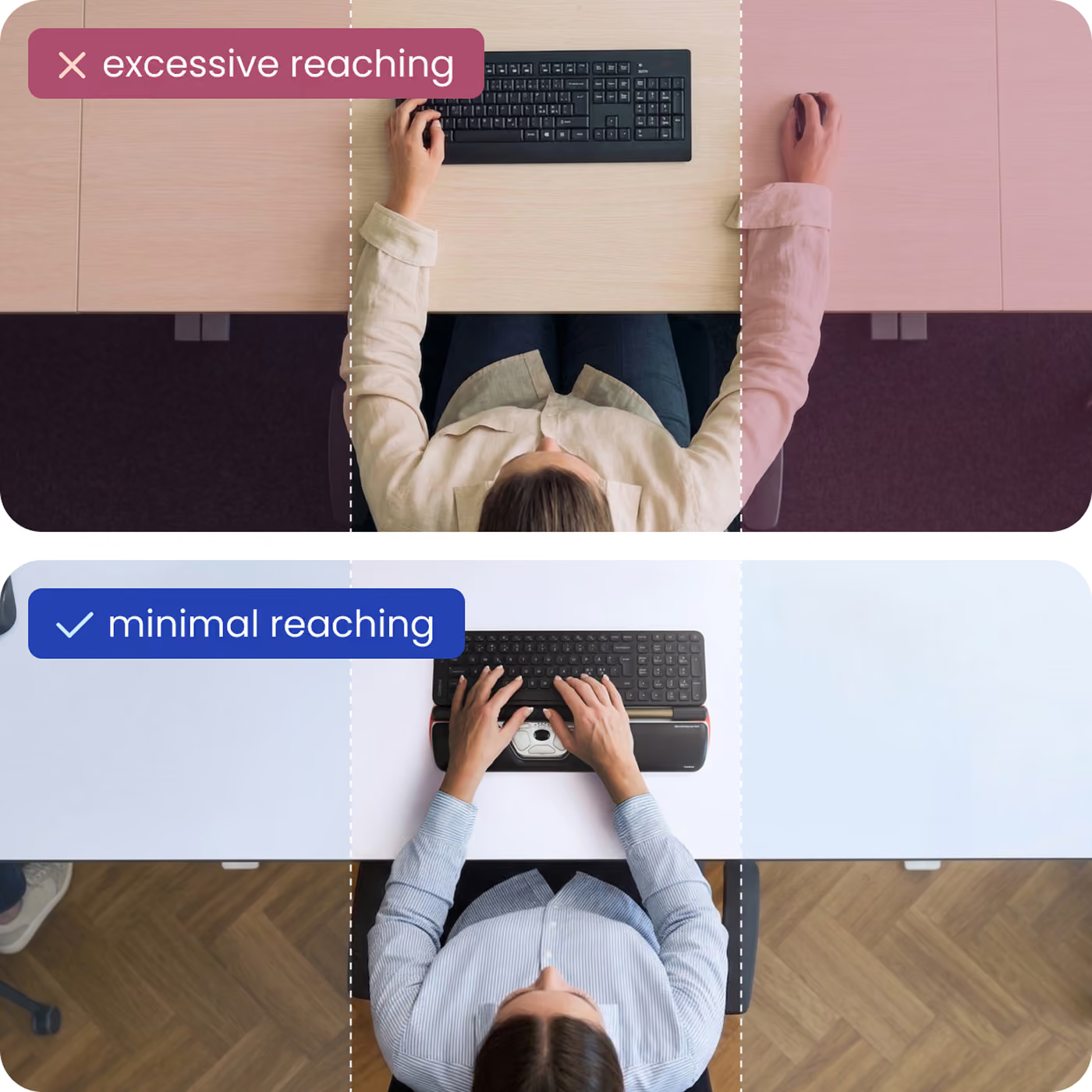
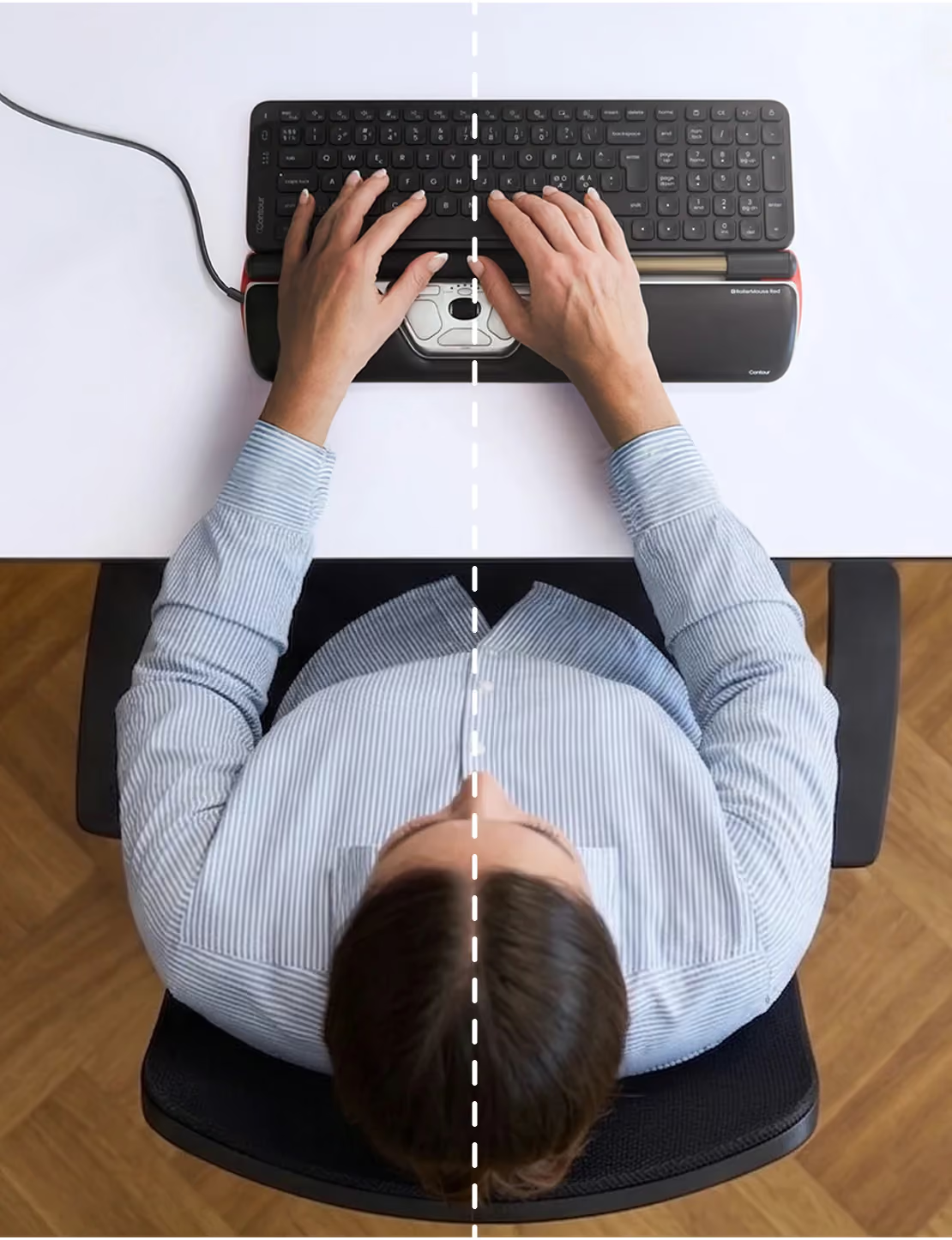
Since there aren't very many RollerMouse Red reviews to date, I decided to submit this to help people decide if this product is worth splurging on. In my case, the pain of mousing drove me to seek better alternatives (ulnar nerve compression!) I looked into the other brands of ergonomic mice and wasn't convinced any of them would really relieve that pain. Since I was also looking to free up room on my desk, I was not keen on the large footprint of some of these mice. I also didn't want to mouse with my other hand as some recommended. I kept asking others what they thought of this product but no one I talked to thought it would work for me. I bought it a couple of months ago anyway and I'm absolutely thrilled I did!!! (I chose it over the other RollerMouse models due to the improved rollerbar.) No more reaching hundreds of times a day between the keyboard and distant mouse as I worked in the database. No more PAIN dragging my inflamed ulnar nerve around the table, no more mouse arm pain, no more shoulder and back pain!! Now I work quickly and comfortably in my comfort zone. I'm definitely sticking with my RollerMouse Red and I recommend you buy it too if you have similar afflictions or you're just tired of reaching for that mouse all day long!
I recently switched jobs. I tried an older version of this a few years back but had a mobile job so I had to return it. I knew that once I switched to a standard job, I would have one of these on my desk. Luckily for me, the timing of that meant I could get the latest version from Contour Design, the Rollermouse Re:d.More about the product and my experience:-The quality and workmanship of this product is very high. The base is built of solid aluminum and it feels very sturdy. The actual rollerbar mechanism and buttons/scroll wheel feel great.-The level of adjustment is fantastic, clickbar can be turned off or set to one of 5 resistance levels. In addition, you can adjust click sound and rollerbar sensitivity.-It's very easy to learn to use and takes literally no time at all. You will find that you will be reaching for your mouse / trackball the first few days but ultimately that habit goes away quickly.-I can't stress enough to take the time to properly set this up and also get a compatible keyboard (I'm using the Freestyle 2).I can say that after using this product for 3 weeks, I won't use anything else again. My shoulder and right arm (and thumb) feel so much better. I've been using a thumb operated trackball for 10 yrs and this is a remarkable change.A hint to potential purchasers: Contour Design offers a 30 day trial if you purchase through them...however they will charge you shipping. The product here also comes from Contour Design with free shipping and you can still return it within 30 days if you don't like it.******Update 08-15-16******This device is still going strong! I love it and has saved my right arm. I did have to clean the internal mechanism once pretty recently but that was very simple as well (Contour will provide instructions on how to do that if your pointer starts going wild). I have literally had no problems with the device. Hopefully I don't jinx myself because it's definitely pricey but so worth it.
I have been using a roller mouse pro2.Then I feel this Re;d is much better than Pro2 by using thicker rollerbar.The roller bar is relatively accurate,I can point so easily from end to end even if using 1920 pixel wide display.The reason why I put 4 stars is, physical click button is a bit harder than pro2.
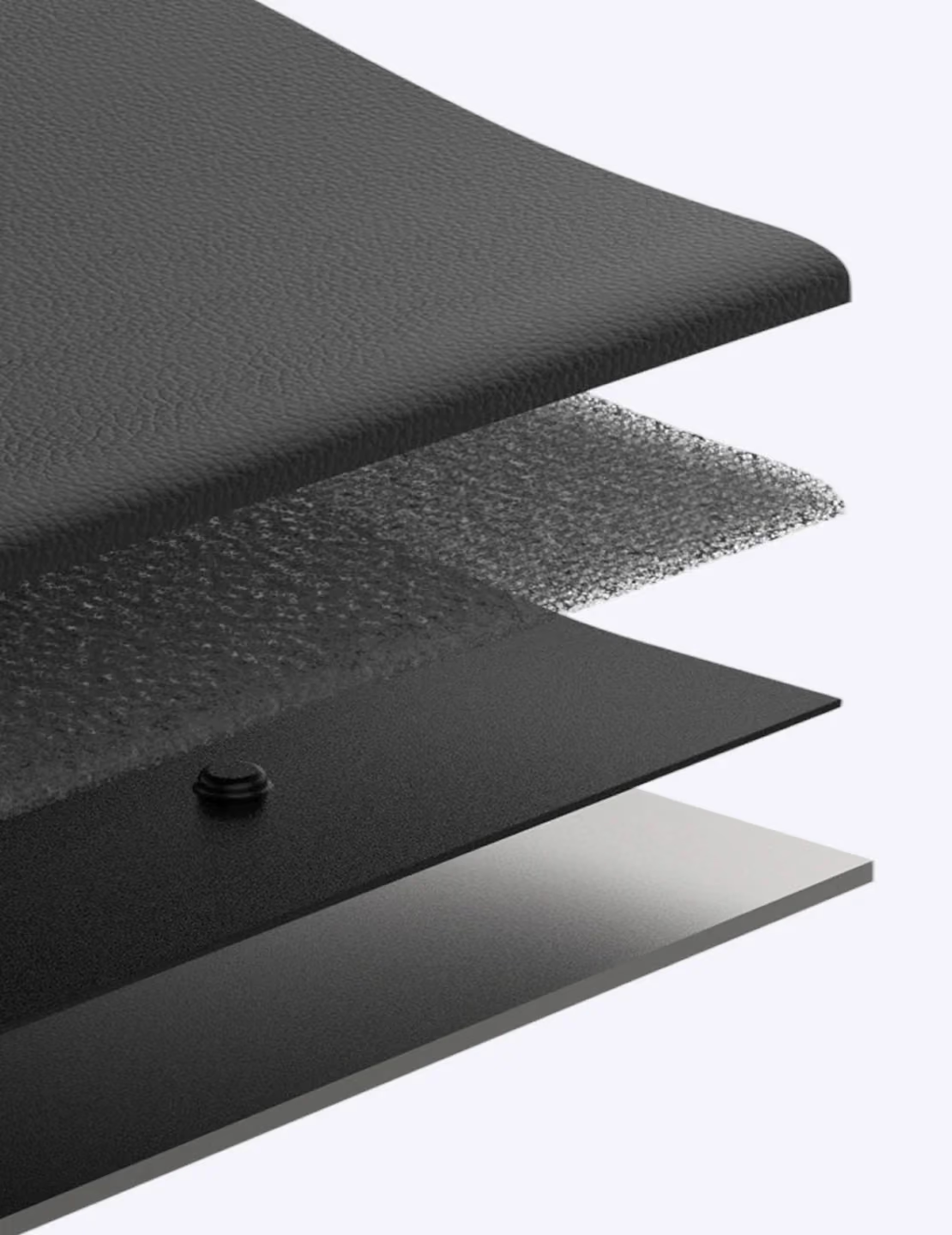
I've been using the Rollermouse2 for about a year. It has made such a huge difference in my work and how my body feels. I started out using it at my sit-down desk, but I then purchased a walking treadmill (lifespan) and a sit/stand desk (conset) and I can say there is no way that I could've worked while walking using a regular mouse. But you will reap the ergonomic benefits of this no matter what desk set-up you have.The new Red version is built much better than the 2. It is incredibly solid, the rollerbar is bigger, has textile bumps, and frankly just works better. The wrist rest is the real improvement! It is smaller, so it takes up less desk space in front of my keyboard. But it has a leather (real? no idea) wrist rest that is so wonderful. It is never cold and is just...comforting. Versus the prior model which felt like vinyl and was always cold on my wrists.They also made the keyboard holders slide, whereas on the prior model they were fixed, so this is also a vast improvement. I would've ordered this off amazon had it been Prime eligible, but as it were I went to my local store and picked one up as I have no patience waiting on some unknown shipping ETA. These items are not cheap, and while I debated replacing my Rollermouse2 because there was nothing wrong with it, the upgrade was definitely more than worth the price for me.
Very good product. If you are doing anything mouse intensive you want to avoid RSI and similar issues, not treat them once you have the problem. This latest version, I had an earlier one, is very very solidly made and like earlier verisons eliminates all the repetitive stress motions of a regular mouse. You can use all your fingers, or one, or anything in between, to move the mouse, and you can click the same way. There is also a neat double click button that only requires one tap. All that means you dont stress one or two fingers on one hand. Also much better than a track pad, which gave me serious tendon issues in my elbow because of all the tapping with two fingers. I gave it four stars only because it takes a bit of doing to get it well-positioned at the bottom of your keyboard. I would have paid much more than $265 to avoid the tendonosis I developed in both elbows!Get it.