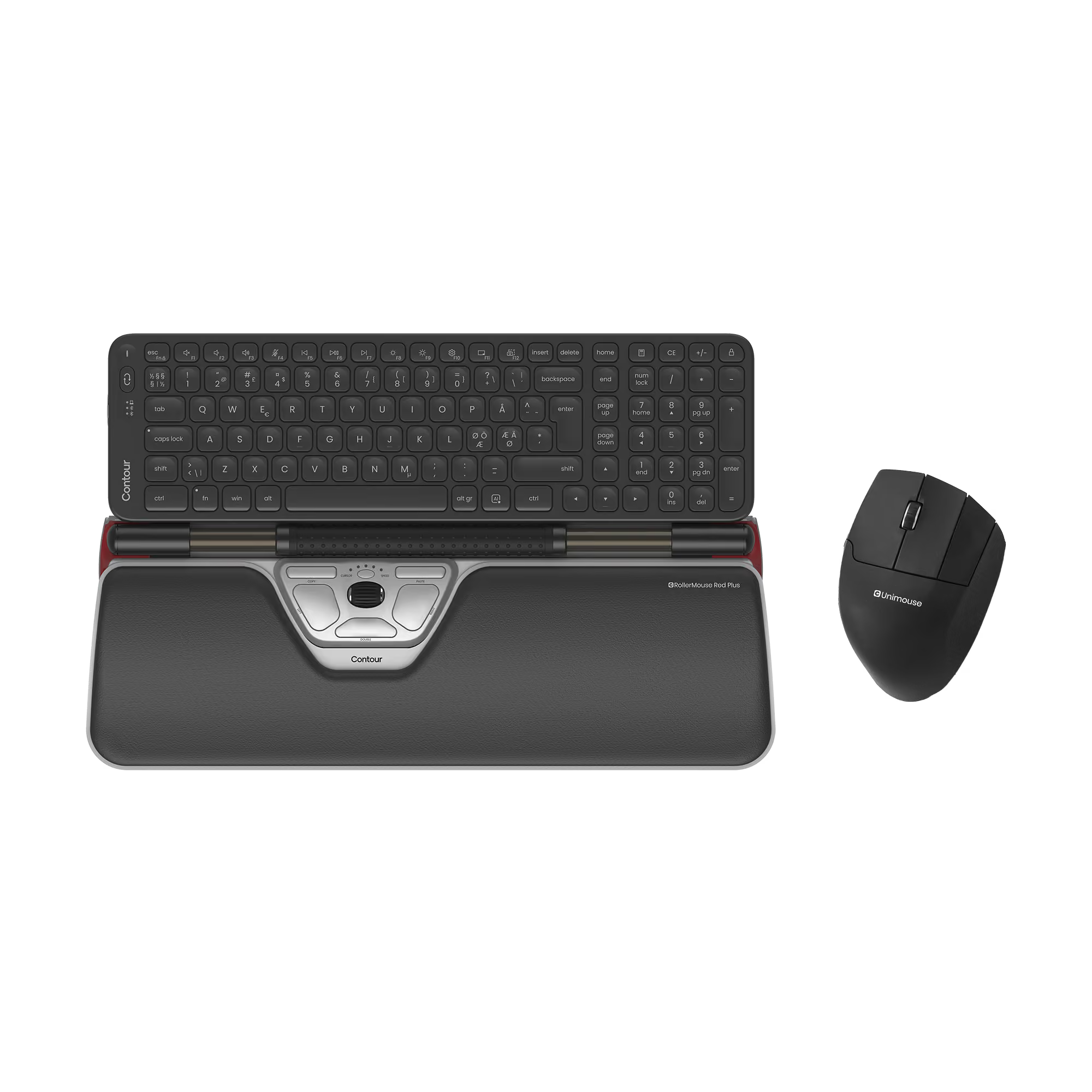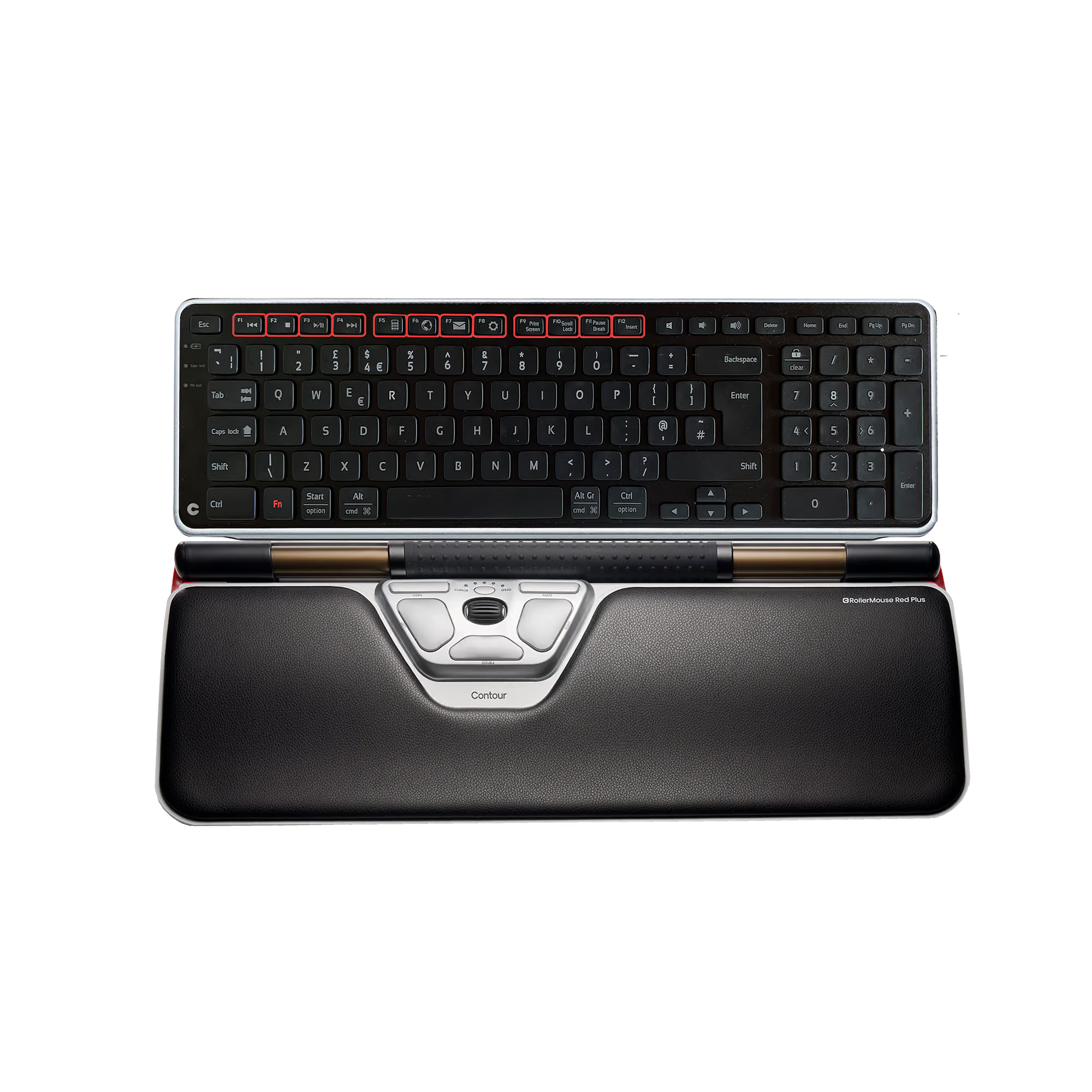
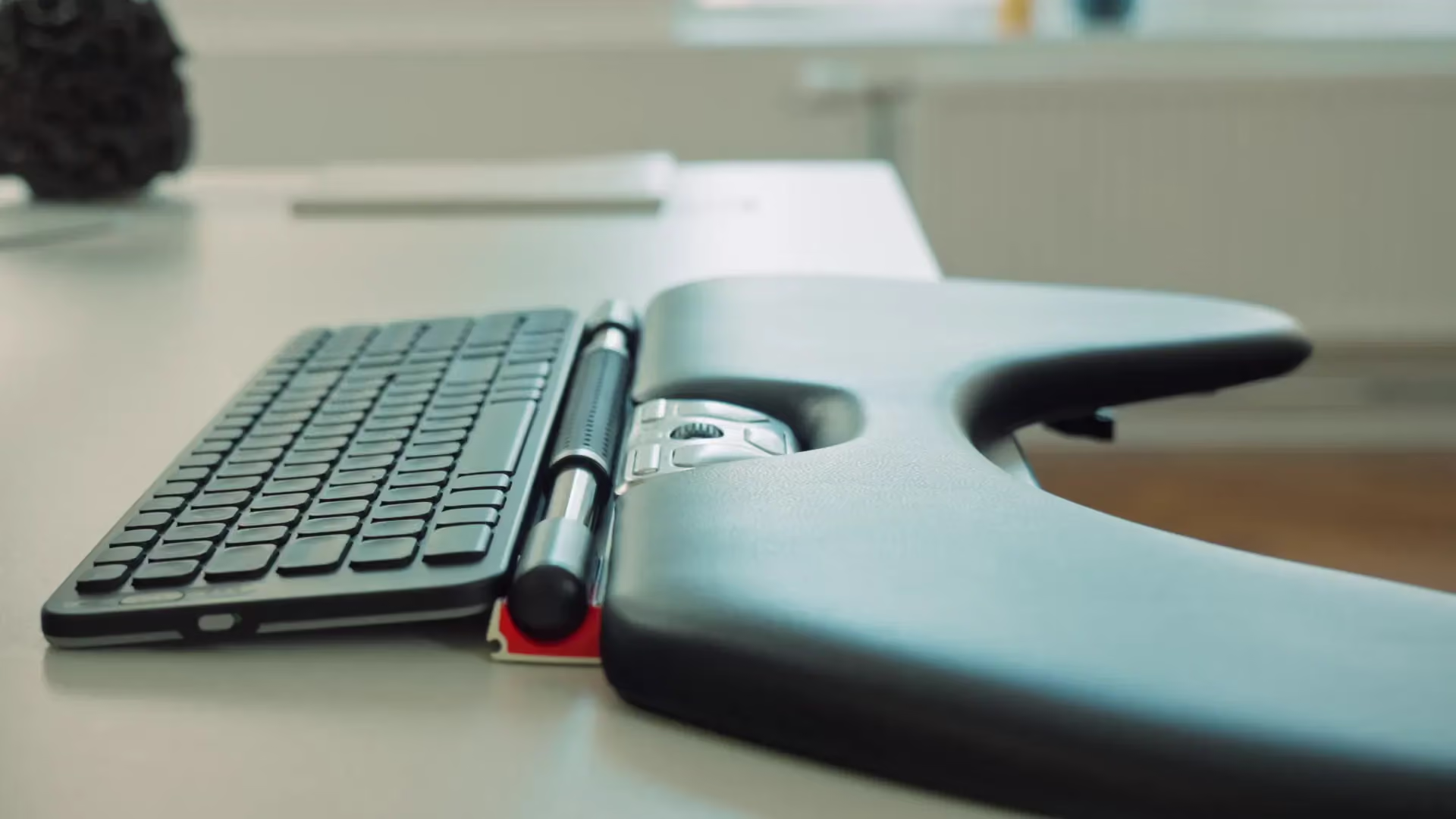














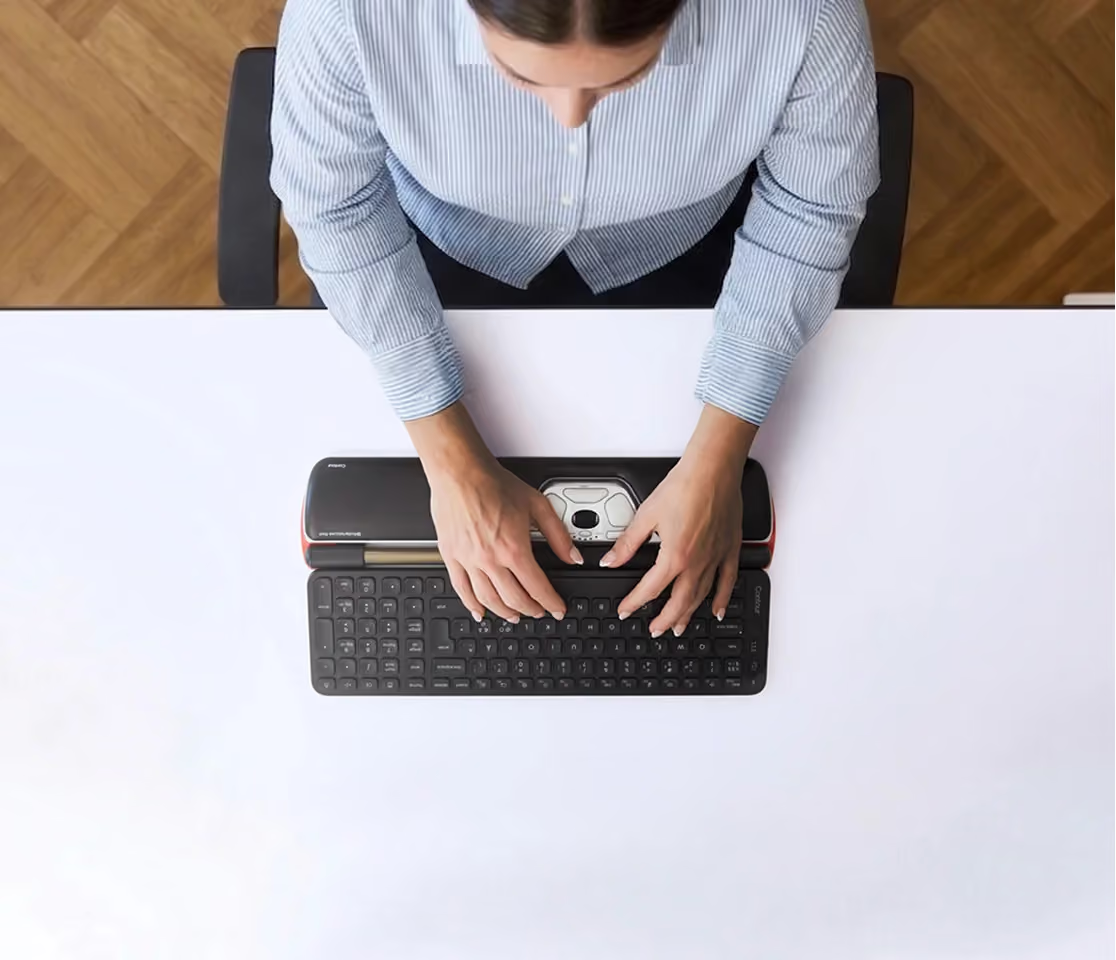
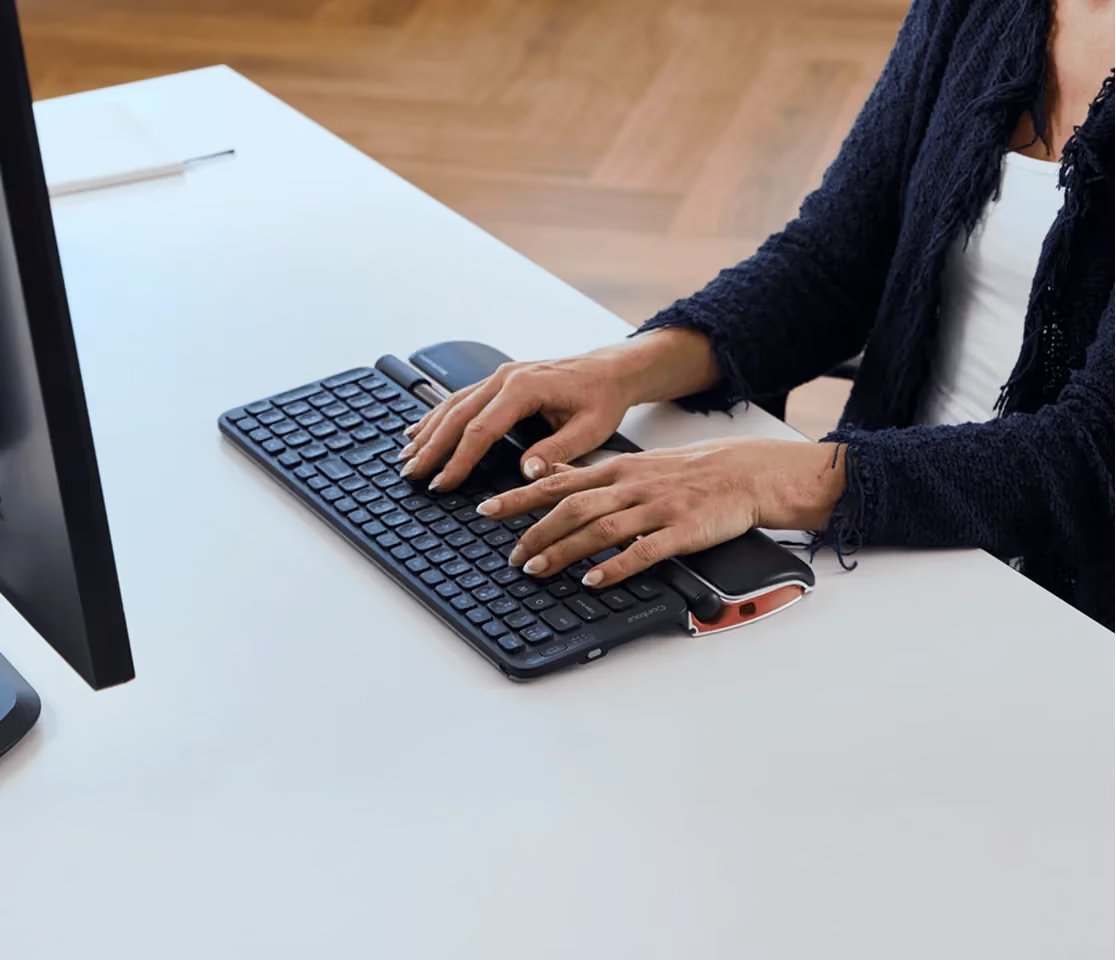
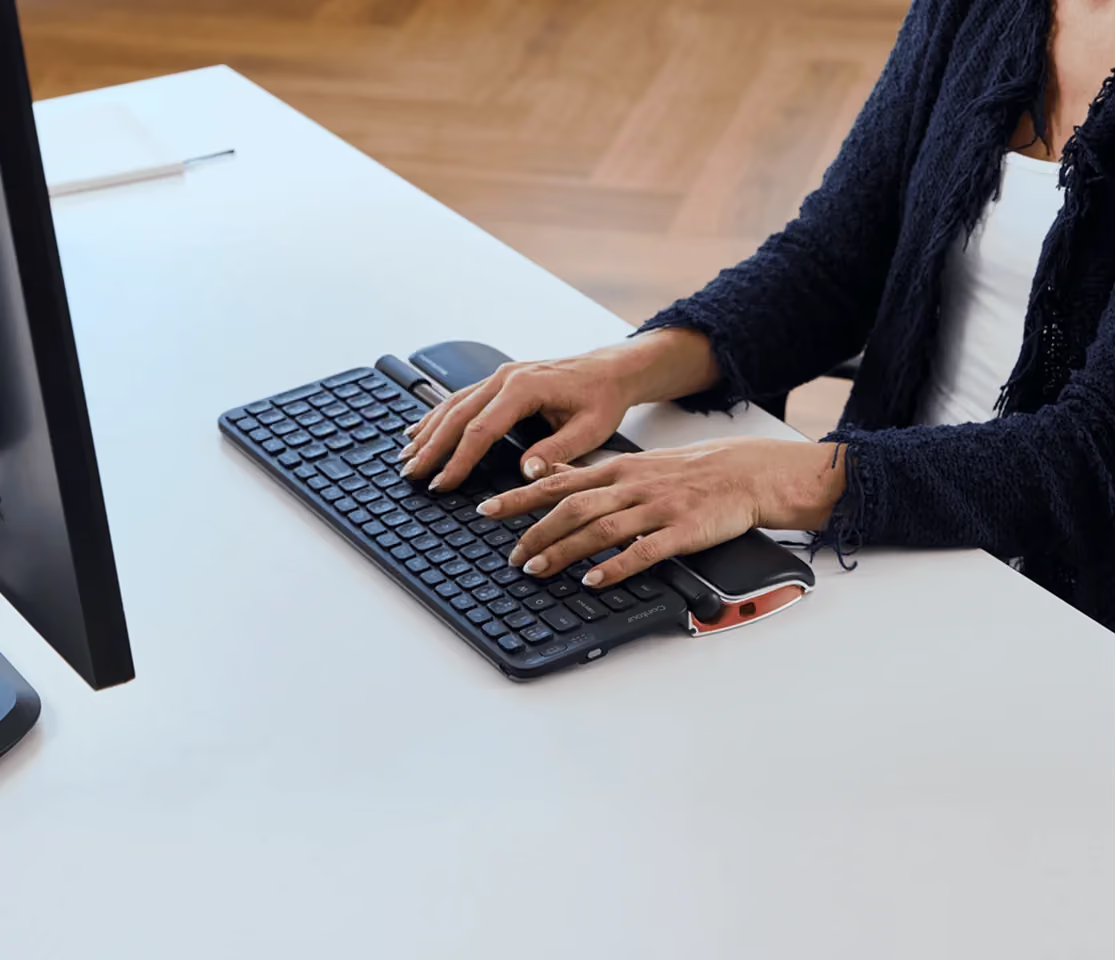



This roller mouse has been excellent for my aching hands, elbows and shoulders. I spend a lot of time on the computer and have developed joint problems with the mouse. So I got this and it has really helped. Took a little getting used to but once I got the flow, I don't think I'll go back to a standard mouse. I do agree that it is more expensive than it might need to be but it does the job. So I am happy with this purchase.
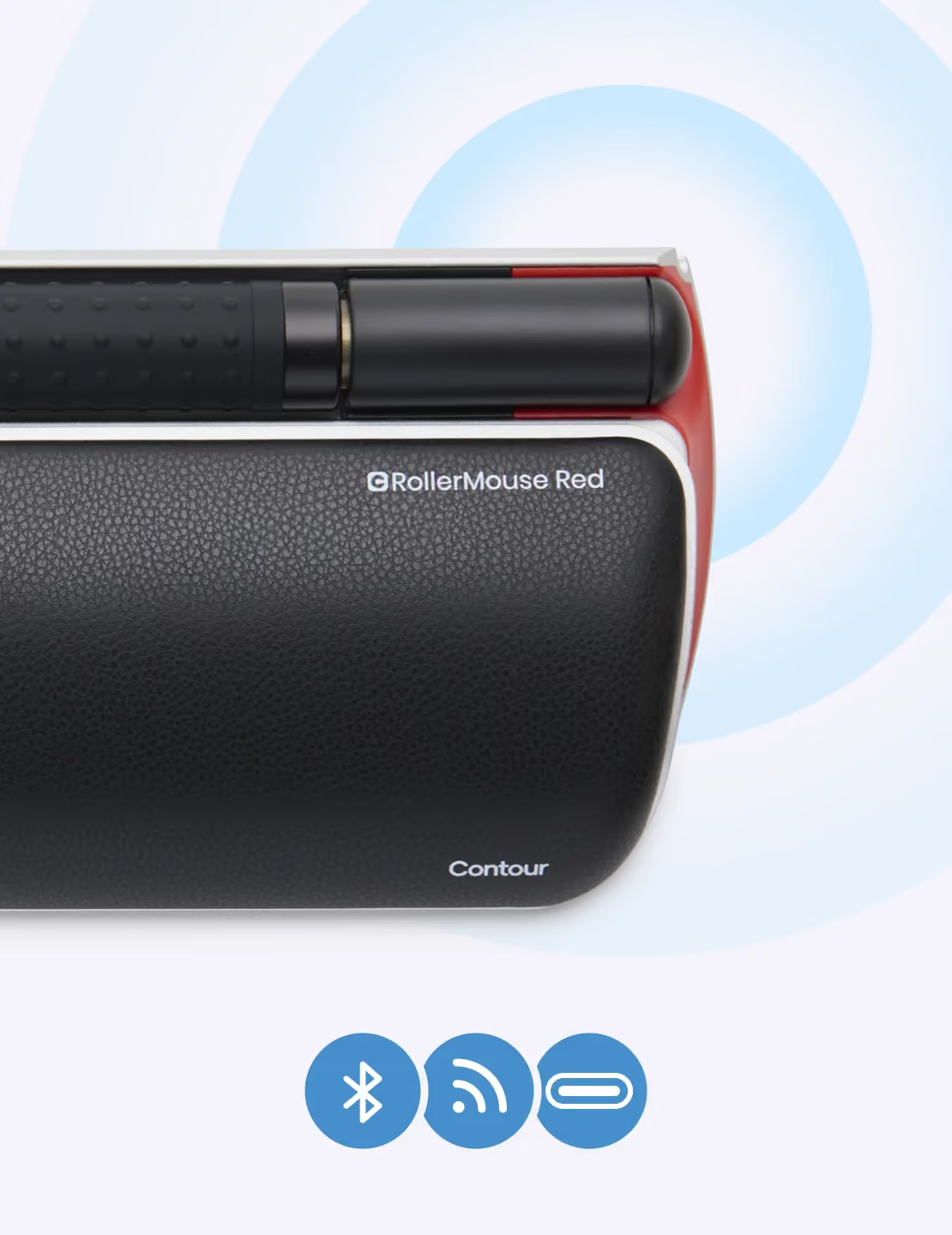
Pros:Comfortable for those with tennis elbow, golfers elbow, tendinitis, repetitive strain injury, carpal tunnel, and other mousing related ailmentsAmbidextrous designBuilt-in and dedicated right click, double-click, and left click buttonsCustomizable clicking sound, tracking speed, scrolling speed and mousing sensitivityWorks with both Windows and MacSuperb customer service - provide technical support, respond to emails, and have a dedicated phone line for help.Two year warranty, that is actually redeemable and usableCons:Very expensive, well over $200Wired connection, not bluetooth or wireless receiver readyDoes not work with every keyboard solution, and is most comfortable with thin chiclet membrane style keyboards like the apple magic keyboardTakes a bit of effort to take apart and clean
Responsive, clearly marked, easy to use device, resolving a pain issue from broken bones in hand. Excellent.
Takes a bit of getting used to, but very effective in spreading the load across the hand.You can use this in combination with a mouse, but I dumped my mouse to ensure I'm adjusting to the new systemYou can click the roll bar, which surprised me.Im actually really looking forward to becoming an expert with this.
This is my fourth rollermouse, and I do think this this is simply THE BEST mouse for people with elbow tendinitis/repetitive stress, so you don't have to constantly move your arm from left to right to control a mouse. My main complaint about the new iteration is that they are now adding so many buttons that the usability of the buttons has decreased. The middle button which they let you program as either a double click or a middle button causes the left and right click buttons to be so far apart that its very hard to use (if you have small hands, as I do). If that middle button could be reprogrammed to be either a left or right click as well (replicating mouses that only have two buttons anyway), that would certainly solve the problem, but as it is I find it very difficult to use the left click button, my hand always ends up hitting the middle button instead...
I have pain in my hands from using a mouse so much and this really helps. It took a few days to get used to it but it's great.
think you have or are getting carpal tunnel or other issues from standing at a computer all day? Well, this doo dad will solve many of them. I cannot live without it!
Il y a un an et demi, j'ai commencé à ressentir des fourmillements dans les doigts, une faiblesse général dans la prise en main (je lâchais les choses que je pensais tenir et me trouvais de plus en plus maladroite). Les mois passant, j'ai ressenti de grosses douleurs aux articulations dans les deux mains le matin au réveil : impossible de fermer les poings avant plusieurs minutes.J'ai consulté et on a suspecté de l'arthrose ou de l'arthrite mais les examens étaient négatifs.Suite à une visite à la médecine du travail, un simple petit coup de marteau à réflexes sur mes poignets ont suffit pour diagnostiquer le syndrome du canal carpien.J'ai alors essayé d'analyser les gestes répétitifs pouvant en être la cause : l'utilisation de la souris toute la journée au travail.J'ai commencé à porter des attelles la nuit ce qui est reconnu pour soulager et j'ai acheté une souris verticale. Les attelles soulageaient la douleur au réveil mais elle était toujours là. La souris verticale ne semblait pas avoir de gros impact.J'ai décidé d'investir dans une souris ergonomique : la roller mouse. Dernière tentative avant d'envisager de reconsulter car les symptômes s'accentuaient et j'ai dû renoncer au tricot, au jardinage, au coloriage, etc... car tout cela participait à amplifier la douleur.J'ai utilisé la Roller Mouse durant 3 semaines avec les patins pour surélever le clavier : pas d'amélioration, voire plus de douleurs qu'avant. J'ai fini par ôter les patins. Et en deux semaines, plus de douleurs le matin au réveil dans les doigts. Je continue de porter les attelles la nuits mais j'ai retrouver de la force, plus de maladresses, et plus de douleurs. J'ai repris le tricot et le coloriage, pas plus de douleurs ! Une vraie libération !Alors si vous souffrez du canal carpien et travaillez beaucoup à la souris, l'investissement n'est pas anodin mais pour moi les résultats ont dépassé mes espérances !
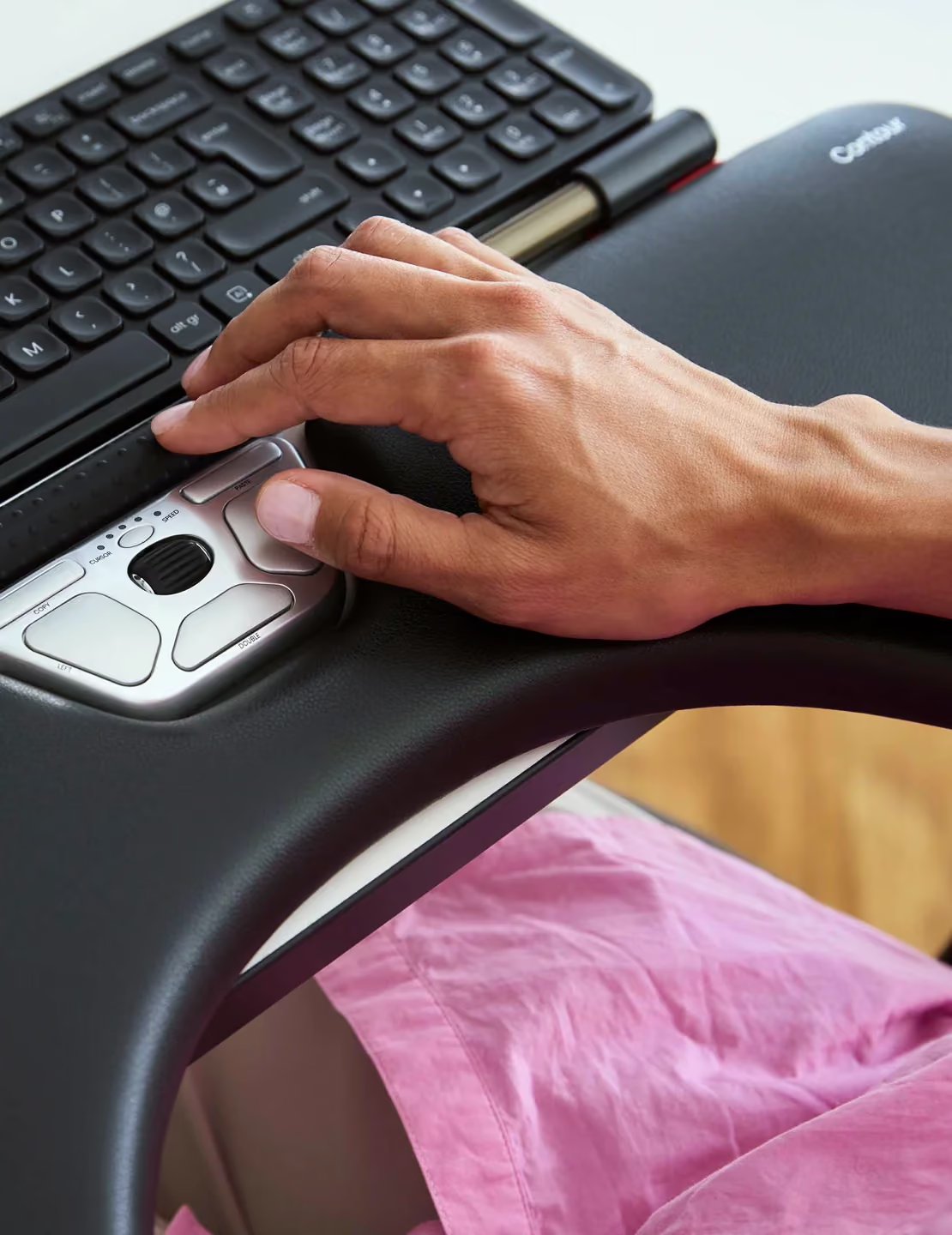
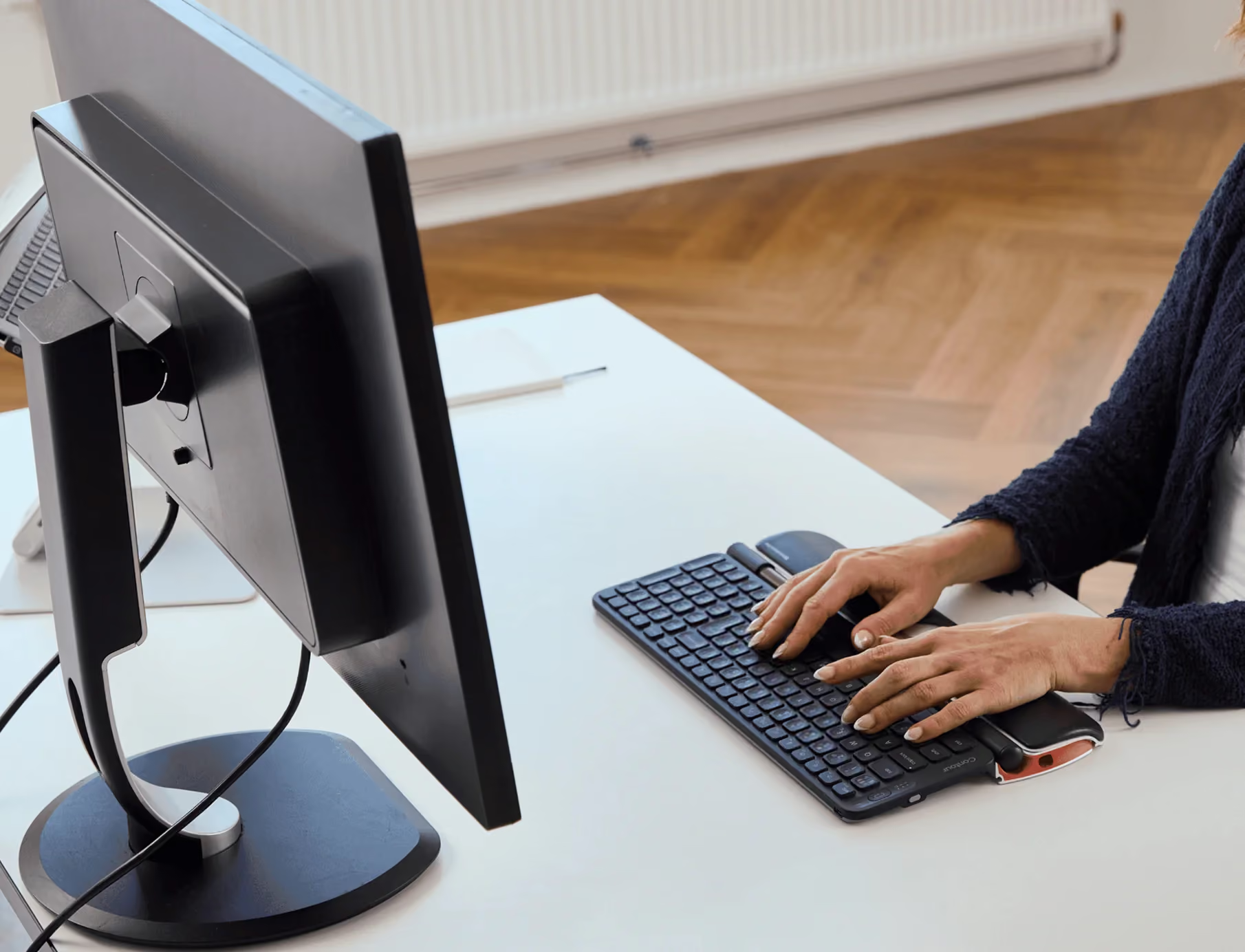
Ich arbeite den ganzen Tag am PC, insbesondere muss ich nicht nur schreiben sondern auch sehr viel mit der Maus markieren, kopieren und einfügen und vieles geht nicht mit der Tastatur, d.h. ich brauche eine Maus unzählige Male am Tag. Im Laufe der Zeit hatte ich große Probleme in der rechten Schulter und im Nacken, sodass ich mich entschloss mir das Roller Mouse Pad anzuschaffen. Der hohe Preis war zunächst etwas abschreckend, aber auf youtube gibt es einige Berichte und die allermeisten waren positiv.Jetzt sind ca. 4 Monate vergangen, sodass eine Rezension gerechtfertigt ist.Angeschlossen ist es innerhalb weniger Sekunden, Windows 7 erkennt es sofort - habe keinerlei Probleme mit der Installation gehabt.In den ersten Tagen war die Umstellung relativ groß im Vergleich zu einer konventionellen Maus und Eingewöhnung, bzw. eher Abgewöhnung nicht spontan mit der Hand zur Seite zu fassen, nicht ganz einfach, aber man gewöhnt sich sehr schnell an den Komfort vor allem der Direkttasten copy und paste. Auch das Scrollrad ist genial: Damit kann man sehr schnell auf allen Seiten scrollen (auch im web). Die eigentliche Mausbewegung wird durch die "Stange" durchgeführt, sie funktioniert tadellos; auch wird mit einem Druck auf diese ein Klick (oder mit zweimaligem Drücken ein Doppelklick) durchgeführt.Zusätzlich gibt es aber auch eine Direkttaste für den Doppelklick. Die Tasten auf dem Pad sind ausreichend groß um sie immer sicher zu erreichen. Dadurch, dass ich mit beiden Händen die Roller Mouse bewege, bin ich im Arbeitsfluss gefühlt schneller als früher mit einer normalen Maus.Die Handballenauflage ist angenehm weich und man kann sie für die eigenen Bedürfnisse (Höhe) durch die Anpassungsstücke, die an der Tastatur befestigt werden können, einstellen damit man die angenehmste Höhe zur Tastatur hat.Anfänglich hatte ich das Gefühl nicht ganz so präzise eine Stelle im Text zu finden, ich bildete mir ein, dass es mit einer normalen Maus schneller und genauer wäre und habe spaßeshalber mal für einen Tag meine alte Maus angeschlossen. Nein, das Treffen eines bestimmten Punktes auf dem Monitor war mit der alten Maus weder schneller noch genauer.Als Fazit kann ich sagen, dass ich äußerst zufrieden bin und meiner alten Maus keine Sekunde nachtrauere. Meine Schulter- und Nackenschmerzen sind nach einiger Zeit verschwunden. Der hohe Preis ist das einzige Manko, aber wenn ich bedenke wieviel ich an Cremes und Wärmepads für meinen Nacken an Geld ausgegeben habe, in Relation verschmerzbar. Ich kann die Rollermaus jedem empfehlen der viele Stunden am PC arbeitet, viele Mausbewegungen hat und Schulter/Nackenschmerzen vermeiden möchte.
Best new mouse design ever, especially if you are the least bit ambidextrous. I bought this when my previous Contour wore out.Great design except for a tendency to capture dust around the roller. Clean frequently. My cat is in love with this for some reason, too.
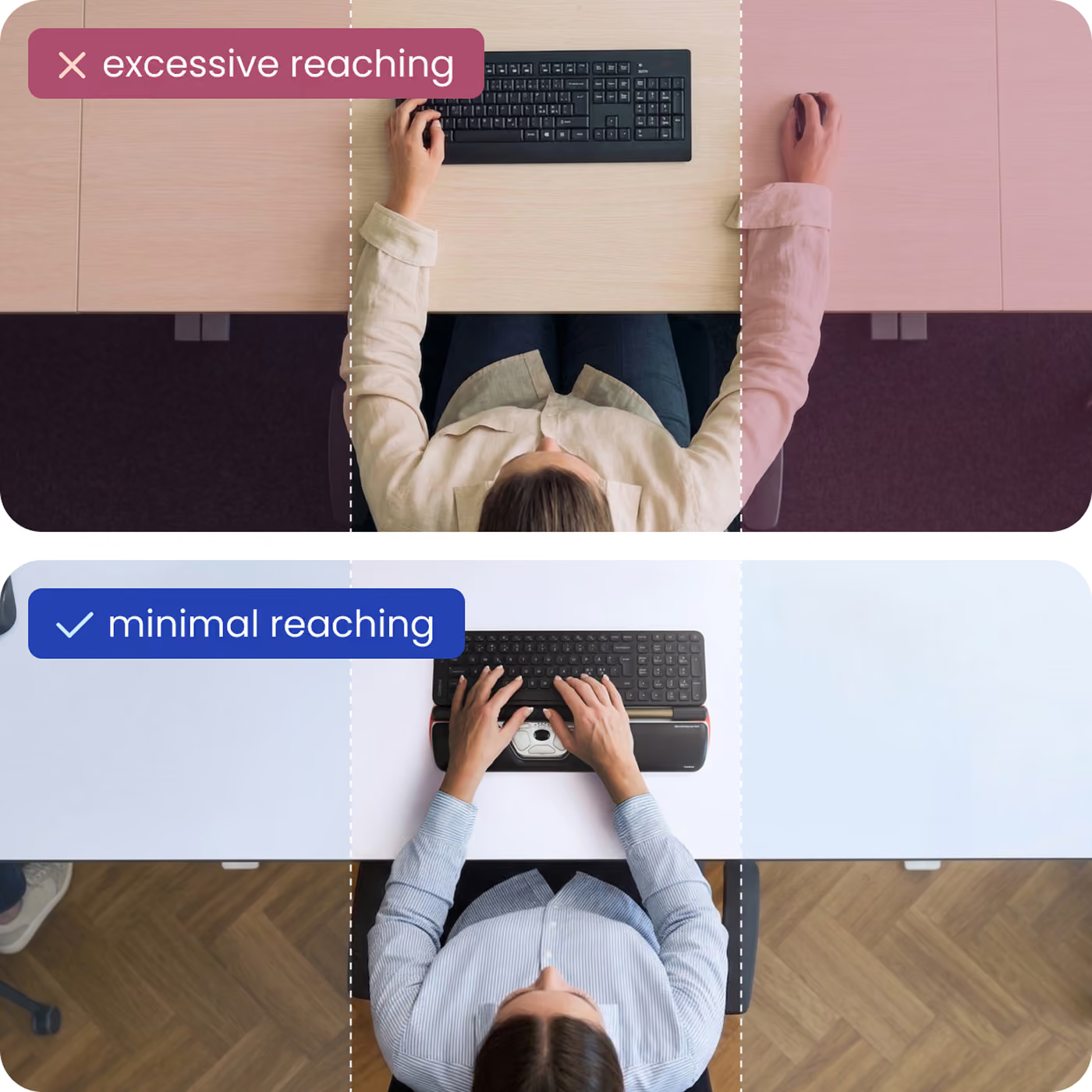
This mouse has eliminated my shoulder pain and speeded up my computer use because I do not have to lift my fingers from the keyboard. The pain relief is the best thing though, I would recommend for anyone using a computer extensively like I do 7 hrs a day five days a week.
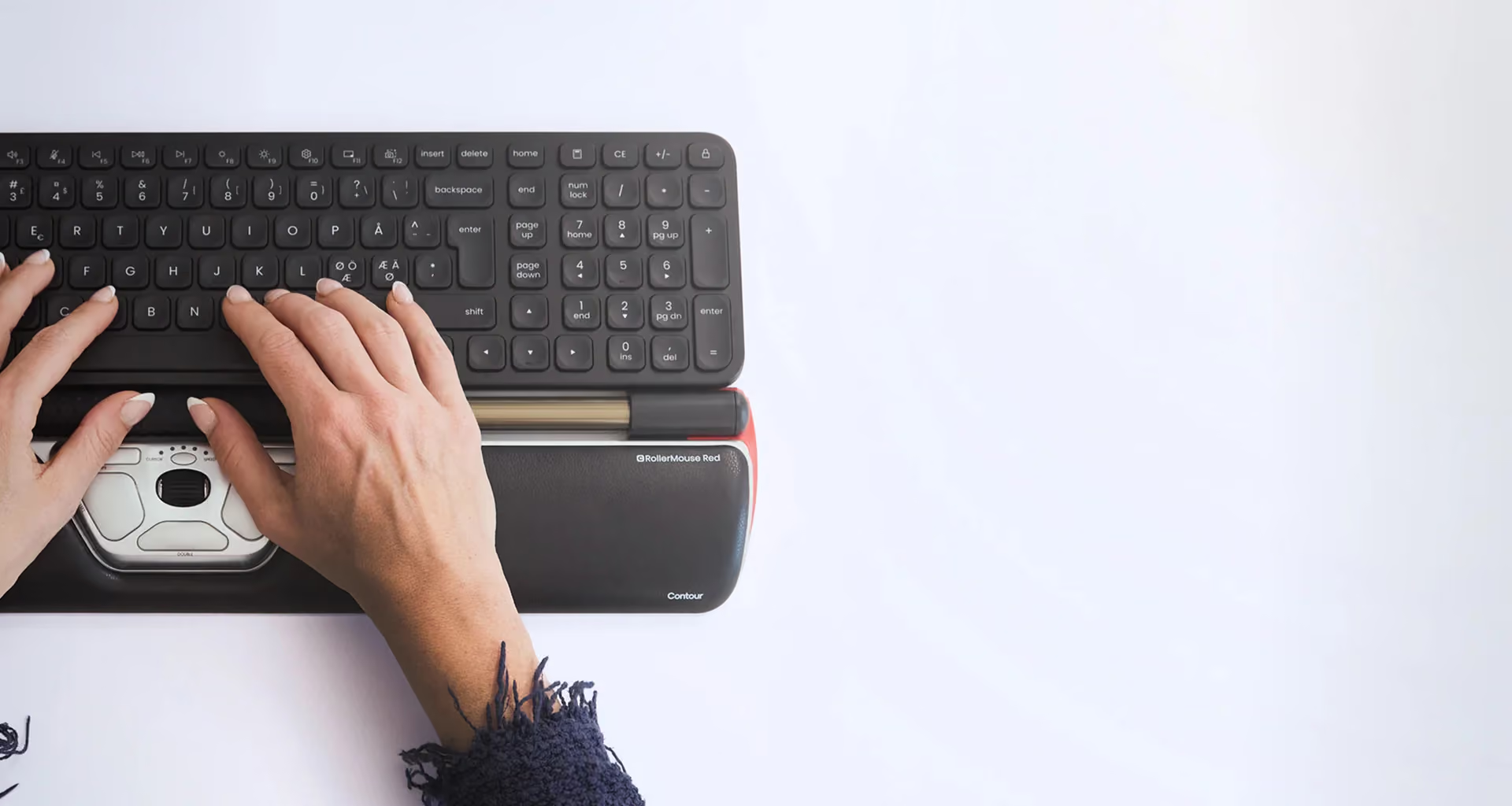
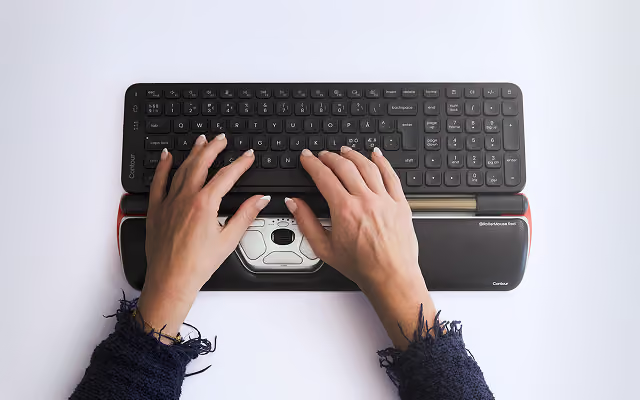
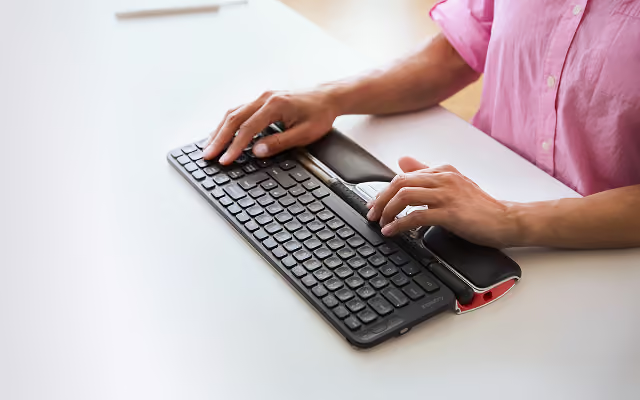
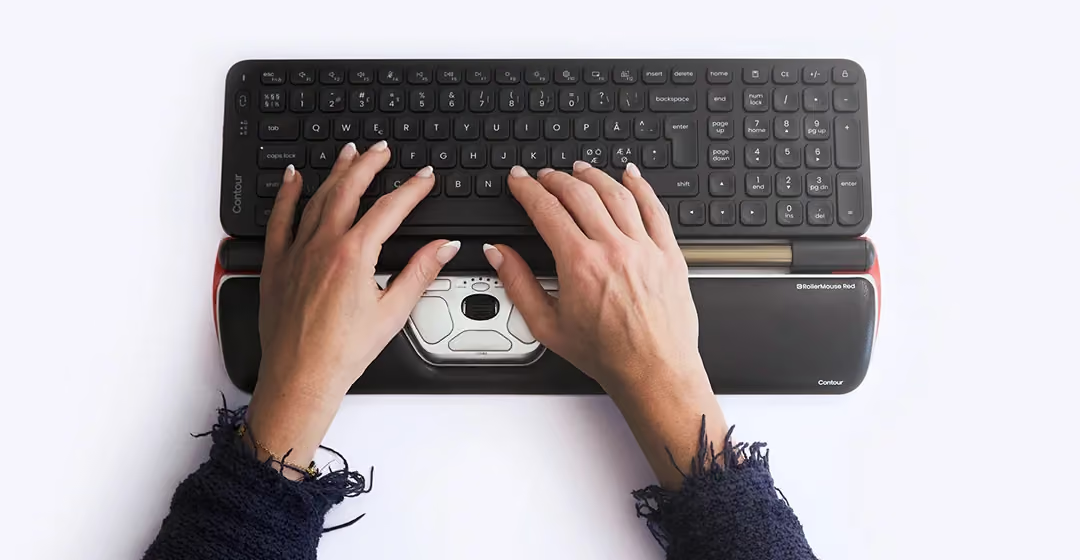
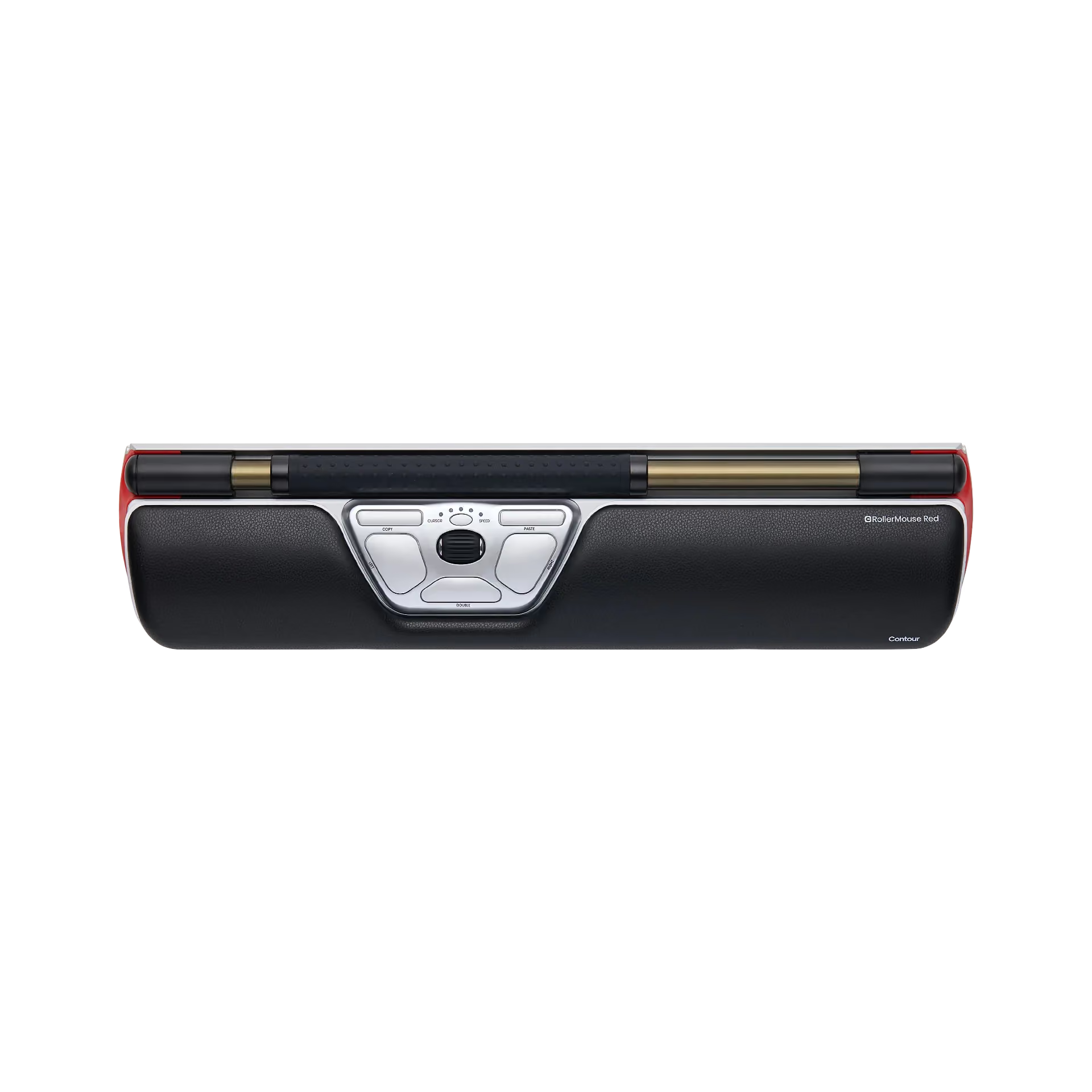
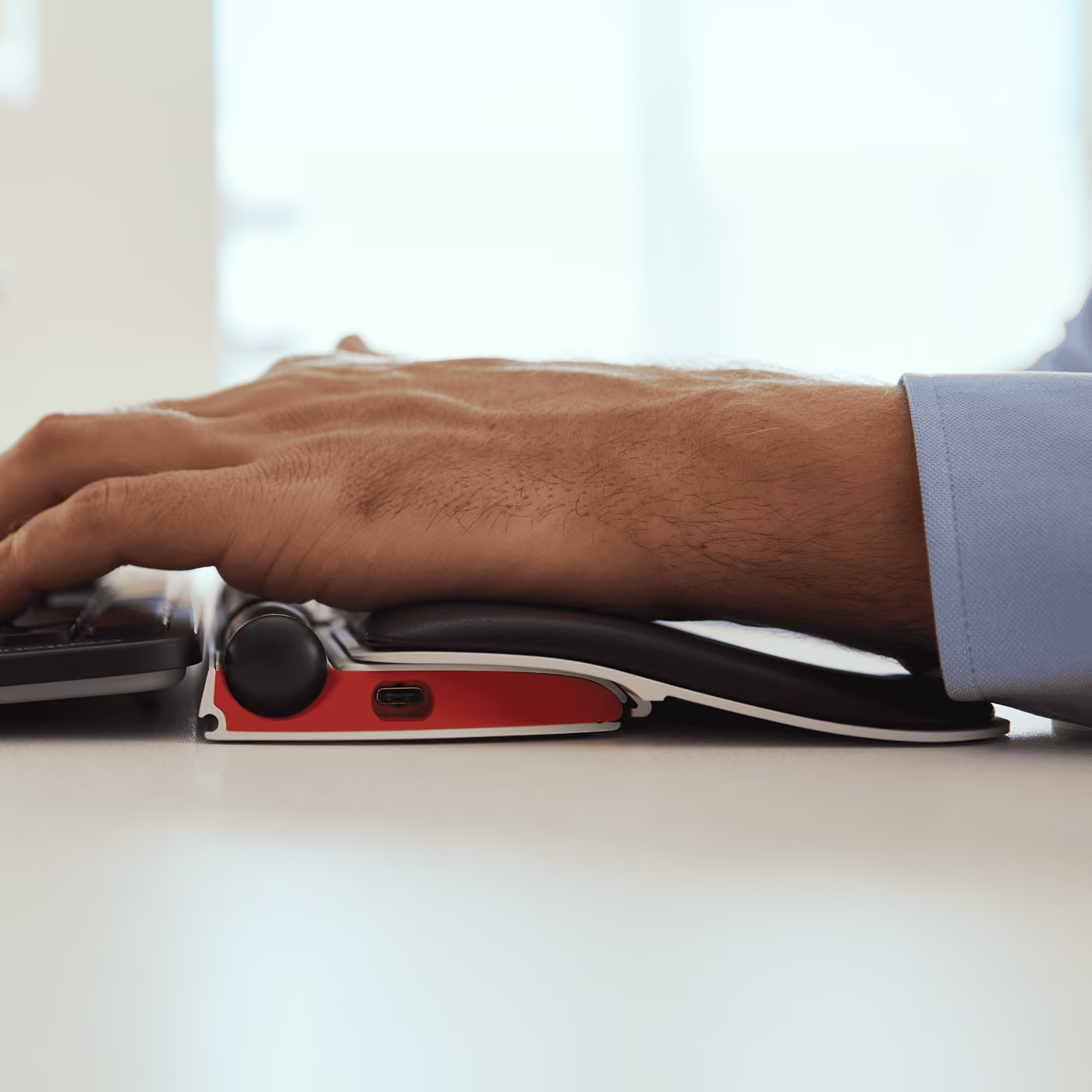
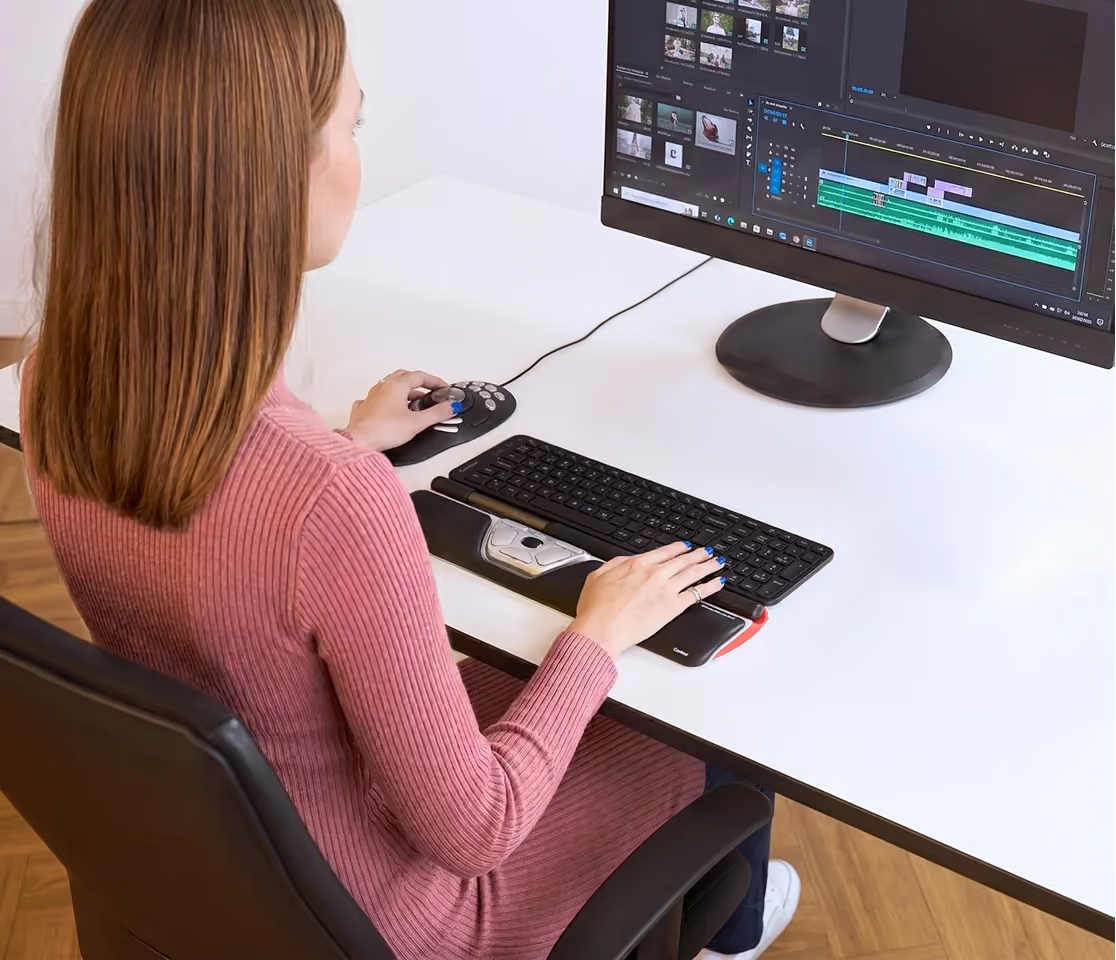
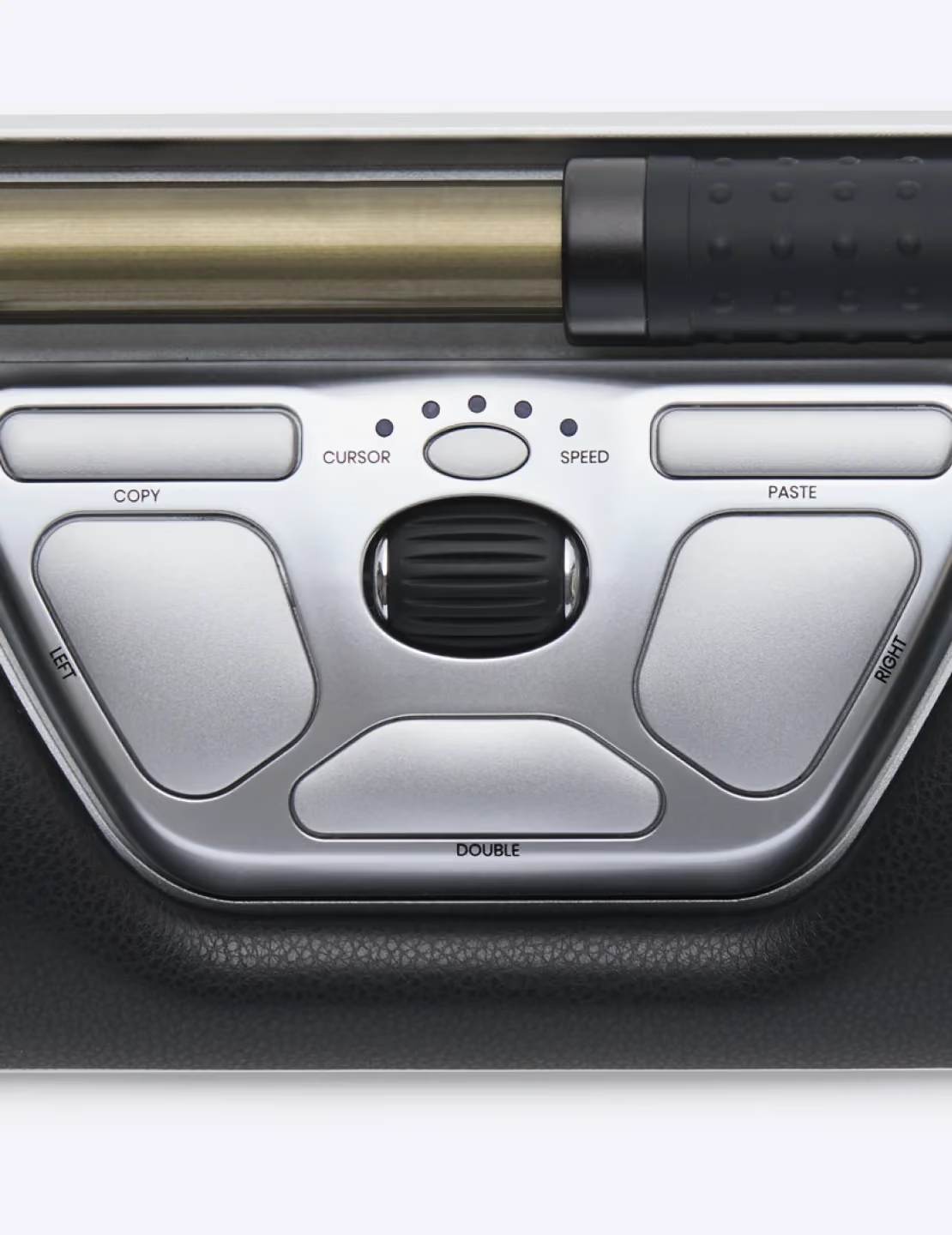
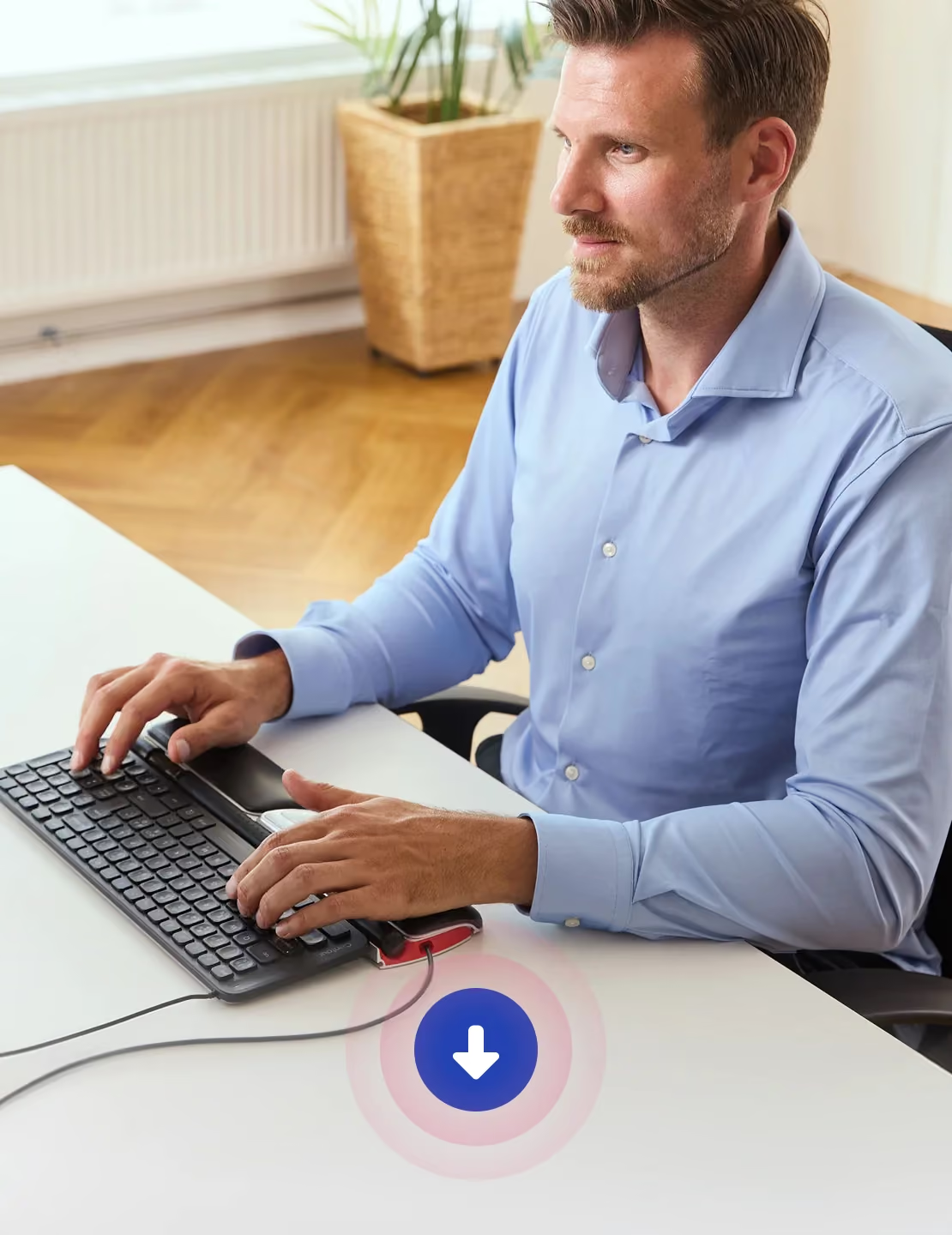
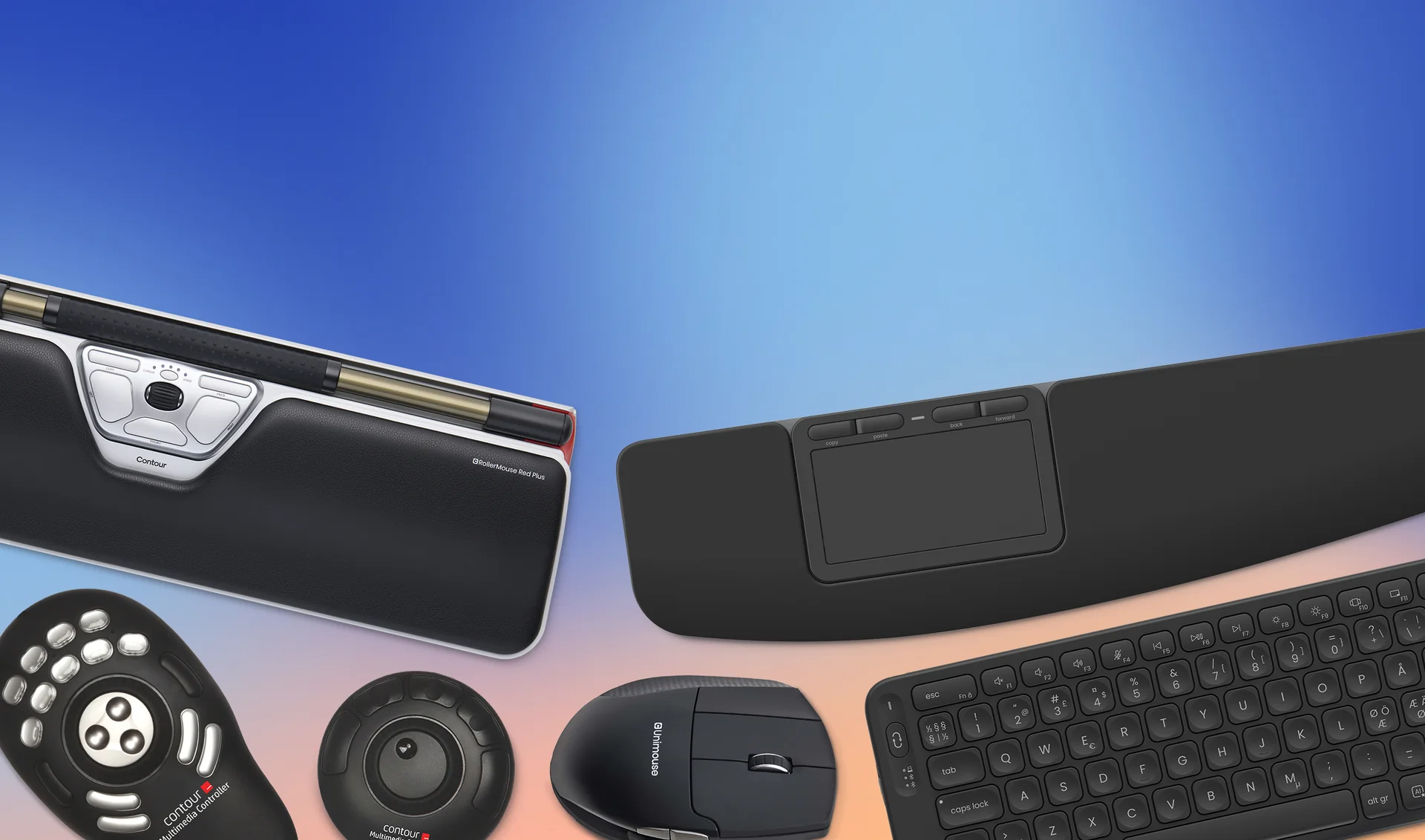
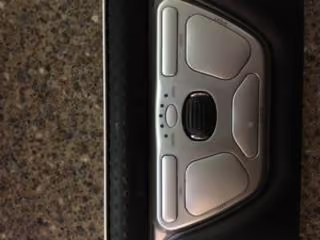
My officer where I work just switched all of a sudden from a standard mouse to the Contour RollerMouse Red. At first I was not happy with this switch but after about a month or so of constant use, it was like I had been using this mouse for as long as I used a standard mouse. However, this mouse has a few more options than what a regular mouse has. From the pictures attached to this review you will see it has 6 buttons and 2 roller bars on the top. The main roller is the one about 6 inches long and it controls the actual cursor on the monitor. It scrolls up,down,diagonal,sideways, and it can also act as the left click on a standard mouse. The smaller roller controls scrolling up and down a page like the smaller roller does on a regular mouse. Now it gets a little more complicated with the buttons of the mouse. At the top left you have a copy button and the top right you have your past button. Then you have your basic left click and right click in the middle of the mouse, but the button that I like the most is the double click button at the bottom middle of the mouse. I know it doesn't sound like much, but the double click makes a world of difference and makes things move much smoother. Overall this product is a little bit pricey, but for what it is it is a great product for every day use.Once again thank you for reading my review and hope you have a great day. If you need any visual, there are some pictures attached as well. Happy Shopping!!
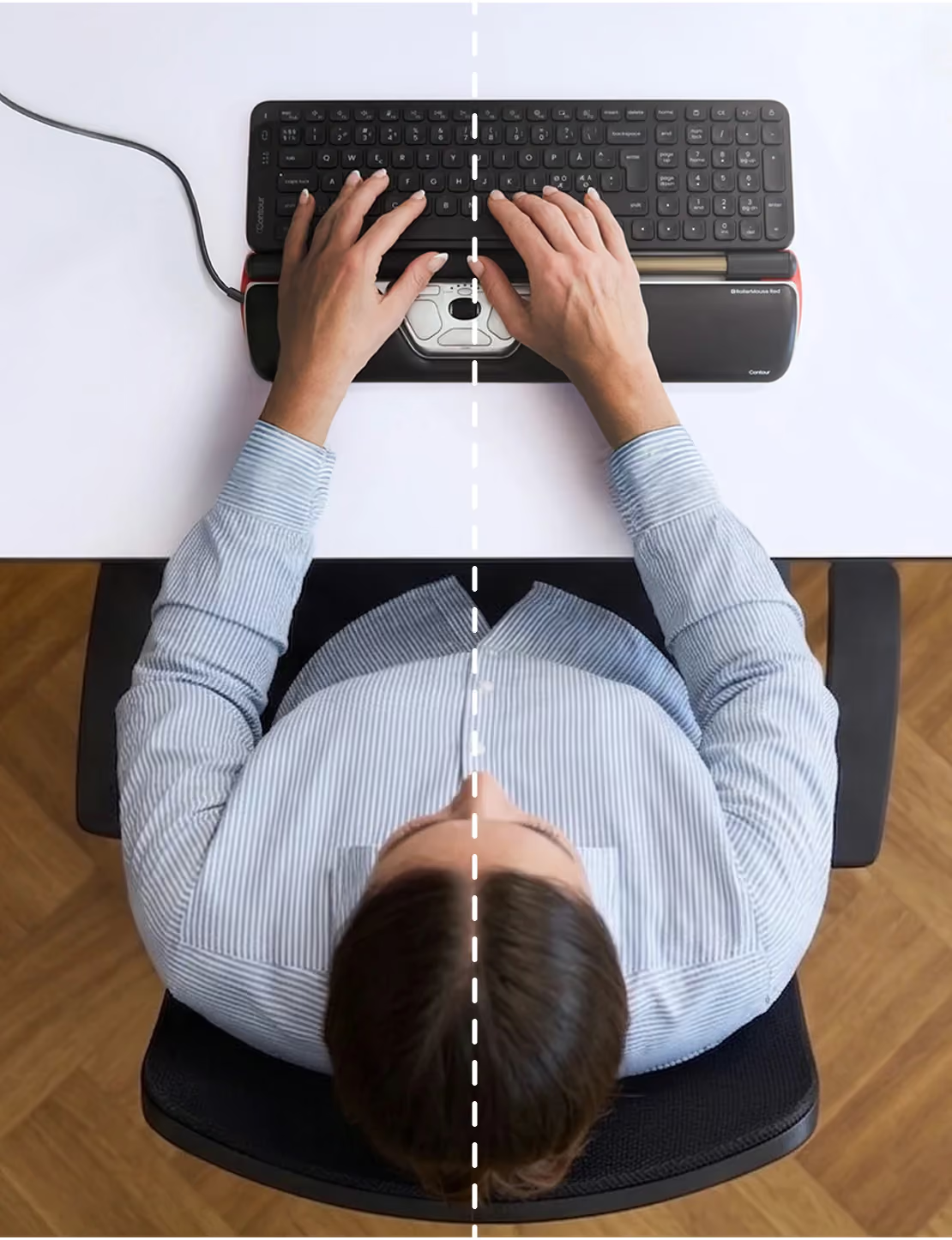
Ich bin ganz begeistert von dieser Maus. Meine Nacken-/Schulterprobleme haben sich bereits nach wenigen Tagen deutlich gebessert.Das Arbeiten mit dieser Maus ist sehr angenehm. Mausklick und Mauszeiger-Bewegung sind problemlos mit rechter und linker Hand möglich, auch verschiedene Finger können problemlos verwendet werden. Somit werden eintönige Bewegungen vermieden.Körpernahes Arbeiten ist möglich, Abstand zur Tastatur passt trotzdem noch sehr gut.Diese Maus hätte ich mir schon viel früher leisten sollen, sie ist ihr Geld wirklich wert.
The roller bar makes a great mouse. Took 30 min to get used to.
was for a boss - he was very pleased with it
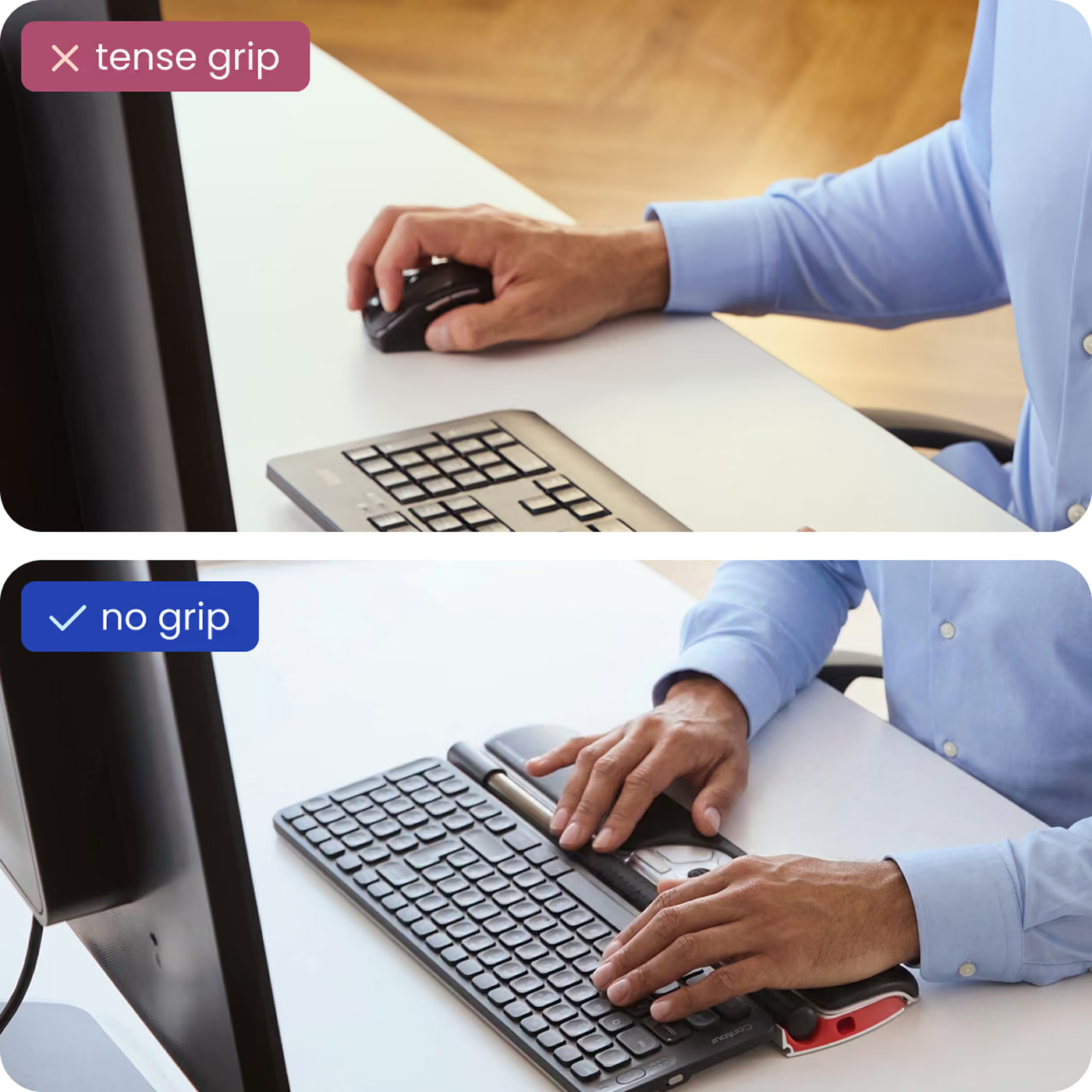
I have terrible pain in most of the joints in my hands from RSI in addition to carpal tunnel and have tried almost all of the ergonomic options, including a roller ball mouse, sideways mouse, etc. This mouse is the only one that provides some relief. It allows you to use both hands on it, either in tandem to reduce the overall pressure load each hand has to apply, or easily swapping back and forth between hands to allow for breaks. The learning curve is only a day or two. If you can't switch jobs to one that involves little-to-no computer usage, get this mouse. I still have hand pain, but it's much less than what it was previously. Highly recommend.
Love this product. I need a shoulder replacement, but putting it off. This mouse prevents me from reaching for the mouse a thousand times a day!
Changed my life on the computer-the best-I have a small tremor and this works great to move the mouse around and do the actions. I would buy it again. I highly recommend it. Makes moving around any document or email or word doc-FAAAAAAst.
Requestor loves this product
I had a mechanical version of this provided when I had a big corporate job. It was a life saver then. This new electronic version is rather bigger and heavier, not really portable except between devices, but it has really helped with reducing the discomfort when I type. At last I can face doing a long paper or email again. Thank you.
Nach mehr als einem halben Jahr täglichem Dauergebrauch kann ich diese Maus nur weiterempfehlen. Man gewöhnt sich super schnell an die etwas andere Bedienung.Ein Gewinn auf der ganzen Linie!
Very happy with the product and how quickly I received my shipment.
Ich hatte schon mal eine Rollenstangenmaus, die aber eher "zusammengeschraubt" war. Die hier macht einen sehr professionellen Eindruck, ist teilweise manuell einstellbar (Geschwindigkeit Mauszeiger). Wirklich ein Qualitätsprodukt und der Preis ist gerechtfertigt.
I love this product! It has relieved the pain in my elbow and arm from from the repetitive mouse strain. I highly recommend this for anyone with a smaller frame suffering with elbow or shoulder pain from overuse of the mouse.