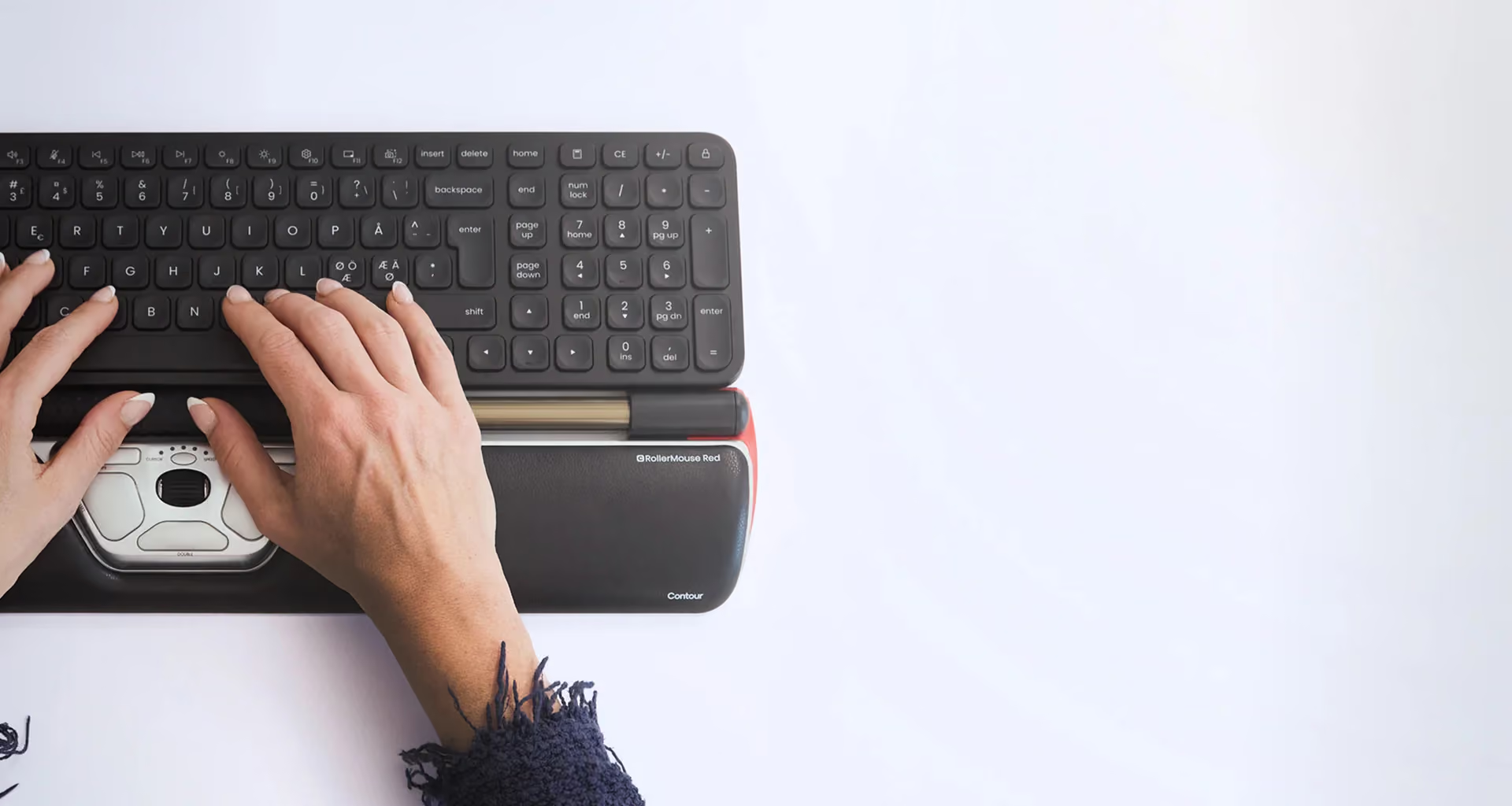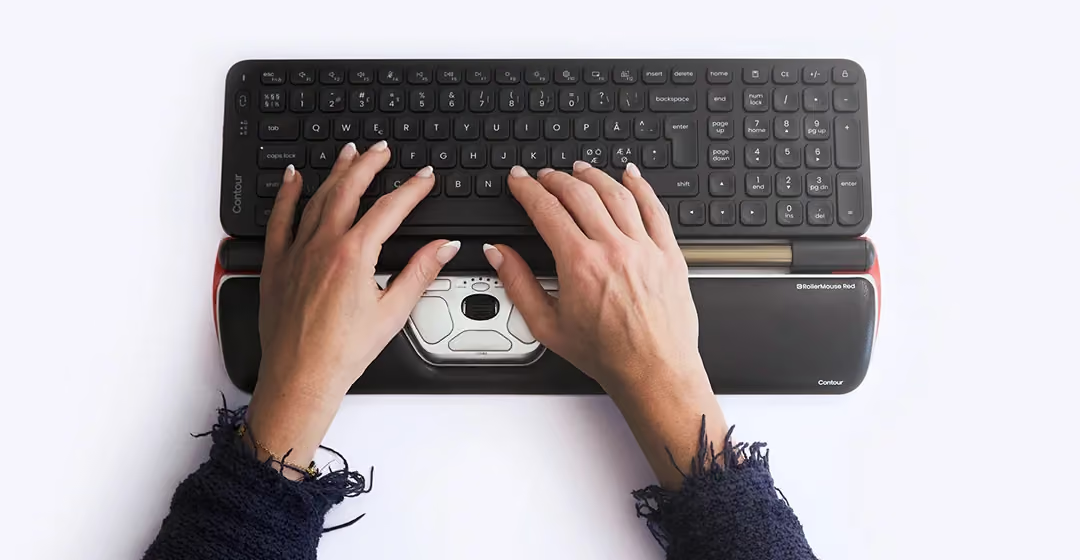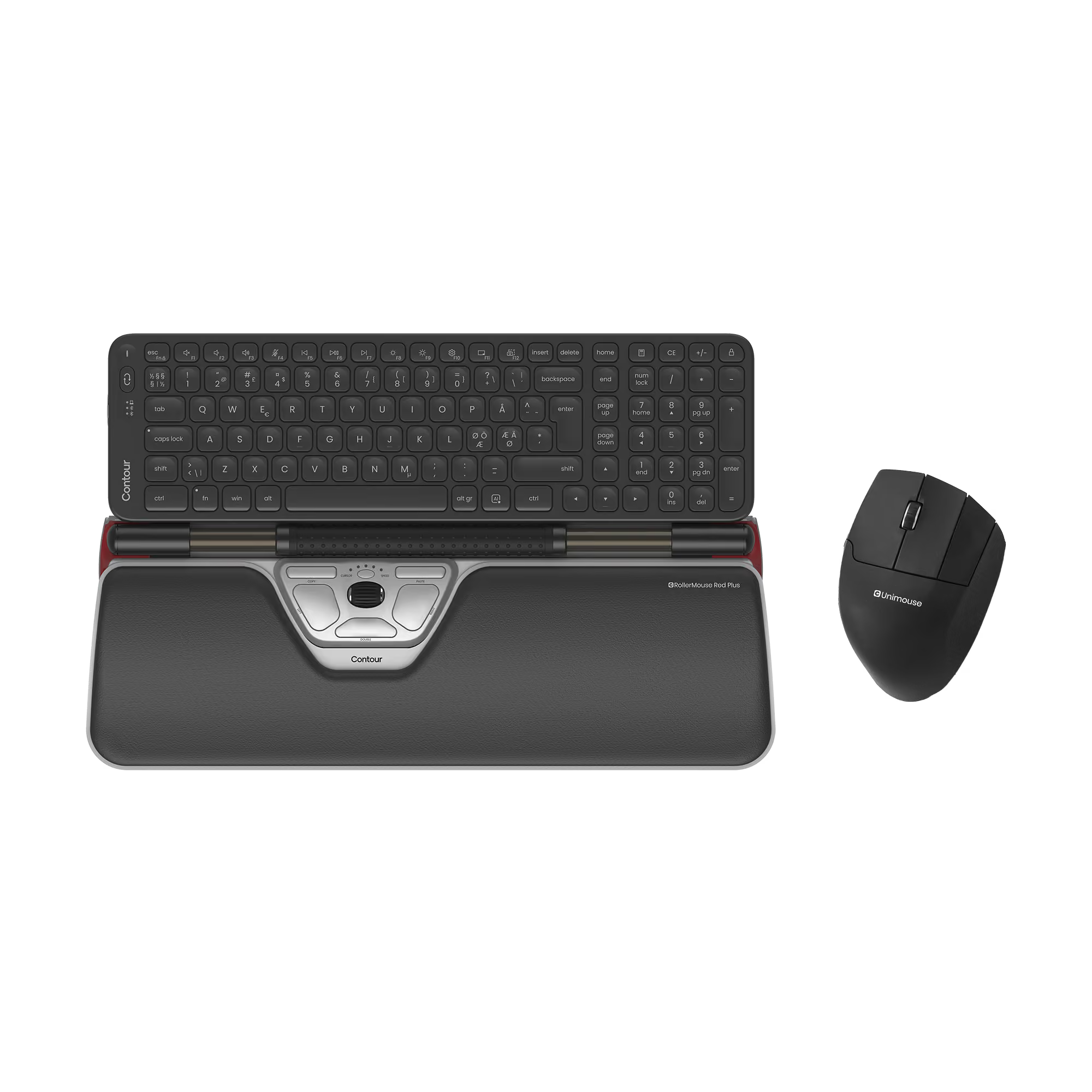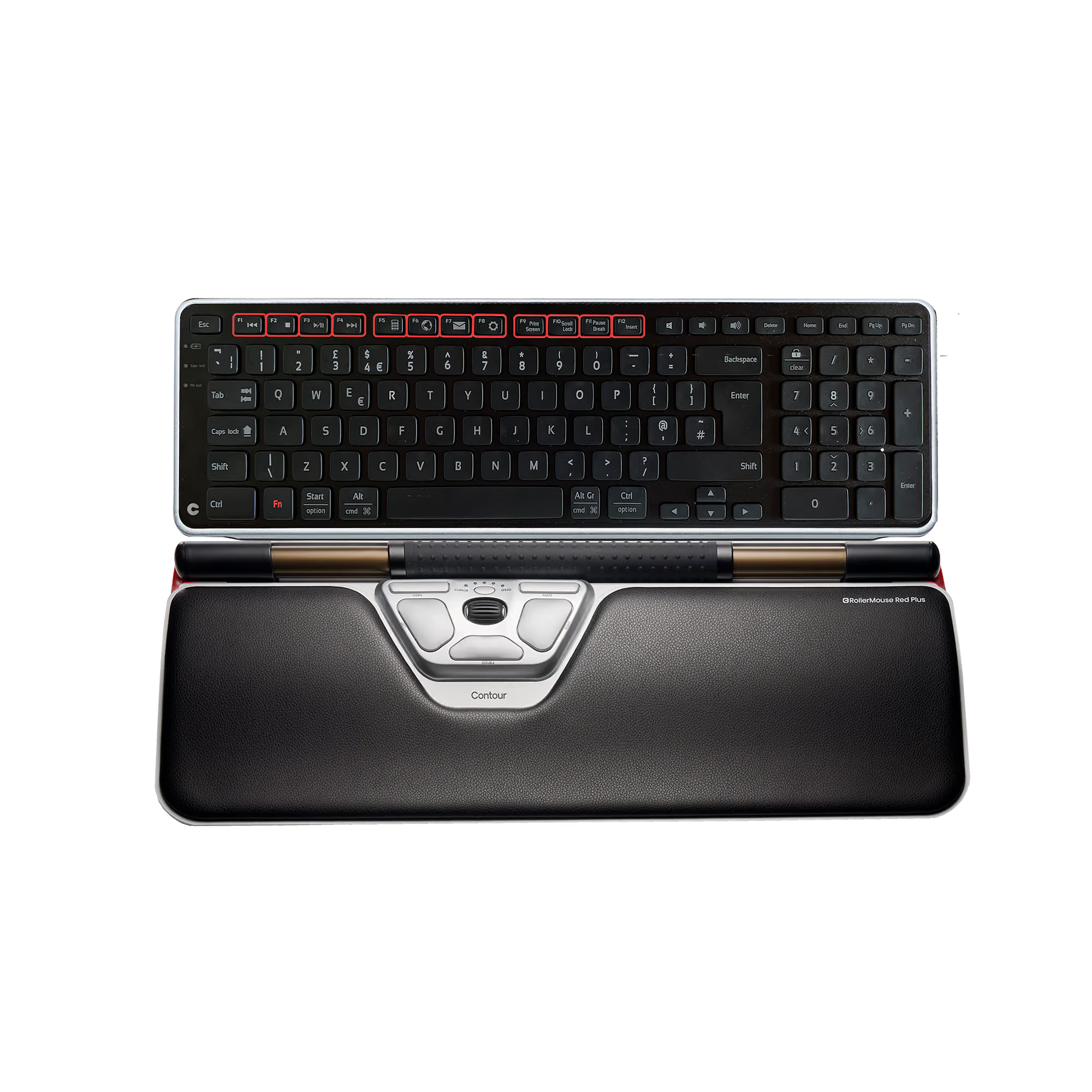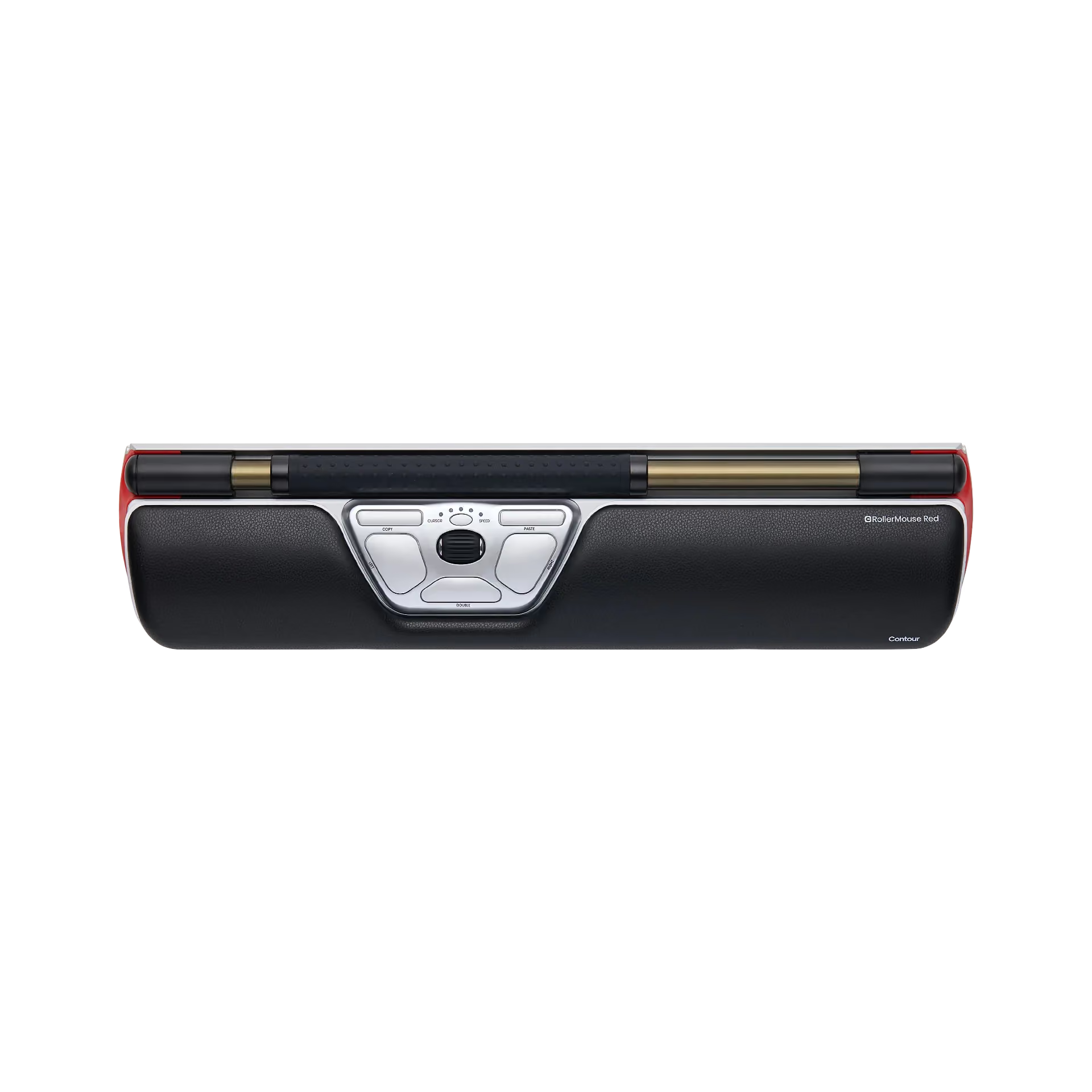
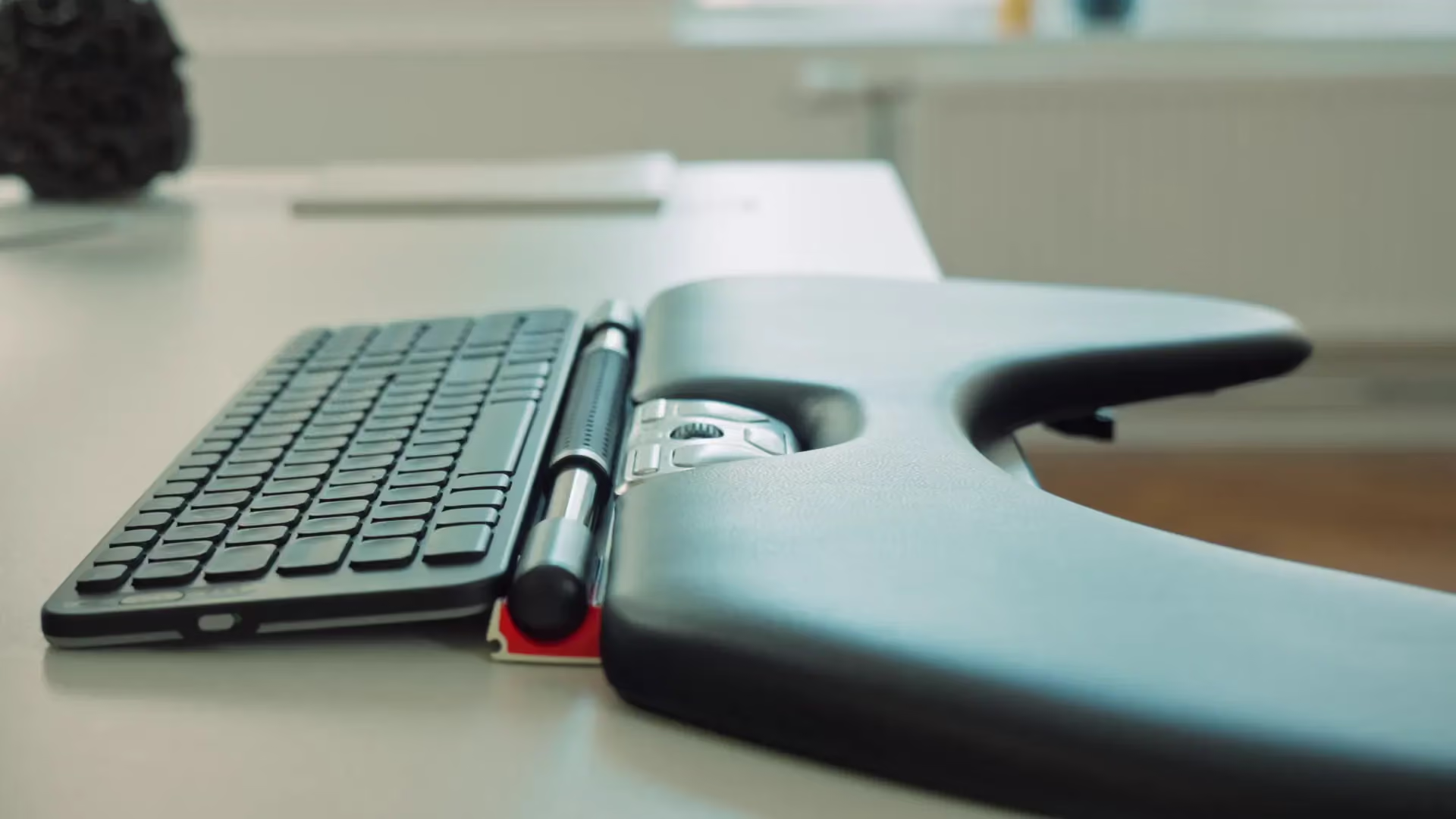









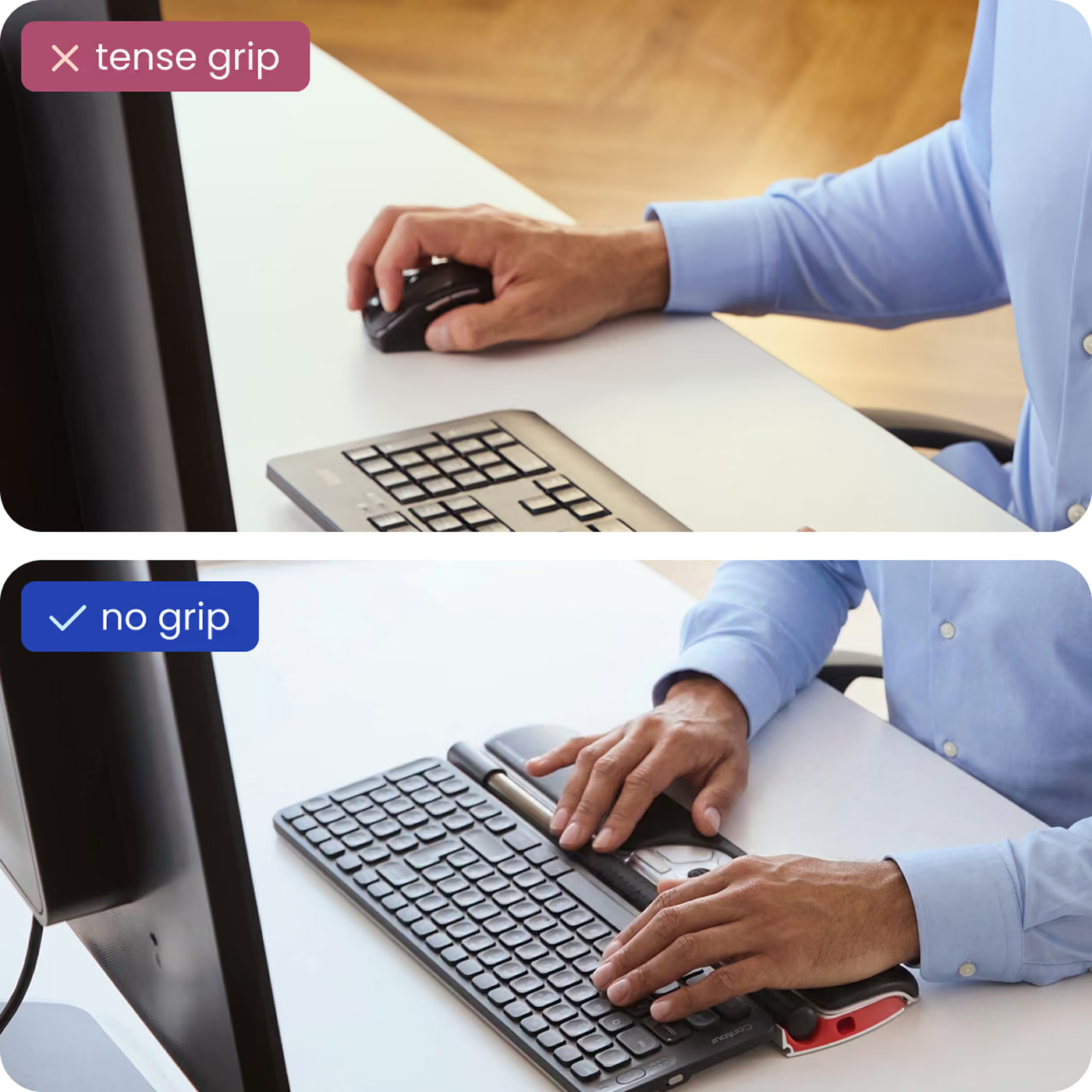






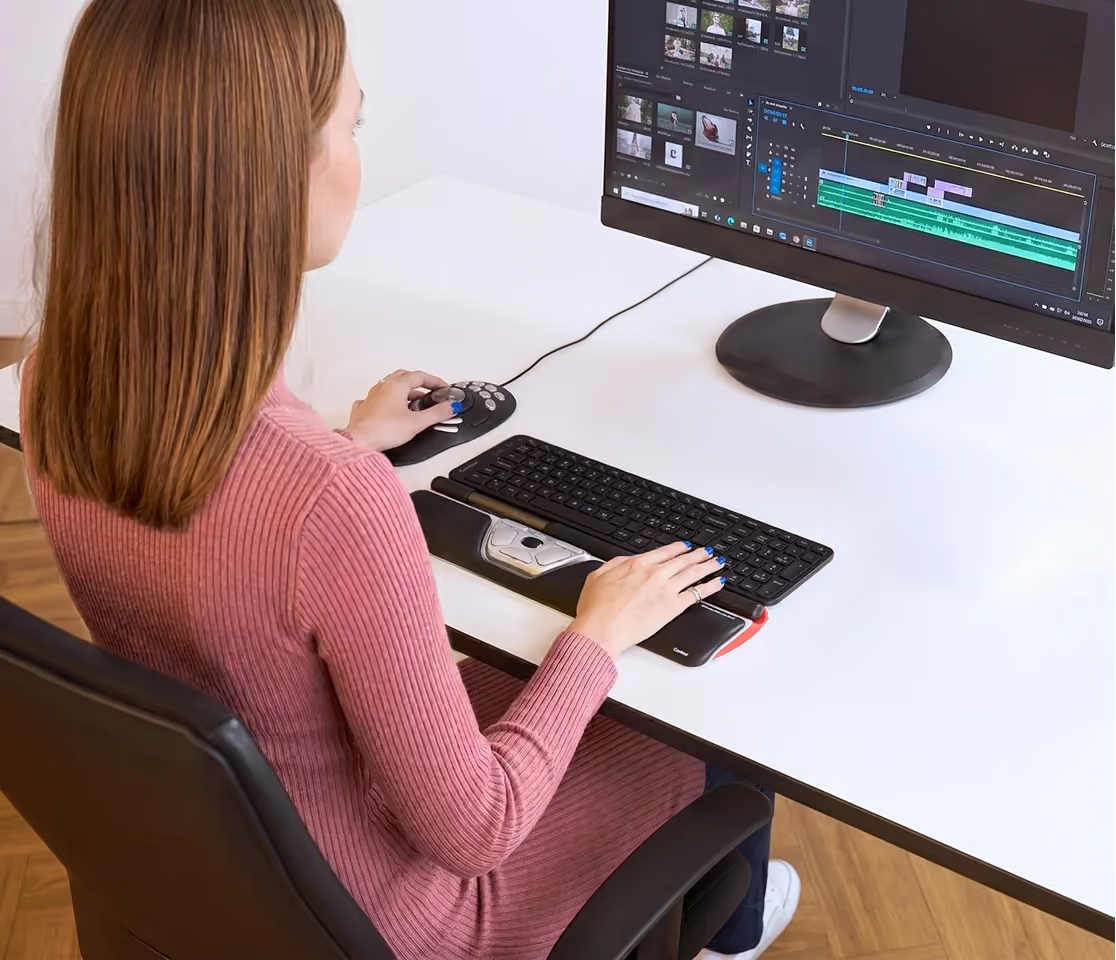

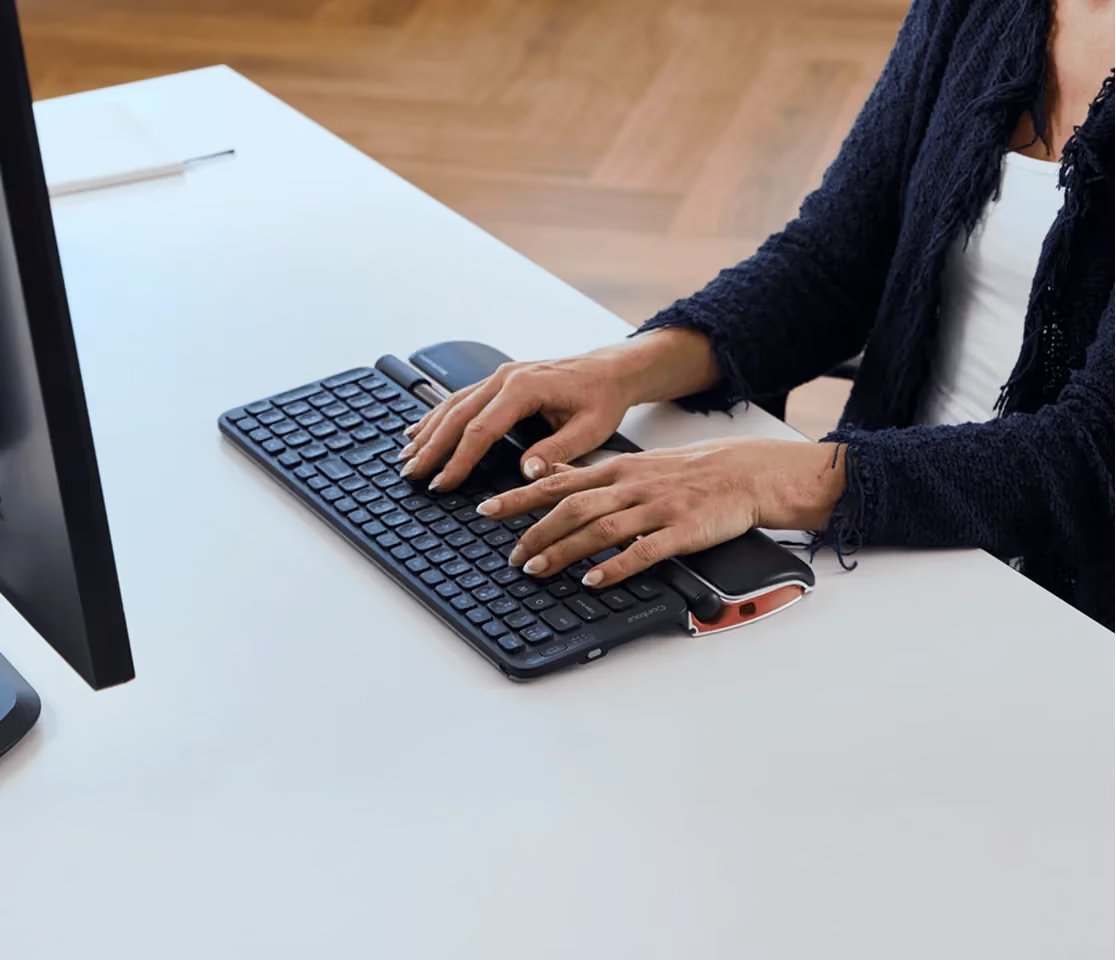


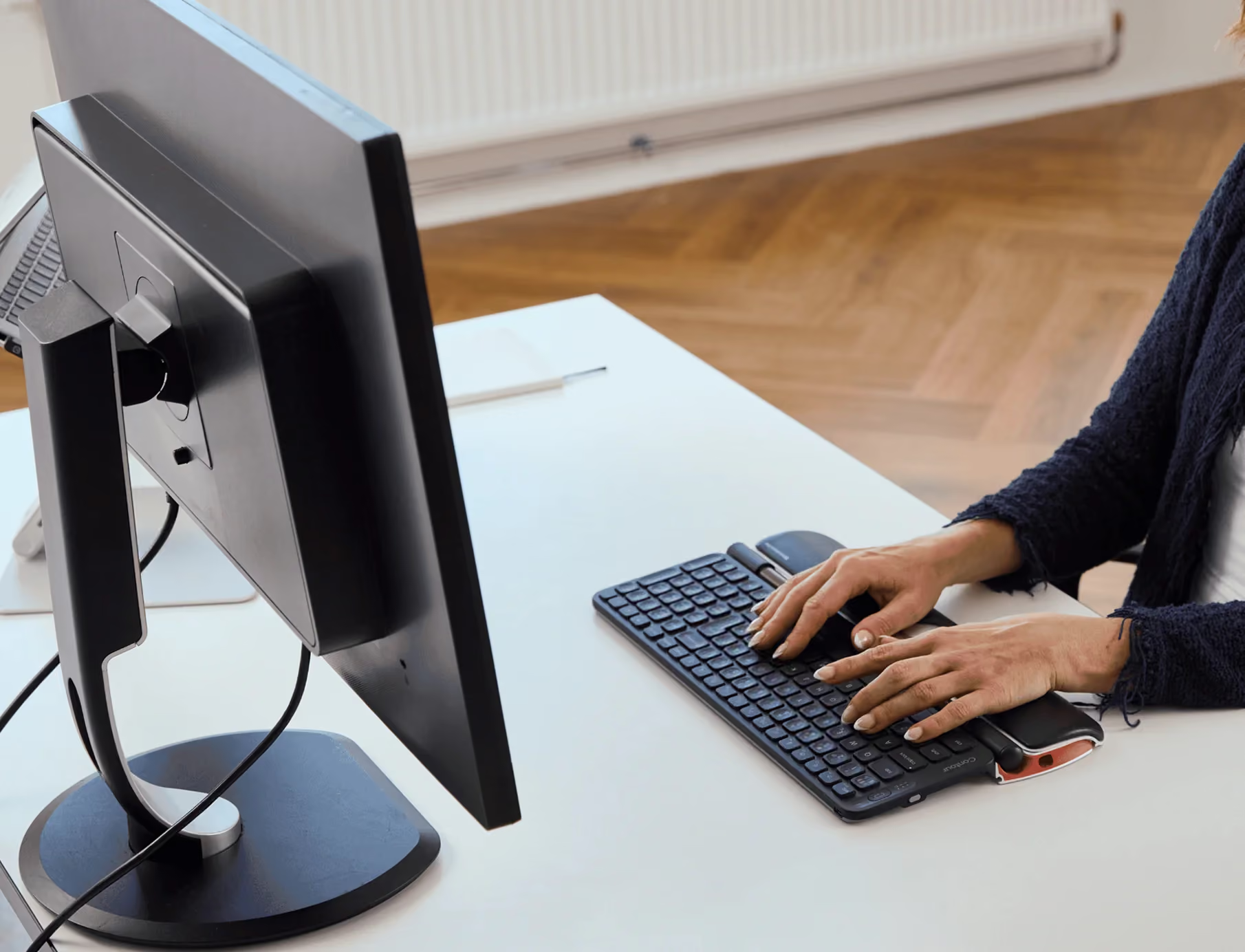

Expensive for what it is but it performs well and definitely helps my wife, who struggles with joint pain. The platform for holding the keyboard at the proper height relative to the roller bar and mouse keys is a big improvement over the original version that we had used. Takes a little getting used to at first, but overall a good solution for everyday keyboard tasks.
Takes a bit of getting used to but no longer have pain in either my shoulder or my wrist from working with a mouse for 8 hours a day, 5 days a week.
Ich arbeite 6-8 Stunden am Tag mit Maus. Ich habe mir diese teure Rollermouse bestellt, weil ich die schmerzen im rechten Handgelenk und dem Zeigefinger nicht mehr aushalten konnte. Sofort nach dem ersten Tag der Benutzung habe ich eine Erleichterung gespürt. Die Schmerzen waren nicht mehr so stark. Jetzt nach einem Monat kann ich bestätigen, dass ich mit diesem Produkt sehr glücklich bin und keine Schmerzen mehr habe.
When I first started using this I wasn't sure about it. It felt quite awkward as it was something different from what I was used to. But I persisted and when I got used to it I found it really great. It's quite easy to use and used in conjunction with an auto mouse click computer programme makes work flow much easier and is better ergonomically.
Sehr einfache und leichte Bedienung und enorme Entlastung für das Schultergelenk. Sehr empfehlenswert. Ich würde sie mir jederzeit wieder kaufen.
just what I needed
Vraiment top. Excellente qualité. Après quelques jours d'utilisation forcée, le confort d'utilisation est exceptionnel. Plus rapide plus précis et moins de douleurs. Je recommande vivement
Being unable to use a regular mouse I tried a 'Vertical Mouse". That didn't help me so I researched and found this. It's GREAT. Well made, electronically adjustable (with their drivers) [Windows 10]. Those who use my computer all say how natural its use is.
I have had one for a little over three years now. I got it after experiencing tendinitis from heavy use of a mouse. I also have a Logitech track ball where you use your thumb for the positioning. I prefer the track ball because of the price and the ability to perform maintenance. Like anything with moving part, you have to deal with trapped dirt. The RollerMouse has started getting jumpy and I haven't found any way to perform maintenance on it to address the issue. Track balls and mice are typically easy to maintain.
leider ist die Tastatur nur bedingt konfigurierbar. Zu der aktuelle Rollermouse gibt es derzeit keine Treiber mit denen man die Tasten konfigurieren kann, diese Info habe ich so vom Support erhalten. Ich wollte bei der horizontalen Roller bar die Mausklickfunktion deaktivieren, weil ich keine Bewegung mit der Maus machen konnte ohne das ich dabei einen Mausklick verursacht habe. Nach sehr viel Zeit Aufwand konnte mir der Support eine Tasenkombination nennen, womit ich diese Funktion deaktiviere.Hier noch mal die Anwort vom Support:You have one of the newer model RollerMouse (version 2), the current driver will not work.We are still in process of creating the new driver and we do not have a release date.Best regards,l Julie Almerial Customer Support Specialistl Contour Design, Inc.l 10 Industrial Drive I Windham, NH I 03087l P: (603)893-4556 x 121Das die Hardware aktuell keine vollständig funktionierenden Treiber anbeitet finde ich nicht in Ordnung.
Mit Bewertungen im Internet bin ich sehr sparsam, aber für die Roller Mouse muss es einfach sein. Ich habe sie jetzt ca. 6 Monate und bin sehr zufrieden damit. Ich habe schon seit Jahren eine ergonomische Mouse gehabt, aber überhaupt nicht vergleichbar mit der Roller Mouse, die auch ihr Geld wert ist. Funktioniert einwandfrei und nach wenigen Tagen war ich mit den Handling vertraut. Sie lohnt sich!!
This is the second RollerMouse I've purchased. The first one I use at work. After I got use to using it, I found I prefer to use it everyday unless a task requires more tactile control. Then I just reach for the trackball.
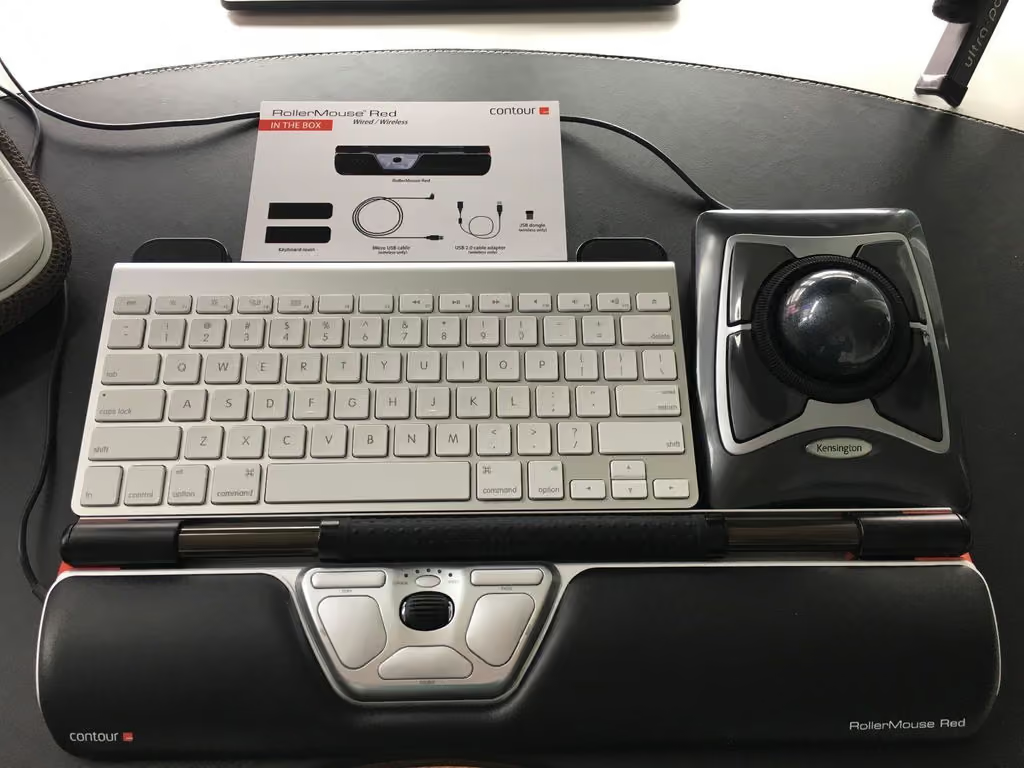
Very nice, but hey it's $200.
This mouse takes a long time to get used to, but it was a necessity. Glad this option was out there for my tendonitis wrist.
Acheté après une recherche approfondie sur la meilleure manière de continuer à travailler lorsque l'on commence à être sujet aux TMS/syndrome de la souris/... et après quelques semaines d'utilisation en remplacement de ma souris standard que j'utilisais de manière intensive notamment en CAO (plus de 8 h/j et que je ne peux plus utiliser désormais pour travailler en longueur de temps), ce concept de souris s'avère absolument fantastique. Surtout n'hésitez pas à investir, si vous vous prévoyez encore un avenir dans l'informatique !La fameuse barre a de quoi l'être : très souple à l'usage, sensibilité au top pour un clic dans l'enchaînement d'un déplacement de pointeur, travail bien centré et usage des deux mains, je l'utilise face à deux écrans d'une manière fluide et bien plus "compacte" qu'une souris standard.Je recommanderais aussi la souris 3D de 3Dconnexion.fr aux concepteurs CAO qui souhaitent encore améliorer le confort au boulot : moins de gymnastique au clavier pour l'usage de certains logiciels pourtant réputés pour faire tourner le modèle 3D ; ces mêmes logiciels faisant d'ailleurs un sur-usage de la souris (augmentation des contractions musculaires en tous genres) a contrario de ceux encore habitués aux raccourcis claviers.J'ajoute que l'on se détend encore avec plus de surface visuelle de travail (2 écrans pour manipuler une base de données quelconque, l'autre le modèle CAO en sortant les fenêtres de paramétrages qui prennent le pas sur le graphique sur le premier...) et qu'il faut particulièrement faire attention à choisir un 'bon' fauteuil mais aussi à savoir se lever - ce dernier n'étant jamais idéal.Attention aux fauteuils qui pivotent trop facilement : les tensions multiples avec crispation sur souris standard du bout des doigts à l'épaule se reportent jusque dans les lombaires et les jambes, d'autant plus que votre espace de travail se resserre visuellement et que votre machine est lente (rapport de sa puissance aux logiciels utilisés bien sûr)... mais le concept Contour Plus remet beaucoup d'ordre dans tout ça, avec le plaisir de débloquer tout à fait une situation sans issue (l'arrêt de travail et bien pire). Le concept tranche radicalement avec TOUS les autres modèles de souris actuels... MAIS c'est ce qu'il faut. Ne tardez pas à investir dès que les douleurs commencent !
My only regret is that I waited three years to make the jump to a rollerbar. Two weeks in and my chronic wrist pain / numbness / tingling is gone. I've also learned to left hand mouse extensively. And I have far fewer incorrect mouse clicks - the pixel level precision / responsiveness of this mousing device is unreal.My five year old asked me how to use it - I showed her - and two minutes later she shouted THIS IS SO MUCH BETTER THAN ALL THE OTHER MOUSES WHY DOESN'T EVERYONE DO THIS?!!!!! I told her because it was kinda weird. And she said, MOM weird is so much better!! Out of the mouth of babes.Stop procrastinating. Order this today and start better mousing tomorrow.
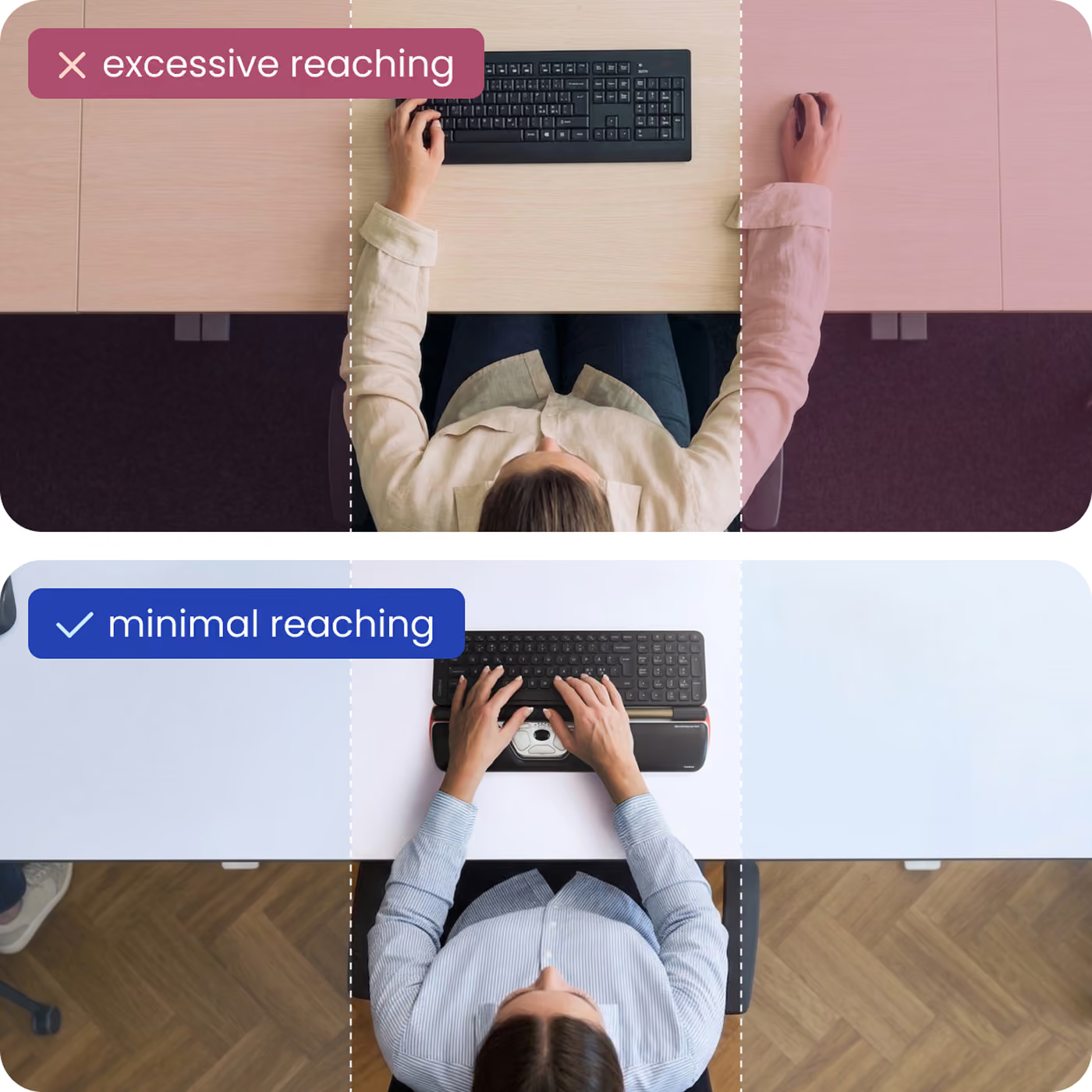
Very expensive mouse, and need a few days to adapt. But once you are adapted, it really works. No pain at the right wrist and hand which uses the mouse, and no need to reach the right hand to the right corner of the keyboard in order to catch the mouse while typing which is great. Only one regret is that it is not suitable for games, esp Starcraft. I occasionally play Diablo with it, but I think for playing RTS(which should have repeat clicking left and right button rapidly)I wish they have another version for laptop, and for a tenkeyless keyboard. I use a tenkeyless keyboard mostly, and the mouse is slightly bigger than the keyboard. It doesn't mean that it works not, but it would look good when their length is identical. Also, I think the moving part is can be slightly narrower than now. I use 3 monitors vertically and sometimes I think it is often when the moving part is hit the corner so the mouse point goes at the end of the monitor.At short, it works and I really love it. And it will be better there is a laptop version or tenkeyless keyboard version which is slightly shorter length, shorter moving part. And if you are game(esp RTS) lover, think twice because it's left and right buttons are bigger, far away than the traditional mouse so you cannot click two buttons alternately in haste.
First one I ordered from Amazon was a dud, could not control the mouse and it jumped all over the screen. Finally after trying on a few different computers and user, sent it back and then immediately ordered a replacement which works flawlessly. It's pricey, but worth it if you are having wrist/hand pain or poor ergonomics as I have. Before purchasing, I experimented with putting the wireless mouse trackpad on the middle of my wrist rest up against the keyboard to mimic this design, and it immediately relieved some of my strain. The RollerMouse works even better than my makeshift set up because the rollerbar is much easier to control with a very light touch, and the double click button is invaluable. I just got the replacement out of the box and am typing this review. Feels like my typing speed is faster and using the wheel to control vertical page scrolling is very nice and much easier than clicking the arrow, I realized this when I got arm pain just from reading webpages without typing anything -- the clicking and scrolling and using the back and forward arrow was strenuous.
This is an excellent addition to my setup. Not only does it solve my "top of the wrist" pain I get when using my mouse, but once I got over the learning curve it really sped up my workflow. I think if it as the ultimate keyboard shortcut.
I work for an energy company and my folks who work with seismic readings all like this mouse. Good ergo mouse.
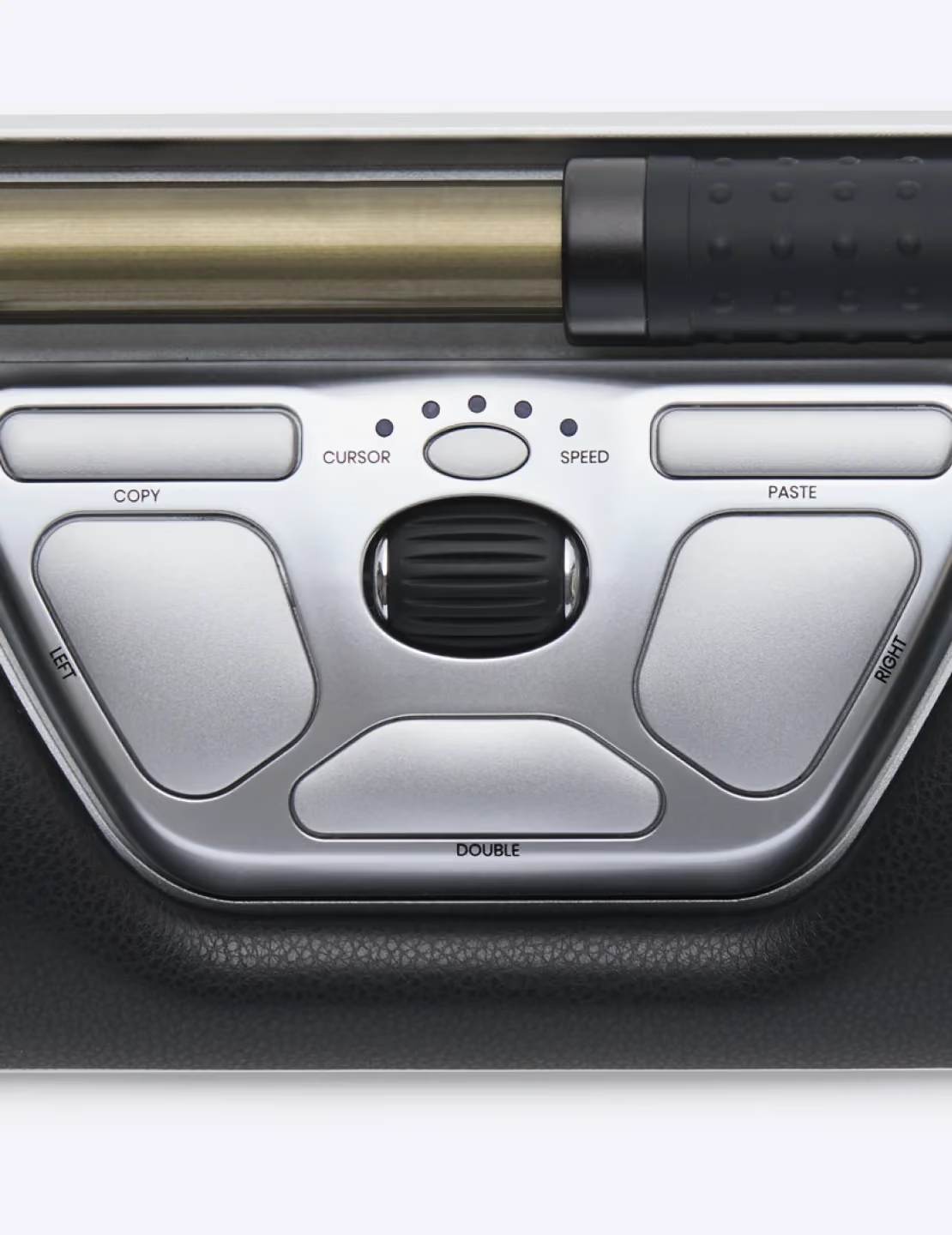
zum arbeiten sehr gut geeignet. die zielgenauigkeit im vergleich zu meiner vorherigen maus ist genau so gut oder sogar besser. an die handhabung gewöhnt man sich nach ein paar wochen, so das doppelklicks, die anfangs etwas schwer von der hand gingen, ohne zu verrutschen, nun ganz natürlich ausgeführt werden können.es ist sehr angenehm, nicht immer die hand 30cm zwischen tastatur und maus hin und her bewegen zu müssen. als softwareentwickler arbeite ich 10 stunden täglich am pc und führe da diese bewegung mehrere hunderte male am tag durch. Kein wunder, dass das irgendwann verspannungen und schlimmeres verursachen kann.die rollermouse ist also auch für poweruser unbedingt zu empfehlen!Auch meine bedenken, das ich mit meiner bildschirmflächenbreite von 3x2560 pixeln probleme bekommen würde, haben sich nicht bewahrheitet. nach etwas hin und her mit der sensitivität habe ich nun eine gute einstellung gefunden.als gut hat sich auch der doppeltklick-button bewährt. ein doppelklick aktiviert in meiner entwicklungsumgebung gewisse funktionen, die man oft braucht. statt also 2x zu clicken drück man nur einmal bequen den knopf. das spart täglich ebenfalls hunderte klicks und ist sehr bequem, hätte ich nicht gedacht.
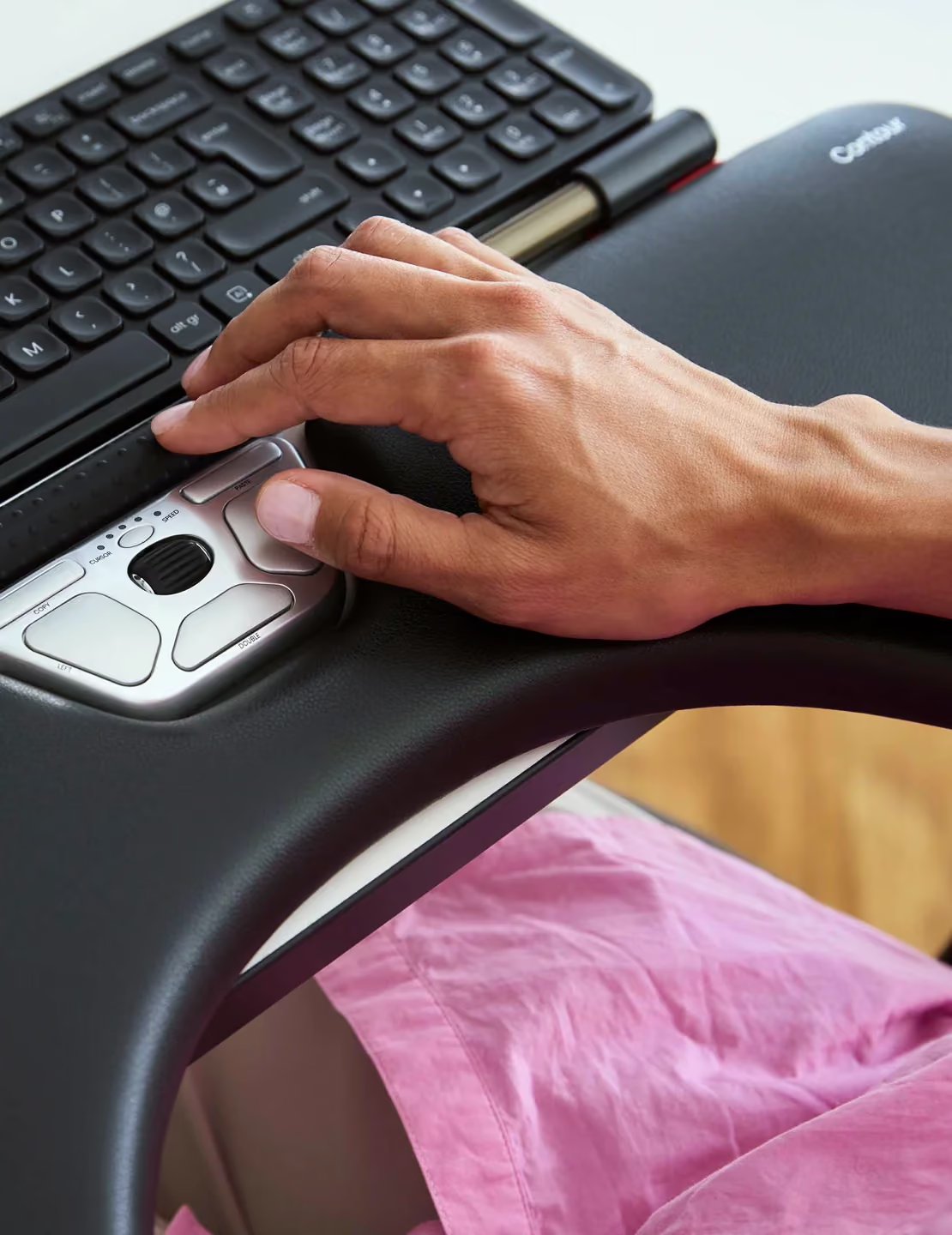
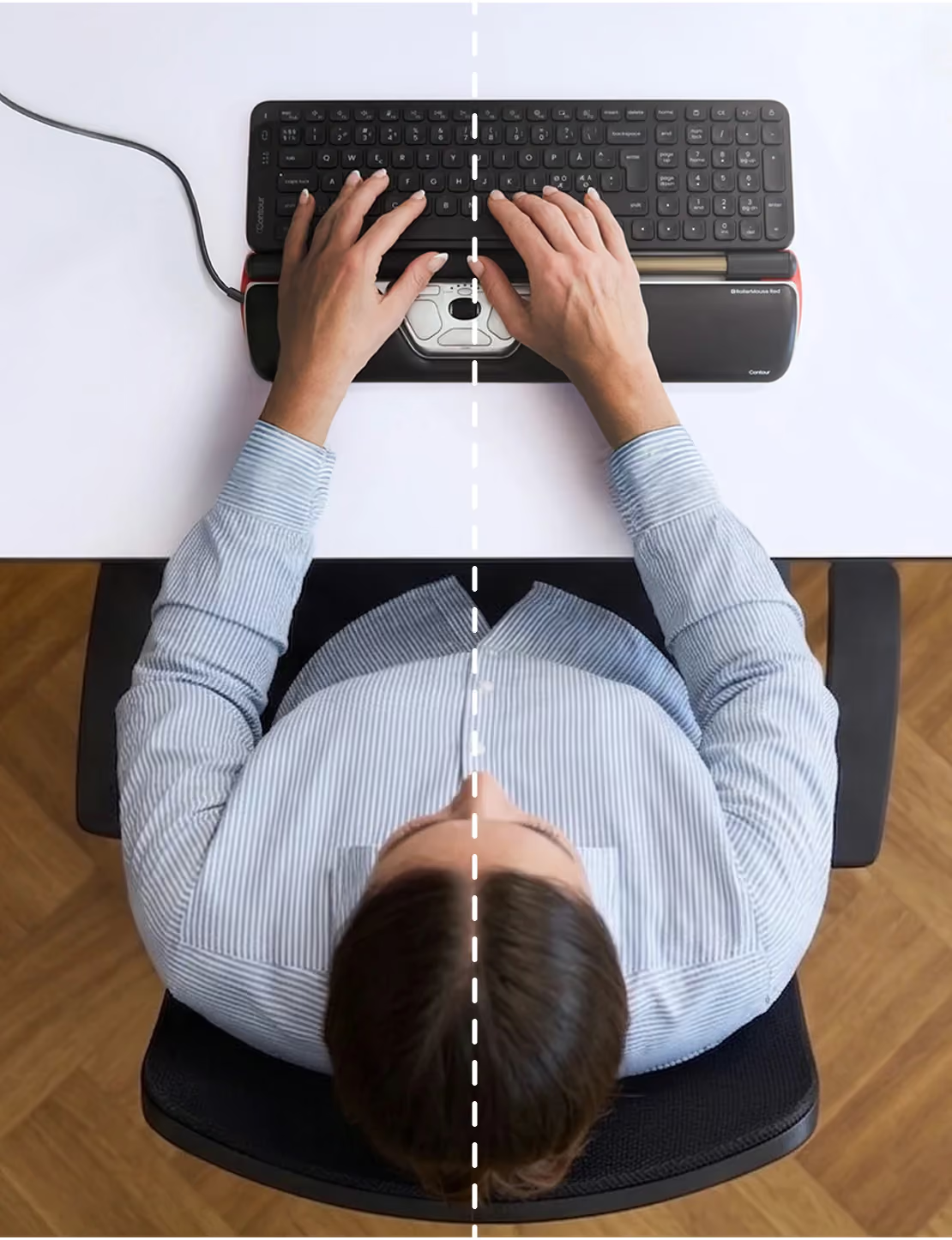
Ich benutze diese Maus seit jetzt drei Jahren, nachdem ich vom ewigen "Gehüpfe" zwischen qwerty-Tasten, Cursortasten, Nummernblock und Maus eine "frozen shoulder" bekommen hatte. (Ich kann auch jedem, der noch keine hatte, dringend raten vorzubeugen. Unfassbar schmerzhaft und sehr in Mode.)Mit vernünftigem Bürostuhl (und einem Physiotherapeuthen, der mir erklärt hat wie man diesen einstellt), Rollermouse + "arm rest" und einer winzigen Tastatur (40%, ohne Cursortasten und Zehnerblock) bin ich jetzt gesund und schnell(!!!) wie noch nie. (Empfehlung: Poker 3, auch Pok3r genannt, eine 60%-Tastatur von der Stange)Was ich noch zu der Rollermouse sagen wollte: Sie ist jetzt das erste Mal etwas defekt geworden: Das Maus-Rad hat angefangen gelegentlich in die falsche Richtung zu ruckeln, so daß ich sie auseinandergenommen habe. Dabei mußte ich feststellen, daß1. es sich durchaus lohnt sie gelegentlich mal zu öffnen und das innere der großen Roll-Hülse zu säubern (geht jetzt wieder superleicht). Das ist auch sehr einfach zu machen: Die beiden schwarzen Kappen oben links und rechts nach innen (!) drücken, bis es 'klack' macht, dann die Kappen abheben und schon kann man die Hülse abziehen und alles reinigen.2. Die Qualität der ganzen Konstruktion wirklich sagenhaft ist.Mein hoppelndes Mausrad habe ich übrigens mit einem Tropfen Kontaktspray erstmal wieder behoben. Ansonsten kann man diese "Mouse Wheel Encoder 5mm" auch für etwa 1€/5 Stück als Ersatzteile kaufen. An die Platine mit den Maustasten kommt man übrigens heran, wenn man die mittleren zwei Schrauben auf der Unterseite löst und danach mit einem feinen Schraubendreher vorne durch den Schlitz zwei Häkchen rechts und links eindrückt - dann hüpft das ganze Plastikteil raus.BTW: Niemand benutzt die Rollermouse ernsthaft so, wie die Hände es auf den Produktfotos zeigen. Man bedient sie mit den Daumen, während man die Finger auf der Home-Row liegen läßt.
I really like using this. It works great and got rid of all my shoulder pain. But the cord began to detached from the unit and now small wires are visible and it has stopped working. For the price of this I expected better quality. : (
Excellent customer service !I purchased one of these 3 years ago, and recently started having an issue with the main mouse button ( which has most likely been used millions of times since I work at my computer all day ) it was an intermittant problem.The warranty is 2 years, so I didn't expect more than a "Sorry, Buy a new one" from the manufacturer.I was pleasantly surprised to find that they were going to send me a new set of buttons for it, if I was ok with installing them myself.I received the parts with instructions, but it turned out it was the circuit board not the buttons....So I emailed them back and asked if there was a chance they could provide a circuit board, again, expecting a "Sorry, we can't help you" but again they did some research and found a board that might work with my older model and they were sending it....I received it, installed it and it worked fine.All of this at no cost.All of it out of warranty.All I can say is that I am very glad I purchased this it works great and they stood behind it as you would expect from premium product which this is.They have a customer for life with me.