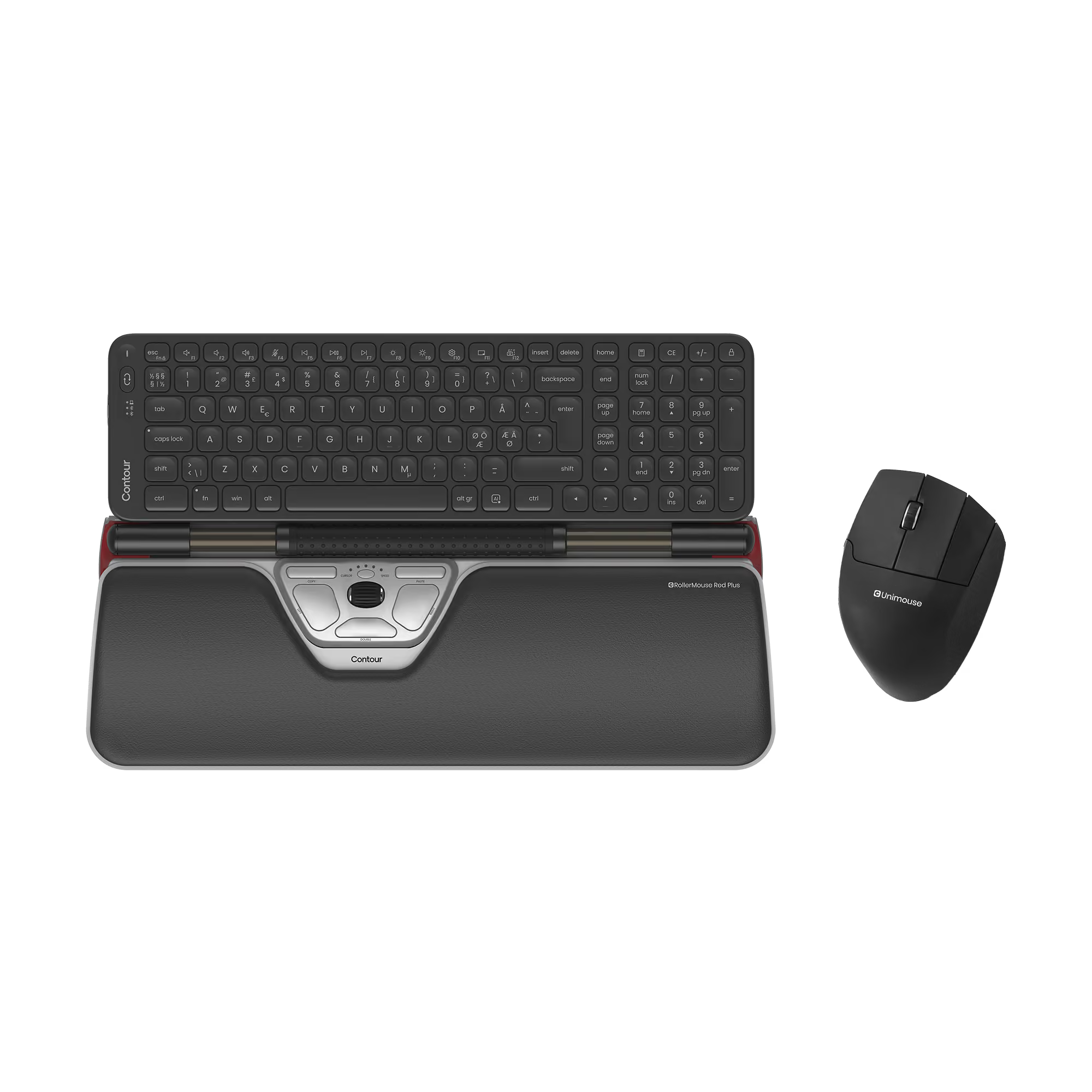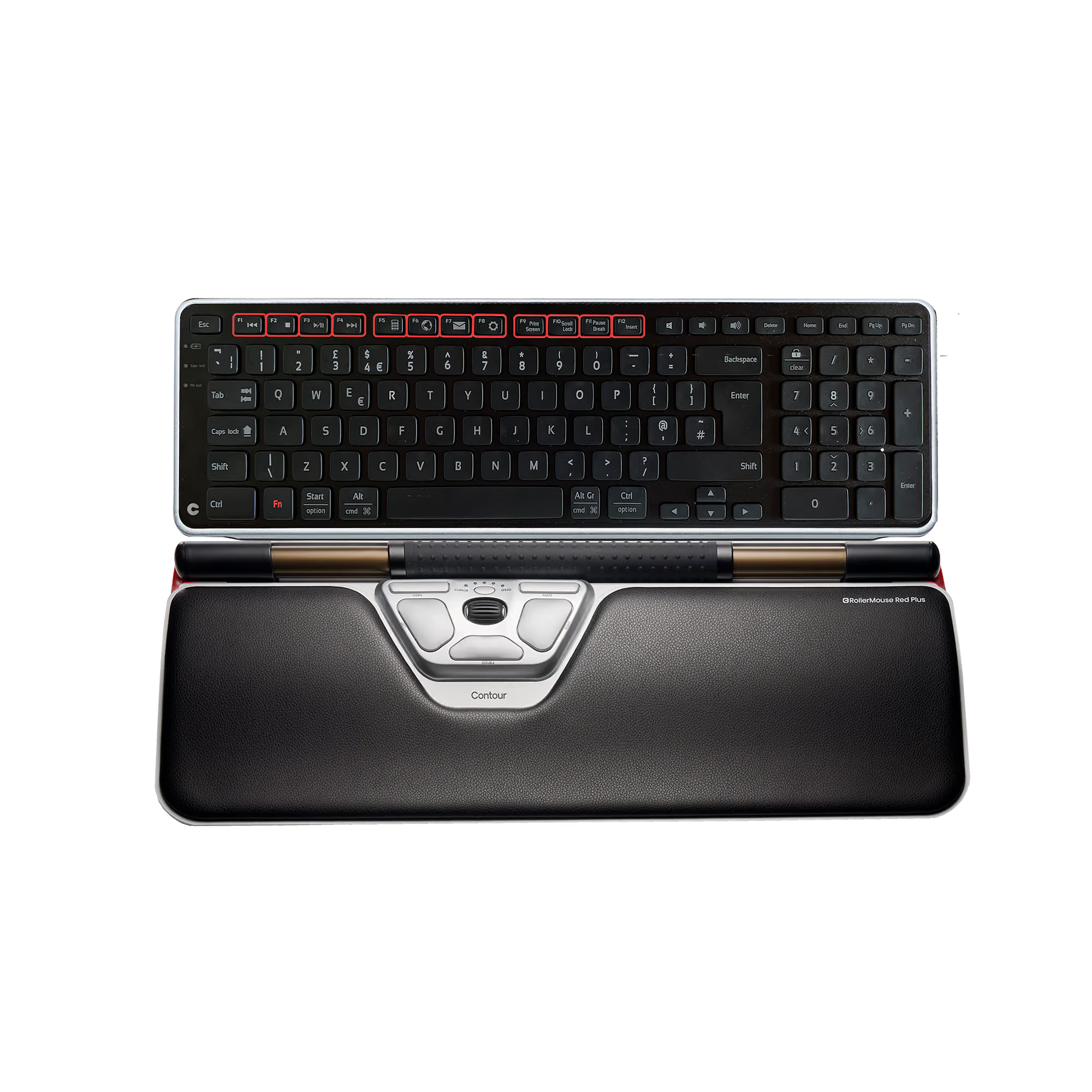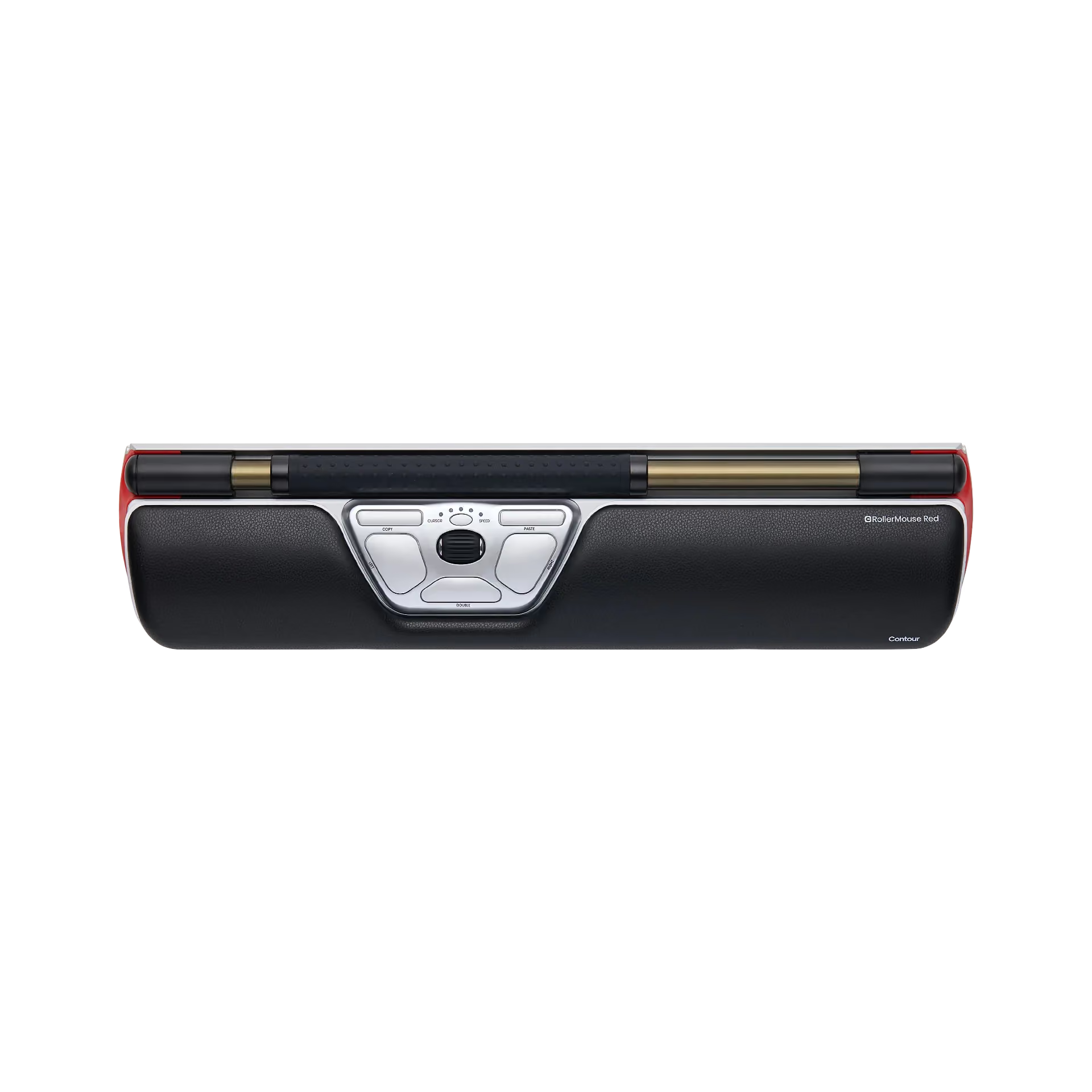
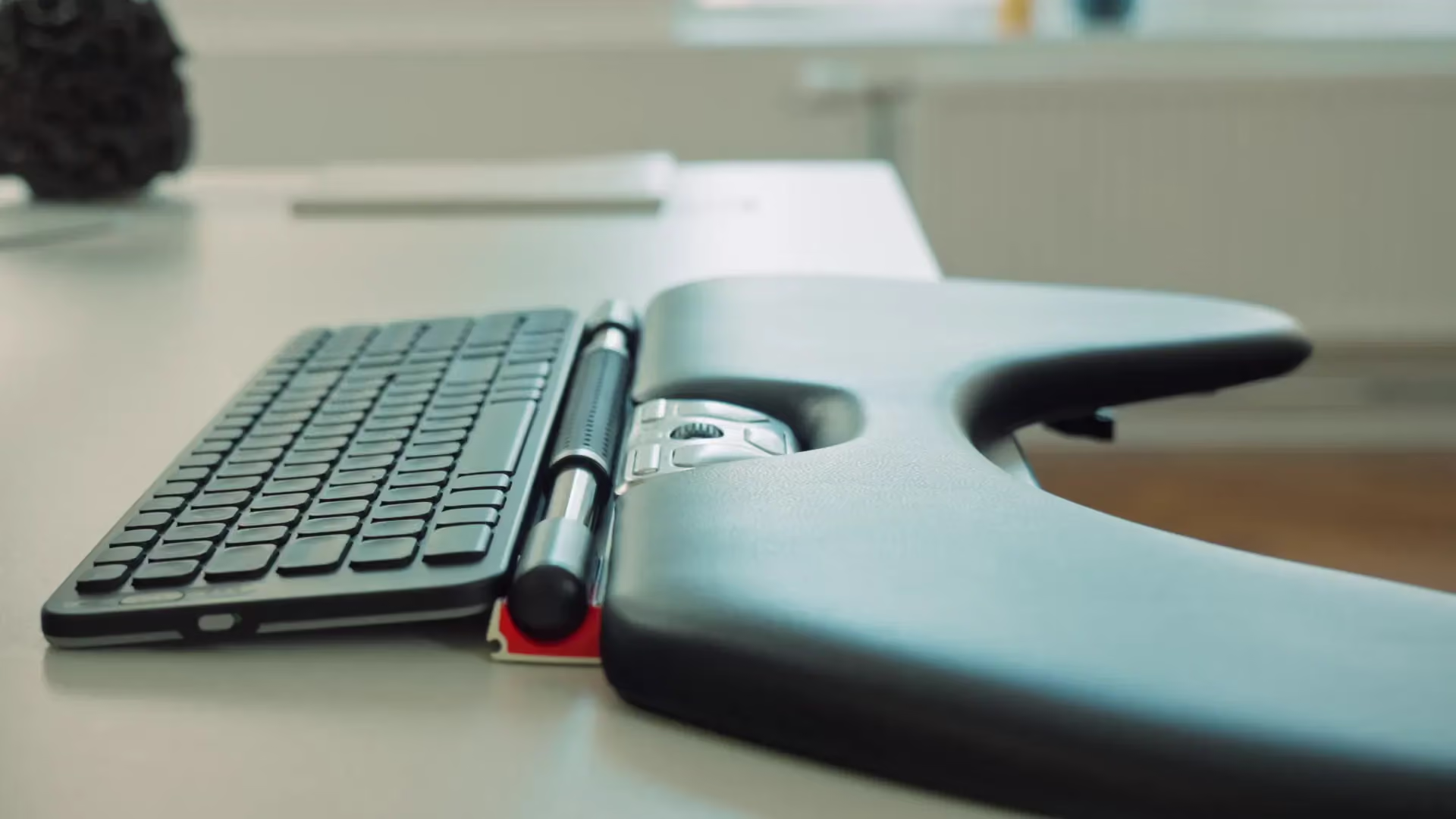

















In great condition
Le RollerMouse devrait être obligatoire dans les entreprises pour les personnes qui travaillent avec un ordinateur toute la journée pour éviter les problèmes de tendinite. Je ne regrette pas mon achat.
I really like how this works and so far it seems to help me with the problems that I've been having using a mouse. It is very sensitive so I have issues accidentally hitting the roller but that may just be getting used to it. Had to get a different keyboard because I was using a Microsoft Sculpt that I really liked but the bottom side isn't straight so it doesn't work with the roller mouse. In spite of these issues, and the cost (which my employer paid), it is definitely worth it and this works much better than the older models (I borrowed one before).
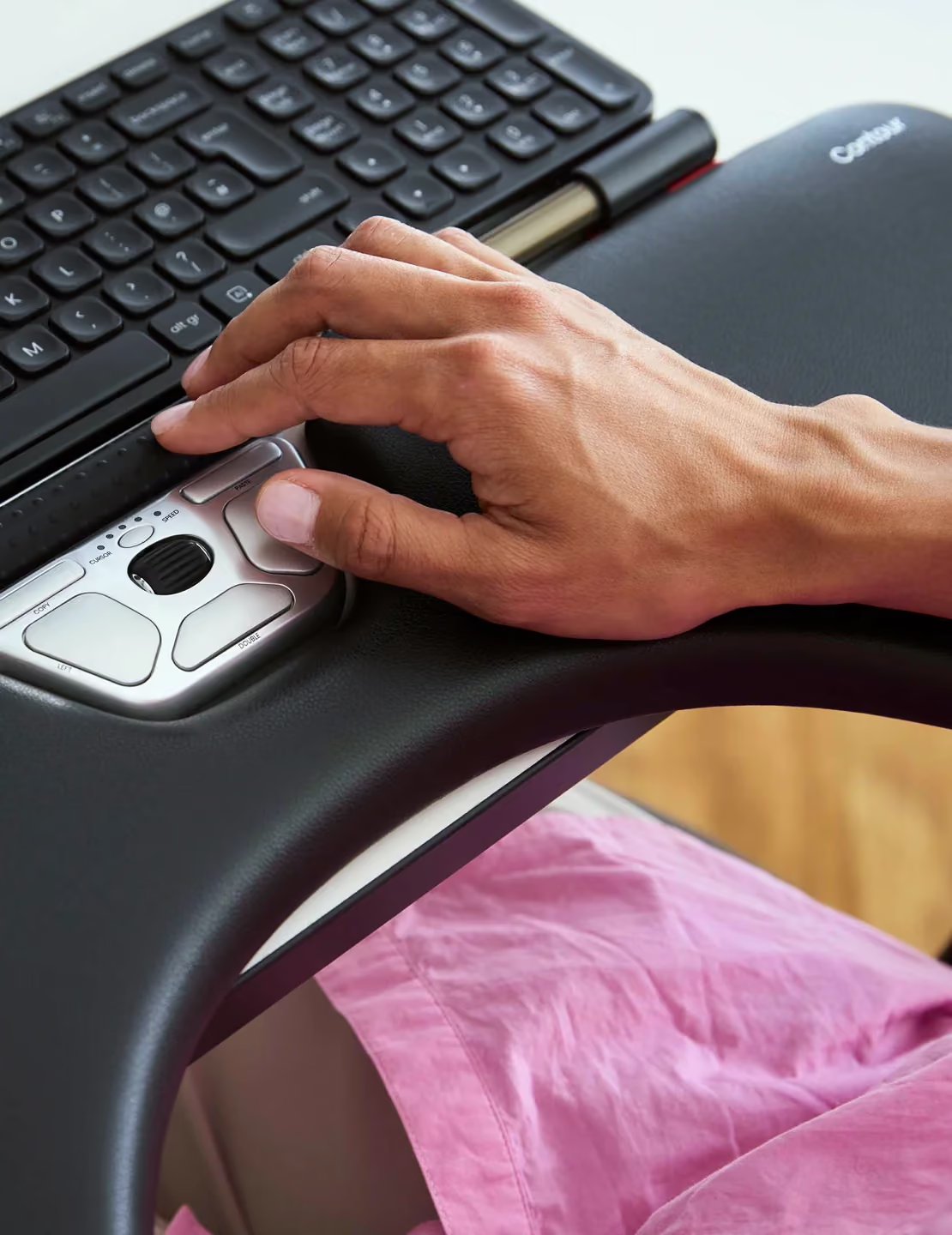
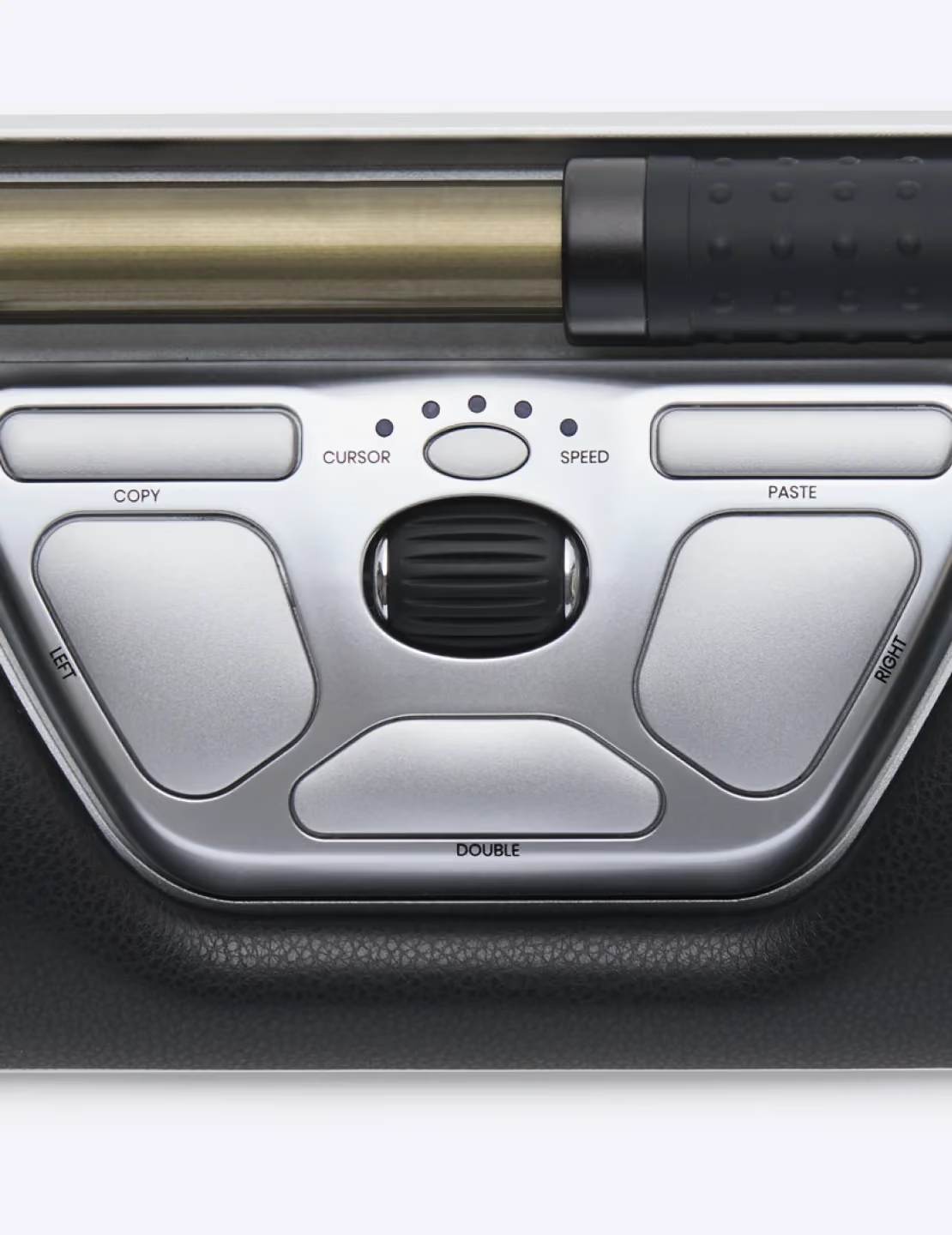
First of all, this is a nicely made product with some great features. I love the scroll wheel in the middle and the dedicated copy/paste buttons. It is clearly designed well and solidly built.My problem is the ergonomics of it for *me*; you may be different. I switched to a trackball because of wrist pain. Then switched to a left-handed mouse because of forearm pain from the trackball. Then switched to this because of left-arm pain. Now the wrist pain is back.It is nice that the RollerMouse Red doesn't require moving your hand way off the keyboard. But it does still require contortions of the thumb and wrist. After only a week I am forced to go back to the left-handed mouse.
Excellent concept, and great great quality which explains the price tag. For the right person this would be a life saver. It just wasn't for me. Give it a shot at least, the guys are very nice and will give you a full refund if it doesn't fit your need
Best mouse in the world. I loved my original RollerMouse, but it did not work well with two screens and the wrist pad was worn out and dirty from years of use. Went back to a few normal mice and developed right wrist and right shoulder pain. Got smart and bought this version and I can now work without pain. The design and material are worth the money. Thank you Contour Design!
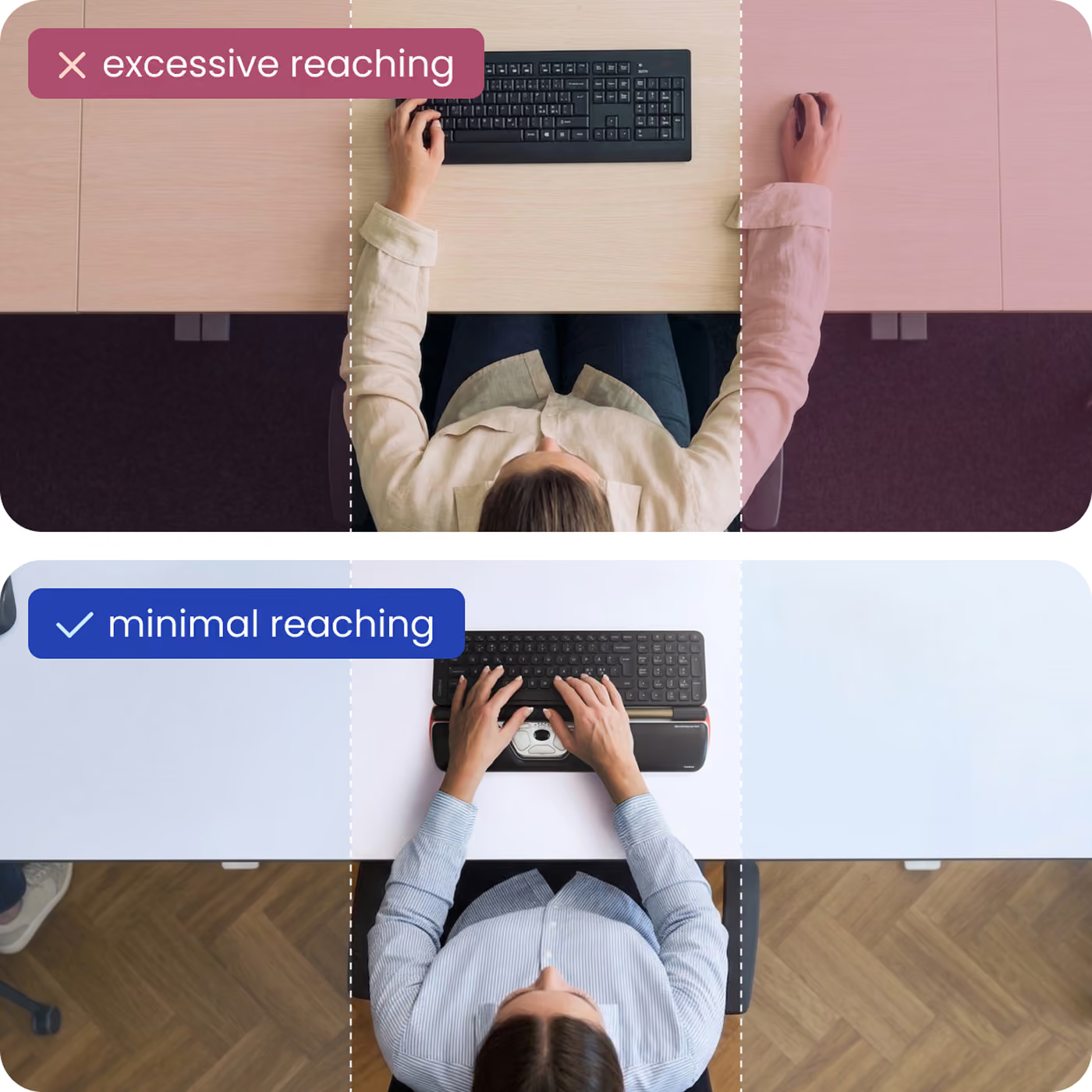
This is the best mouse ever. It allows you to not have to reach over to the mouse. Much less hand movement and you can do it with only your thumbs. I typically move my hand down to it though for fine precision. I have bought 3 of these now!UPDATE: 9/11/2019: My cat ate the USB cable and they fixed it for free! Awesome company!
A causa di una tendinite ai flessori, mi era diventato impossibile utilizzare il mouse per più di 30 min. Ho provato ad utilizzare svariati mouse, tutti rigorosamente ergonomici. Anche quelli con presa verticale. Tutto inutile. Finalmente grazie al Rollermouse ho potuto riprendere la mia normale attività lavorativa.L'usabilità è molto buona. L'impatto iniziale è meno traumatico di quanto mi aspettassi. Tuttavia per chi come me è abituato a usare molto le combo mouse+tastiera, non è semplice scrollarsi di dosso gli automatismi di anni e anni e abituarsi a questa nuova soluzione.Tasti, scorrimento del puntatore, scroll, etc. sono pienamente configurabili e personalizzabili, grazie all'apposito driver, scaricabile dal sito.La qualità costruttiva ed i materiali sembrano essere elevati. Spero che nell'uso a lungo termine si dimostreranno tali.
Après une dizaine de minutes pour la prise en main la Roller Mouse est très confortable et facilite l'ergonomie du poste de travail.
Da ich sehr viel Zeit am PC verbringe hatte ich ständig Handgelenkschmerzen und musste Bandagen usw tragen die auf Dauer auch ncht brachten. Nachdem meine 1. Rollermouse mit Kabel, welches auch die Schwachstelle war, kaputt ging (Kabel durch weil kein Knickschutz), und ich nicht mehr ohne Rollermouse arbeiten möchte habe ich mir die Wireless gekauft.
Works great
Really relieves the stress on my wrist. It takes awhile to get used to, but it is worthwhile. I work on a computer 6-10 hours per day. This has been a good purchase for me.
Sehr angenehm, habe mir nun eine zweite gekauft.
I was afraid this would be awful because, well, it looks awful. It feels like it would be kludgy to use for most tasks. But the experience is like walking on a treadmill - there's always more space you can use to mouse around in, and it's important to note how low-friction the metal bar that the roller rests on is. You can move absolutely effortlessly.I don't suffer from RSI, but I hate taking my hands so far away from the keyboard to use the mouse - it makes it a pain to hold down modifier keys and do stuff with the mouse, especially using complicated art/design apps (or just complicated file management tasks) and I wanted a mouse pointer by my keyboard to make those efforts less laborious.In the end I wind up vastly preferring this over my mouse. It was just gonna be a wingman, but it's better. I'm not sure if you could game with it as well because it doesn't like super fast rapid movements, but for precision stuff like selecting menus, text, dragging, resizing windows, and so on, it's a lot easier to hit your target the first time.I turned off the bar-click mode completely and just use the mouse buttons, which requires me to hold my hands strangely but I'm not picky.Also and this is very important - when I only had a couple inches worth of arm space because my desk was cramped, I thought this accessory was trash. You really need a desk with a few feet of space to rest your elbows and really stretch out and open up your arms. That's good for you anyway, it's not healthy to work too cramped. But if you're poor (I've been there myself, who hasn't been poor at least once other than some lucky trust fund kids?) and can't afford a big desk, yeah I'm going to have to suggest you move on. Your mileage may vary but it was just intolerable on a tiny desk.What would I change? Oh, that's easy. I know it in a heartbeat. LET US USE ONBOARD PROFILES LIKE IN LOGITECH MICE. I switch between OSes a lot in my work, not to mention navigating BIOS screens and stuff like that, and it drives me nuts that I can't (for example) keep my setting to make clicking the scroll wheel turn the entire bar into a scrolling device. There should be a simple dialog prompt that asks "Save your settings to the device's onboard memory?" and then it keeps it no matter what OS you're in.Also, for very tall keyboards, the device could use a riser to help lift it to the same height as the keyboard. Maybe one with an incline so that it's not a steep dropoff.But really, these are just tiny nitpicks. A device came out that's better than the mouse for real (unlike trackpoints and touchpads, which have their uses but I wouldn't want to use only them for the rest of my life). It's that good.
Super Maus. Ich hatte schreckliche Schmerzen in der Schulter und im Arm. Konnte die normale Maus kaum noch bewegen. Jetzt ist es schon viel besser. Ist halt eine Umstellung die schon 2-3 Wochen dauert...aber es lohnt sich.....und an meinen Arbeitsplatz setzt sich kein Anderer, denn denen fehlt die alte Maus :-)
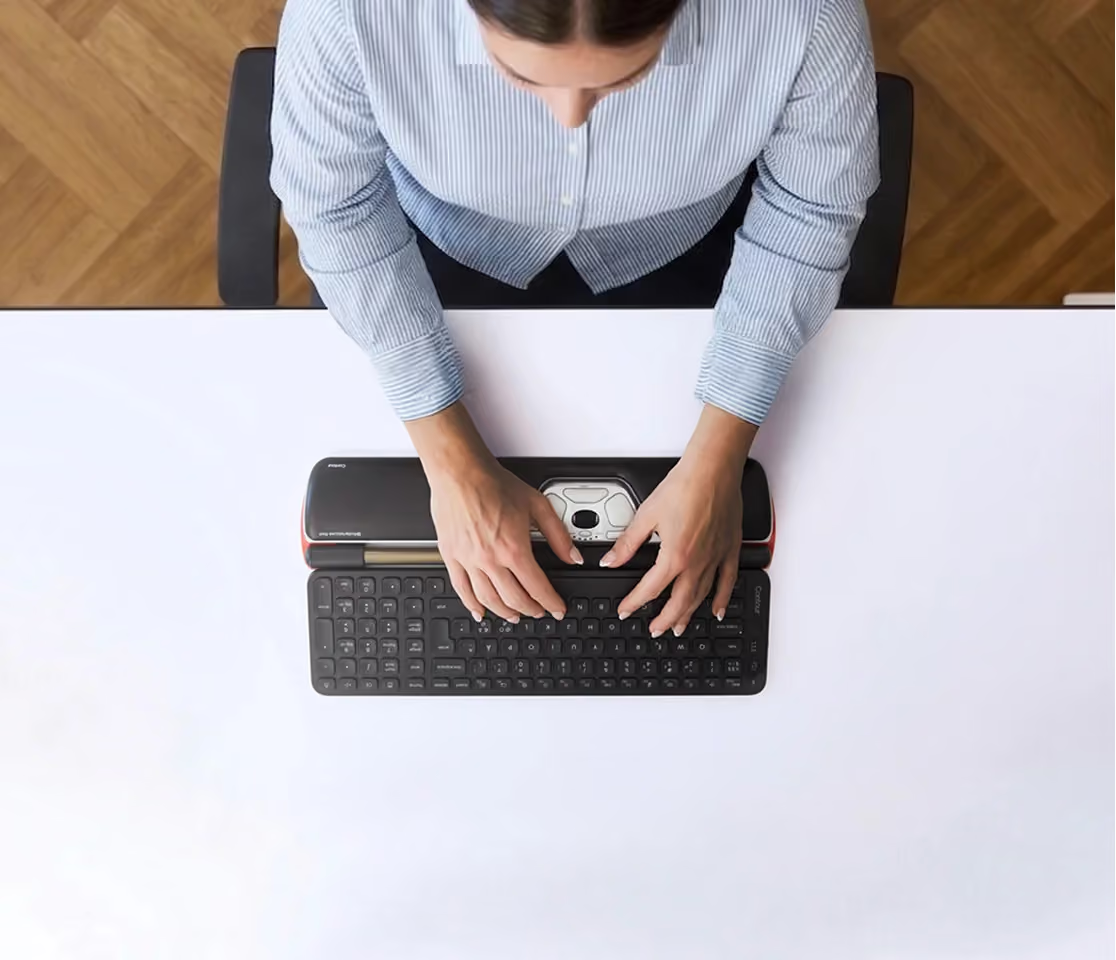
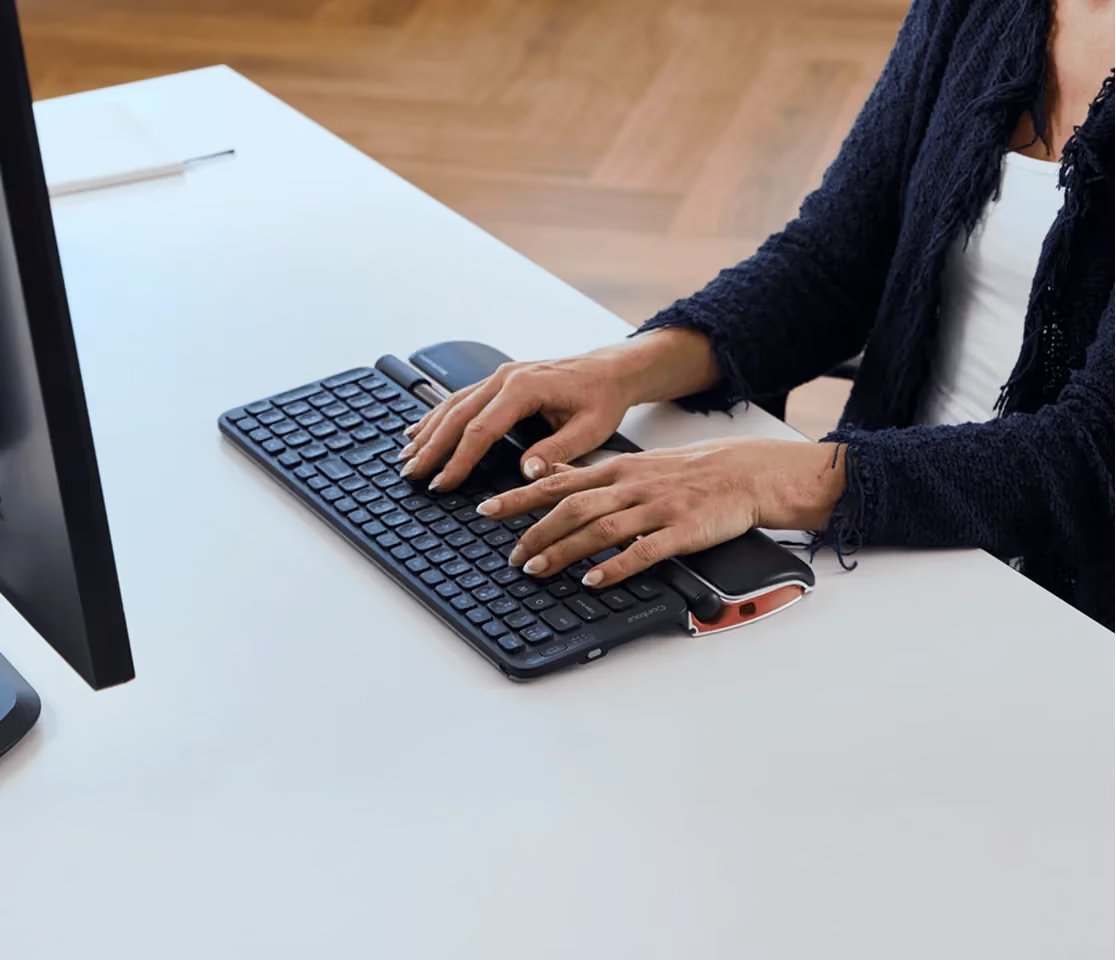
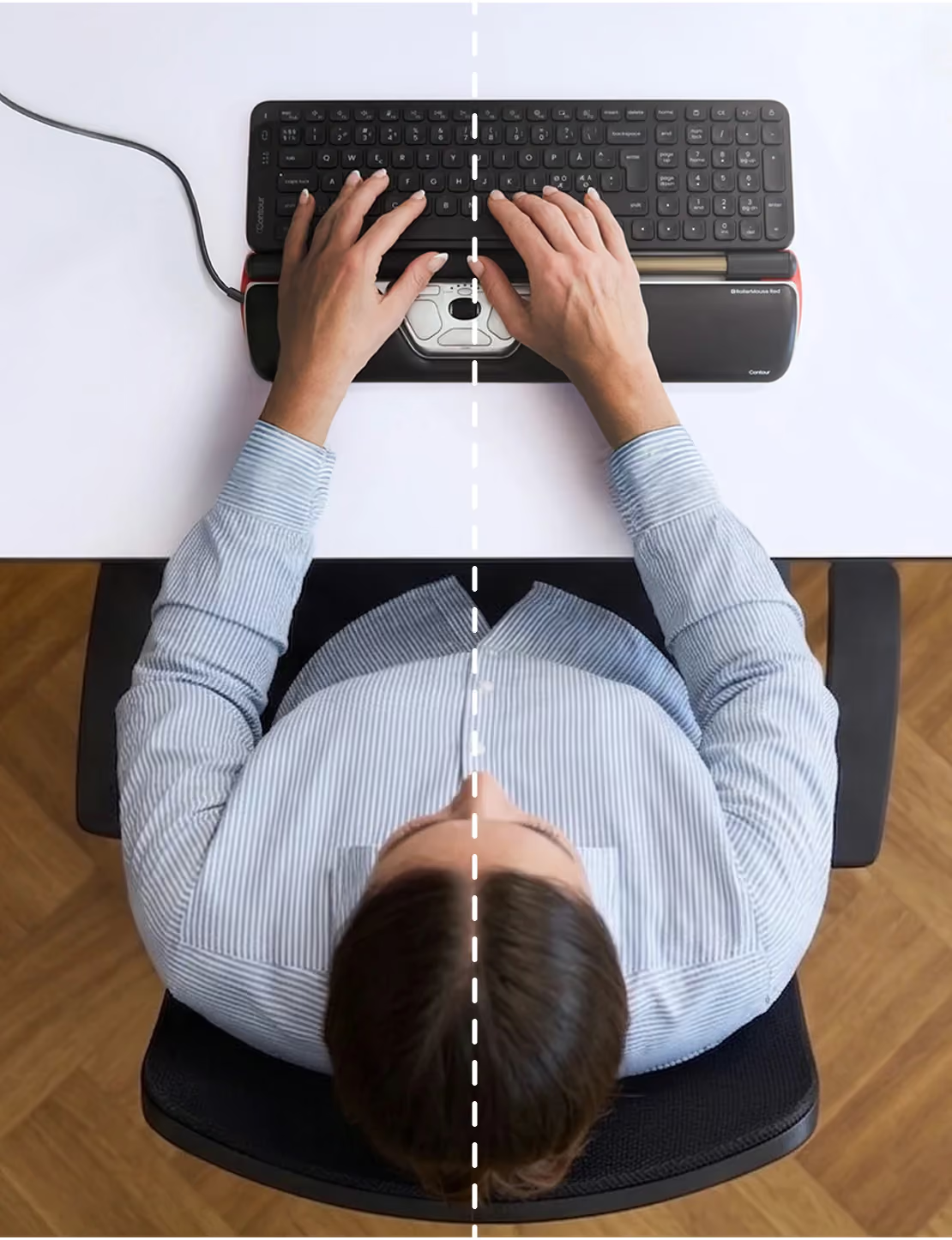
After working as a designer and developer for the past four years, I've been developing RSI symptoms—especially in my clicking hand. The RollerMouse completely fixed the problem. At first, it wasn't helping because I put it to the right of my keyboard like a normal mouse. Once I moved it in from of my keyboard, I realized that stretching my arm actually made things worse, and my hand muscles were much more relaxed closer to my body.It's not hard to use—you'll pick it up right away. I can whip around my widescreen monitor twice as fast, and it's way more accurate than a track ball. Unfortunately, not all the function buttons work, but that's not a big deal, as I don't find them to be very convenient anyway.Some people complained about the loud clicking sound. It's not that bad—you can turn the sound down to the point where it's the same as a traditional mouse. I love that it's electronic. There's definitely less strain. You can use the roller with either hand and also any hand arrangement you want, as opposed to a traditional mouse, which can only be held one way.Even if this only lasts 2–3 years like some review have suggested, I still think it would be worth it, because my hand truly feels much better.
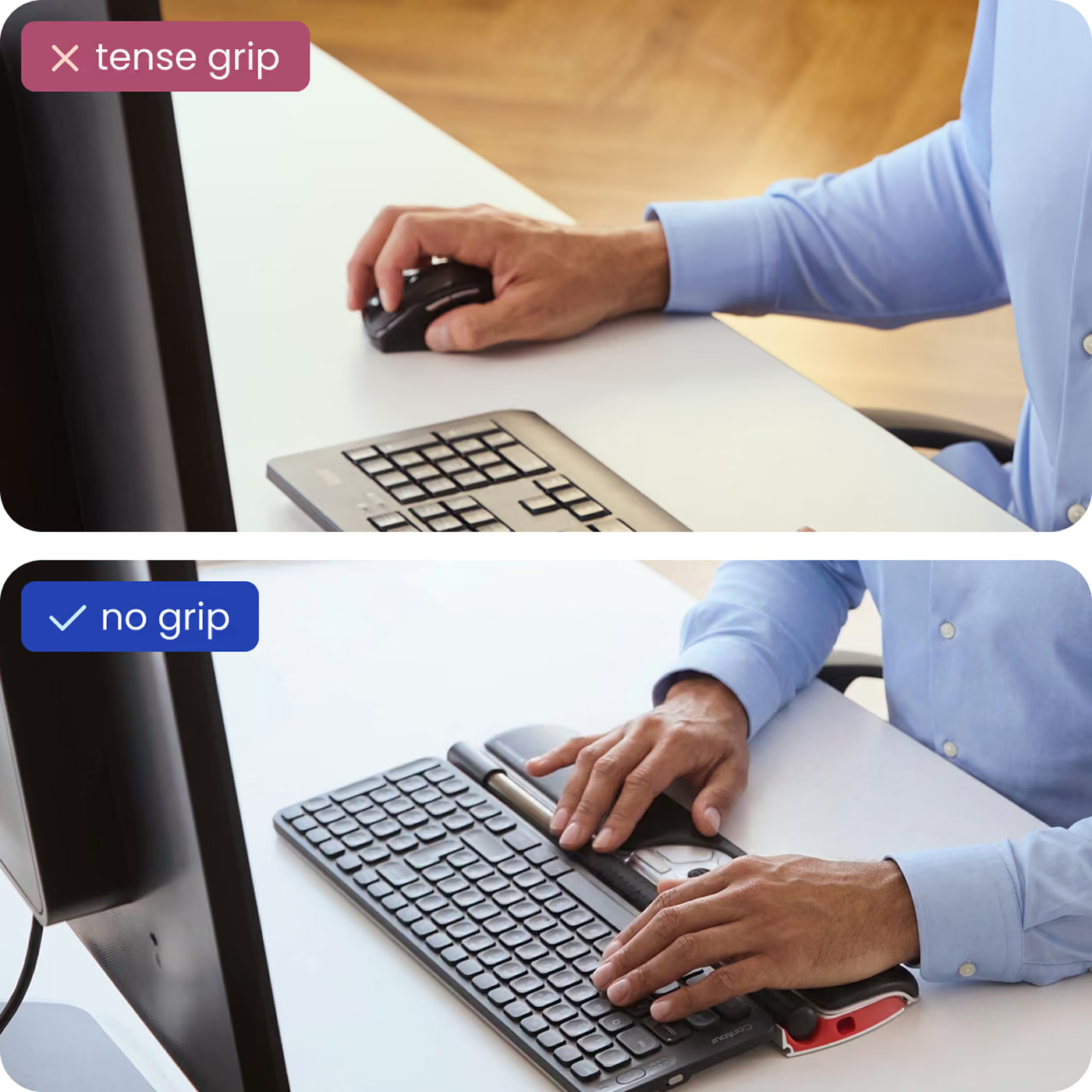
I am left handed but in middle age have developed pain in my right wrist (not carpal tunnel), pain at the base of my thumb and have had upper back pain for years.I searched and searched alternate mice. Almost none of them take stress off your thumb, in fact many make it worse. I use the trackpad on my laptop when away from my desk & that also hurts my wrist plus hard on my fingers. All of the alternate mice, including the pen type, still require you reaching for the mouse, still stressing your shoulder and upper back.I am very cheap so it took a long time to break down and get this. I kick myself for not doing it before. It is of course a much more complex device than a regular mouse but I figured it out over the course of a couple of days, and you can still keep a regular Mouse hooked up as a backup.I think some of the negative reviewers do not have the device adjusted properly oh, there are many possible adjustments. The Contour design customer service is great, you can always call them and ask for help.The ultimate proof for me was yesterday when I left my Rllermouse at home in hand to rely on my old mouse at the office. My wrist was killing me! There is no other mouse that requires so little pressure or effort, can distribute the workload to both hands and requires no "reaching".
I have TOS and this has for the most part stopped the numbness in my right hand caused by holding a mouse all day. I highly recommend it
For some reason the only thing that I have used that gives me carpal tunnel is any form of traditional mouse, including rollerballs. I've tried everything, including a sideways mouse and nothing helped. At my last job, they let me install a program on the computer that allowed me to use a video game controller instead of a mouse and it was the best thing that ever happened to me. I had it programmed to do over 120 different things and it did not bother my carpal tunnel at all.Unfortunately, my new job does not allow us to install anything on the computer so I had to go back to the drawing board. I came across the RollerMouse products and I was intrigued. A mouse that would allow you to keep your hands flat at all times. I ordered one right away and I have not regretted my decision for a second. I have had it for about a month and a half and it is easy and even fun to use. It does not exacerbate my carpal tunnel carpal symptoms and it allows you to keep your arms in the perfect position so your shoulders and arms do not get sore either. The scroll wheel is super handy too and the double click button is a lifesaver.I honestly don't remember the last time I've written a review for anything, but I had to weigh in on this product. They're not lying when they say they make mouses for you, not for a computer. Easily 5 stars. Thank you RollerMouse.
I already had one at work, but this model with the bigger roller bar is even better. If you can afford spending this much on a mouse, I think it is worth it. Especially because of the ergonomic/lack of pain, discomfort benefit I have seen from using at work
Like many 30-something computer professionals, I started coding very young, and it has taken a toll on me. A few years ago, I began developing an ever-shifting soup of RSI problems, and I began to worry that I would no longer be able to do what I loved. After buying a variety of gadgets, I found that the Rollermouse Re:d did more to alleviate my symptoms than anything else I've ever tried.I have had it for five years now, and I can't imagine living without it. About a year ago, the left button wore out and they replaced it at no charge. Mind you, this thing was years out of warranty. When my wristwatch put a snag in the wrist rest, they replaced that as well.I've since bought practically everything that Contour makes. It's a great company.
tres bon produit , conforme à la description
This has saved my ergonomic injury! I am no longer and holding my shoulders shrugged in awkward positions. I hand stay relatively in the same position when typing and using the mouse. It only takes two days to get used to and I LOVE the copy/paste/double click shortcut buttons--super timesavers
Il est tres intéressant d'apprendre a travailler avec la rollermousse. J'ai eu d'une semaine d'adaptation, mais j'apprecie de pouvoir travailler avec les deux mains et faire en sorte de diminuer les tensions du bras droit habituellement tres sollicité.