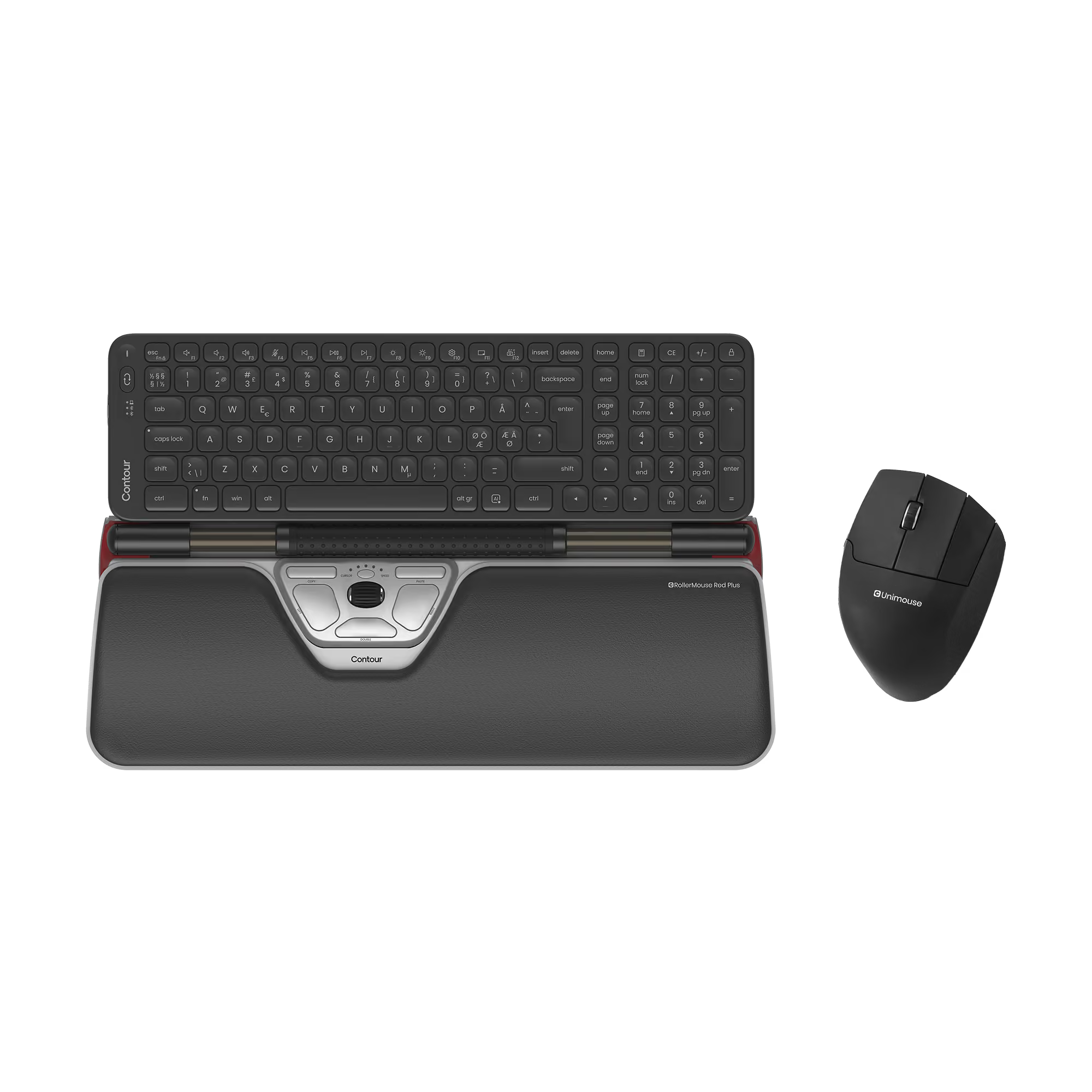


















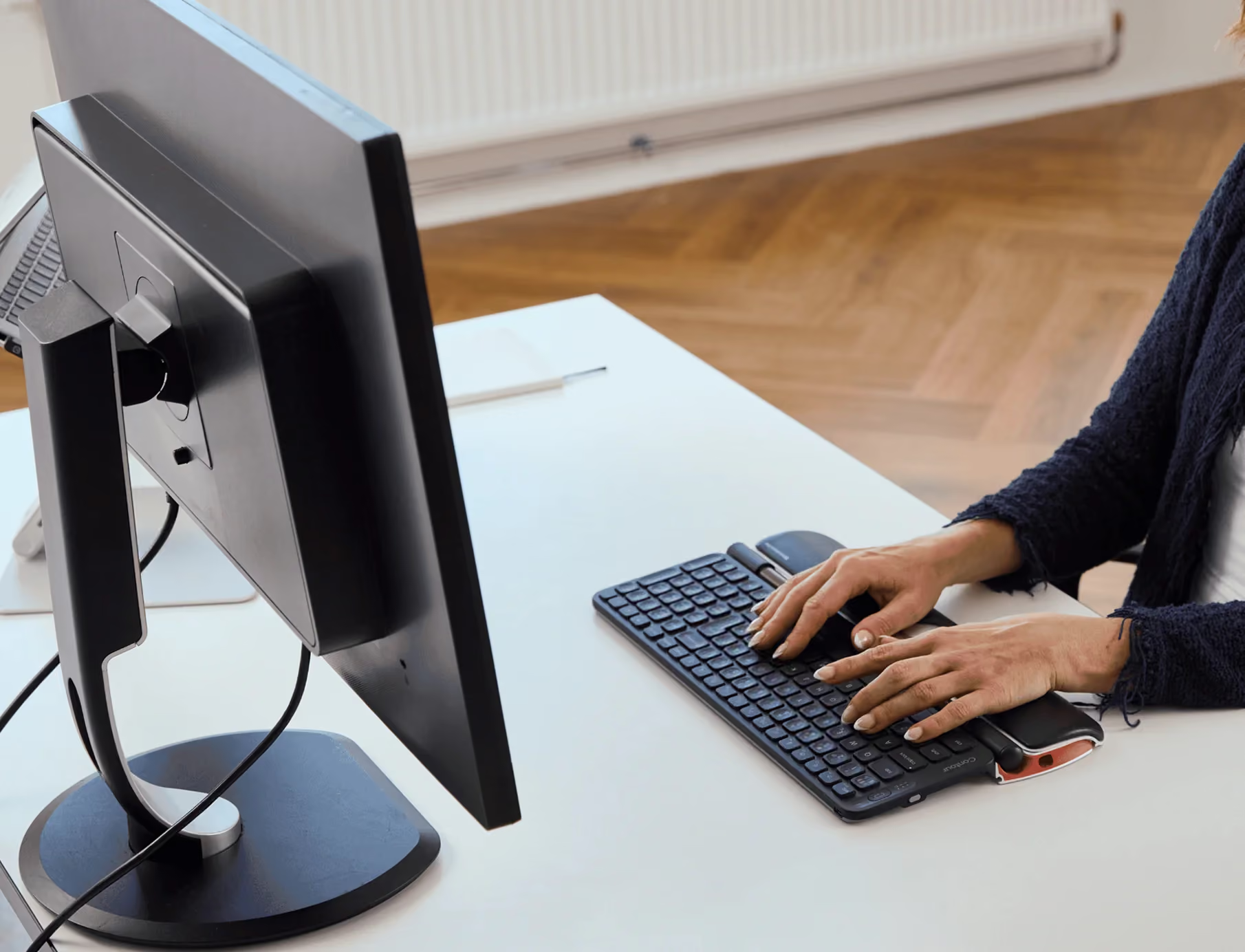

Your are a career saver! After experimenting various keyboard and mices . This combo works perfect for me.
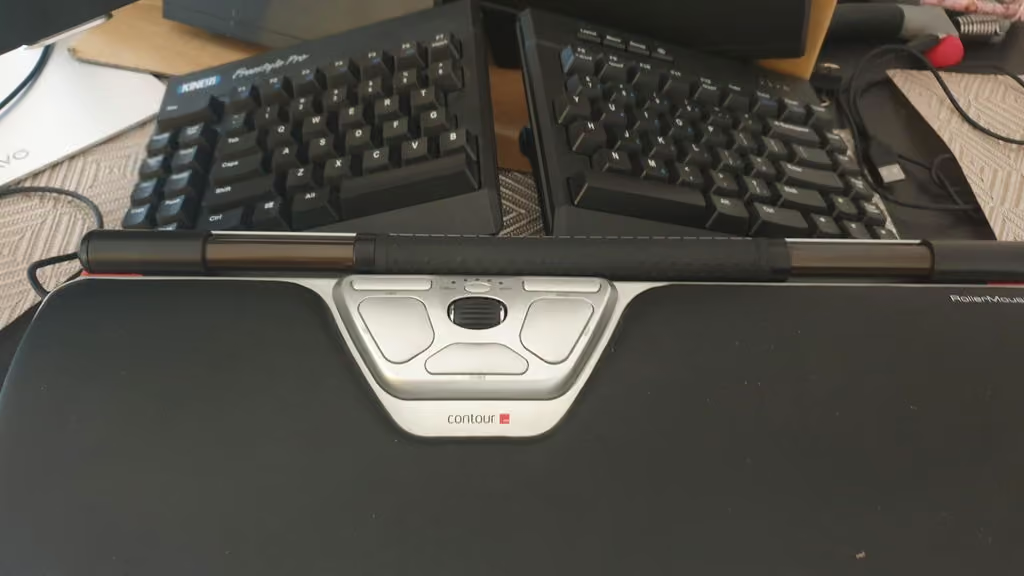
it does seem pricey, but considering how much time i spend at a computer it's actually not bad. it's also way cheaper than paying a doctor to tell me i'm wrecked from RSI. after discovering how much i loved the rollermouse series i wound up with two (i spend so much time on computers i have multiple workstations). highly recommended!
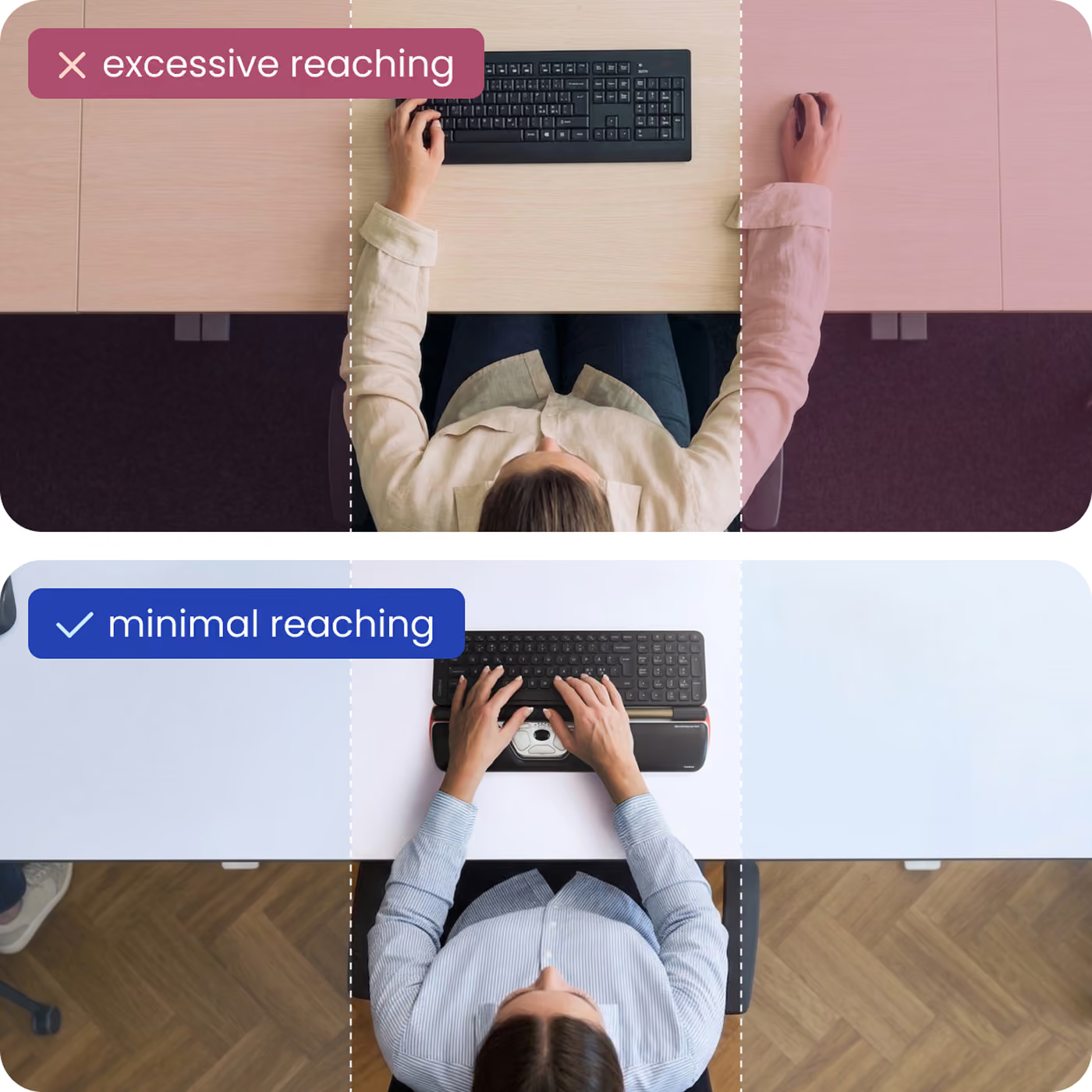
this is a game changer for my shoulder pain from having to reach for the mouse. This is my third one. I used them at work 8 hrs a day.
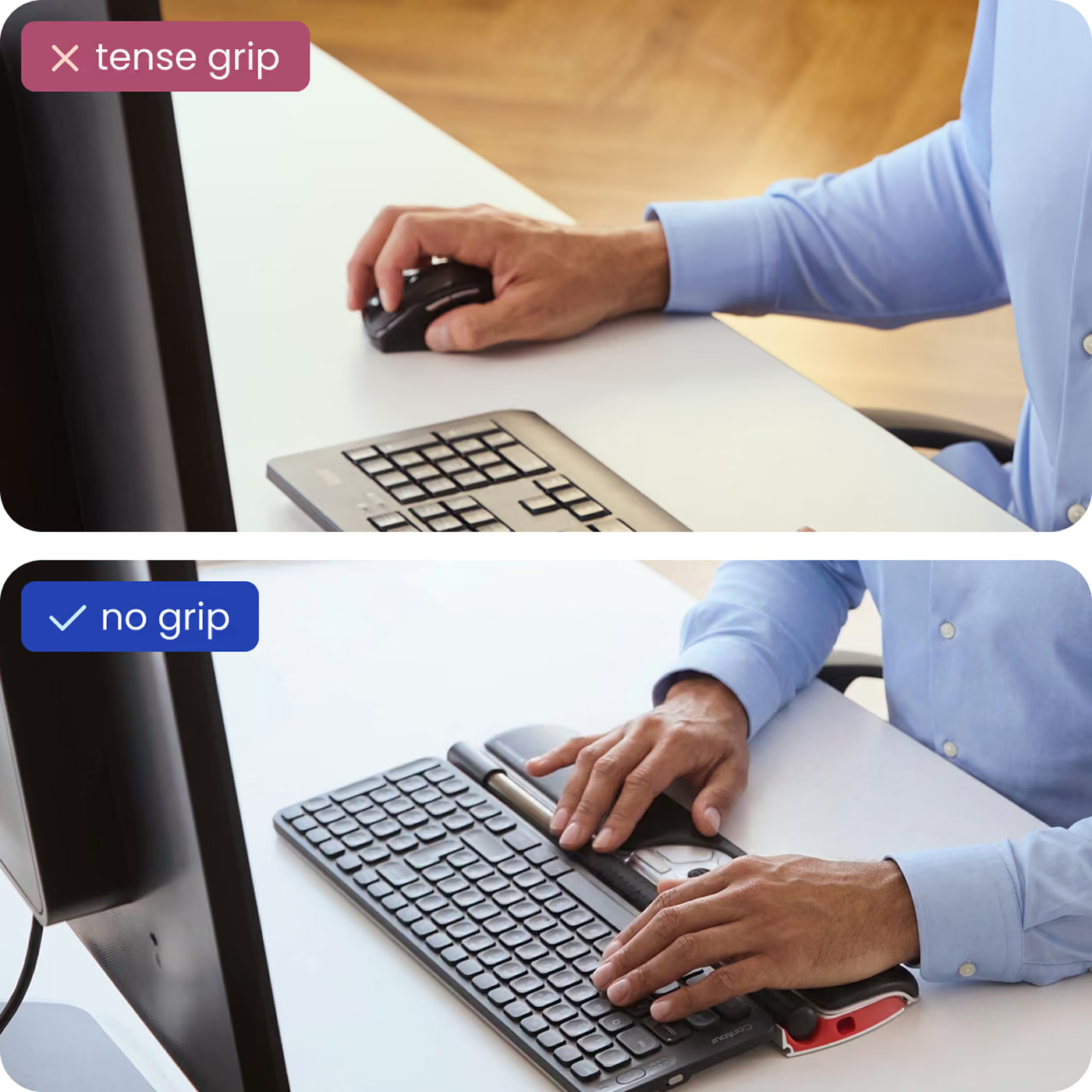
Before experiencing RSI I would have never considered such an expensive mouse but now that I’ve compared it to cost of time lost to RSI it’s a bargain. Around my mid-thirties thanks to a 70-80 hour work week I got a horrible case of RSI, it was so painful I was afraid I would have to take a several weeks off of work to recuperate. I bought several well reviewed ergonomic mice including the Evoluent Vertical Mouse, Posturite Penguin Mouse, track pads, and of course the Rollermouse. The Rollermouse was the only mouse that allowed me to keep working. What makes such a difference with Rollermouse is the way you click. You click with the roller bar with several fingers instead of just one, the roller bar rest on springs so your fingers never bottom out, and you can also adjust the click force so it’s really light. All of that doesn’t seem necessary but when you have RSI it makes all the difference! Their tech support is also top notch. I’ve had to contact the company twice and both times their response time was fast and they shipped me parts or a replacement mouse for free! My RSI hasn’t returned since I started using the Rollermouse. I’ve had mine since 2013, if it breaks I’d buy another Rollermouse. Although I could probably use a normal mouse at this point it’s not worth the risk of the RSI returning. My work time is worth much more than the cost of the Rollermouse.
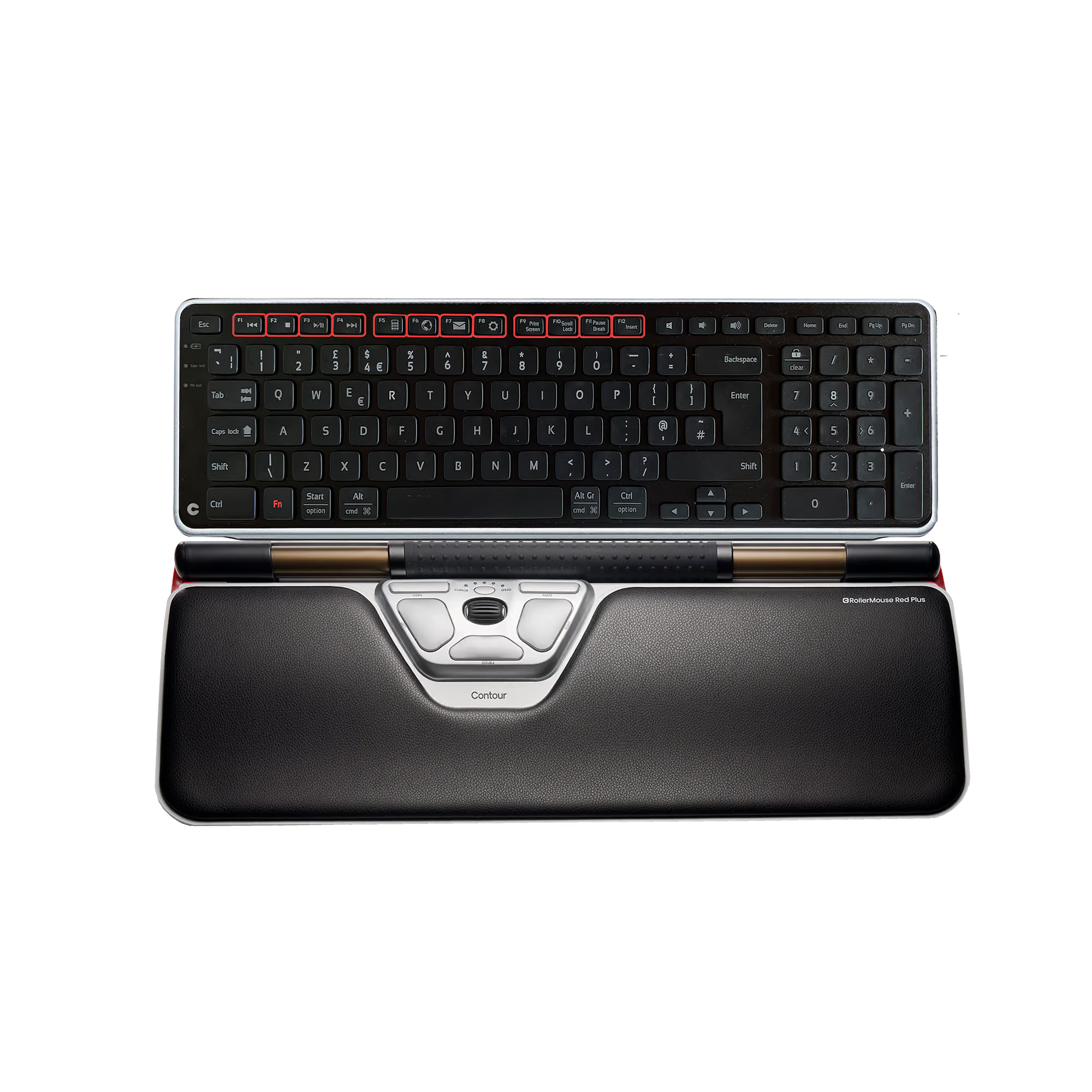
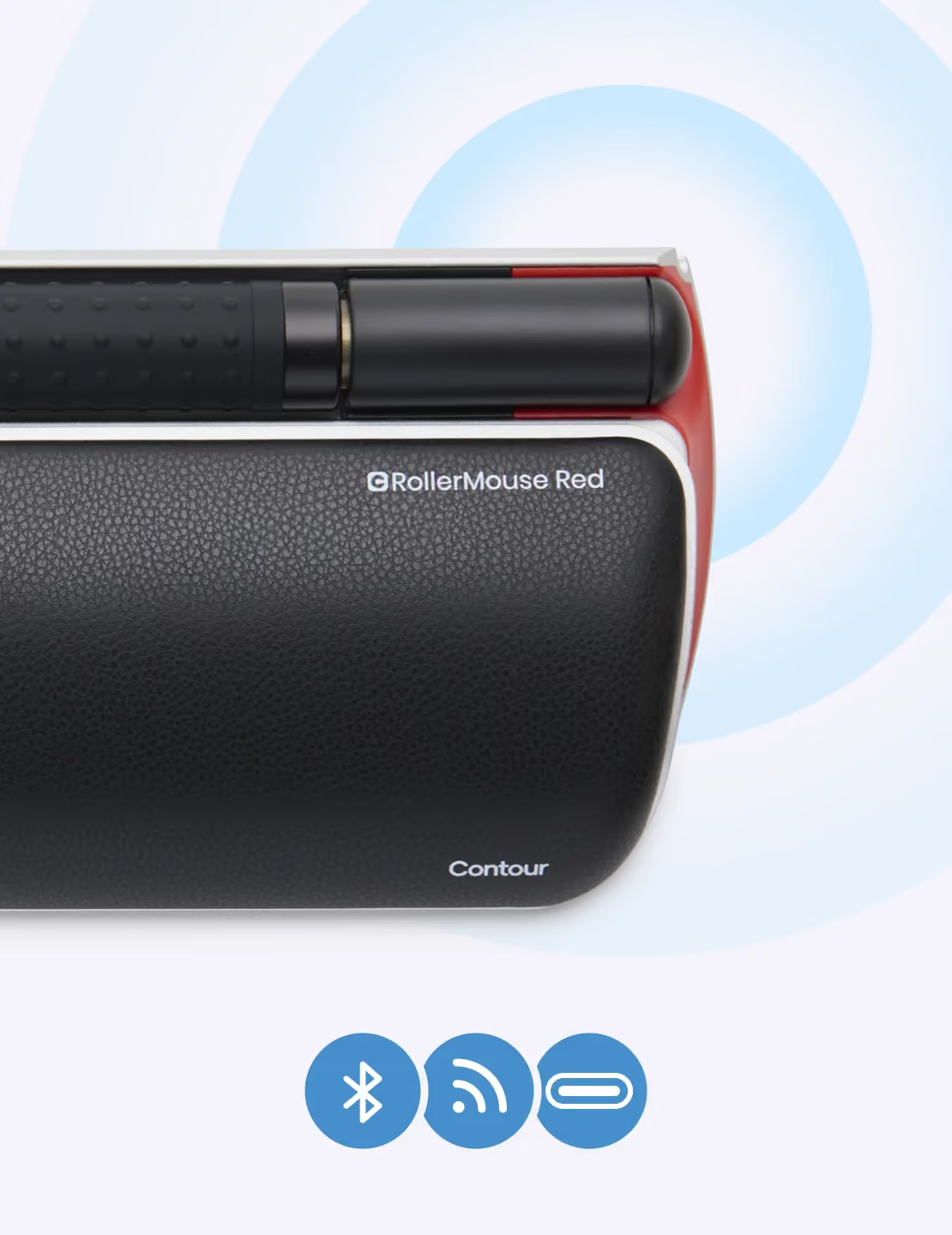
I have used a Rollermouse for about 12 years. My first one was purchased in about 2008, and I believe it was just called Rollermouse Pro. I got it because of a pinched nerve that radiated down into my middle finger. $200 was a lot for a mouse, but my employer paid for it. The pinch resolved so quickly. I was a huge advocate for people to get the Rollermouse, and some did. My husband finally got one for home when he was getting the pain down his mouse arm. He found it so easy and comfortable to use that he got one at work, too.When I changed positions at my job, I decided to leave my Rollermouse behind as I would not use my mouse so intensively and thought I would not miss it. Not so!! In just a couple months I regretted it. But when I went back to that part of the office, I could not find my old one. Fortunately, our ergonomics expert had a demo Rollermouse Pro that had a problem. She said I could have it. I took it apart, found the problem and the second time fixing it, I got it right and was enjoying it just like the first one. I loved how easily the mouse bar glided. Though with 2-22" screens, I did not like the extra push sometimes required to get to the far side of the second screen. Unfortunately, one day right after bragging to my manager about my RollerMouse Pro, I held it up and showed her via WebEx, then set it down, and the cursor would not move. I could not figure out what was wrong. And then the laser light went out and would not come back on. I took it apart, but this was not mechanical so was beyond my ability to fix.It was not long before I decided it was time to purchase a new RollerMouse. I read all the reviews and decided that I wanted the larger palm area of the RollerMouse Red Plus. I hesitated as one person had mentioned the feeling of the roller bar; it has evenly spaced bumps around covering the entire surface. (They can be seen if you move your mouse over a photo which includes the roller bar.) I have found that I agree with that review. I thought I would adjust to it, but find that it still annoys my fingers. With the RollerMouse Pro's smooth bar, you can use it all day long and forget that you even touched it. No so with this roller bar. It is like little pebbles of irritation.I am also finding that the RollerMouse Red Plus is not as sensitive and accurate as the RollerMouse Pro. I am not sure what it is, but I have a harder time when trying to click on a small specific area. I am more apt to drop some item I am pulling over to drop into file, and might just end up at the last movement end up on a neighboring file and drop it into that file.I have enjoyed having the bluetooth version of the RollerMouse Red. The charge lasts quite a long time. I would say a month plus. I charge it when I notice that the mouse "disappears" on the screen when moving it around.I also like how it goes across 2-22" screens and my laptop without much ado. I love the speed at which you can whip from side to side. These mouses are so efficient that way, and without any wide wrist motion. The ergonomics of the RollerMouses is great for me.Would I buy this RollerMouse Red again? No. I would purchase the Countour Design Rollermouse Pro3. And if anyone wants this one, ship me a new Rollermouse Pro3 and you can have mine. :-)
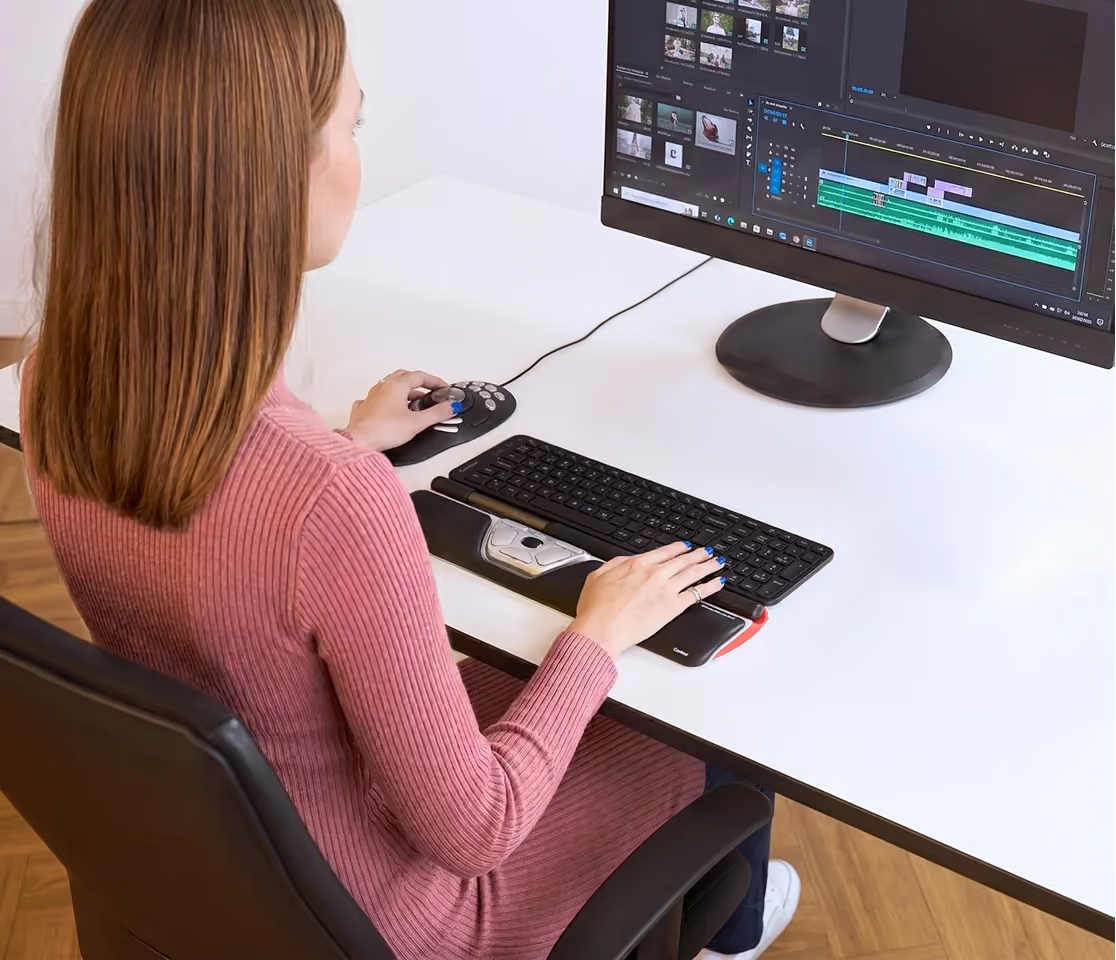
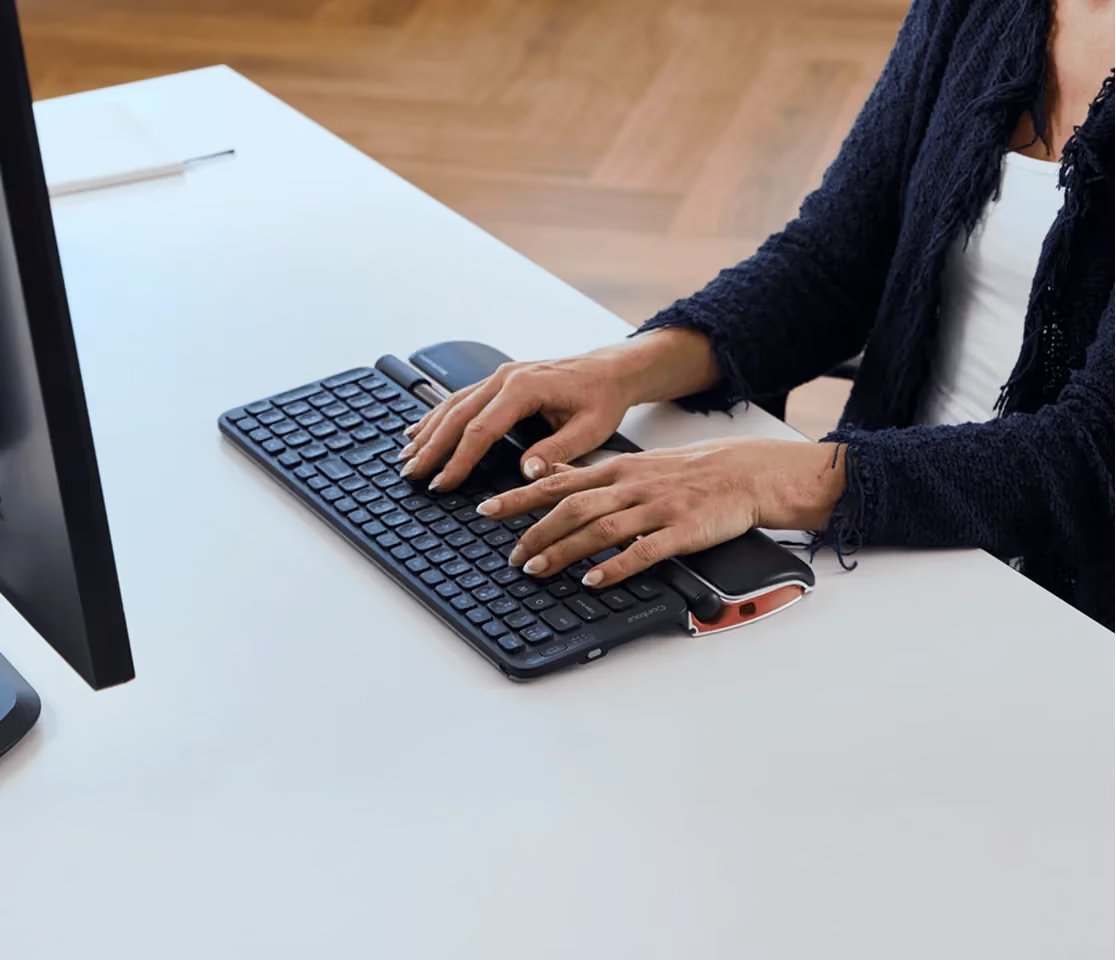
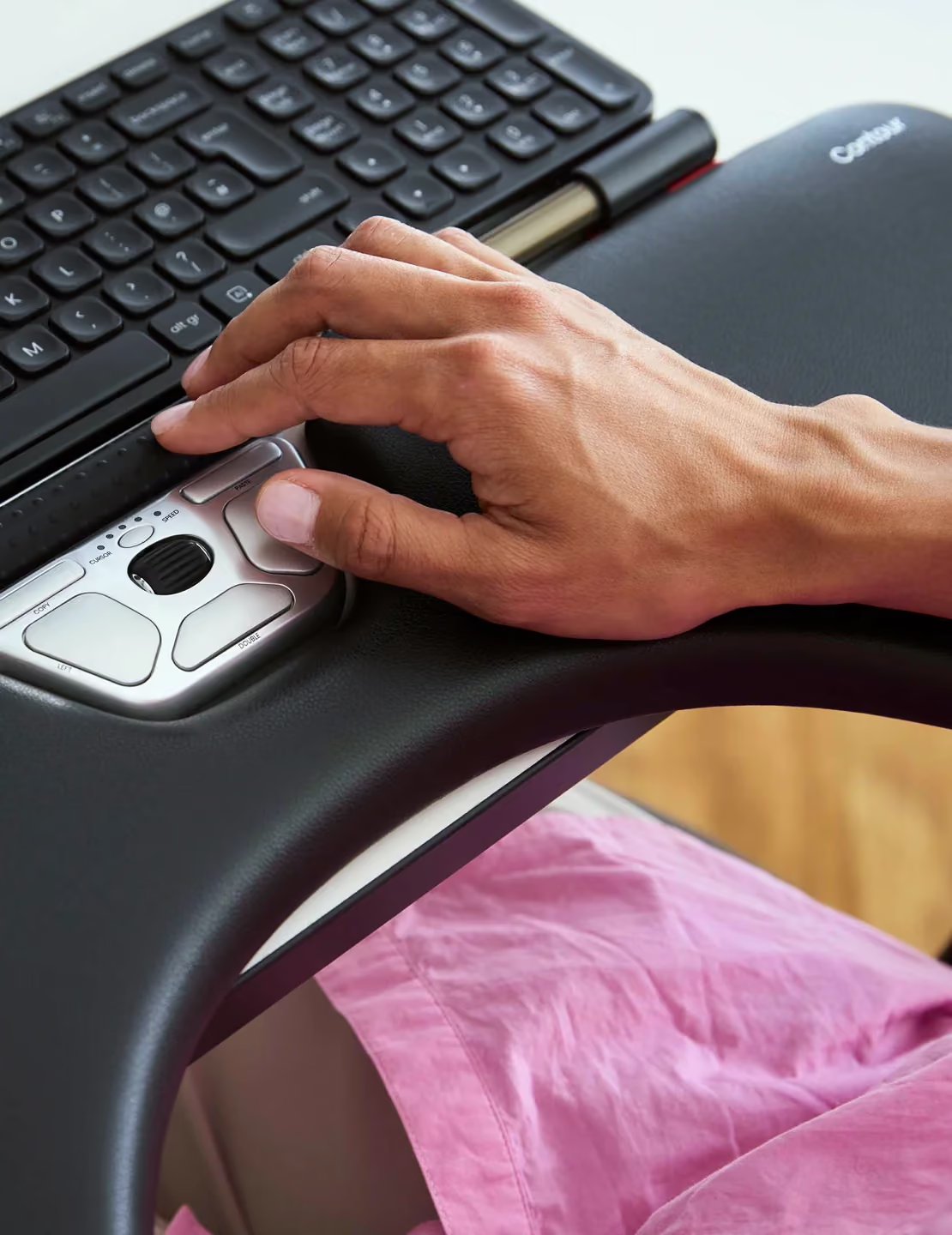
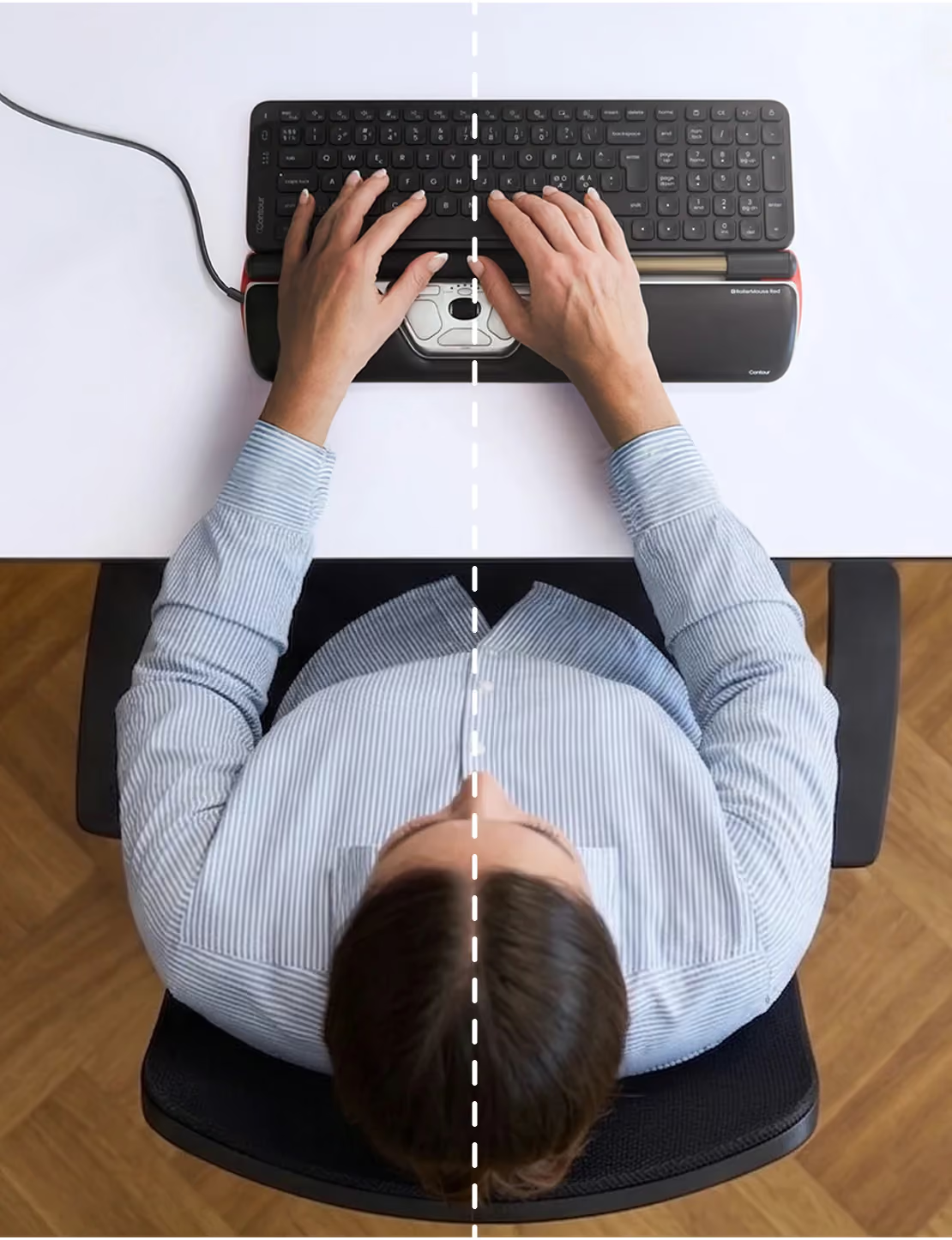
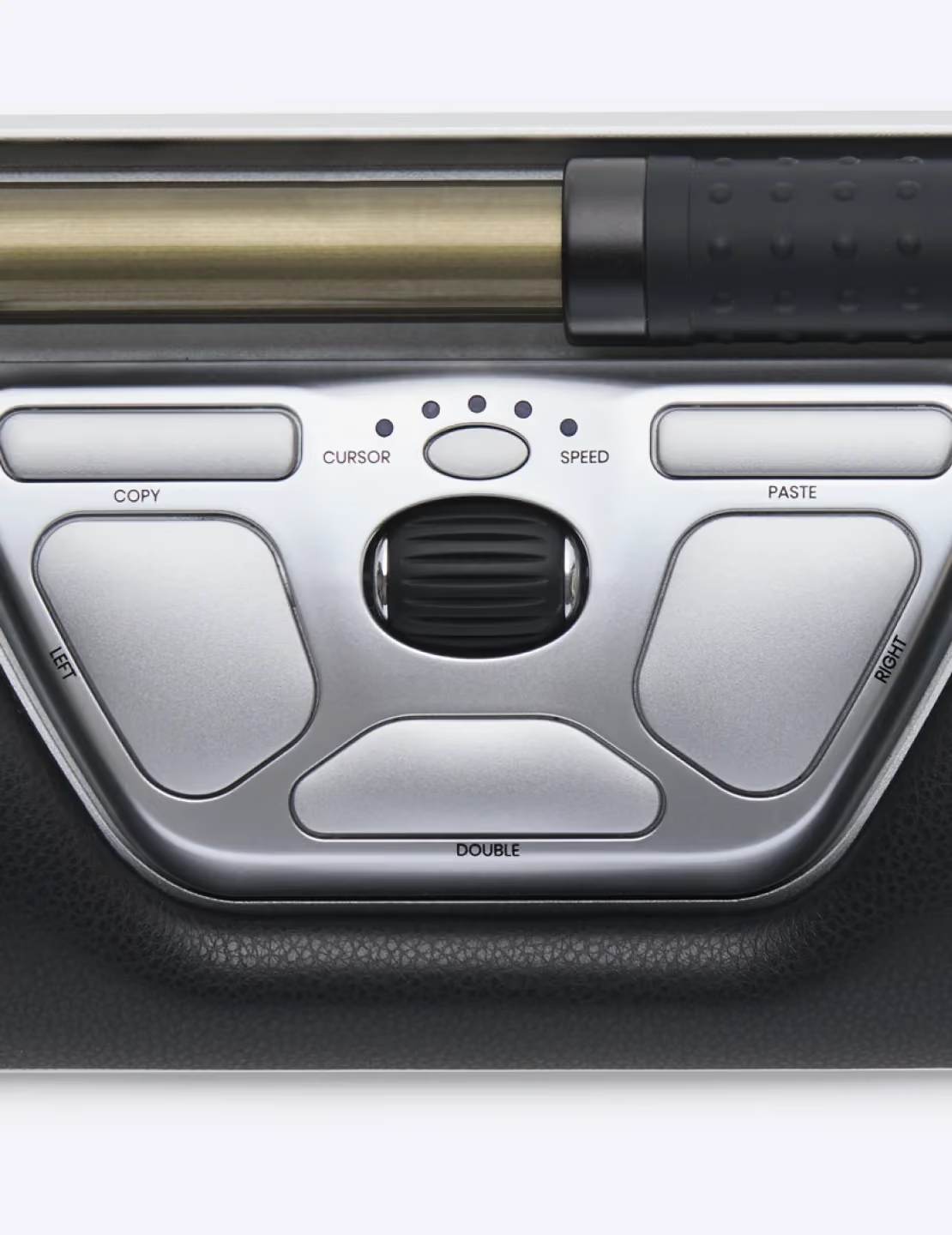
The ability to flip from mousing with my right hand to mousing with my left is a significant factor. I was unsure about spending so much money on a mouse but I am happy that I did. A few months into using this thing and I've overcome all the learning curve and have been getting faster and faster. At first I accidentally bumped it from time to time while typing but that didn't take long to adjust my hand posture and fix. I have a noticeable decrease in strain from using a mouse. Your hands are always in the ready position by just sitting in front of you naturally. When you back off to read what you just typed or think for a second it's very natural to rest you hands on the large wrist rest. It really does take a lot less effort when your hands are both always in the prime position to do some mousing around. One minor complaint is that the buttons and scroll wheel are off center to the left. I don't know why they did that because it's frustrating getting used to the difference in where the buttons are when you switch from left hand to right hand if you're doing one handed mousing. It's a minor complaint because I often do 2 handed mousing now because its the fastest way to use the mouse and still decreases strain noticeably.I have an ultra wide 38 that is flanked by 2 32 inch monitors for a total of about 7.5ft of horizontal mousing space and this bar handles it like a champ. If you are on the fence but still having pain from a normal mouse, or vertical mouse then I suggest biting the bullet. I think you won't regret it.
Echte Alternative zur herkömmlichen Maus. Schade, dass es bei dem Preis nicht kabellos ist. Dennoch eine gute Investition, wie ich finde.Blöd: Es fehlen die kleinen Tastaturstützen im Paket, daher Umtausch.
I got this mouse since my old one is a PRO 2 from and I have used it for years. With the current lockdown and WFH, the copy and paste short cut buttons are not working with my home computer and the hand rest cover's materials are coming off bit and bits, I thought I treat myself to a model upgrade.I was happy to pay for the wireless function and the slim profile of the red model. It works but with snags.1. Drifting when using the bar. It seems have a mind of its own. Won't stop or won't move from time to time.2. The control software feels out of date. Not very precise when it comes to control the setting.3. Poor instruction. It's laughable how simple the instruction leaflet it comes with. Still don't understand how to change the setting reading it a lot of times.I didn't have to get used to its setting since this is my second one. At this price point I would expect it be better than now.Oh, why not make it blue tooth compatible?
Ganz kurz: Gute Qualität (Materialien, Buttons) und auch der Rollbalken lässt sich gut bedienen, aber nur was die Bewegung der Maus anbelangt. Mit dem Rollbalken kann man nämlich auch klicken, und das ist die Schwachstelle des Geräts. Denn das Klicken (durch Druck auf den Balken) geht viel zu häufig ungewollt, da der Druckwiderstand sehr gering ist. Man kann den Druckwiderstand einstellen, aber auch in der höchsten Widerstandsstufe ist er zu gering. D.H. um die Fehlbedienung zu vermeiden muss man den Klick mit dem Rollbalken deaktivieren. Aber jetzt wird die Bedienung umständlich, da man die Tasten des Gehäuses zum Klicken verwenden muss und das geht kaum ohne hinzuschauen.Ich vermute dass sich hieran die Geister scheiden, die einen kommen mit dem Klicken klar, die anderen nicht.
This is my 2nd RollerMouse... I didn't maintain my first as well as I should have, but couldn't live without one so I purchased this model. If you have Carpal Tunnel, tendonitis, or any strain in your hands, this mouse is a life saver. Even if you don't, this mouse is extremely helpful with repetitive tasks when copy/pasting thanks to the shortcuts. I would highly recommend for Excel-heavy jobs or repetitive data entry because it saves on a lot of clicks.
This was recommended to me by the workman’s comp Dr after I injured my wrist. I was hesitant to buy it because of the price, but I was tired of hurting, so I gave it a try. Boy am I glad I did. It takes a little getting used to, but I am working pain free now!!
Ich habe mir die Rollermouse aufgrund von Arthrose in den Fingergelenken gekauft. Außerdem habe ich auch immer mal wieder Schulterschmerzen.Ich bin innerhalb eines Tages gut damit zurecht gekommen und arbeite gerne damit. Es war auch die richtige Entscheidung die Rollermouse Red Plus zu nehmen. Die verlängerte Auflage ist genau richtig für mich, da des ganz leicht schräg ist.Es hat ein wenig gedauert, bis ich die ideale Position für die Tastatur gefunden habe, z.B linksbündig, nicht zu dicht an der Rollermouse, sonst geht die Rolle schwieriger.Mal sehen, wie der Langzeittest ist.
A work colleague recommended this, and I love it.
Using product for desktop at work but temporarily at home with laptop. Seems easy enough to use but takes time to get used to it. So far I like it.
Der Mausarm wird mit diesem Produkt komplett entlastet, auch weil die Bewegungen sich komplett unterscheiden. Der offensichtliche Nachteil ist, dass man die Benutzung neu eintrainieren muss.Davon abgesehen, ist es natürlich ein teures Produkt, aber es ermöglicht eine Arbeit am Computer, auch wenn jede normale Mausbenutzung schmerzen würde.
Love it! A bit of a learning curve but was able to pickup it up in no time! Easy to use and seems to be precise!
Love the roller mouse design, especially the longer pad (tried the wireless version and did not like the short pad). Was using the regular mouse which was causing stress on my wrist and shoulder from trying to reach for it. Be patient as the roller mouse and clicks might take a bit of time to get used to. It is totally worthwhile. I used it with a regular Mac keyboard but for some reason, it cannot identify the keyboard. This does not affect the keyboard function.
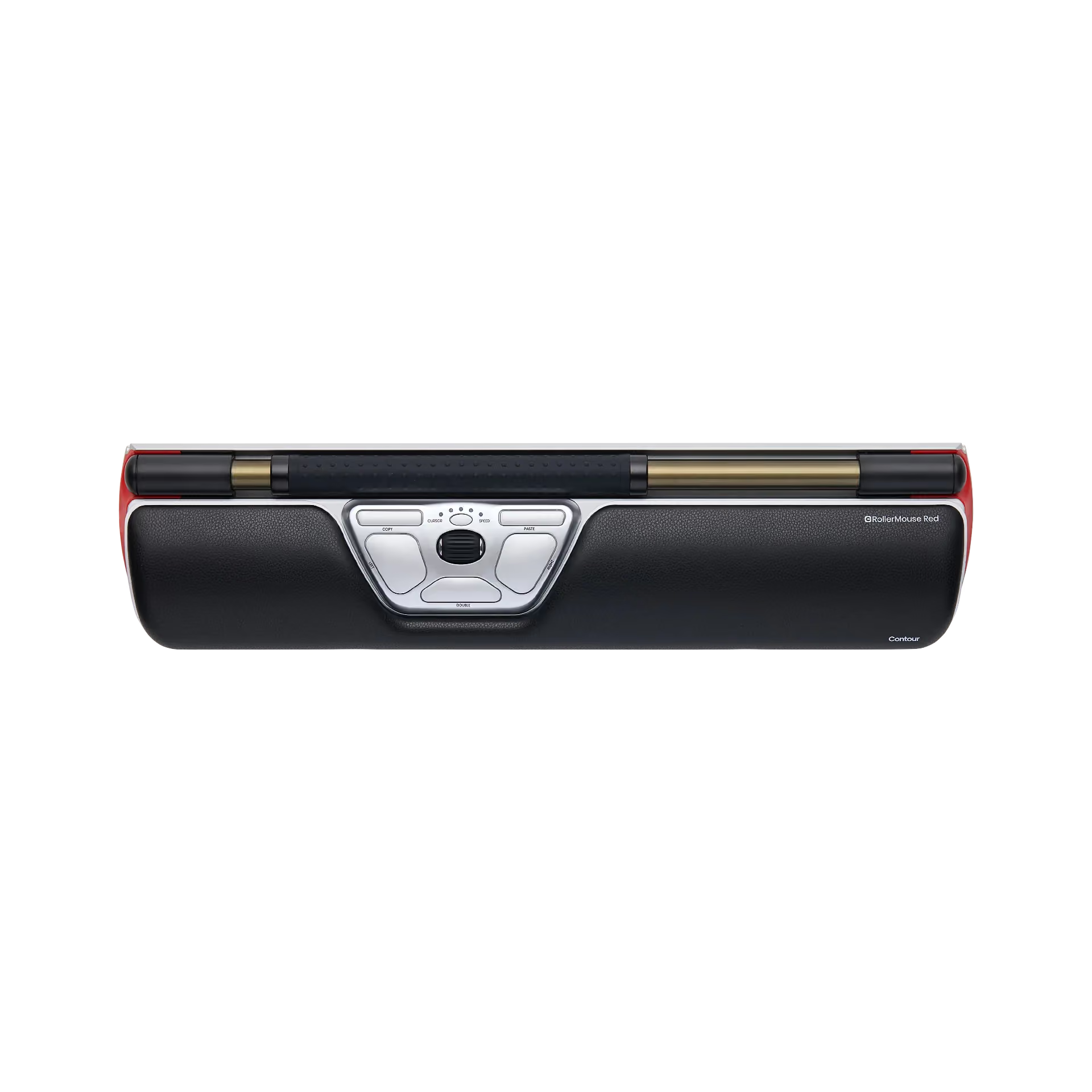
I ordered this wireless version to replace my 2-year old wired unit. Amazon shows two photos of this item - one with a shorter pad and one with a longer pad. My wired unit had a longer pad, so I assume that this wireless unit will be the same. When I got my item, it was the shorter unit. Although the unit was easy to connect, the shorter pad just does not work for me.
Like the new mouse
I have used this product for over 10 yrs - just switched to wireless version. I wouldn't want to work without it.
After getting the driver installed and configured and getting adapted myself to this new mode of computer input, this has worked very well for me. A big plus for myself is that it reduces carpal tunnel symptoms. This seems to be a well made and quality product.
Excellent produit
Best purchase of the year! I was told by a group of people that I could sell for the company. This is worth every single penny I’ve been to three of the best shoulder surgeons in town and mini PT in Massage Therapist. I have extreme shoulder and upper neck issues and this is probably going to do just as much good as any of those people combined I highly highly recommend it. It is extremely easy to use I was using it like a pro within probably minutes very very little adjustment to it. The sensitivity on it is very good I was very surprised. I was possibly going to change my work and this is getting me to the point where I won’t hVe to.
I bought this item because i have a disability with my right shoulder. Il works perfectly. It is very easy to get used of it. Thanks to it I have less pain, there is no need anymore to hold permanently your regular mouse. Thou I disconnected it. I was lucky to find a discounted one (225€ instead of 400€), it is quite expensive but it worth it I think.