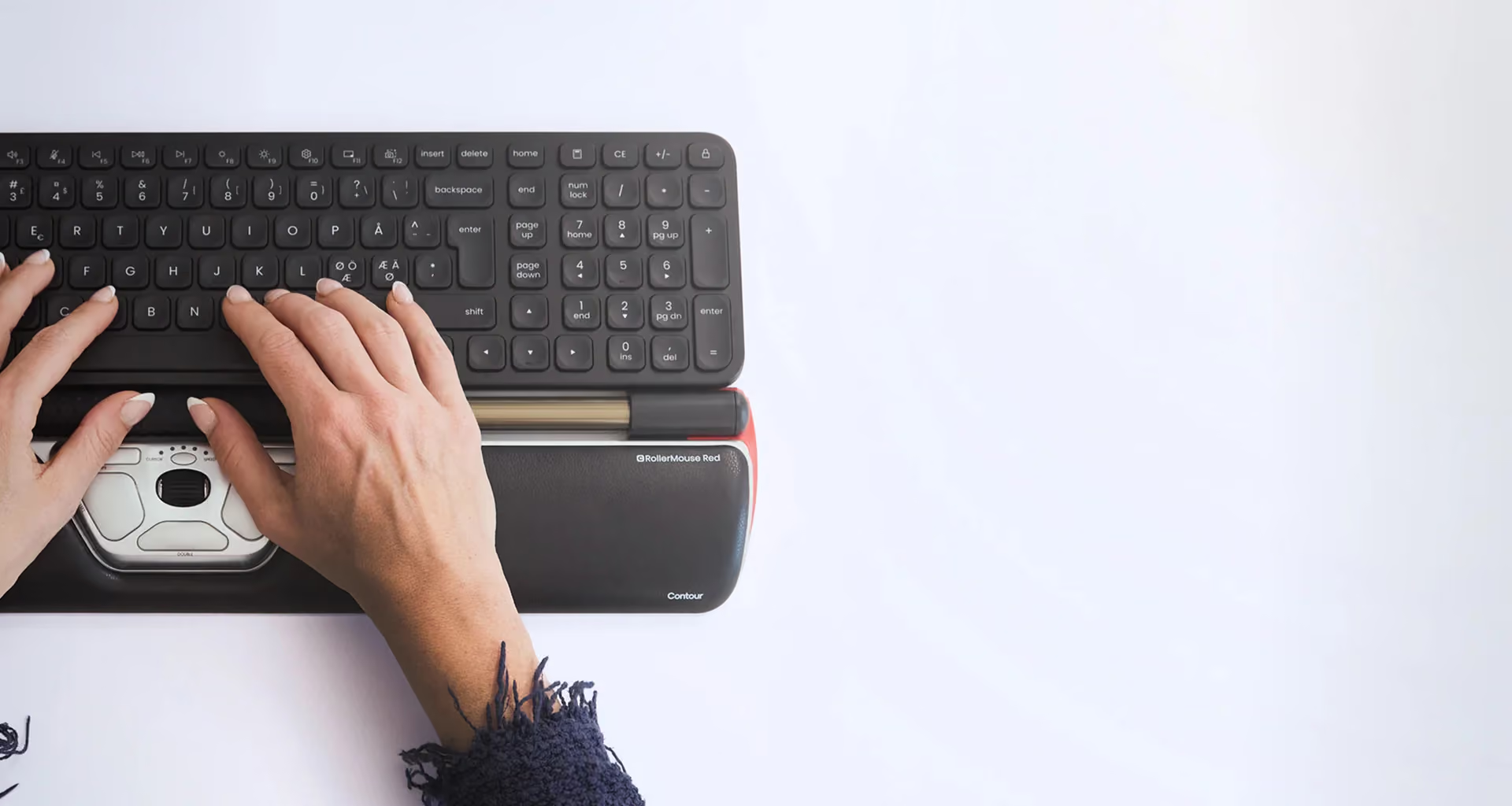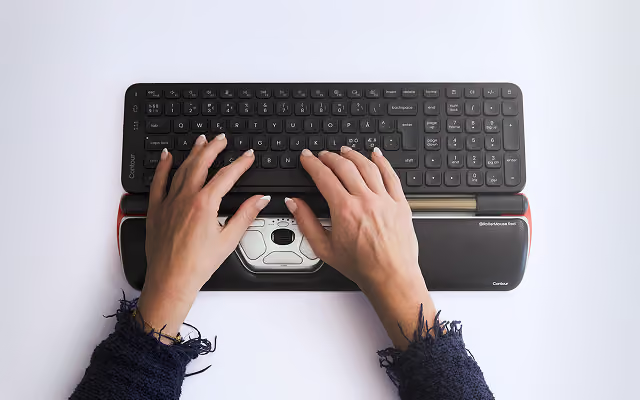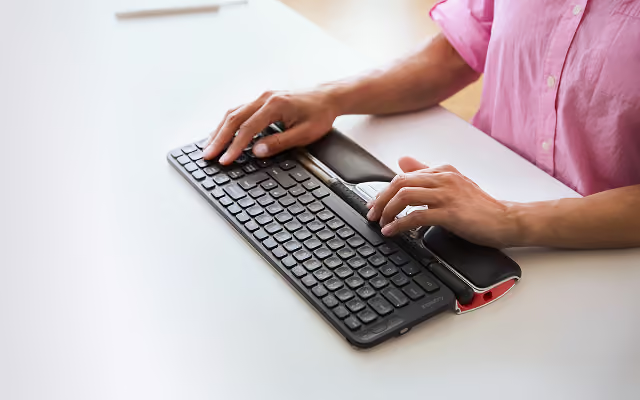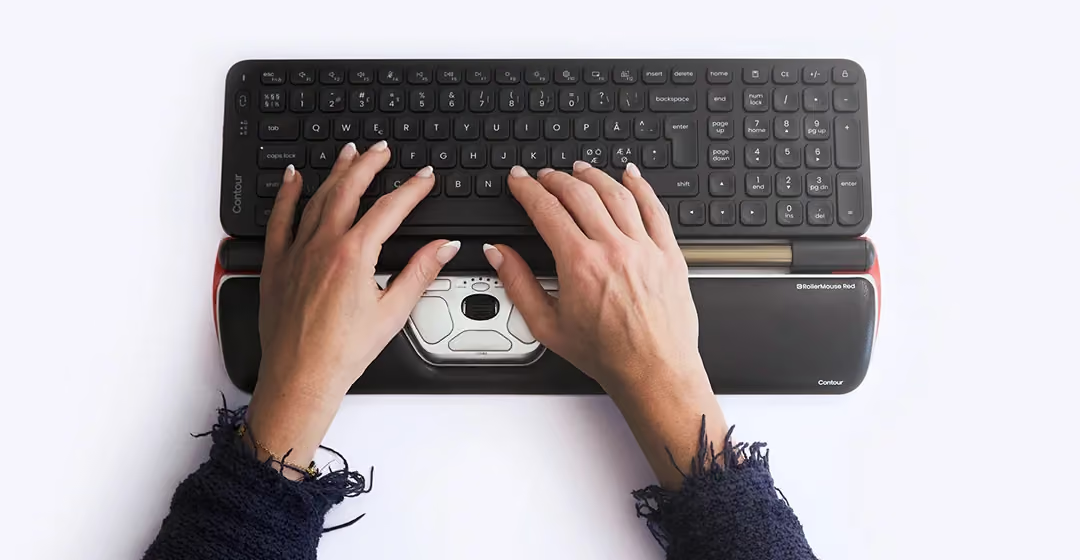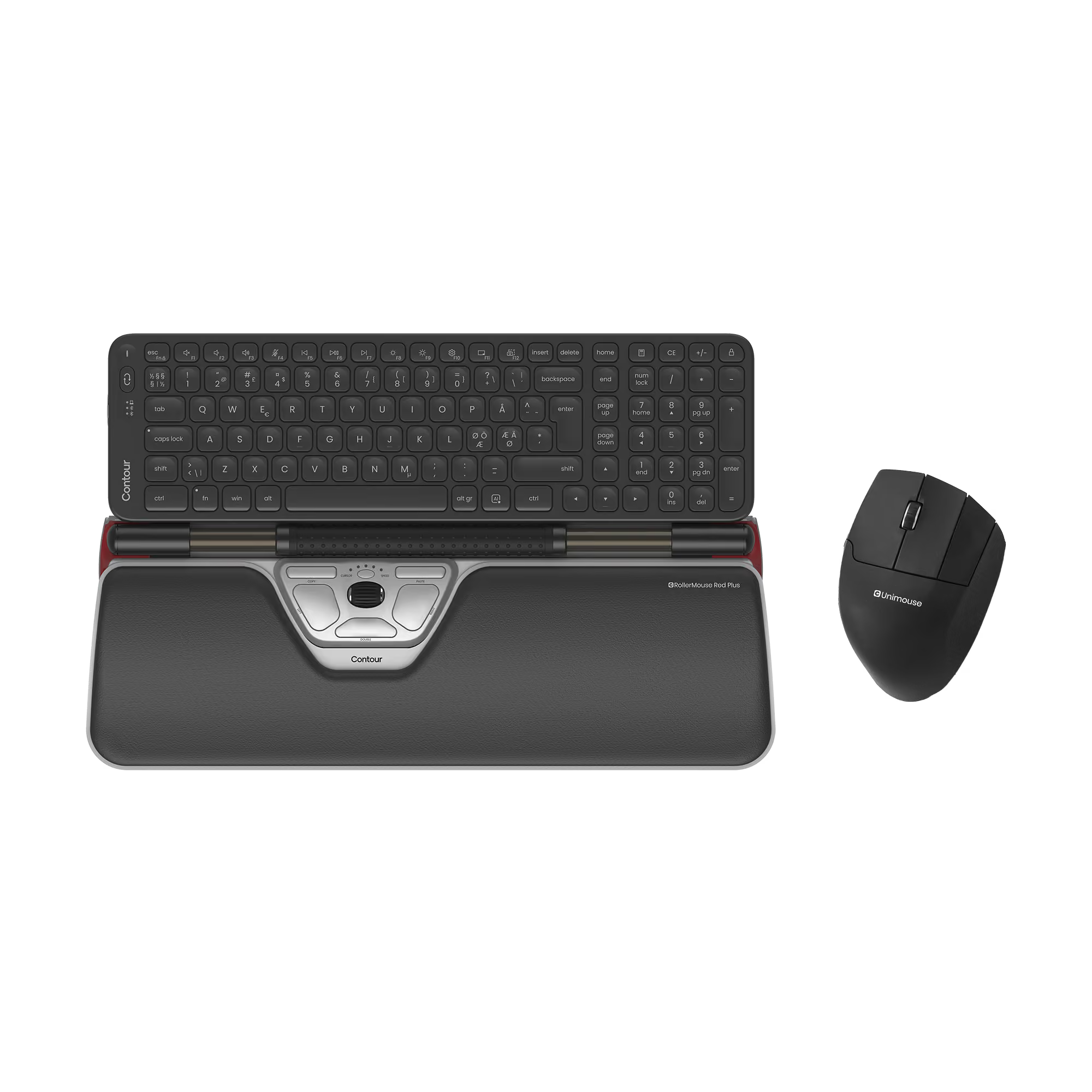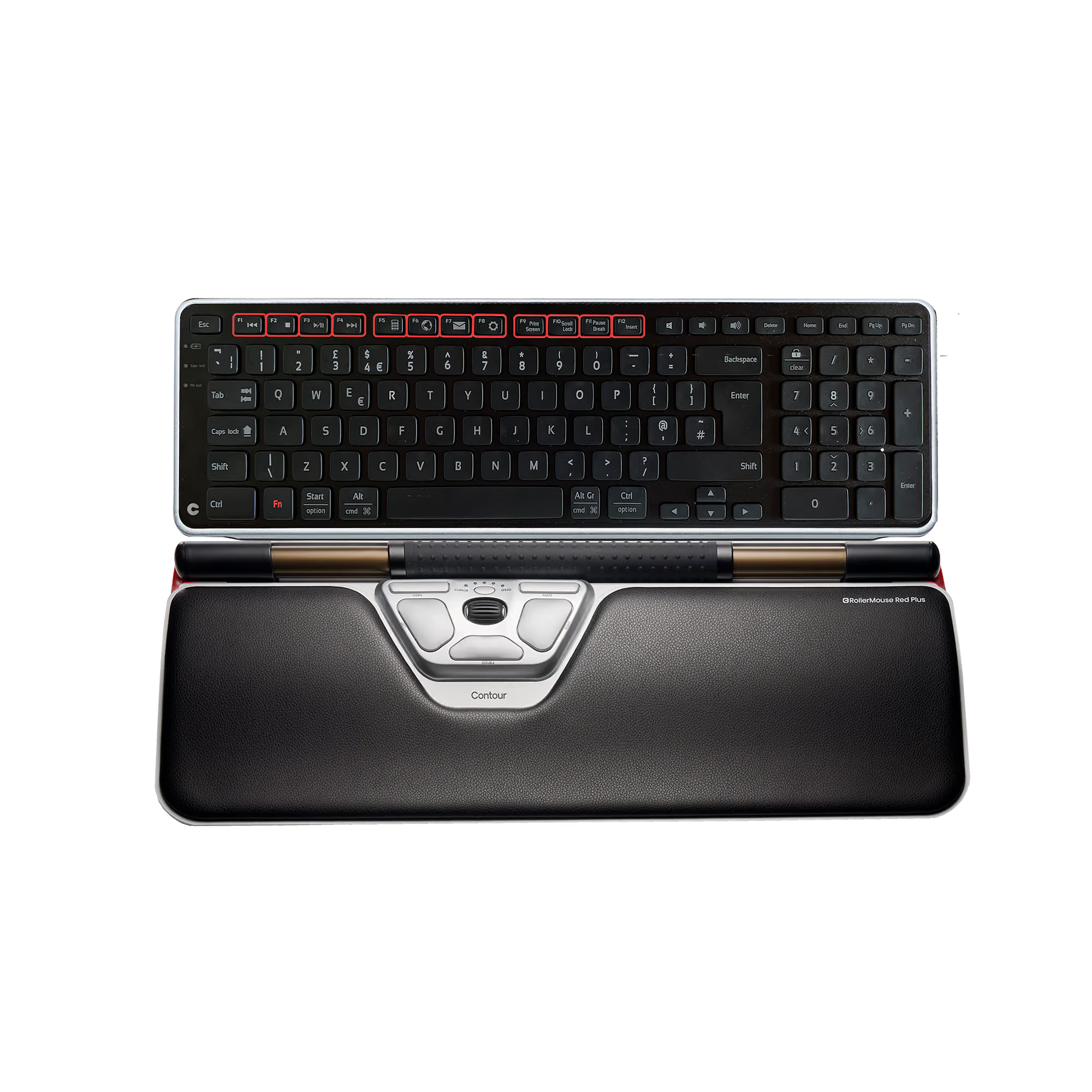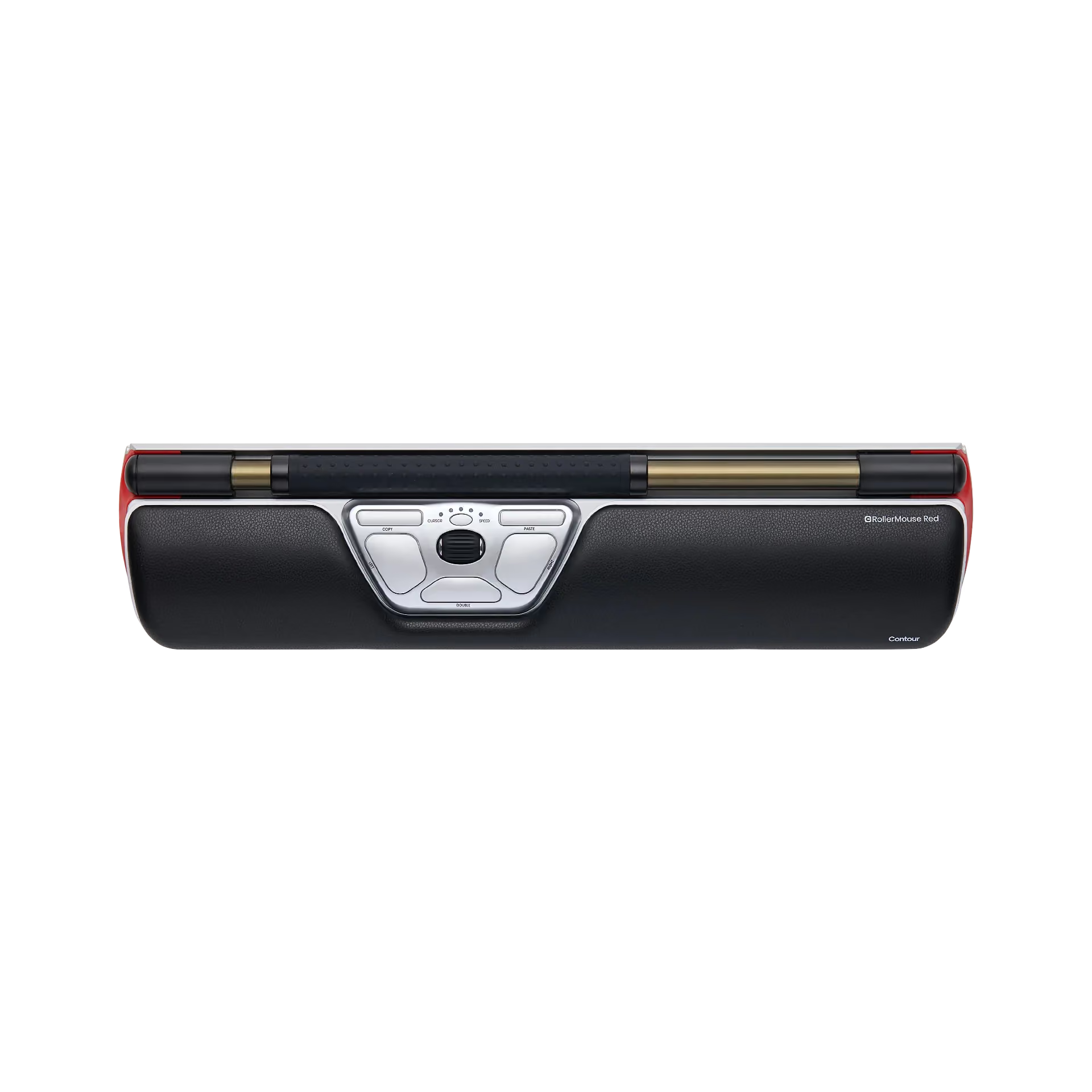
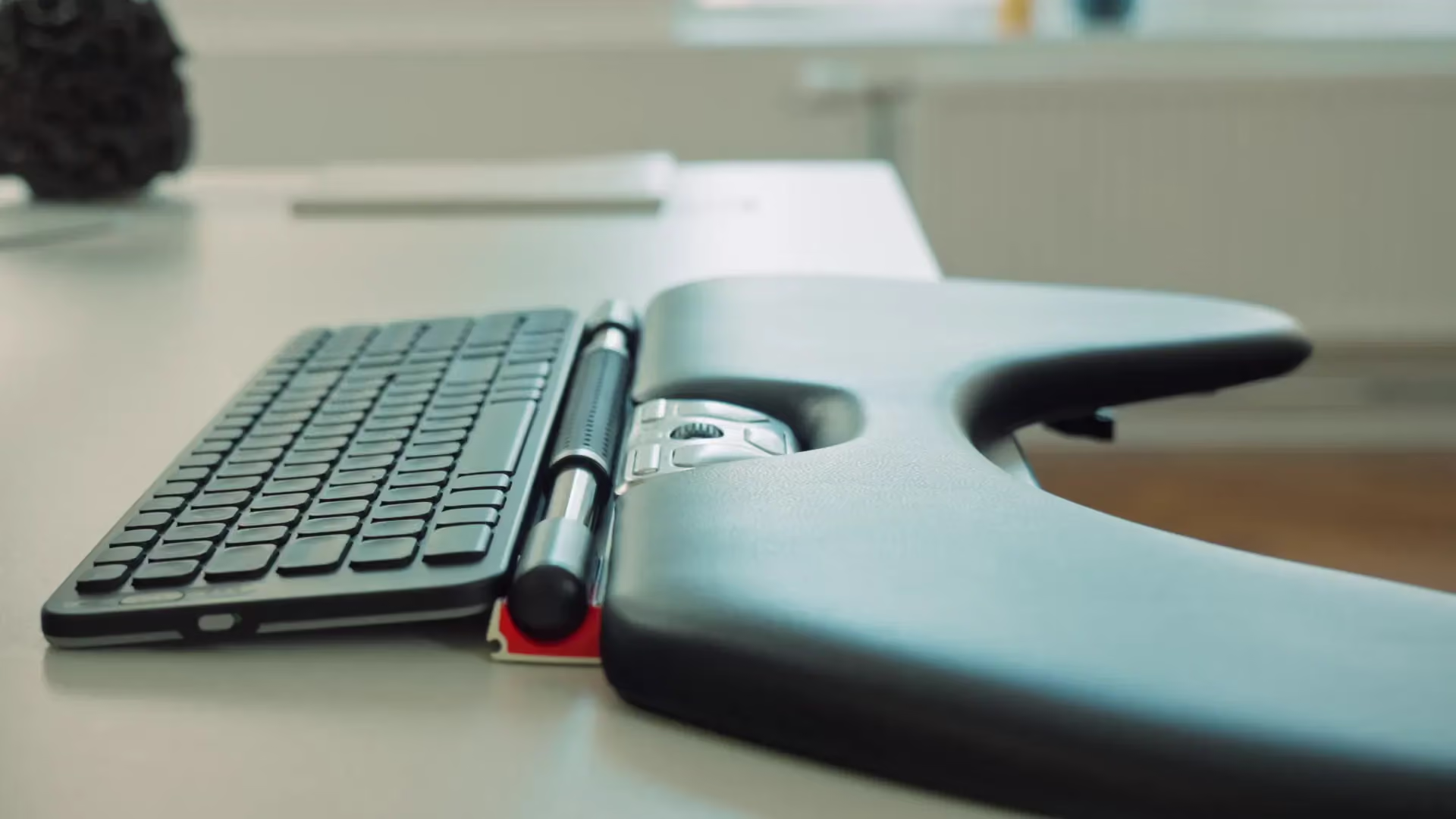














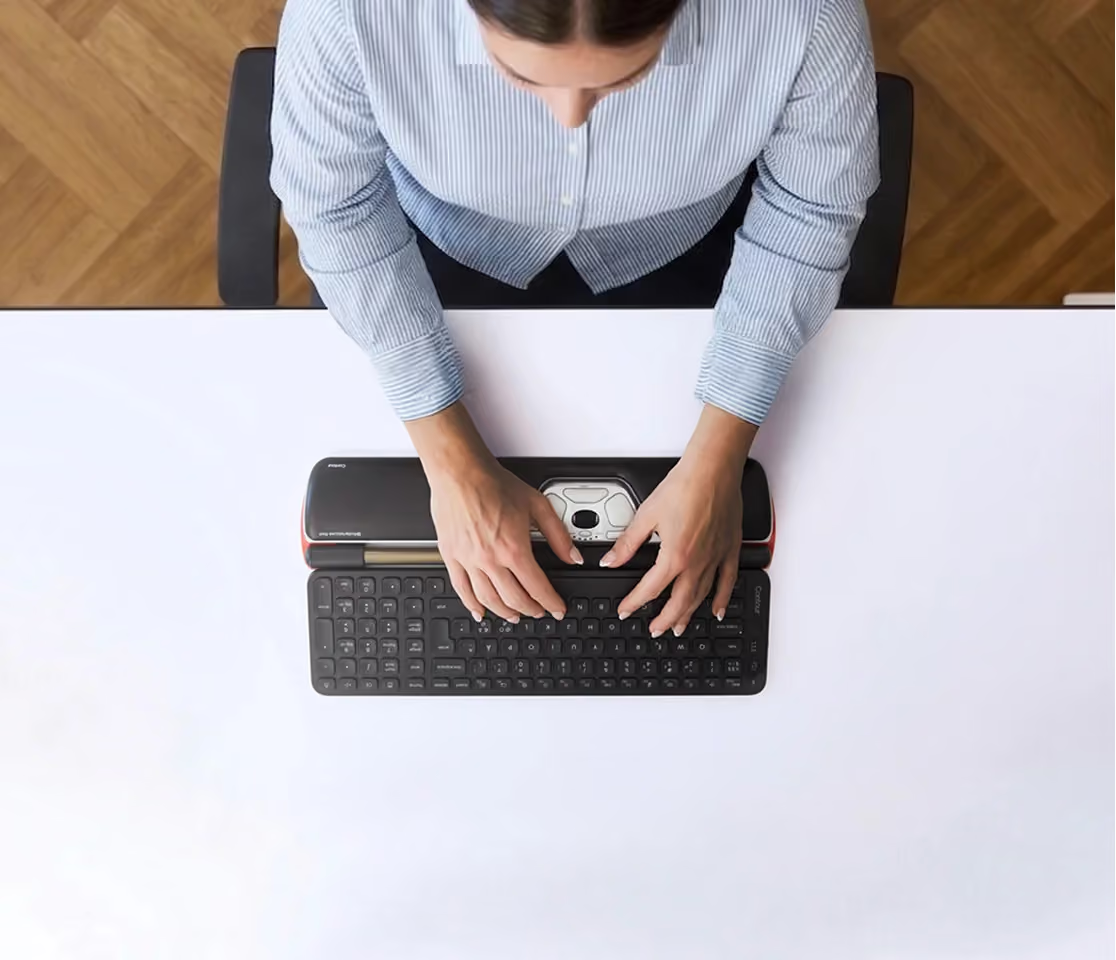
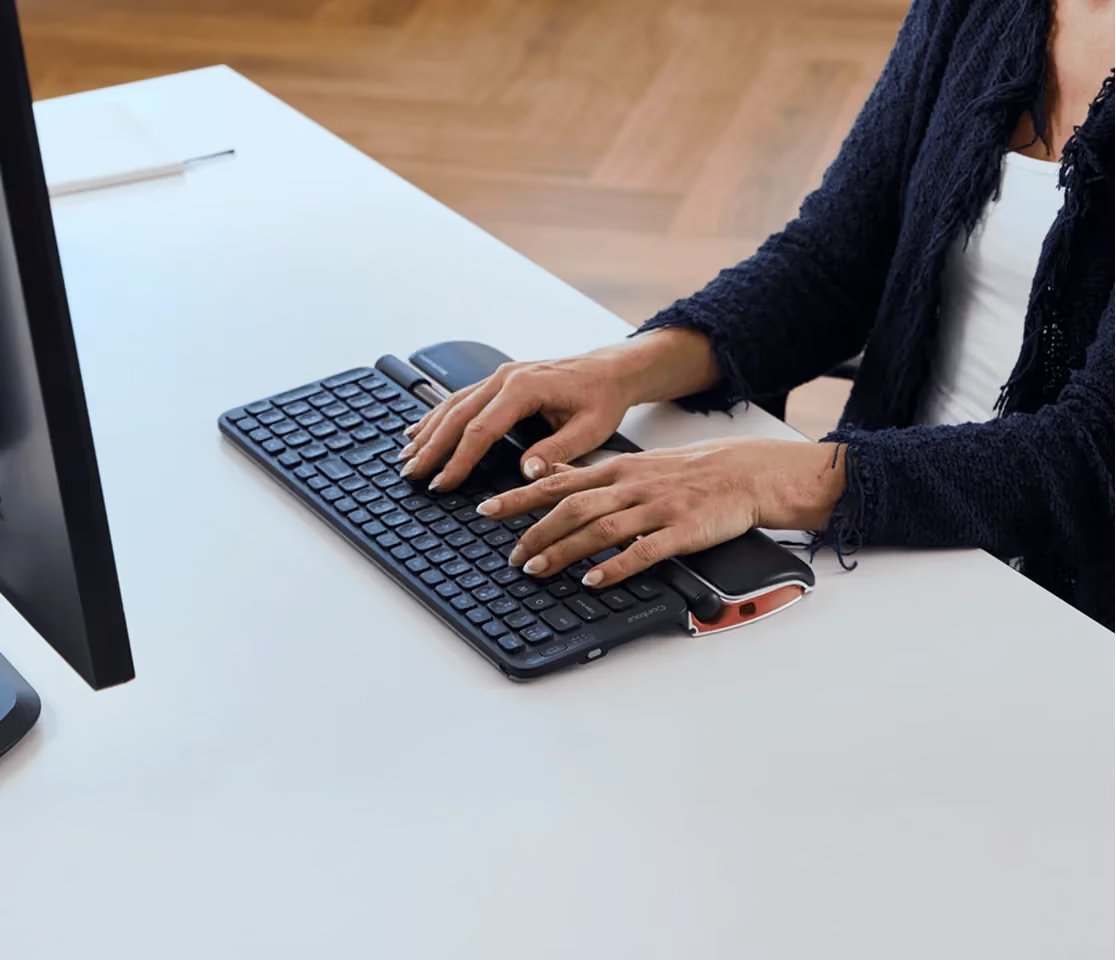
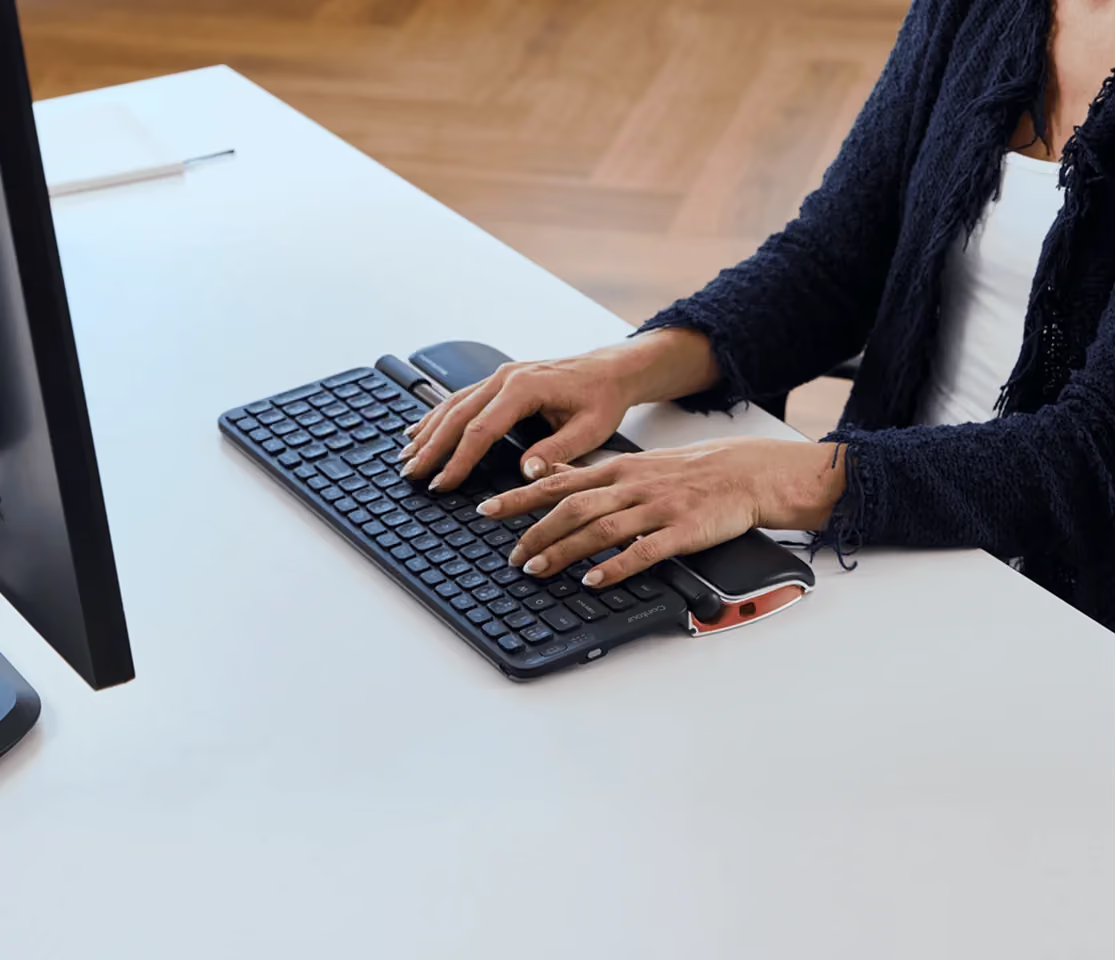
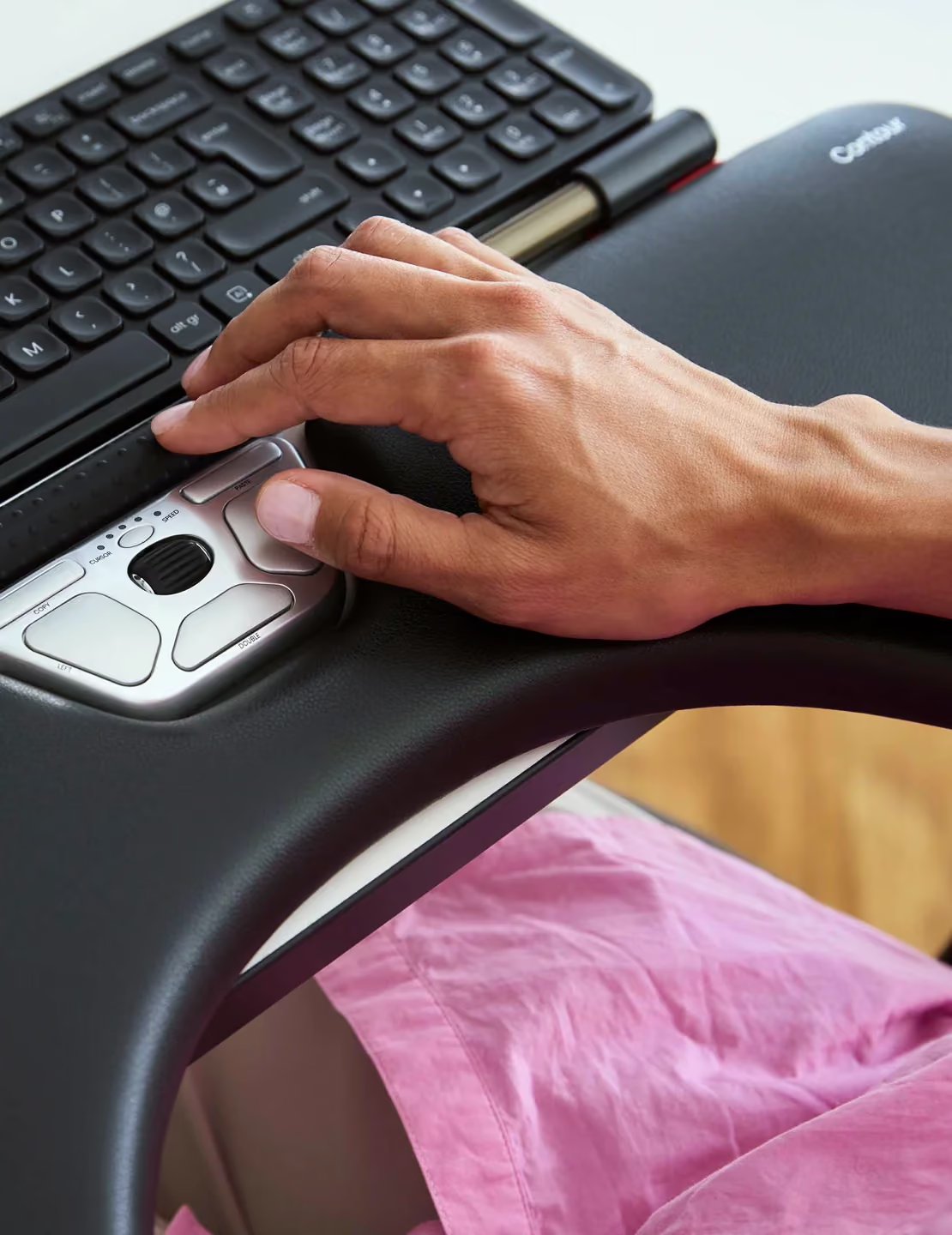




It is easy to use but it needs some practice. It is the best mouse I have ever used. It certainly helps to relieve the strain on my wrists.
I bought this device hoping it would be easier to use than a mouse given that I have a significant tremor. Since that's not really what it's designed for, though, I can't ding it just because it's still a challenge to use. I've used it now for over a month, though, and here's my take:Pros: Very solidly made with cast aluminum body, minimum of plastic. Clever concept behind combination of roller bar and buttons that separate functions.Cons: LONG learning curve.Gives the impression that looks were more important than function. Scroll bar is small and hard to find, buttons all have similar tactile feel making them hard to use without looking. Comes with minimal instructions on how to plug in, no actual quick start manual. Full manual is really necessary to customize buttons, but requires a search on the website. As others have pointed out, unless deactivated the click function of the roll bar makes for all kinds of errors as fingers inadvertently brush the bar.I'm hoping to like this device better with time, but so far I'm not as enthusiastic as I'd like to be.
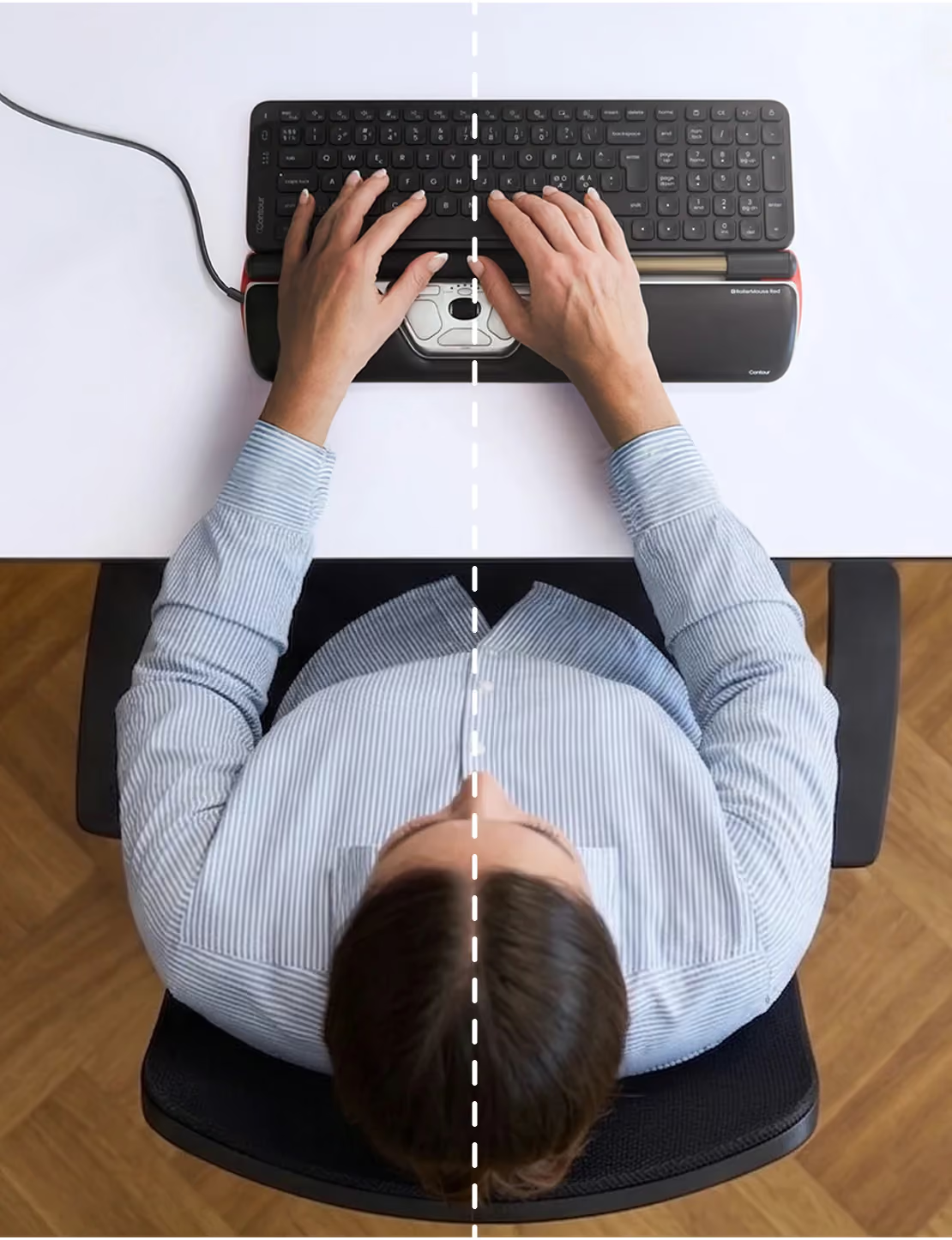
Great for my multiple hand pain issues once I got it set up right with elbow support, good hand positioning (my natural inclination was to rotate out so my thumbs were up, which was bad), and using both hands. Adjustable cursor speed, bar click sensitivity, and bar sound (but not button sound) can be turned off. Definitely a learning curve, but less than I expected.But my keyboard was too far if the roller mouse was well positioned, or roller mouse too close if keyboard was well positioned. Which caused arm and shoulder pain. The ergonomics just didn’t work. And removing the wrist rest wouldn’t have helped as the front of the buttons is nearly at the front. Plus I already have a small keyboard. I think I have short arms. I could get past the price (and associated concerns on longevity and difficult cleaning/maintenance) if the ergonomics worked. But I don’t find sitting that close to the table and roller mouse comfortable.
I've owned and used both the Rollermouse Red wired and wireless versions. There is a huge flaw with the wireless version: input lag occurs if you try to click the bar while simultaneously moving/rolling it. It's really bad lag, and neither software nor drivers nor sending the mouse back to Contour and getting a replacement fixed this.If this matters to you, stick with the wired version.
I've had wrist and forearm issues off and on for years and was hoping that this product would help me with it. I know that it is a pricey product but if it could help, it is well worth the money to me.Overall, this is a really great product and I wish it worked out for me. I thought it would take at least a couple days to get use to it. That was not the case. From the get go, it felt very intuitive and natural. The company says that you can be more efficient with the roller method and I believe it. I really liked how it worked. It felt fluid and fast. The buttons are also great. They are placed in a great location and easy to access. I especially liked the double click button. You can also use the roller as a left click by pressing down on it and it worked really well but you do get the occasional misclicks because it can be a little sensitive.I used this product with two 24" monitors and had no issues with being able to go from one edge to the other. One bit of advice is that if you plug in your new roller and you have issues with being able to go from one edge to another, center the roller and use a mouse to recenter the cursor. The first time you plug in the roller, if your cursor is not somewhat center or in the right spot, you will need to do this.I really wished that this product would have worked for me but there are two things that were deal breakers for me. First is the palm rest. In general, I do not like palm rests. I do not find them comfortable and I feel pain. This was no exception. Second, I just could not have my keyboard behind it and have a comfortable typing experience. I tried all of the different methods for raising and lowering the keyboard that the risers can be used for. Additionally, I couldn't type without my wrists banging into the roller and it clicking off somewhere else.If you like arm rests and you can type fine with a keyboard behind it, I highly recommend it. I wish this would have worked for me because it really is a great product.
Easy to get the hang of, super long battery life, helped my wrist and hand problems SO much and so quickly. Love love love this.
I was diagnosed with lateral epicondylitis resulting from heavy mouse use (I used a Logitech trackball before). I read about this device and decided to give it a try despite its cost. IT IS AWESOME! Takes a little getting used to but now I can split the mouse work between both hands and after two weeks of using this, my arm is much better! Highly recommended for anyone who spends a lot of time using a mouse
Fast shipping, exactly as described. I personally do not use this item, but the person it was purchased for has no complaints. Definitely more expensive that I was expecting it to be.
I bought this for an associate who has wrist issues. Having tried several other solutions, this was what worked for him. His wrist has greatly improved, and because I bought it as a gift he can use it at work and home or wherever he is. Expensive but worth it overall.
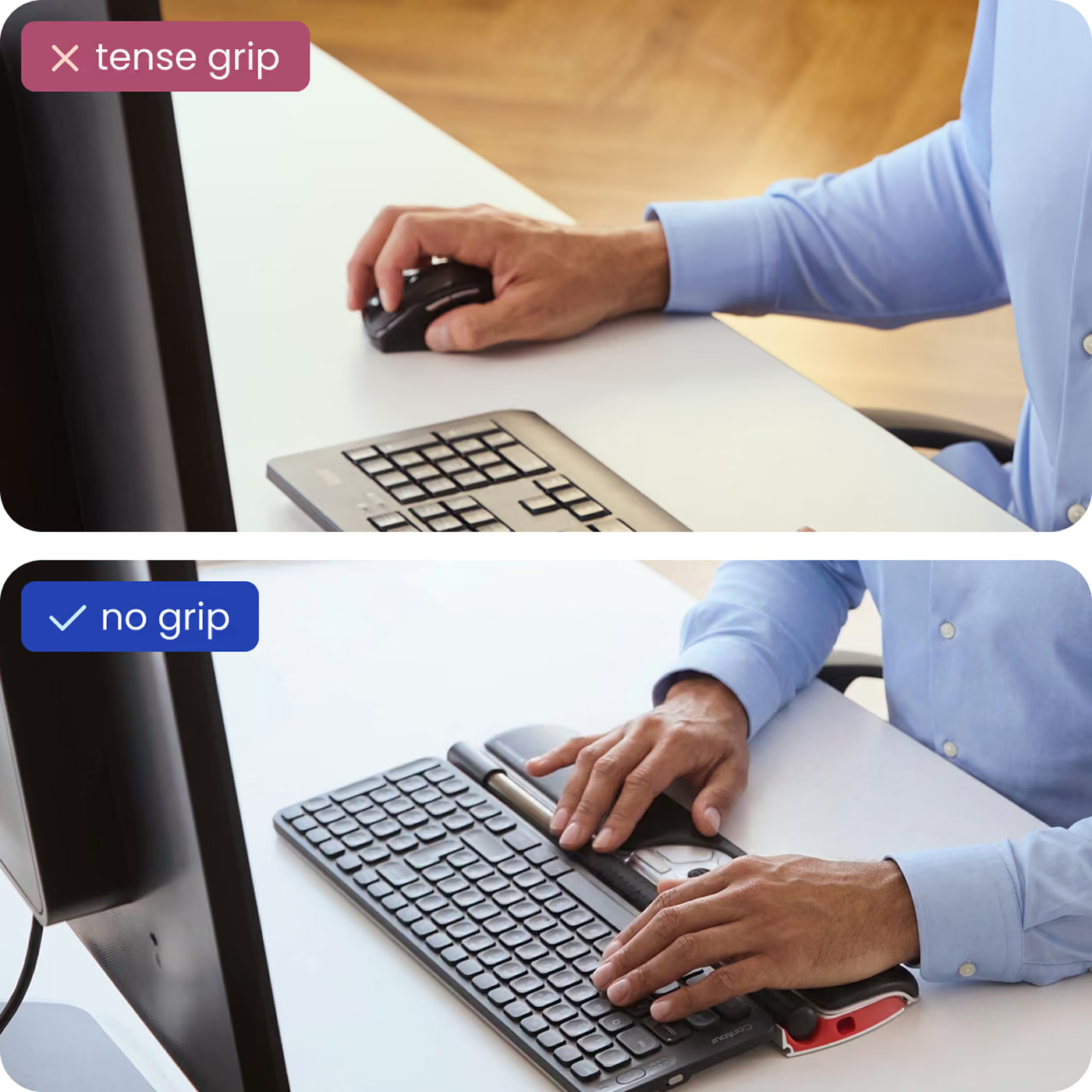
Love this!! No more wrist pain and gripping a mouse. This is so convenient and useful!! Every office should provide this!!
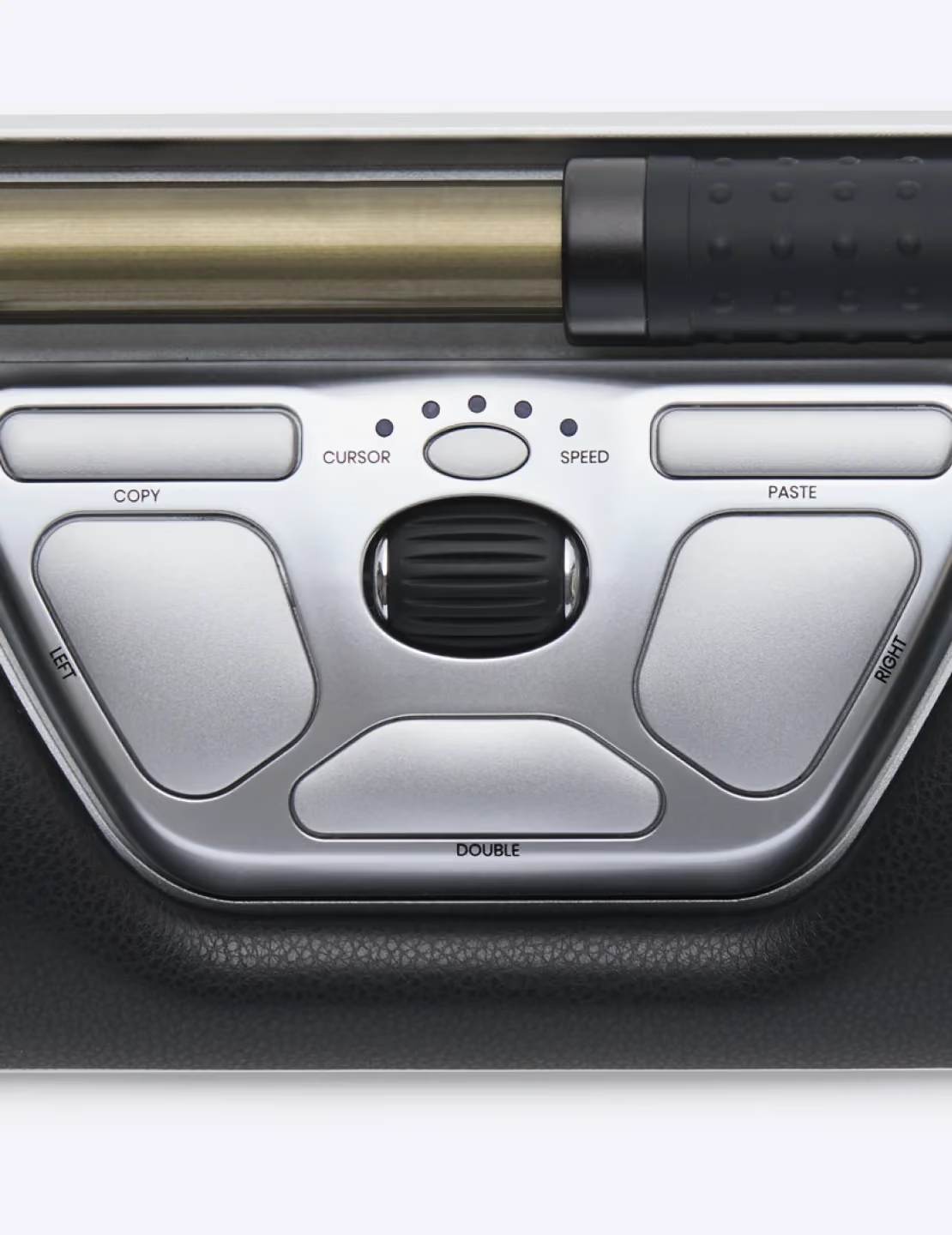
I’m not sure what sheerness means, but this is definitely ergonomic and comfortable. My wrist was badly hurting after using a trackball mouse with my thumb for my full-time remote desk job. I needed something that doesn’t require me to reach to the side and move my thumb back and forth all day. This RollerMouse is freaking amazing! So easy to use. I especially love the double click button and even find the paste button to be useful... oh, and the scroll bar works well, too! Highly recommended. 👍🏼👍🏼
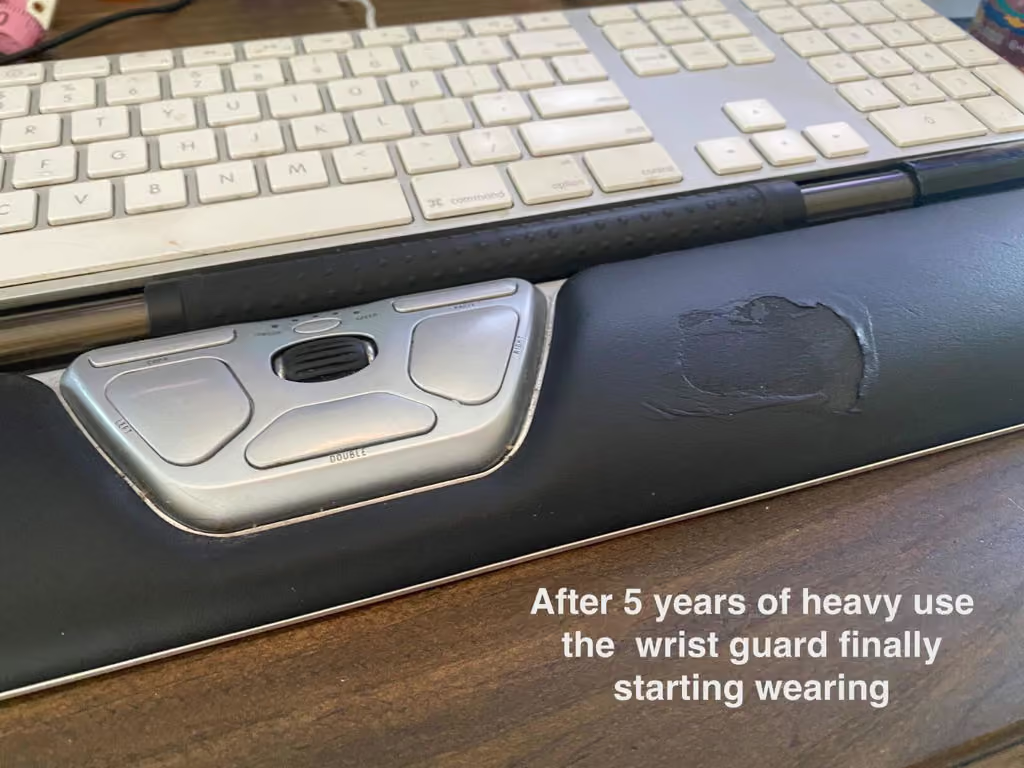
I bought my RollerMouse Red 5 years ago when I was experiencing wrist pain from working 10-12 hours a day. It took me about a month to get used to it, but once I did I could never go back to a regular mouse. My wrist pain went away, and my productivity actually increased. I use the mouth in a slightly weird way, I use my thumbs to roll the bar and hit the buttons, and keep my other fingers on the keys. As I said, it was a little weird at first, but once I got used to it, I ended up being FASTER at all my work because I wasn't constantly having to switch to holding a mouse after typing.Not only has the mouse been great all this time, the company has also been incredibly supportive and helpful. There were a few times when I got a new computer and couldn't get the Contour Design driver to install correctly, and the company always quickly responded to my emails with support and solutions. Even years after I had purchased the mouse. Really great customer support from a company that clearly appreciates its customers. I even bought a wireless keyboard from them, but didn't like it, and they helped me easily return and refund it with no hassle.As I said, I've used this mouse for 5 years, and I REALLY use it. 10-12 hours almost daily. And it has held up amazingly well. A few times over the years I thought it was starting to fail, because it'd get sticky feeling or unresponsive. But I learned that was just because I needed to clean it (which is surprisingly simple) and it always worked good as new.The only thing that has shown wear over the past 5 years is the wrist pad, but started to rub raw about 6 months ago. But that doesn't affect the functionality at all, and it amazes me it took 4+ years to start having that issue.This week my Rollermouse finally "broke". The left button, which I use as my main clicking button, broke. Contour Design actually has replacement buttons and parts you can get to fix this situation, but after 5 great years of this trusty rollermouse, I think it's time to get a new one. This is one company I have no hesitation in supporting.TL:DRIf you're having wrist pain and looking for an alternative, the Rollermouse Red is a great one. It takes a little time to get used to, but once you do it can change the way you use a mouse forever. In my experience, it's also incredibly durable and lasted a long time with heavy use. ContourDesign has some of the best customer support I've ever dealt with. Definitely would recommend all around!
You will quicky adapt to this roller mouse. It immediately stopped the pain in hand and wrist from years of using conventional mouse. I have one at work and home.
I felt bad for the price that seems really high, but the pain relief I felt in matter of days is priceless! There’s a learning curve to figure out, but, overall, I love it!
I bought this on the advice of another user who said it relived his pain from using a normal mouse. Couldn't agree more. I use my computer for hours each day and suffered from terrible arm, shoulder and neck pain. I've spent a fortune for therapy. This has relieved all of that. Worth every penny!
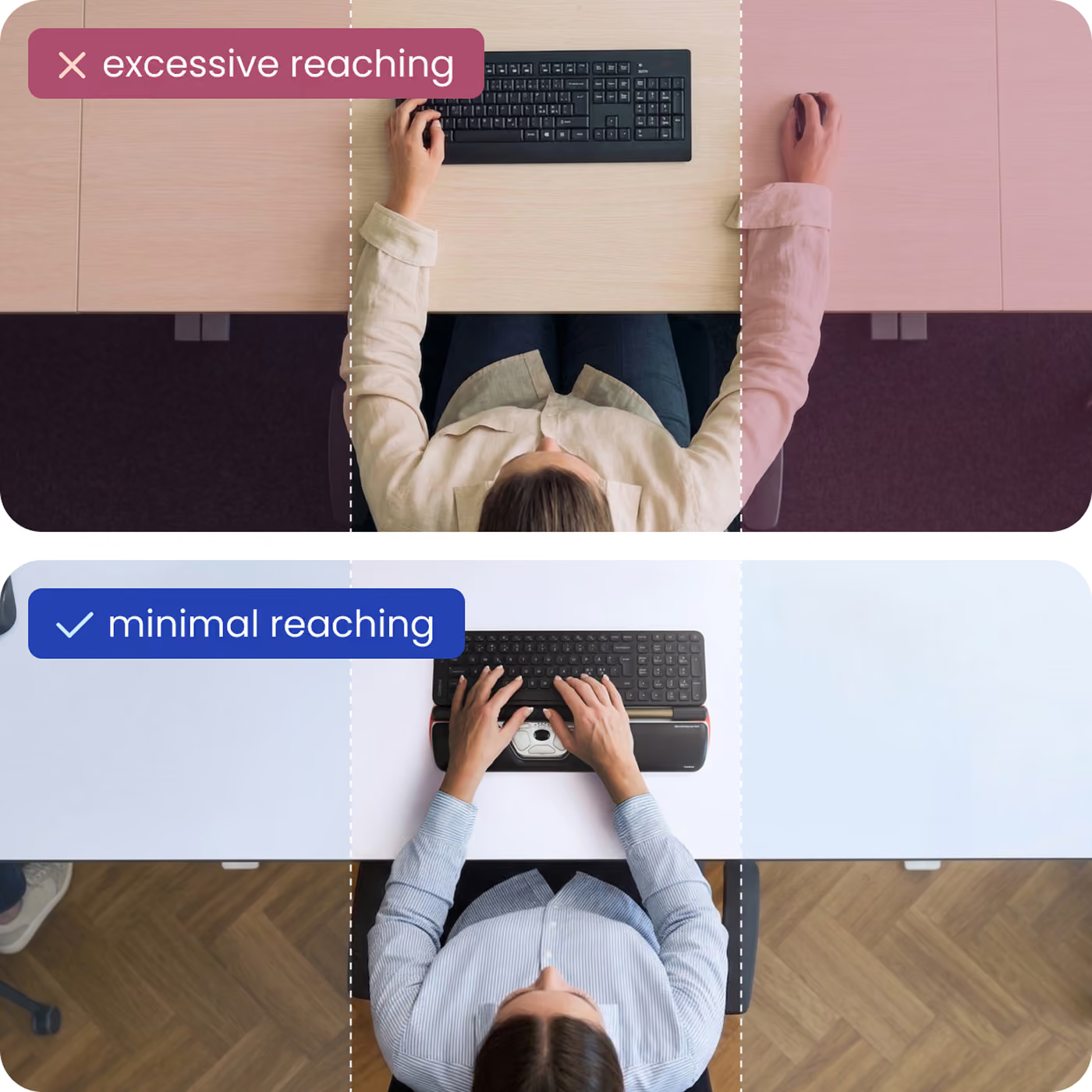
Ich besitze die wireless Rollermouse Redplus nun seit ca. 6 Wochen und möchte sie nicht mehr missen. Die Bedienung war innerhalb weniger Stunden automatisiert. Ich mag es total, dass ich jetzt den rechten Arm nicht mehr ständig abgespreizt habe und somit meine Schulter entlastet wird. Die programmierbaren Tasten nutze ich gerne (va Copy und paste). Dies ging anfangs nur sporadisch, nach einem sehr freundlichen Kontakt mit dem Kundenservice wurde klar, dass es ohne Treiber besser funktioniert. Seitdem hatte ich keinen Ausfall mehr bei den Tasten. Alles in allem ist es wirklich eine tolle Maus (nur für Spieler wahrscheinlich eher nicht).
I'm 30 so It's not an old age thing, it's mouse using thing. Over the last few months, being on the computer nonstop while functioning remotely, I had developed thumb joint pain, index finger pain, wrist pain and finally as the pain continued to increase and spread further up mouse-using-phone-holding arm, I had to switch to an ergonomic vertical mouse which helped for a minute but then I had to start wearing arthritic gloves and stabling braces at night (all of which hinder my ability to use a mouse and only helped for a short period). Nothing helped until I found this brilliant device. I wasn't sure what to expect but I was desperate to find a solution so I gave it a shot. It's extremely easy to use and set up. the buttons are very convenient (I just need to get my brain to remember they are there). I don't ever want to use a regular mouse again. I can even wear my brace while healing from overuse while using this device. I think after a few weeks of being away from my old ergonomic vertical mouse, I won't need all the gloves and braces anymore.Easy to use, Attach key board risers into sliding slot on bottom of the back (keyboard side), plug device in to charge (unplug after if wireless desired), plug in USB dongle, place keyboard on risers, power-on (throw away old mouse optional but recommended)only complaint, the slowest speed is a little fast but I can get used to that. Love being able to use both hands or switch it up. Would prefer bigger wrist wrest but don't want to pay extra $100 for a few more inches.
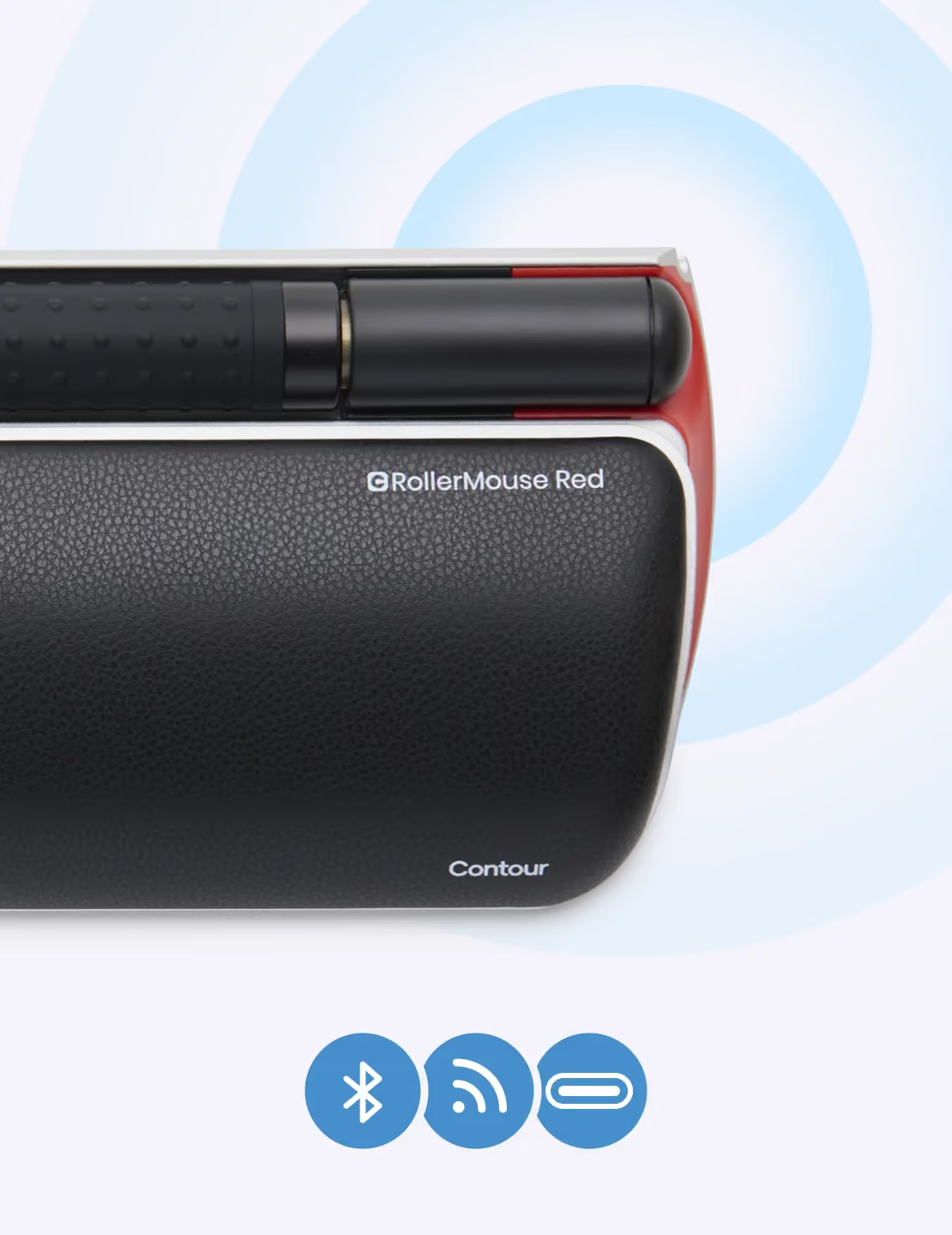
This is my second rollermouse pro - my previous one was well over 10years old before it gave up. The new version has a nice tactile “nobbly” roller which feels very precise. The wireless version works well - with the charging via an included usb cable that slots in the side. The cursor speed button works as the indicator of battery state - see video. Initial press of button gives cursor speed which can be adjusted - it then flicks to a 5 colour status from red to green to show how the battery is doing- the charge seems to last well over a week of 40+hr use. Really pleased with it - as per the previous one I had - this is a fantastic ergonomic aid to stop shoulder/wrist/neck pain and numbness. I only hope this one lasts as long as the previous one!
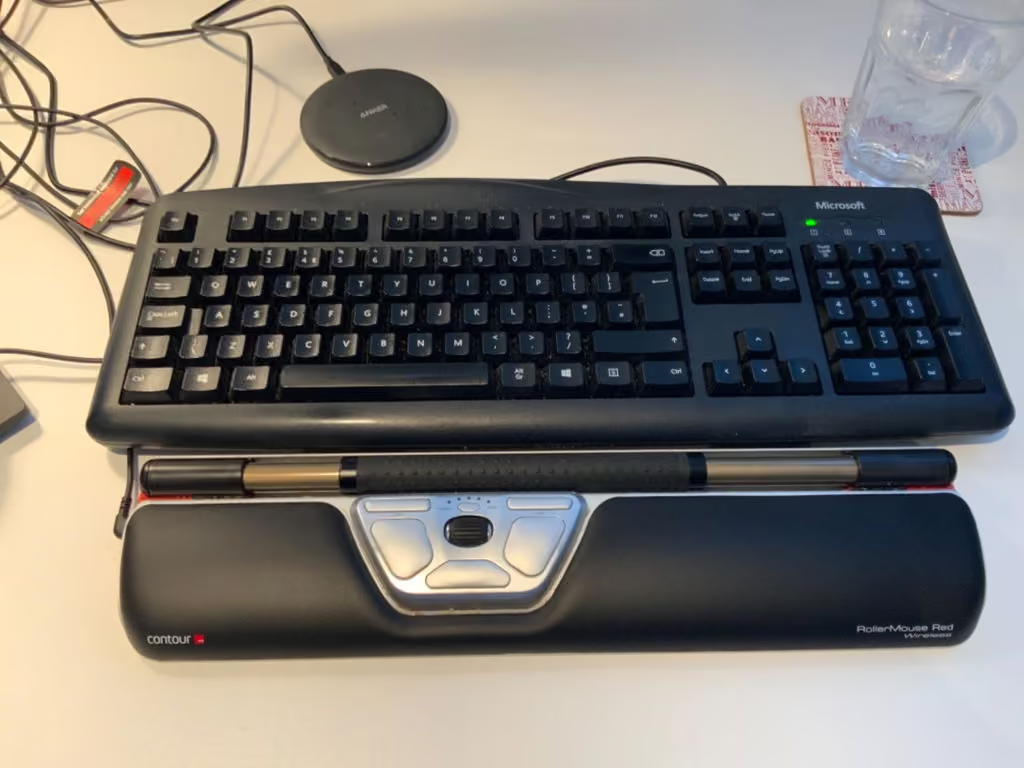
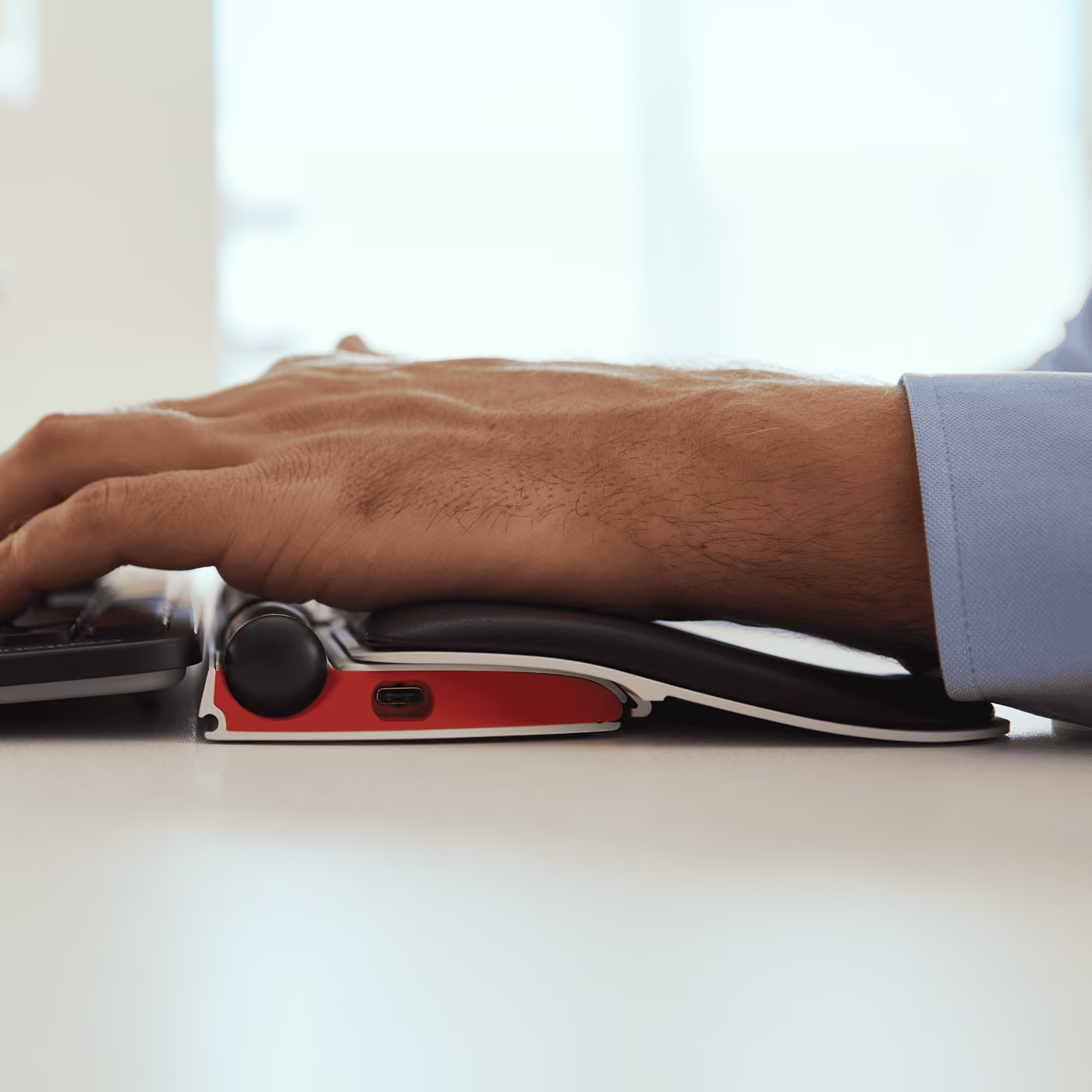
I'll start out by saying I have used a few different Contour rollermouse devices over the last 8 years. I had used two previous wired versions that I really liked and was looking to move towards a wireless option that I could use for a sit to stand adjustable desk. The Contour RollerMouse Free2 is made up of a metal body, unlike the previous wired versions I used which had plastic bodies. While this makes for a more solid and durable construction, it also hardens the surface on which your wrists are resting. The biggest downside for me is that the padding they include where you wrists are resting, is very thin, so pressure points build up and it becomes uncomfortable to use the mouse for a long time without using some additional source of padding. I ended up using a separate strip of memory foam to give more padding, but I just wish Contour would have included thicker and better quality padding to begin with. I may need to switch back to the wired plastic model, because those models had both better padding, and there was some natural flex in the plastic chassis so I never experienced pressure points or hot spots. Other than this main comfort flaw, the mouse does work well. there is a good range on the slider bar so I never fell like I hit the end of the bars path. The USB cable is a little tricky to plug in to the deeply recessed port, but the batter lasts 30 days or more so I rarely need to charge it. I hope in the next version of this wireless Contour RollerMouse they will improve the padding.
Shoulder n arm hurts less by reducing constant reach for mousing. Need to adjust sensitivity and get used to it; cursor has been jumping all over the place because I keep hitting something wrong.
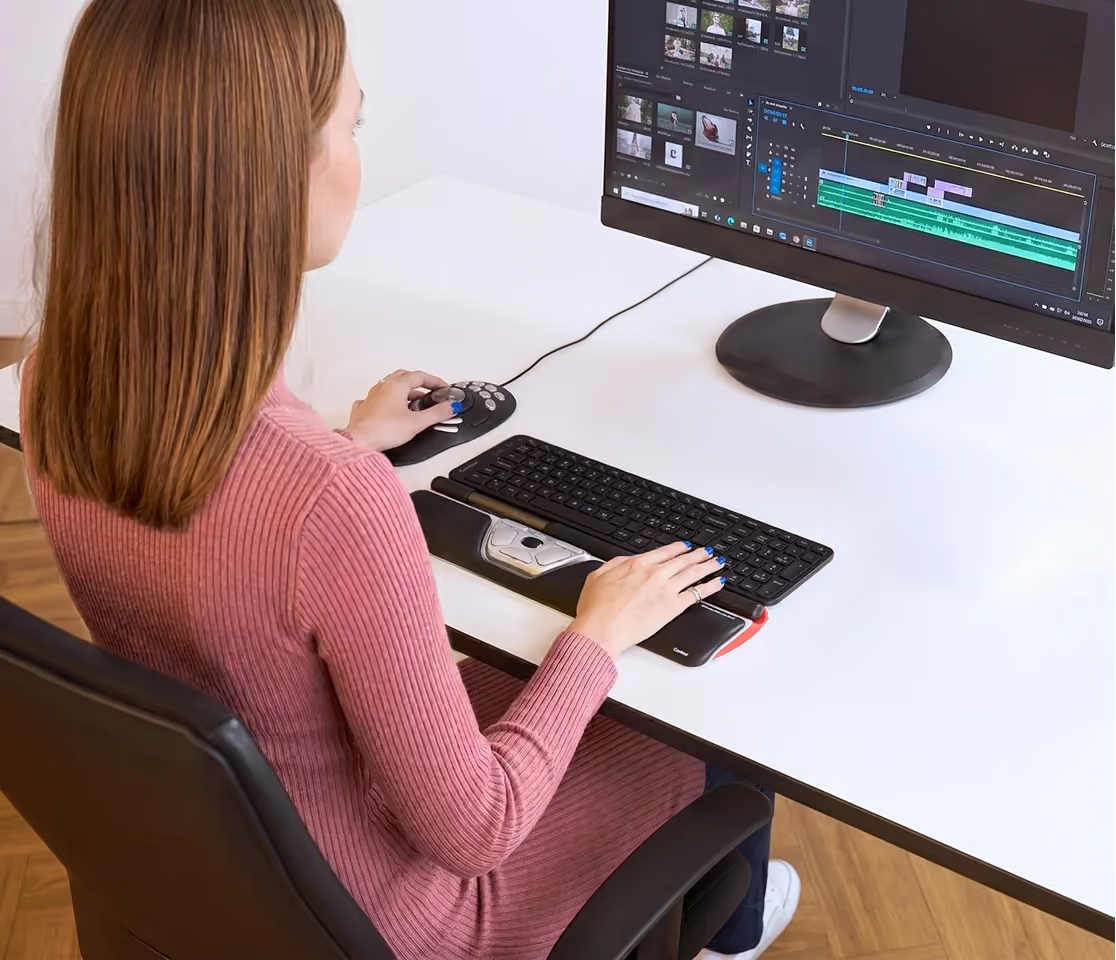
So far I really like this. I'm actually going to declare it as a life changing item! I'm a lawyer and in my typical work day I can spend five or six hours+ using a mouse to scroll through webpages and documents and filling out forms and revising word documents. I'm having some real problems with my right hand and wrist. I tried several other ergonomic mice and this is by far the best one so far. Probably the biggest immediate benefit is that this thing makes it really easy to switch between using both hands to scroll through documents and webpages. Right off the bat this thing reduced the load off my right hand and arm by at least 50% because I can now easily switch between right and left hands. This helps my work greatly but it also is really nice when I'm eating barbecue potato chips with my right hand and trying to read websites during lunch :-). The scroll wheel is intuitive and works great. Yes it can handle the full width of at least two monitors. The double click button is a nice feature as are the cut-and-paste buttons. Ergonomics are better than a traditional mouse. I still have a mouse next to my keyboard but I'm using it only minimally. For me it was definitely worth the cost. For casual home use, you really have to evaluate whether you actually need this level of ergonomic help. But if you use a computer for work and it and involves a lot of mouse work, this definitely can improve your workday dramatically.
I just had carpal tunnel surgery and also have trigger thumb so needed something to minimize movement in my fingers & with good wrist positioning. I was truly amazed at how easy this mouse is to use & how comfortable it is, no more pain! I have already recommended this to my employers IT department, I am so impressed.
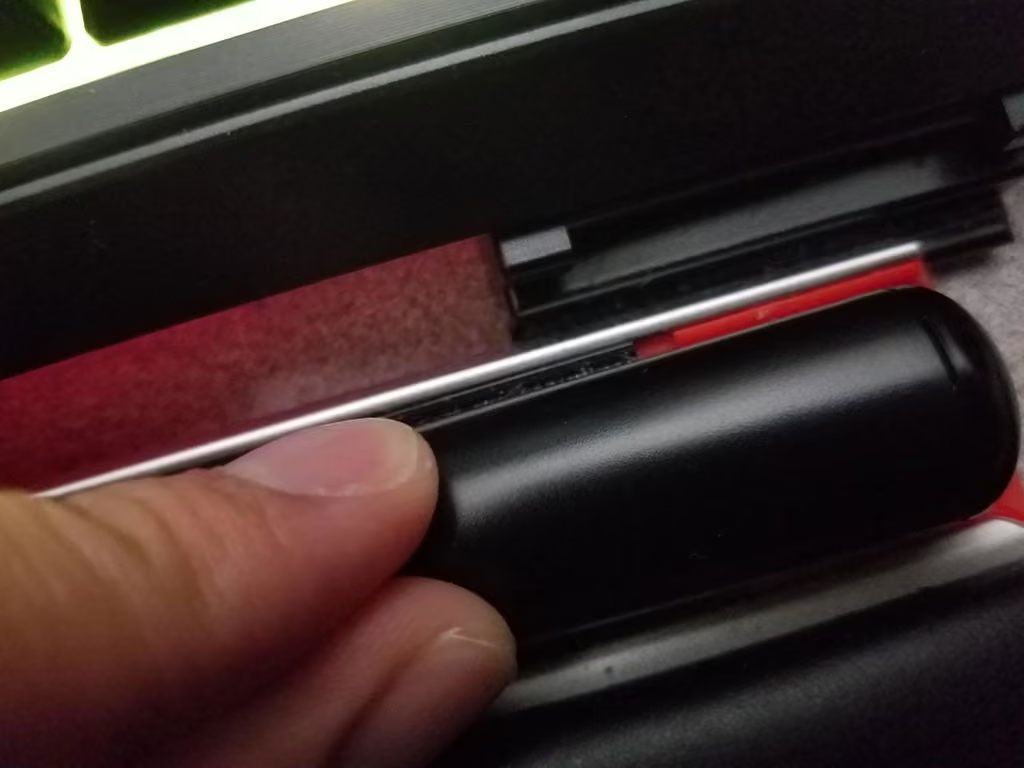
Before I start the review, you will have noticed that fellow reviewers aren't sure how to clean this device. Probably because the information on how to do that is buried in Contour's (the company behind this product) website in a FAQ support page.That along with the .pdf manual for this device to disable things like tap to click. More on that later, right now I'mma show you how to take it apart to clean it.First what you will need is preferably two hands.Secondly, have at least one "UltimateCloth". It is a cloth that uses a material called Mirafiber Fabric that is more fine than "microfiber cloths".It also only uses water to get itself damp so no need for alcohol or other harsh cleaning solutions that will damage this device.Those UltimateCloths can be bought here on Amazon. Here's a basic set of them:https://www.amazon.com/Ultimate-Cloth-Mirafiber-EcoFriendly-Multi-Surface/dp/B016ARTAWK/ref=sr_1_5?dchild=1&keywords=ultimate%2Bcloth&qid=1600529808&sr=8-5&th=1They're a little bit expensive but they can also be reused and machine washed, even bleached if necessaary. Just get them, it will make this way easier.Now that you have those things prepared, here's what you do.I have the photos of what to do attached to this review, so reference those as I summarize what is done in all 27 of said photos.Firstly, you see those two black end caps at the end of each side of the rubber roller bar?Those can be pressed inwards towards the rubber roller bar which will cause them to click, and then they can be carefully removed. Set the two end caps aside at their respective ends so you don't mix them up later when putting the device back together.Afterwards, the metal bar that the rubber roller bar rests on top of has two magnetic pins at each end of the metal bar. Those hook/rest into a metal magnetic slot at both ends. Carefully apply enough force to remove the metal bar from the magnetic slots on both sides.WARNING: There should be a ribbon cable to the left opening of the metal bar. This can break if you aren't careful. So again, carefully apply force, don't go full caveman mode on it!After the metal bar is removed, it is now possible to slide off the rubber roller bar off the metal bar. Again, figure out a way to remember which way the rubber roller bar was so you don't get confused later when reattaching everything.At this point, there's an extra option you can do, and that is to clean the metal gutter that holds the metal bar and the rubber roller bar. That gutter tends to gather gunk and other stuff into there, so if you want to clean that you can. However this mostly won't affect the performance/smoothness of the RollerMouse RED. This is simply for cosmetic purposes. Hence why it is optional.With that out of the way, and with everything taken apart, set the pieces aside and take your UltimateCloth.Get it fully soaked with water. Preferably under a sink since that would be the easiest way to do so.Once it is fully soaked, twist the UltimateCloth to "wring it". This is to get rid of a lot of the mositure. Keep doing that tightly enough that no more water drips out of the cloth.Now you should have a "damp" UltimateCloth that isn't dripping water everywhere.WARNING: If you notice from the pictures, in the center of the metal bar are the sensors that the rubber roller bar uses. While cleaning the metal bar in this next step, be sure to not touch those!With your newly dampened UltimateCloth, you basically just wipe the metal bar. Basically jerk it off is what I'm saying. While avoiding the sensor in the middle. However the metal underneath the sensor is fair game.This next step is also optional but this time this does effect performance if you want to squeeze that extra bit of smoothness out of this device. Personally I do it because it isn't too hard to do.Take your dampened UltimateCloth, twist one of the ends so that it is less floppy and easier to aim, then take that twisted end and shove it into the rubber roller bar. Keep twisting the cloth inward of the rubber roller bar until the UltimateCloth's twisted end can be grabbed onto through the other end.Once the UltimateCloth is sticking outside of both ends, you basically want to "floss it" so to speak. Take either end of the UltimateCloth sticking out, and pull it, then pull the other side of the UltimateCloth, and so on. You can do this as many times as you'd like. I'd say 4 sets of pulls on either side will do the trick. Do more if you'd like.Once you're done with that optional step, pull the UltimateCloth out of the rubber roller bar.Now that your components are cleaned, you're reading to put it back together again.Firstly, take the rubber roller bar and slide the metal bar back on into it. Make sure the rubber roller bar doesn't slide to either end as you're doing this.Secondly, take the left side of the metal bar, find those two magnetic pins and hook them into the magnetic metal slot to the left of the RollerMouse RED's base.Thirdly, do the same with the rig...
La version ROLLER MOUSE RED PLUS est encore plus ergonomique que mon précédent modèle FREE 2. Mes douleurs dans le bras se sont atténuées complètement. Modèle recommandé à ceux/celles qui ont des tendinites. On se fait rapidement à son ergonomie.