

Computer Elbow Brace: Relief, Alignment, And Smarter Work

It's 10:42 p.m. Your code finally compiles, but your outer elbow throbs when you reach for the mouse. You rub the sore spot, shake your hand out, and keep going, because deadlines don't wait. A computer elbow brace can calm that fire so you can finish the work without flaring your symptoms. And paired with a low-strain setup, it helps you stay aligned, productive, and in control.
What “Computer Elbow” Really Means

Computer elbow is a catch-all for elbow pain triggered by long hours at a keyboard and mouse. The common culprits are tendon overload and nerve irritation from repetitive motions and awkward positions.
Common Diagnoses In Desk Workers
- Lateral epicondylitis (tennis elbow): Overload of the extensor tendons where they attach to the outside of the elbow. Repeated mousing and typing with the wrist extended can aggravate it. Some studies frame it as a degenerative tendinopathy more than simple inflammation.
- Cubital tunnel syndrome: The ulnar nerve gets compressed at the elbow, often from keeping the elbow bent or leaning on it. Numbness in the ring and little fingers is a giveaway.
- Golfer's elbow (medial epicondylitis): Similar to tennis elbow but on the inner elbow, linked to gripping and wrist flexion.
For plain-English primers, see "Tennis elbow," NHS (2023), and "Cubital Tunnel Syndrome," American Society for Surgery of the Hand (2022). Both explain symptoms, causes, and first-line care.
Symptoms And Risk Factors From Repetitive Use
- Achy or sharp pain at the outer or inner elbow, worse with gripping, lifting a mug, or moving the mouse.
- Tenderness where forearm tendons meet the elbow, reduced grip strength, or a "tired forearm" feeling by midday.
- Numbness or tingling in the ring and little fingers (ulnar nerve sign), stiffness after sitting.
Risk factors include long desk hours, frequent clicking/scrolling, a mouse placed too far to the side, heavy keyboards that force reaching, and limited breaks. You're not weak, it's high repetition and awkward reach stacking up day after day.
Further reading: Why your elbow hurts at the computer and how to fix it
How An Elbow Brace Works
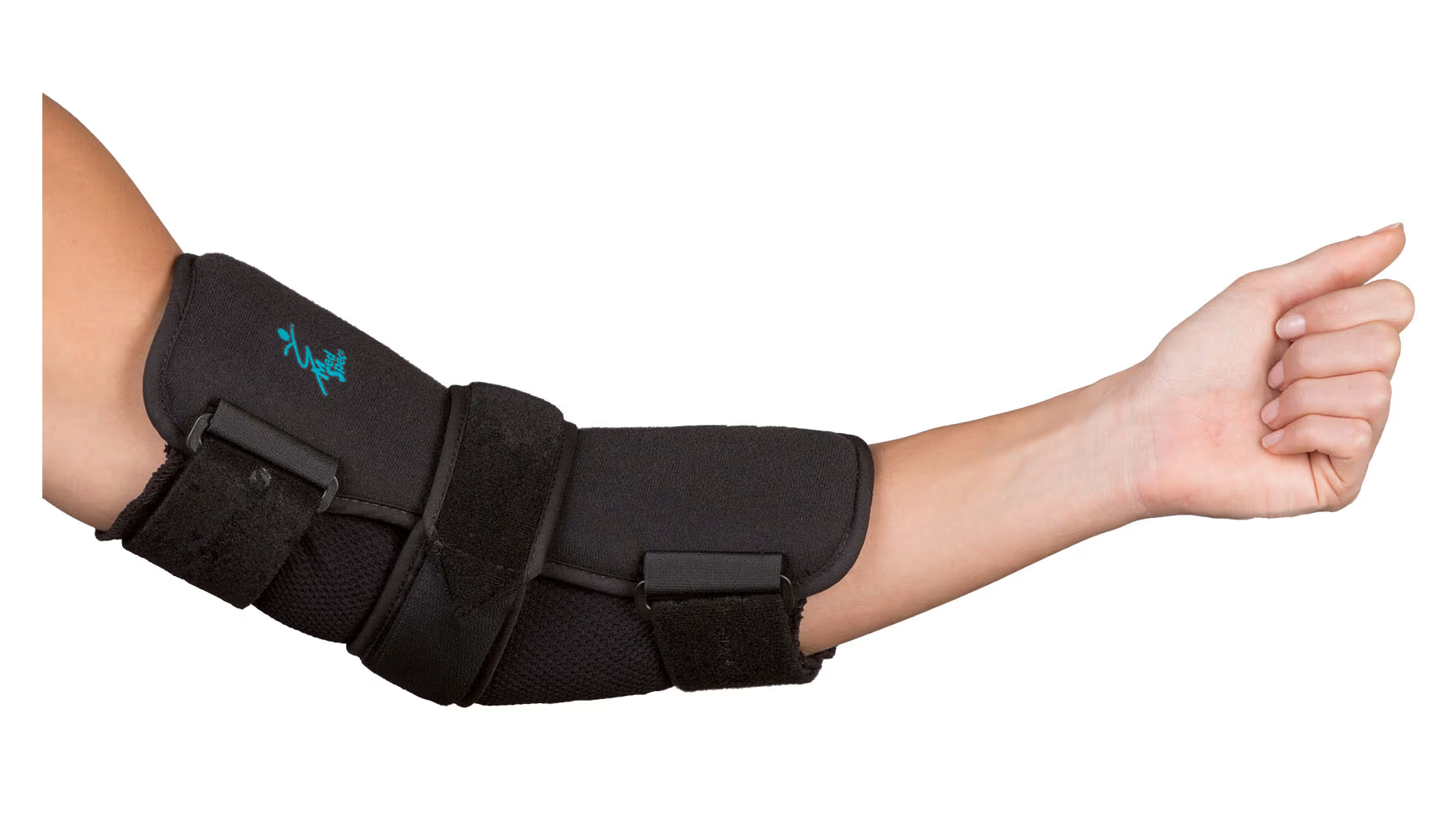
A computer elbow brace reduces the load on irritated tissues and reminds you to move within a comfortable range. The right brace acts like a quiet coach: less strain, more control.
Offloading Tendons And Reducing Irritation
- Counterforce straps apply gentle pressure a couple of fingers below the sore spot. That pressure "spreads out" the pull on the tendon, so each mouse click or keystroke tugs less at the elbow. Result: fewer sparks from the irritated area.
- For ulnar nerve issues, a night splint keeps your elbow straighter in sleep. No deep bend means less compression on the nerve, which translates to less morning tingling.
This approach aligns with guidance from the NHS and AAOS (American Academy of Orthopaedic Surgeons) that supports bracing as part of early care for overuse elbow pain.
When A Brace Helps, And When It Doesn't
A brace helps mild to moderate symptoms, especially when you can also modify your work setup and pace. You should still feel circulation and full finger motion, snug, not tourniquet-tight.
It won't fix severe or worsening pain, visible swelling, or nerve weakness. Red flags, like significant weakness, loss of motion, or muscle wasting, warrant a clinician's exam. If your pain persists beyond a few weeks even though rest and setup changes, get evaluated.
Types Of Elbow Braces For Computer Use

Different problems, different tools. Choose a computer elbow brace that matches your main symptom pattern and daily tasks.
Counterforce Straps (Tennis Elbow Straps)
Best for outer elbow pain from repetitive mouse and keyboard work. The strap sits on the forearm, not the elbow, to offload the tendon. It's slim under sleeves and easy to wear through the workday.
How it helps: Reduces peak tendon stress during gripping, scrolling, and typing. You'll likely notice easier mugs lifts and less pain when moving the mouse.
Wraparound Or Hinged Supports
Useful when your elbow feels unstable or motions repeatedly spark pain. These braces limit aggravating ranges without immobilizing you completely. They can be bulkier, so many people use them for short stints during flares or heavy tasks.
Night Splints For Ulnar Nerve Symptoms
If you wake with pinky-finger tingling, a light night splint that keeps the elbow in a comfortable, more open angle can help. Daytime, your goal is "don't lean, don't compress", avoid resting the elbow on hard edges.
Choosing, Fitting, And Caring For Your Brace
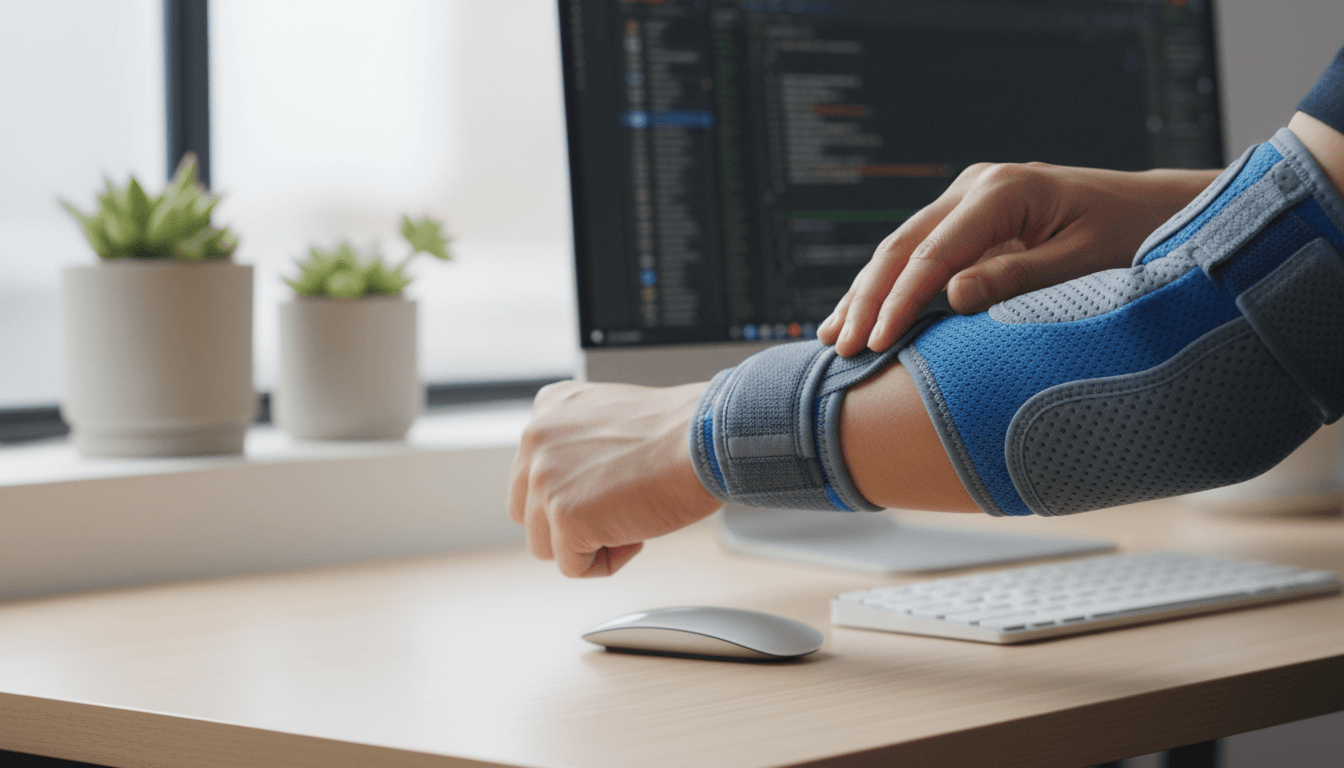
Pick a computer elbow brace you'll actually wear. Comfort, fit, and simple care drive adherence, and adherence drives relief. Read more about mouse elbow brace - 8 evidence backed options and ergonomic alternatives for pain-free work
Sizing, Placement, And Tension You Can Maintain
- Measure forearm circumference to choose size. Too tight increases irritation: too loose won't offload.
- For counterforce straps, place the pad two finger-widths below the most tender elbow spot. That distance is where the leverage works.
- Set tension to firm, not restrictive. You should type, move the mouse, and feel your fingertips without numbness. If you feel pulsing or coldness, loosen it.
Materials, Skin Comfort, And Cleaning
- Choose soft, breathable materials that don't trap sweat. Smooth edges prevent chafing against the desk.
- Clean per maker instructions. Handwash in mild soap, air dry flat. Avoid high heat that wrecks elasticity.
Longevity, Recycling, And Replacement Cues
- Replace the brace if the strap pills, Velcro loses grip, or elasticity fades, usually every few months with daily use.
- Many braces include recyclable components: check local guidance. Prioritize durable designs to reduce waste.
Pair The Brace With A Low-Strain Desk Setup
.avif)
A brace calms symptoms: your setup prevents their return. Small placement changes often deliver big relief by reducing reach and keeping your forearm neutral.
Mouse And Keyboard Positioning To Reduce Reach
Bring input devices close and centered. The farther your mouse sits from your body, the more you abduct the shoulder and load the forearm. Keep the keyboard flat and close: aim the mouse at midline, not off to the right.
This is where Contour Devices® can help. A central pointing device like the RollerMouse places the cursor control in front of your keyboard, no reaching, twisting, or gripping. See RollerMouse options at Contour: RollerMouse collection. Prefer a trackpad-like feel with palm support? The SliderMouse Pro keeps control centered with a smooth, low-force glide.
Neutral Forearm And Wrist Mechanics
Think "straight lines." Forearm, wrist, and hand should form a neutral path to your device. Avoid wrist extension (cocked up), which fires the sore extensor tendons. A compact keyboard like the Balance Keyboard narrows your reach so your pointing hand stays close to center. If you rely on a traditional mouse, an adjustable design like UniMouse lets you set a comfortable angle and support the thumb, reducing pinch and strain.
Microbreaks, Stretching, And Load Management
- Use 30–60 second microbreaks every 20–30 minutes. Stand, open the chest, gently extend and flex the wrists.
- Alternate tasks: code, then review, then email. Less repetition, less tendon load.
- Light forearm strengthening under guidance can help resilience once pain settles. NIOSH and NHS both encourage graded activity over all-or-nothing rest.
With centered control and small movement, you'll feel the immediate payoff: less reach, less tension, more focus. Contour devices deliver that centered control in sleek Scandinavian designs that last, better for you, better for the planet. Contour Devices. Work miracles.
When To See A Clinician
Pain is information. If your elbow keeps talking even though careful changes, it's time for a professional opinion.
Red Flags And Persistent Pain
Seek care if you notice swelling, warmth, sharp night pain that wakes you, obvious deformity, progressive numbness, or true weakness (dropping objects). Constant symptoms even though 2–4 weeks of rest, bracing, and ergonomic adjustments warrant evaluation.
Evidence-Based Care Beyond Bracing
Most cases improve with a mix of bracing, activity modification, graded exercise, and short courses of NSAIDs if appropriate. A clinician or physical therapist can guide tendon loading and neural glides. Steroid injections may reduce pain in the short term but carry mixed long-term outcomes: many guidelines recommend them sparingly. See: "Tennis Elbow," American Academy of Orthopaedic Surgeons (2023): "Cubital tunnel syndrome," NHS (2023): and NIOSH office ergonomics resources for workstation changes.
Conclusion
A computer elbow brace can take the edge off pain today. Pair it with centered, low-reach control and smart pacing, and you protect your tendons and nerves for the long run. Start simple: move the mouse to center, flatten the keyboard, and choose adjustable tools that meet you where you work, like a RollerMouse or UniMouse, so you stay aligned and in command. Small changes, repeated daily, protect your hands, your focus, and your career. Ready to set up your desk for relief and performance? Find your fit, then get back to work without the wince.
Key Takeaways
- A computer elbow brace helps offload irritated tendons and reduce nerve compression from repetitive mouse and keyboard use.
- Use a counterforce strap two finger-widths below the tender spot for tennis elbow, and a night splint to keep the elbow straighter if ulnar nerve tingling wakes you.
- Choose the right size, set snug-not-tight tension, and pick breathable materials; clean gently and replace when elasticity or Velcro fails.
- Pair your computer elbow brace with a low-strain setup: center the mouse, keep the keyboard flat and close, maintain neutral wrists, and take 30–60 second microbreaks every 20–30 minutes.
- Seek clinical care if pain persists beyond a few weeks or you notice swelling, progressive numbness, or true weakness, as bracing alone won’t fix severe issues.
Frequently Asked Questions
What does “computer elbow” mean, and how can a computer elbow brace help?
Computer elbow refers to elbow pain from repetitive keyboard and mouse use, often involving tendon overload or ulnar nerve irritation. A computer elbow brace reduces strain by offloading tendons or limiting irritating elbow positions. Counterforce straps disperse tendon pull; night splints keep the elbow straighter to reduce nerve compression.
Which type of computer elbow brace should I choose for my symptoms?
Match the brace to your main symptoms. For outer elbow pain (tennis elbow), a counterforce strap on the forearm helps. For ulnar nerve tingling in the ring and little fingers, a night splint that limits deep elbow bend is useful. Hinged or wraparound supports help during painful motion bursts.
How do I fit and tighten a counterforce strap for computer use?
Measure your forearm for sizing. Place the pad about two finger-widths below the most tender spot near the elbow. Tighten to firm—not restrictive—so you can type, move the mouse, and feel your fingertips normally. If you notice pulsing, numbness, coldness, or skin irritation, loosen and readjust.
When will a brace not help, and when should I see a clinician?
Bracing won’t solve severe or worsening pain, visible swelling, or true weakness. Red flags include night pain that wakes you, progressive numbness, swelling, deformity, or dropping objects. If symptoms persist beyond 2–4 weeks despite rest, ergonomic changes, and bracing, seek evaluation from a clinician or physical therapist.
How long should I wear a computer elbow brace each day, and how soon will I feel relief?
Wear it during symptom-provoking tasks and gradually reduce as pain improves; many people start with several hours during work sessions. Some notice relief within days, while tendon issues can take weeks to settle. Combine bracing with ergonomic changes, microbreaks, and graded exercises for faster, more durable improvement.
Can I wear a computer elbow brace while typing or gaming?
Yes—most counterforce straps are low-profile and designed for active use like typing or gaming. Ensure the strap doesn’t restrict circulation and that your forearm, wrist, and hand stay in a neutral line. Pair it with close, centered device placement and regular microbreaks to reduce repetitive loading.
