

Computer Mouse Elbow Pain: Causes, Relief, And Ergonomic Fixes

You reach for the mouse, feel that sharp twinge on the outside of your elbow, and wonder if tomorrow's sprint review will make it worse. If computer mouse elbow pain keeps stealing your focus, you're not alone, especially when your day runs 6–10 hours at the keyboard. The good news: small, smart changes and the right ergonomic gear can reduce strain fast and help protect your hands, elbows, and career. If the discomfort shifts to tingling along your ring and little fingers, our guide to ulnar nerve entrapment digs into that cause.
What Mouse Elbow Pain Is And Why It Happens
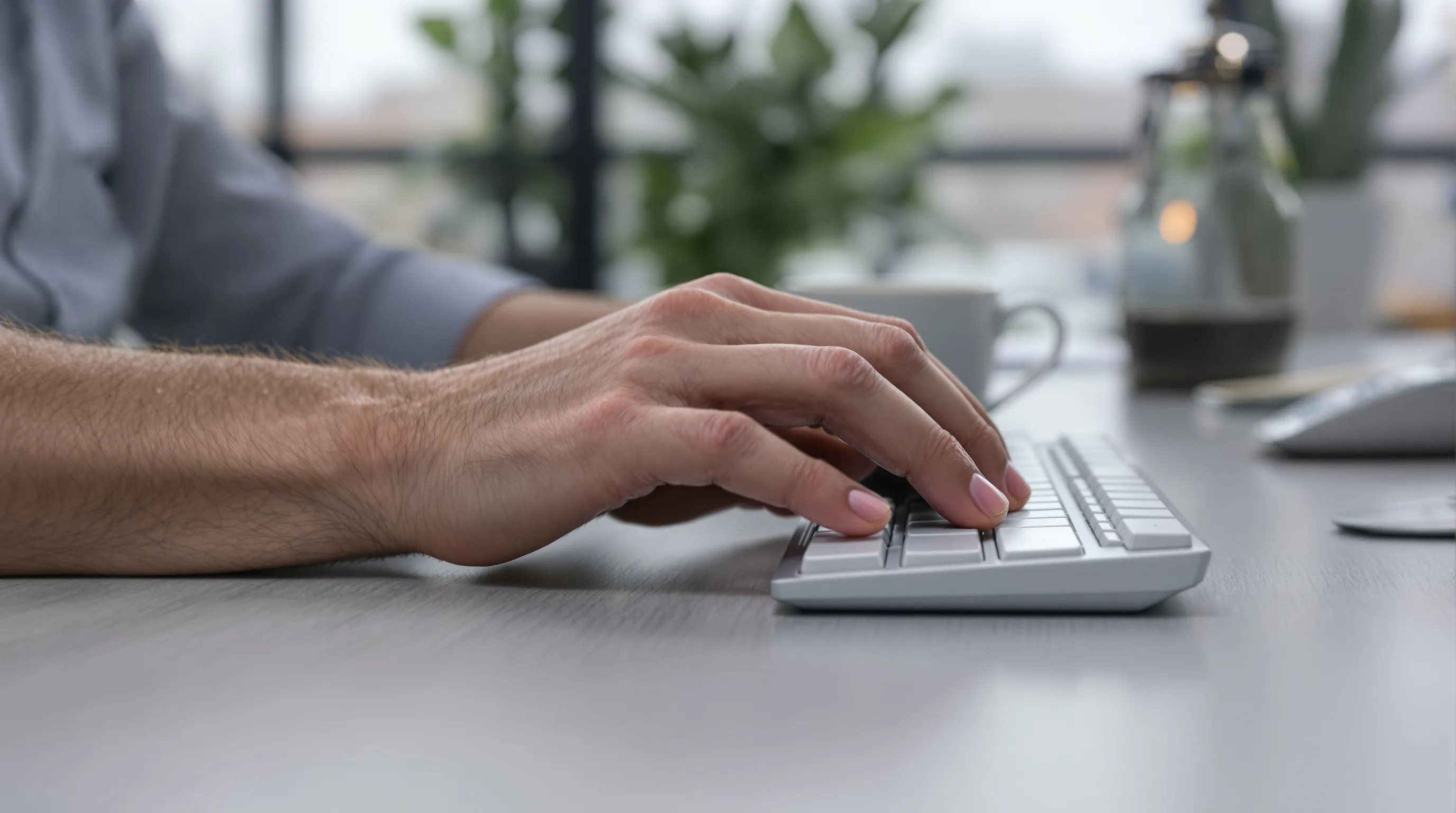
Mouse elbow, most often lateral epicondylitis (tennis elbow), happens when the wrist and finger extensor tendons that attach at the outer elbow get overloaded. If you spend long stretches mousing, gripping, and clicking with the wrist slightly cocked up, you're applying constant tension to those tendons. Over time, micro‑tears and irritation can build into computer mouse elbow pain that flares with work and lingers after you log off.
Common Symptoms And Red Flags
Key signs arrive during tasks that need wrist or finger extension: scrolling, clicking, even lifting a full mug.
- Local pain or burning at the outer elbow (worse with gripping or resisted wrist extension)
- Tenderness along the forearm extensor muscles
- Achy fatigue, weaker grip, or pain at rest after heavy days
- Red flags: persistent pain that doesn't improve, numbness or tingling into the hand, or worsening weakness, time to get a clinical assessment
For a plain‑language overview, see "Tennis elbow," NHS, 2023. This article is for general information: it isn't medical advice.
The Biomechanics: Grip, Reach, And Wrist Extension
The load climbs with three culprits: excessive wrist extension, forceful grip, and reach. A high, distant mouse makes you hike the shoulder and extend the wrist. A narrow or tall mouse can push you into a pinch grip. Hard desk edges compress tissue. Stack these for hours, and computer mouse elbow pain becomes predictable, not mysterious.
Risk Factors In Modern Desk Setups
Common traps:
- High desk or low chair, so your elbows float and the wrist cocks up
- Wide keyboard that pushes the mouse far to the right, every pixel costs a reach
- Hard, sharp desk edges or rigid wrist rests that press on tendons
- Long, uninterrupted sessions with high click counts
NIOSH notes that repetitive, forceful tasks without enough recovery time increase risk for work‑related musculoskeletal disorders (Work‑Related Musculoskeletal Disorders, NIOSH, 2023).
Quick Relief And When To Seek Care
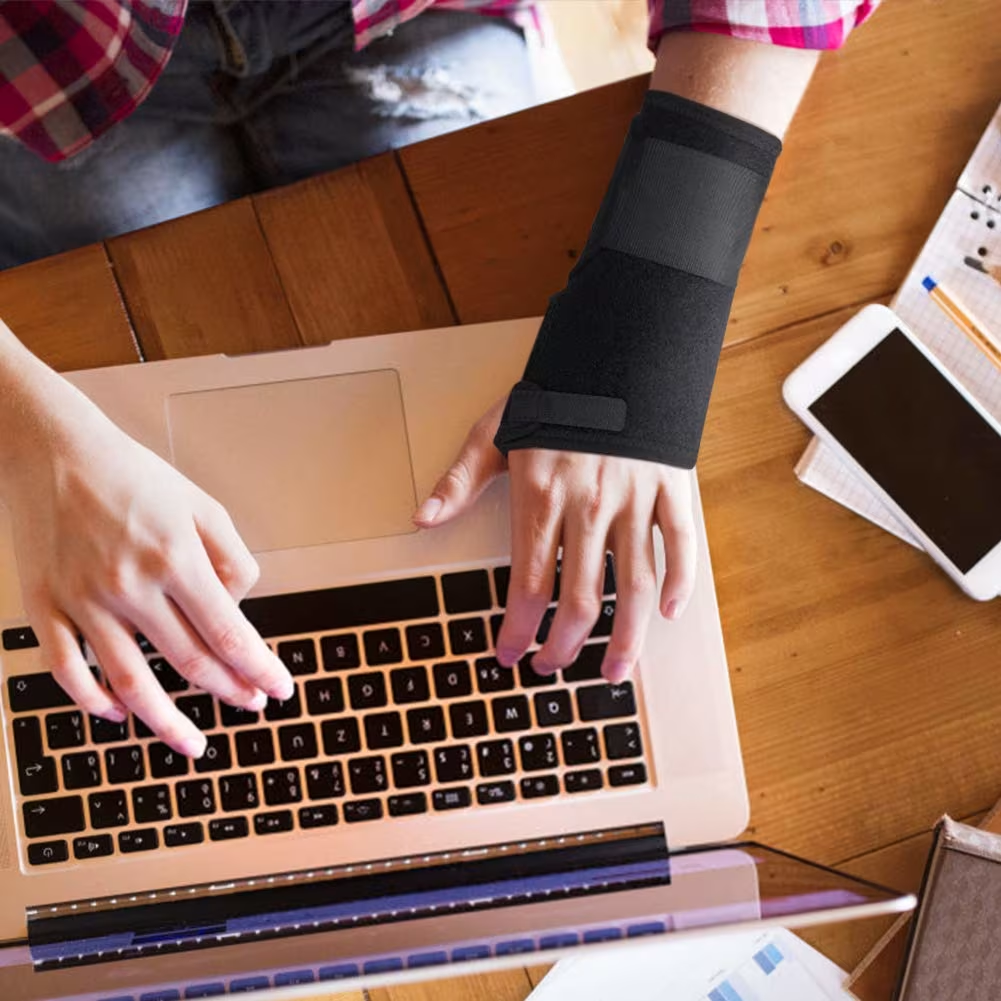
First, reduce the load that's irritating the tissue. Then, support healing with simple care. If computer mouse elbow pain is severe, persistent, or limits daily tasks, get a professional evaluation.
Load Management You Can Start Today
- Shorten your sessions: 5 minutes away from the mouse every 30–45 minutes.
- Switch hands for light tasks if possible.
- Use a lighter grip, float the hand, don't choke the mouse.
- Keep the wrist neutral: move from the elbow and shoulder for larger motions.
- Park files and UI elements closer to the cursor to cut travel.
These small shifts often dial down computer mouse elbow pain within days.
Self-Care: Ice, Heat, And Over-The-Counter Options
- Ice 10–15 minutes after taxing work for acute flare‑ups.
- Gentle heat before activity can relax tissue.
- Consider NSAIDs or topical analgesics if appropriate, only with medical guidance.
- Light self‑massage along the extensor muscle bulk: stop if symptoms spike.
When To See A Clinician
If pain lasts beyond a couple of weeks even though changes, if you notice weakness, or if numbness/tingling appears, book an appointment. Some cases benefit from guided exercise, bracing, or, in select situations, injections. The American Family Physician review (Lateral Epicondylitis, AAFP, 2015) outlines evidence‑based options.
Ergonomic Setup For Elbow-Friendly Mousing
Set your workstation so your forearms rest, wrists stay neutral, and the pointer sits close. This reduces the forces that trigger computer mouse elbow pain. For detailed instruction you can read further about elbow support for desk - 5 ergonomic fixes for pain-free work.
Chair Height, Desk Height, And Forearm Support
- Chair: feet flat, hips and knees at roughly 90°, elbows at 90–100°.
- Desk: at or just below elbow height so forearms can rest lightly.
- Support: use the chair's armrests or the desk surface, but avoid sharp edges.
Keyboard And Mouse Placement To Reduce Reach
- Keep the mouse immediately beside the keyboard, no gap.
- Prefer a compact keyboard to bring the mouse closer to midline.
- If you use a 10‑key a lot, consider a separate numpad to narrow the main board.
Pointer Settings: Speed, Acceleration, And Shortcuts
- Increase pointer speed so you move less for the same on‑screen distance.
- Use acceleration judiciously, enough to reduce travel, not so much you overshoot.
- Lean on keyboard shortcuts and programmable buttons to cut repetitive clicking.
If you're exploring a compact typing setup, see our Balance Keyboard.
Choosing A Low-Strain Pointing Device

Pick hardware that meets your hand where it is: relaxed grip, neutral wrist, minimal reach. The right device can drop forces on the extensor tendons and calm computer mouse elbow pain.
Vertical And Adjustable Mice To Reduce Twist And Grip
A vertical or adjustable mouse reduces forearm pronation (twist) and encourages a looser grip. Contour Devices® UniMouse lets you dial in tilt and thumb support so you can rotate out of the painful range and rest more of your hand. Angle it steeper during flares: flatten it as symptoms settle. You stay in control, not the other way around.
Centered Pointing Devices For No-Reach, Two-Hand Control
If reach is your trigger, bring the cursor to center. RollerMouse places a low‑force rollerbar between you and the keyboard, so both hands can share pointing and clicking, no reaching, twisting, or gripping. Less movement, less strain, more all‑day comfort. Many users with computer mouse elbow pain find that central pointing is the cleanest path to relief because it removes the root cause: off‑center reach.
Contour's SliderMouse Pro offers a touchpad‑like glide with a minimalist, Scandinavian profile that sits right at the keyboard edge. Pair either device with the Balance Keyboard to keep your shoulders square and your wrists neutral. Comfort shouldn't be optional.
Alternatives: Trackballs, Touchpads, And Pen Inputs
Trackballs cut shoulder travel and can work well in tight spaces, though some people still overuse the thumb. Touchpads distribute motion but may invite finger overuse with precision tasks. Pen inputs are great for creative apps if you keep a relaxed grip. Whatever you choose, aim for neutral alignment, light force, and easy switching. If you need help finding a match, explore our solutions.
Further reading: 7 best mouse for tennis elbow options for pain-reduced workflows, explore detailed introduction the best mouse options to boost comfort and reduce pain.
Movement: Stretches And Strength That Help

Strategic movement helps tendons heal and resist future load. Begin with gentle mobility, then add eccentric strengthening as pain allows. These habits support your setup and reduce the chance that computer mouse elbow pain returns during crunch weeks. Gentle Mobility And Tendon Glides
2–3 times daily (and during breaks):
- Wrist circles, slow and pain‑free, 10 each direction
- Wrist flexion/extension stretch: elbow straight, palm down, gently bend the wrist with the other hand, 20–30 seconds
- Finger tendon glides: open hand, hook fist, full fist, straight fist, 5 cycles
Stop if sharp pain appears: mild stretching sensation is okay.
Eccentric Strengthening For Wrist Extensors
When resting pain fades, add eccentrics 3–4 days per week:
- Sit with forearm supported, palm down, wrist over the edge
- Use the other hand to lift the working hand into extension
- Slowly lower through the range in 3–5 seconds: 2–3 sets of 8–12 reps
This "slow lower" builds tendon capacity with tolerable load. Many clinicians favor it for lateral epicondylitis.
A 60-Second Microbreak Routine
Every 30 minutes:
- Rest hands, un-grip the mouse (10 seconds)
- Shake out arms, roll shoulders back and down (10 seconds)
- Wrist flexor and extensor stretch (20 seconds total)
- Stand, take two deep breaths, and reset posture (20 seconds)
It's tiny, repeatable, and keeps computer mouse elbow pain from snowballing.
We also have a detailed guidance on more computer elbow exercises, a routine that can help you reduce strain and stay focused during work.
For Teams And Businesses
One team member's pain is everyone's slowdown. A small investment in assessment, trials, and training can prevent churn, errors, and sick days tied to computer mouse elbow pain.
Assessment, Trials, And Training For Diverse Workflows
Run short workstation checks and observe tasks that drive clicks and reach: code reviews, timeline scrubs, spreadsheet audits. Offer trial devices, RollerMouse for central control, SliderMouse Pro for touch‑friendly glide, UniMouse for adjustable angles. Train microbreak habits and shortcut use. Most cases are manageable with early care.
Sustainable, Durable Choices And Total Cost Of Ownership
Choose devices built to last with repairable parts and recycled materials. Contour devices are designed for longevity and comfort, reducing replacement cycles and downtime. Better for people, better for the planet. Contour Devices. Work miracles.
Conclusion
If computer mouse elbow pain keeps tapping your shoulder, treat it like any high‑stakes bug: reduce load, fix the environment, then strengthen. Start with neutral wrist alignment, shorter reach, and lighter grip. Add a device that matches your body, central pointing like RollerMouse, adjustable angles with UniMouse, or a compact Balance Keyboard to keep everything close. Keep moving in small, consistent ways. And if symptoms persist or progress, see a clinician. Say goodbye to feeling strained and sore: set up your desk so work flows exactly how you like it, comfortable, aligned, and in control.
References: "Tennis Elbow," NHS, 2023: "Work‑Related Musculoskeletal Disorders," NIOSH, 2023.
Key Takeaways
- Computer mouse elbow pain stems from overloaded wrist/finger extensors, aggravated by wrist extension, tight grip, and reach; seek care if pain persists or numbness appears.
- Cut load today: break every 30–45 minutes, use a lighter grip, keep a neutral wrist, move from the elbow/shoulder, and park on‑screen targets closer.
- Dial in ergonomics: forearms supported at a desk near elbow height, mouse tight to the keyboard, compact boards when possible, higher pointer speed, and shortcuts.
- Choose low‑strain devices: vertical/adjustable mice for less twist and grip, or centered pointing (e.g., RollerMouse/SliderMouse) to eliminate reach; aim for relaxed, neutral alignment.
- Support healing with ice after flares, gentle heat before work, tendon glides, and progressive eccentric wrist‑extensor training, plus a 60‑second microbreak routine to prevent computer mouse elbow pain from returning.
Frequently Asked Questions
What is computer mouse elbow pain and why does it happen?
Computer mouse elbow pain is usually lateral epicondylitis (tennis elbow). Repetitive mousing with a slightly extended wrist and firm grip overloads the wrist and finger extensor tendons that attach at the outer elbow. Over time, micro‑tears and irritation build up, causing pain with clicking, scrolling, lifting, and after long sessions.
What symptoms and red flags should I watch for with computer mouse elbow pain?
Common symptoms include burning or ache at the outer elbow, tenderness along the forearm extensors, weaker grip, and fatigue—often worse after heavy mouse use. Red flags: persistent pain despite changes, numbness or tingling into the hand, or worsening weakness. If these appear, seek a clinical assessment promptly.
How can I quickly reduce computer mouse elbow pain at my desk?
Reduce load first: take 5‑minute breaks every 30–45 minutes, use a lighter grip, keep the wrist neutral, and move from the elbow/shoulder. Bring the mouse close, raise pointer speed, and use shortcuts to cut clicks. Gentle ice after taxing work and light self‑massage can help; stop if pain spikes.
What mouse and setup work best to prevent computer mouse elbow pain?
Keep desk at or just below elbow height with forearms supported. Place the mouse right beside a compact keyboard to minimize reach. Vertical or adjustable mice reduce forearm twist and grip force. Centered pointing devices let both hands share control, cutting reach and strain. Prioritize neutral wrist alignment and light force.
How long does mouse elbow take to heal, and when can I resume full activity?
Mild cases often improve within 2–6 weeks with load reduction, ergonomic fixes, and gradual exercise; more chronic cases may take 2–3 months or longer. Resume full activity when daily tasks are pain‑tolerable, strength is near normal, and symptoms don’t flare afterward. If progress stalls, consult a clinician.
Do elbow braces or straps help with mouse‑related tennis elbow?
A counterforce forearm strap or wrist brace can reduce tendon load during activity and provide short‑term pain relief, especially during flares. Use them as a supplement—not a substitute—for load management, ergonomic changes, and progressive strengthening. If a brace increases numbness or discomfort, discontinue and seek professional guidance.
