

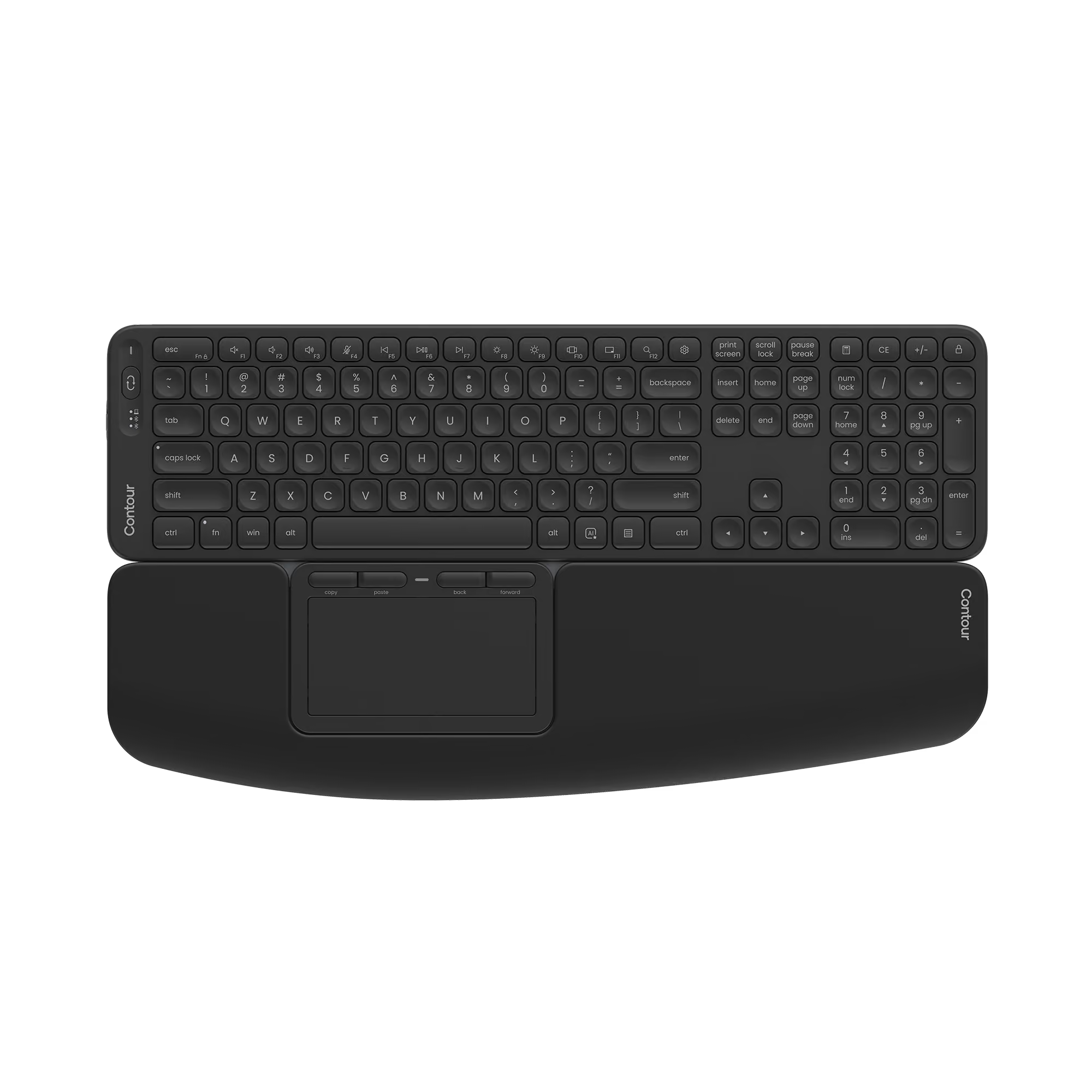
Click to enlarge
Touch + Balance Full-Size Keyboard
Pain-Free Productivity Through Familiar Control
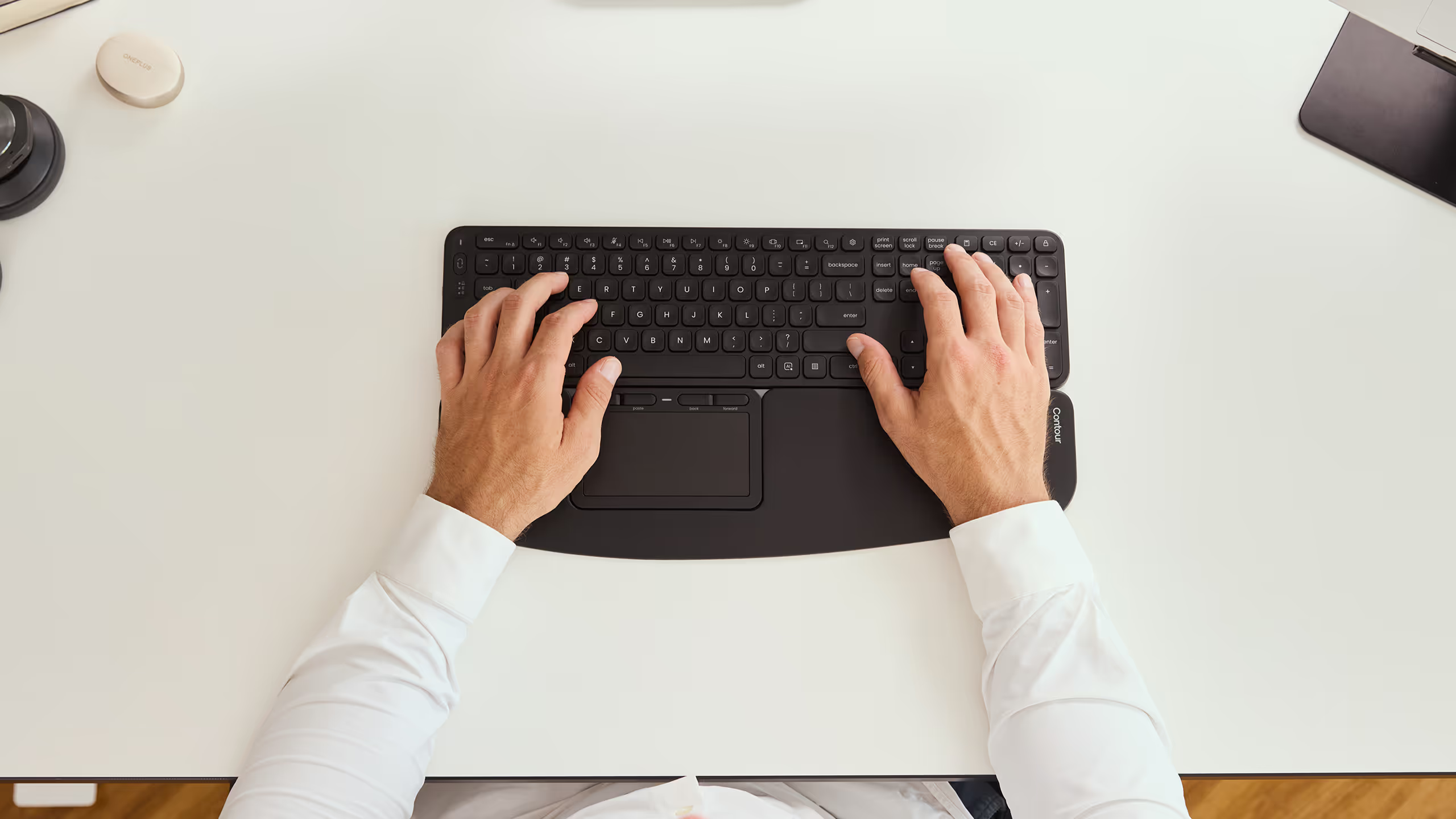
The Contour Touch and Balance Full-Size combo replaces the stretch-and-grab posture forced by a side-mounted mouse with a centrally-positioned glass touchpad sitting flush against a low-profile keyboard. Your arms stay close. Your shoulders stop firing. Typing and navigation share the same neutral hand position, all da
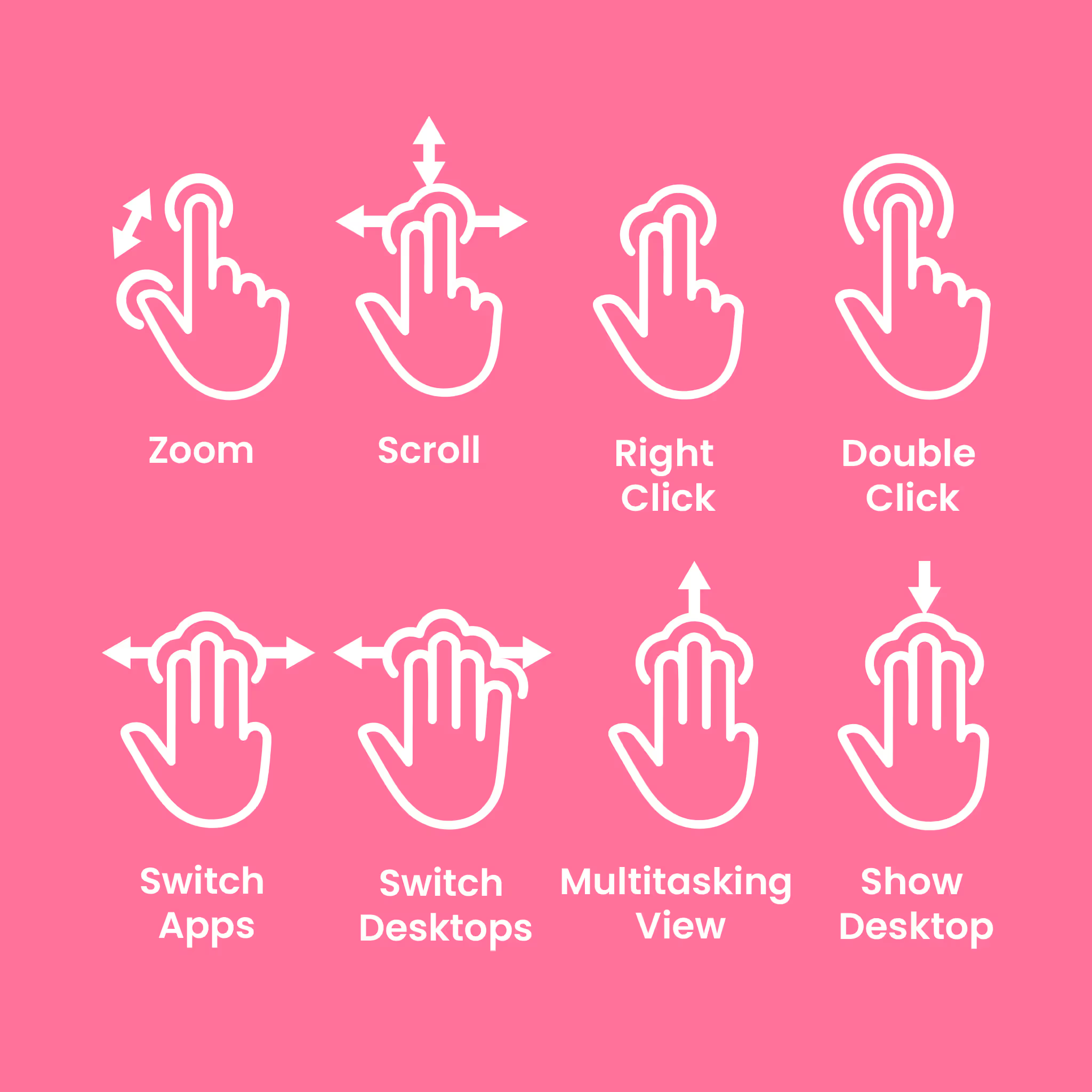
There is no learning curve. Contour Touch supports every familiar Windows multi-touch gesture (2-finger scrolling, pinch to zoom, 3- and 4-finger gestures) out of the box.
Why You'll Like It
• Matching width and height: Balance Full-Size and Contour Touch sit flush, eliminating the gap that breaks wrist alignment.
• Centred 112 × 58 mm glass touchpad in front of the keyboard: no lateral arm reach, no shoulder abduction, no pronated grip.
• Full-size wrist rest on Touch supports your palms during typing-to-mousing transitions.
• ISO 9241-compliant scissor-switch keys with dished keycaps that guide your fingertips to key centres.
• 22 programmable shortcuts in total (18 on Balance, 4 on Touch), customisable through the Contour Personalisation App.
• Wired (USB-C) or wireless (Bluetooth) on Touch. Wired (USB-C) or wireless (USB-C dongle) on Balance. Both rechargeable via USB-C.
Support
Our documentation gets you up and running quickly and easily. If you have any questions use the links below or contact our support.
Getting Started
Frequently Asked Questions
Returns
Contact Support
Downloads
Drivers
Manuals
Other Documents
Sustainability
You can fix the mouse. You can fix the chair. But if your touchpad still sits to the side of the keyboard, your shoulders stay locked.
The Touch and Balance Full-Size combo brings every input device into the same centrally-positioned neutral zone. Centred typing flows directly into centred navigation, with no reach, no grip, no break in the line your forearm wants to hold.
Work Miracles
Designed to ISO 9241
Balance Full-Size meets the ISO 9241 ergonomic standard for physical input devices.
Exact Height Match
Balance Full-Size sits flush with Contour Touch for fluid motion and posture alignment.
Full-Size, Fully Equipped
Standard width with a spacious layout, complete with arrow keys, navigation cluster, and 18 programmable shortcuts.
Plug & Play
Works instantly on Windows over USB-C. No setup, no learning curve.

Designed for Your Comfort
What This Pair Does Differently

Mousing and Typing Without Shoulder Movement
Balance Full-Size and Contour Touch are engineered to sit flush at matching width and height. Touch's 112 × 58 mm glass touchpad sits directly in front of the keyboard, so your arm stays close to your body and your shoulder stops abducting to reach a side-mounted mouse.

Standard and Intuitive Navigation
Contour Touch supports every familiar Windows multi-touch gesture, including 2-finger scrolling and panning, pinch to zoom, and 3- and 4-finger gestures. No rollerbar to learn. Most people are at full speed within the first day.
High-Performance, Comfortable Typing
Best-in-class scissor switches under softly dished keycaps guide your fingertips to the centre of each key. Designed to ISO 9241 ergonomic standards, with tilt legs offering 4 distinct positions including negative tilt for a neutral wrist angle.
Advanced Fingers Gliding
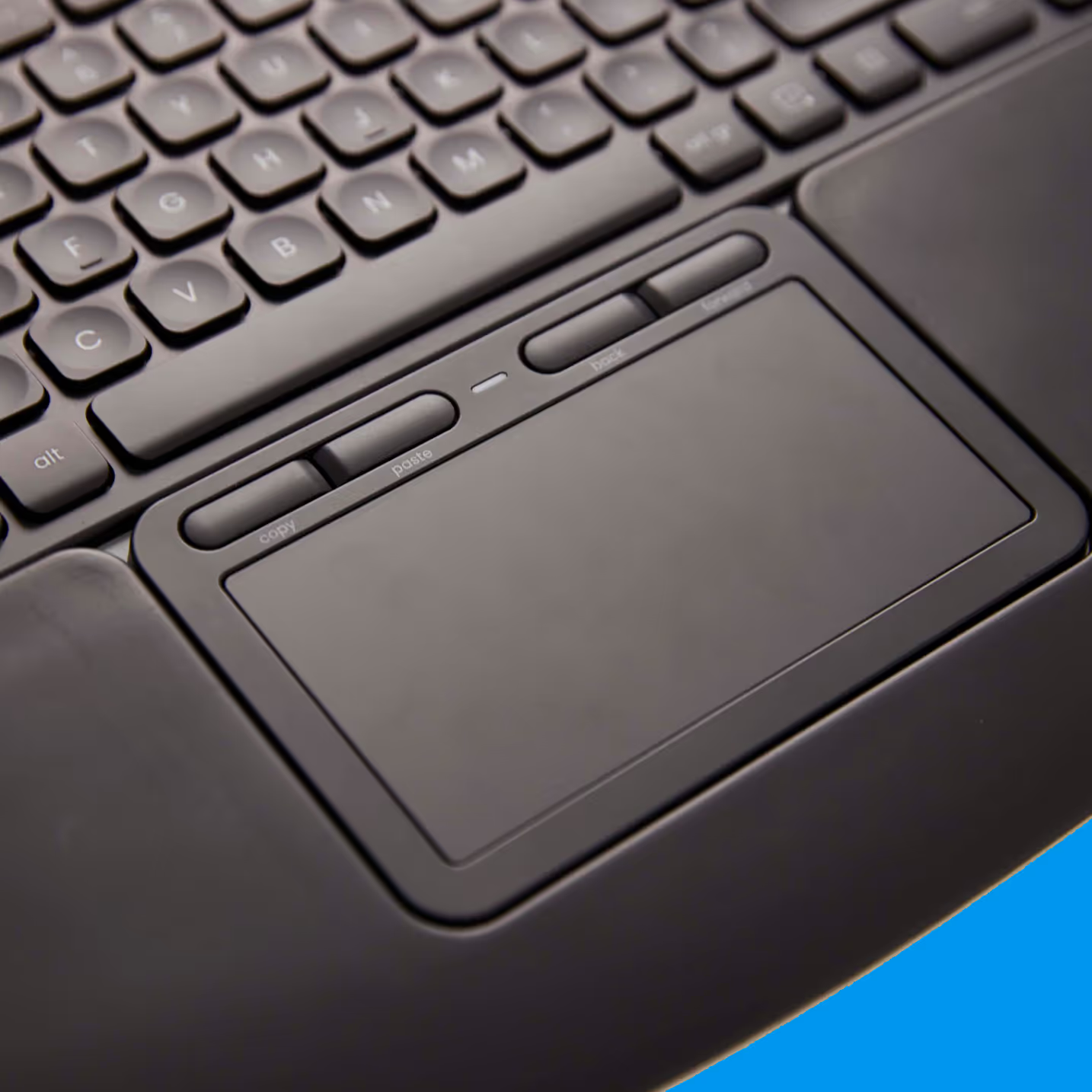
Smooth glass surface registers every touch with click-anywhere precision. Tap or mechanical click anywhere on the 112 × 58 mm pad. The integrated soft wrist rest supports your palm during long sessions.
22 Programmable Shortcuts, Personalised
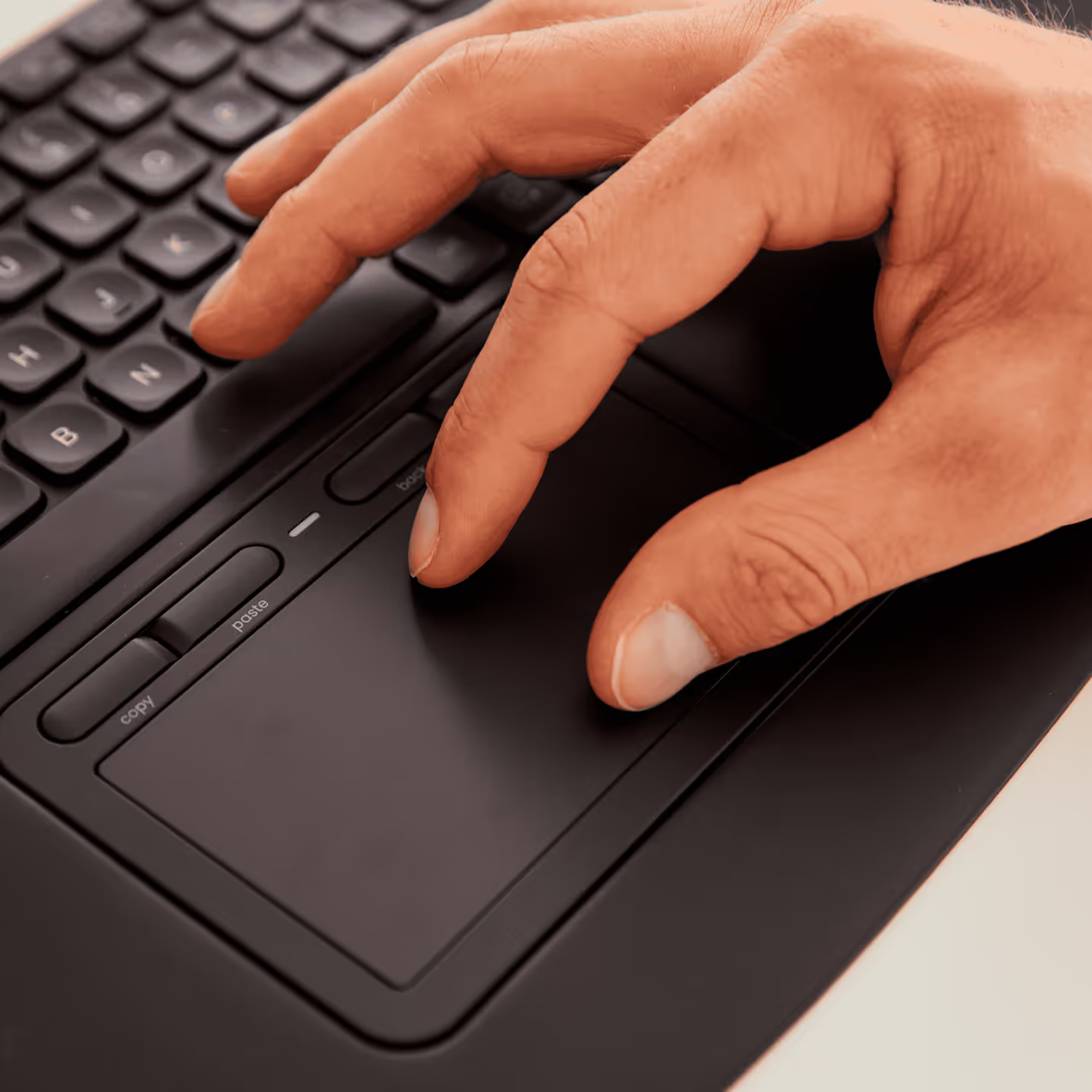
18 programmable keys on Balance Full-Size plus 4 shortcut buttons on Touch, all reprogrammable through the Contour Personalisation App. Map your most-used actions per application.
One Centred Workstation, Built for Long Days at the Desk
From spreadsheet sprints to design work to all-day coding, the Touch and Balance Full-Size combo keeps your shoulders relaxed and your posture aligned.


Honestly, centered design is a lifesaver to my sore shoulders.

Why They Love It
Real people share how Contour changed their workday.
Not Sure Where to Start?
Answer a few quick questions, and we’ll match you with a device that works perfectly for your needs.


FAQs
Got questions? We’ve got answers!
Yes. Balance Full-Size and Contour Touch are engineered at matching width and height, so the touchpad sits flush against the keyboard with no gap or step. That keeps your wrists in a single neutral plane during typing-to-mousing transitions.
No. Contour Touch supports every familiar Windows multi-touch gesture out of the box, and Balance Full-Size uses a standard layout. Most people are at full speed within the first day.
Both devices are plug-and-play on Windows over USB-C. Mac drivers are available for both products as a separate download from the Contour support pages. The combo is positioned for Windows users in structured workspaces.
Most pain from long computer work comes from reaching to the side for the mouse and holding your wrist extended over a keyboard. The combo eliminates the lateral arm reach by centring Contour Touch in front of you, and supports your palm with a full-size wrist rest. Balance Full-Size's optional negative tilt and dished keycaps keep your wrists in a neutral angle during typing too.
Yes. The Contour Personalisation App lets you remap the 18 programmable keys on Balance Full-Size and the 4 shortcut buttons on Touch, for a total of 22 customisable shortcuts. Assign each one to the action you use most in your workflow.
Still have questions?
We're here to help you!