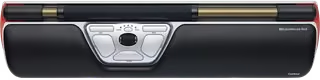
Mousetrapper vs RollerMouse
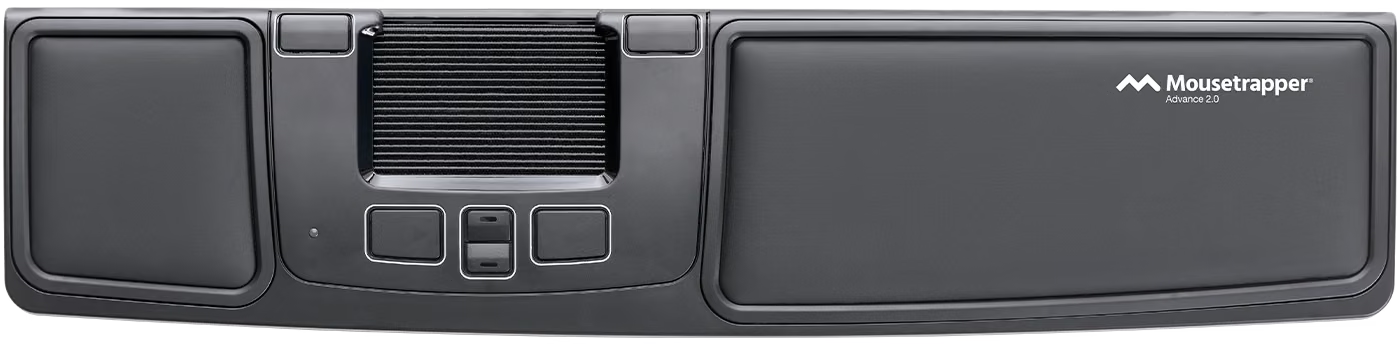
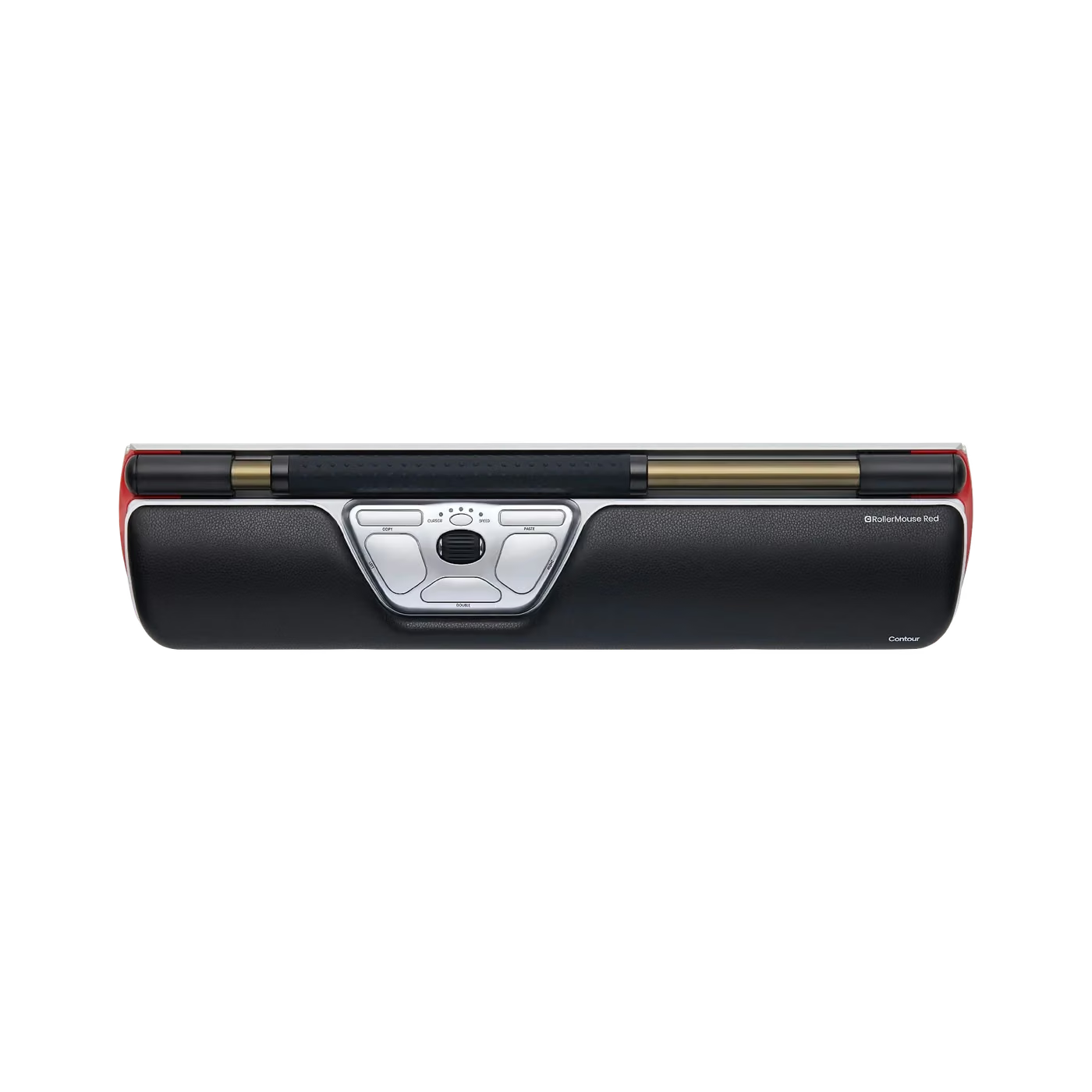
Shop for a centred mouse and two names keep coming up: Mousetrapper and RollerMouse, from two different companies. If you're wondering which one suits you, here's how our RollerMouse Red compares with Mousetrapper Advance 2.0.
First, what's a centred mouse?
Reaching out to the side for your mouse, hundreds of times a day, is the kind of repeated movement linked to repetitive strain injury (RSI). A centred mouse sits right in front of your keyboard, so you reach away from it less. RollerMouse and Mousetrapper both work this way. Here's how RollerMouse Red and Mousetrapper Advance 2.0 compare.
How they compare
| Where they differ | RollerMouse Red | Mousetrapper Advance 2.0 |
|---|---|---|
| How you move the pointer | Roll and slide a bar | Slide a pad with your fingers |
| How you scroll | Scroll wheel | Edge of the padRest a finger on the right edge, then slide the pad up or down |
| Adjustable cursor speed | 10 settings | Not stated |
| Adjustable click resistance | 5 levels | Not stated |
| Connection | Wired or wireless | Wired only |
| Sizes | 3 | 1Forearm support sold separately |
| Dimensions | 410 × 100 × 23 mm | 480 × 110 × 20 mm |
| Weight | 840–860 g | 715 g |
| Body | Recycled aluminium | Recycled plastic |
| Wrist rest | Memory foam, vegan leather cover | Dartex® leather cover |
| Both have | ||
| Sits in front of the keyboard | ||
| Programmable buttons | 6 | 6 |
| Keyboard height adjustment | ||
| Works with Windows and macOS | ||
| Buying | ||
| Warranty | 2 years | 2 years |
| Try it | 30-day returns | Free 14-day trial |
Which one fits you
RollerMouse Red fits you if…
- You want comfort for your wrists, neck and shoulders
- You want a size that fits your hands and your desk, from the regular size to Red Max with forearm support
- You'd like a keyboard that pairs with it: Balance Keyboard and RollerMouse are designed to fit together
Mousetrapper Advance 2.0 fits you if…
- You want comfort for your neck and shoulders
- You'd rather steer with your fingers on a flat pad
- A wired connection is all you need
If intuitive control is what you're looking for, also see our Contour Touch.
What you get with RollerMouse Red
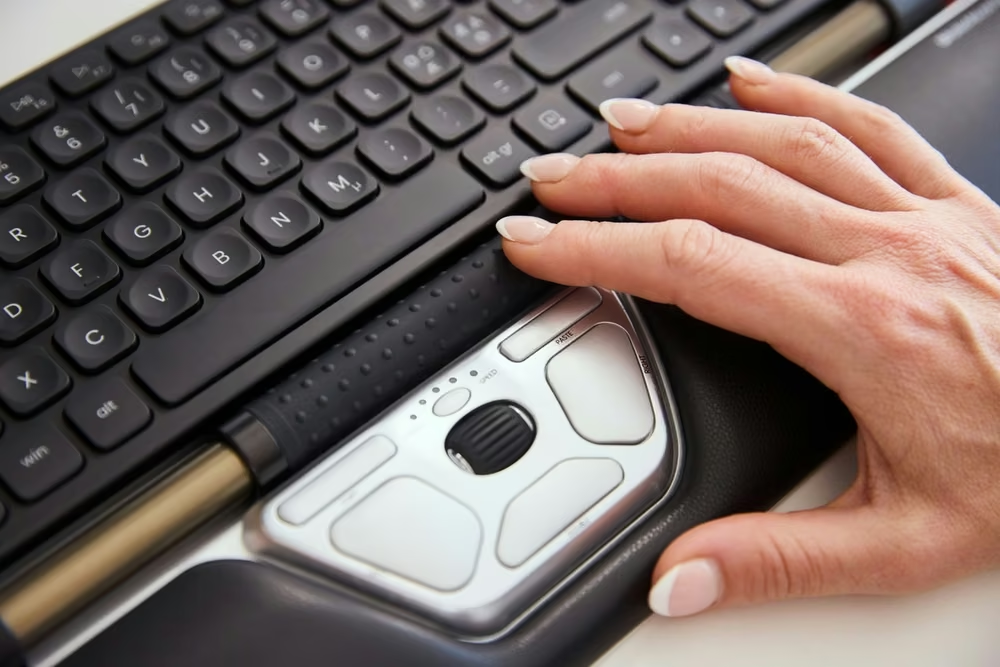
Light-touch roller bar
Roll, slide and press the bar to move and click, right in front of your keyboard.
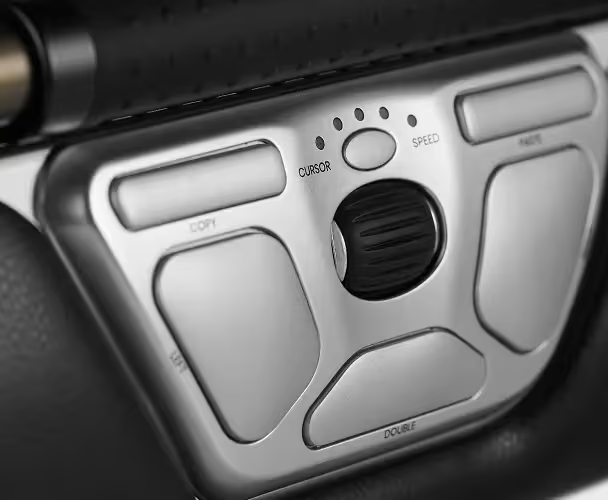
Controls in the middle
Click and scroll in the middle, plus 6 programmable buttons. Cursor speed in 10 settings, click resistance in 5.
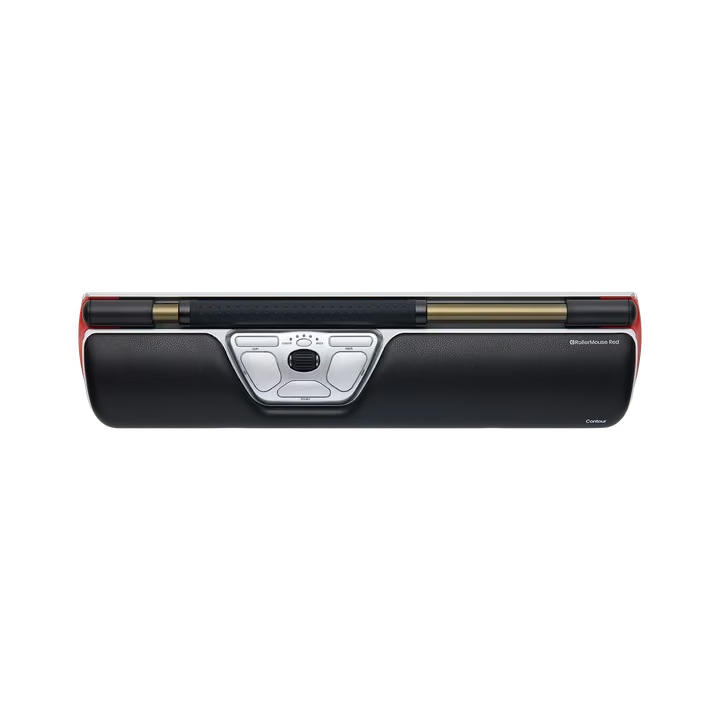
Red 
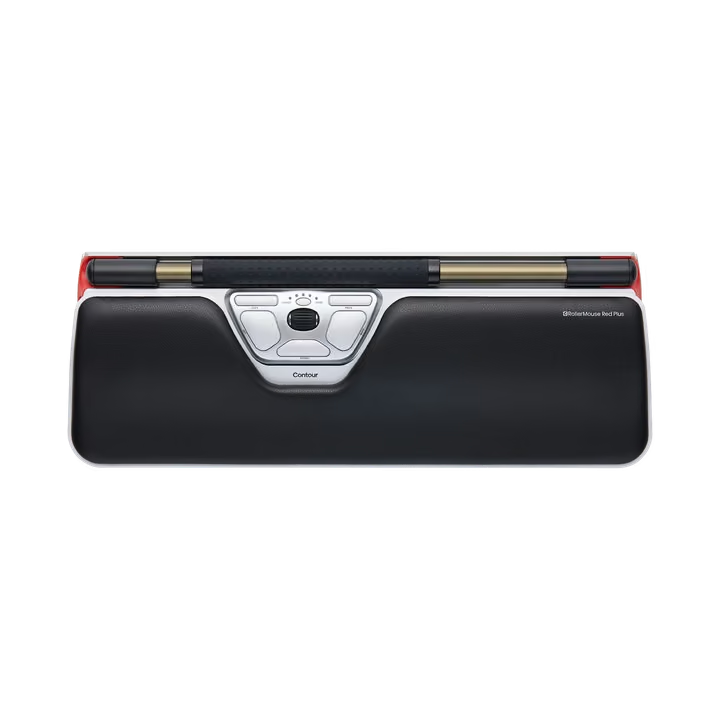
Red Plus 
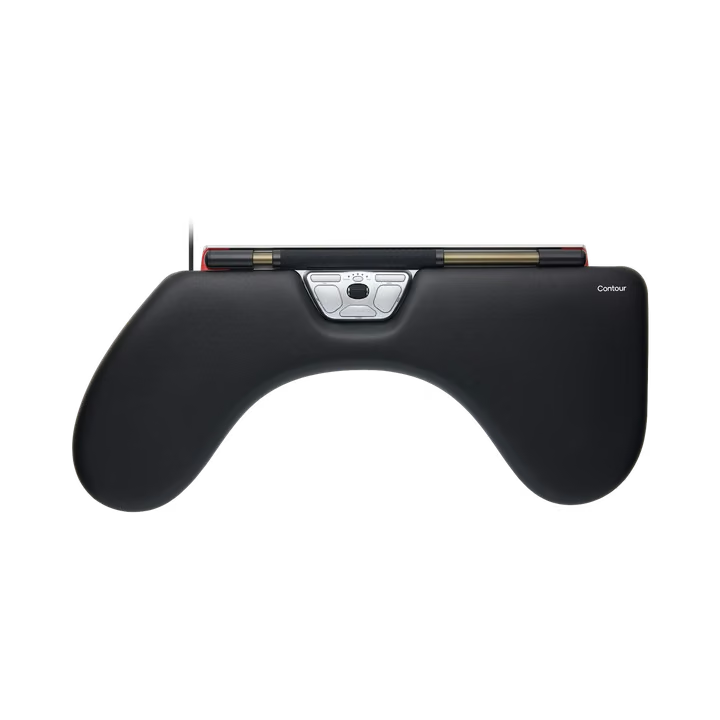
Red Max Three wrist-rest sizes
Red fits smaller desks, Red Plus gives your wrists more support, and Red Max adds forearm support.
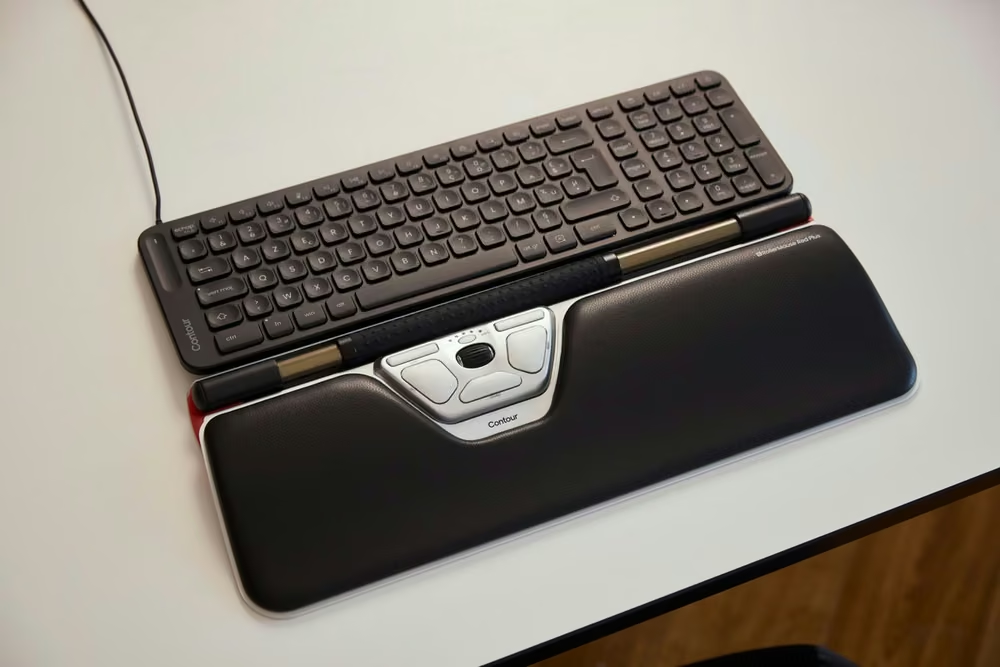
Wired or wireless
Wired, or wireless by Bluetooth 5.2 or the 2.4 GHz receiver. Up to 3 months per charge. Red Max is wired only.

Any hand, any computer
Use it with your left or right hand. Works with Windows and macOS.
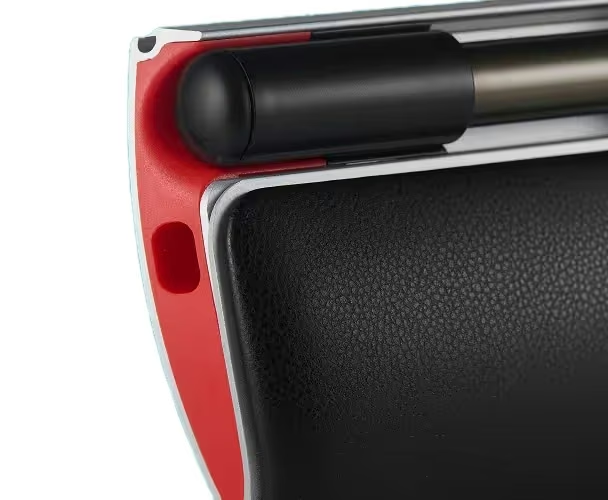
Built to last
Recycled aluminium, replaceable parts and a 2-year warranty.
RollerMouse Red, tested by teams who know good tech


“If you want to invest in your comfort, then the RollerMouse ticks all your boxes.”

“It was very intuitive and easy to use right away…”

“Over a week of use, our testing resulted in noticeably less shoulder fatigue and fewer wrist adjustments.”
What RollerMouse owners say
277 owners have rated RollerMouse Red on our site, and most of the customers we surveyed have recommended RollerMouse to others.
It took me around 30 minutes to get use to it. My assistant said it took her a day or two to get use to the difference. It was a total game changer for me as a lot of my work consists of copy & paste and typing.
…best version I've seen, not too wide, wireless, comfortable position of the right click button, soft foam pads…
Took about 2 or 3 weeks (from the time I removed and hid my normal mouse) to get used to, but now, it all feels normal. It just works, and makes life easier from their easy quick buttons, to moving between 3 screens. It is also very well made with high quality materials.
Easier on your shoulder, arm and wrist
People raised their upper arm about half as much with RollerMouse as with a mouse at the side: 7° vs 14° out to the side, and 12° vs 25° forward.
Consistent across five lab studies: RollerMouse needed less muscle activity in the pointing arm than a traditional mouse. Two of the five are independent.
Ranked first of 10 pointing devices for the lowest activity in seven hand, arm and shoulder muscles. The others included a conventional mouse, a vertical mouse, trackballs and a touchpad.
People rated their wrist strain after using each device, on a scale from 0 (no strain) to 4. With RollerMouse it was less than half.
Try RollerMouse at your desk

FAQ
Questions people ask when choosing between the two.
RollerMouse Red or Mousetrapper Advance 2.0: which one should I choose?
It depends on what matters at your desk. Both sit in front of your keyboard. Choose RollerMouse Red if you want comfort for your wrists, neck and shoulders, a size that fits your hands and your desk (from the regular size to Red Max with forearm support), and a keyboard designed to pair with it: Balance Keyboard. Choose Mousetrapper Advance 2.0 if you want comfort for your neck and shoulders, you'd rather steer with your fingers on a flat pad, and a wired connection is all you need.
Why compare RollerMouse Red with Advance 2.0?
Mousetrapper calls Advance 2.0 its bestseller, and RollerMouse Red is our main model. Mousetrapper also makes Advance 2.0+, with the same size and wrist rest and 8 programmable buttons, and Delta, which uses a roller bar like RollerMouse.
Roller bar or control pad: how do they differ?
With RollerMouse, you roll the bar to move the pointer up and down, slide it to move sideways, and press it to click. With Advance 2.0, you move the pointer on a control pad with your index, middle and ring fingers, and click and scroll on the pad. Which one feels right is personal, so it's worth trying before you commit.
Can I adjust the cursor speed?
Yes. On RollerMouse Red, the Contour Personalization App lets you set the cursor speed in 10 levels, from 600 to 2,800 DPI, and the click resistance in 5.
Is there a wireless RollerMouse?
Yes. RollerMouse Red comes wired or wireless, with Bluetooth or a USB receiver. The rechargeable battery lasts up to 3 months per charge. The largest size, with arm support, is wired only.
Can I try RollerMouse before I commit?
Yes. You can return RollerMouse Red within 30 days, and it has a 2-year warranty.
Do they work with a Mac?
Yes, both do. RollerMouse Red works with Windows and macOS, and the Contour Personalization App lets you set its buttons on both. Mousetrapper says the same for Advance 2.0.
Sources
- Kumar & Kumar (2008), International Journal of Occupational Safety and Ergonomics
- Lin, Young & Dennerlein (2015), Applied Ergonomics
- Kluth & Keller (2015), Occupational Ergonomics
- Alcaraz-Mateos et al. (2022), Revista Española de Patología
- Gaudez et al. (2026), Ergonomics
- Kvadrant customer survey, April 2024: 233 Contour customers in Denmark, Sweden and Norway, online and self-reported, commissioned by Contour